Transform with Apps with AR: Retail & Education Solutions
Augmented reality is already a practical business tool. In the UK heritage sector alone, 78% of museum visitors express interest in AR-enhanced experiences. The commercial question is no longer whether people will try AR. It is whether the experience serves a clear purpose and is produced well enough to justify the budget. The best apps with AR stand apart because they tie the technology to a specific job. Some help shoppers assess products with more confidence, such as visualize sneakers and boots virtually. Others improve wayfinding, extend dwell time in exhibitions, or turn passive content into something people actively explore. This list is not just a consumer roundup. It is a strategic brief for brand teams, cultural organisations, producers, and decision-makers who want to understand what good AR looks like in market, what each model is good for, and where bespoke production creates more value than using an off-the-shelf platform. Several examples here are mainstream apps. One is a custom cultural build that shows the difference between an AR feature and an AR experience designed around a real visitor journey. That distinction matters if the goal is retail conversion, exhibition engagement, staff training, or campaign reach, and it is exactly the kind of brief a studio such as Studio Liddell can design and produce from concept through deployment.
1. Engine Shed AR , Historic Scotland AR Project
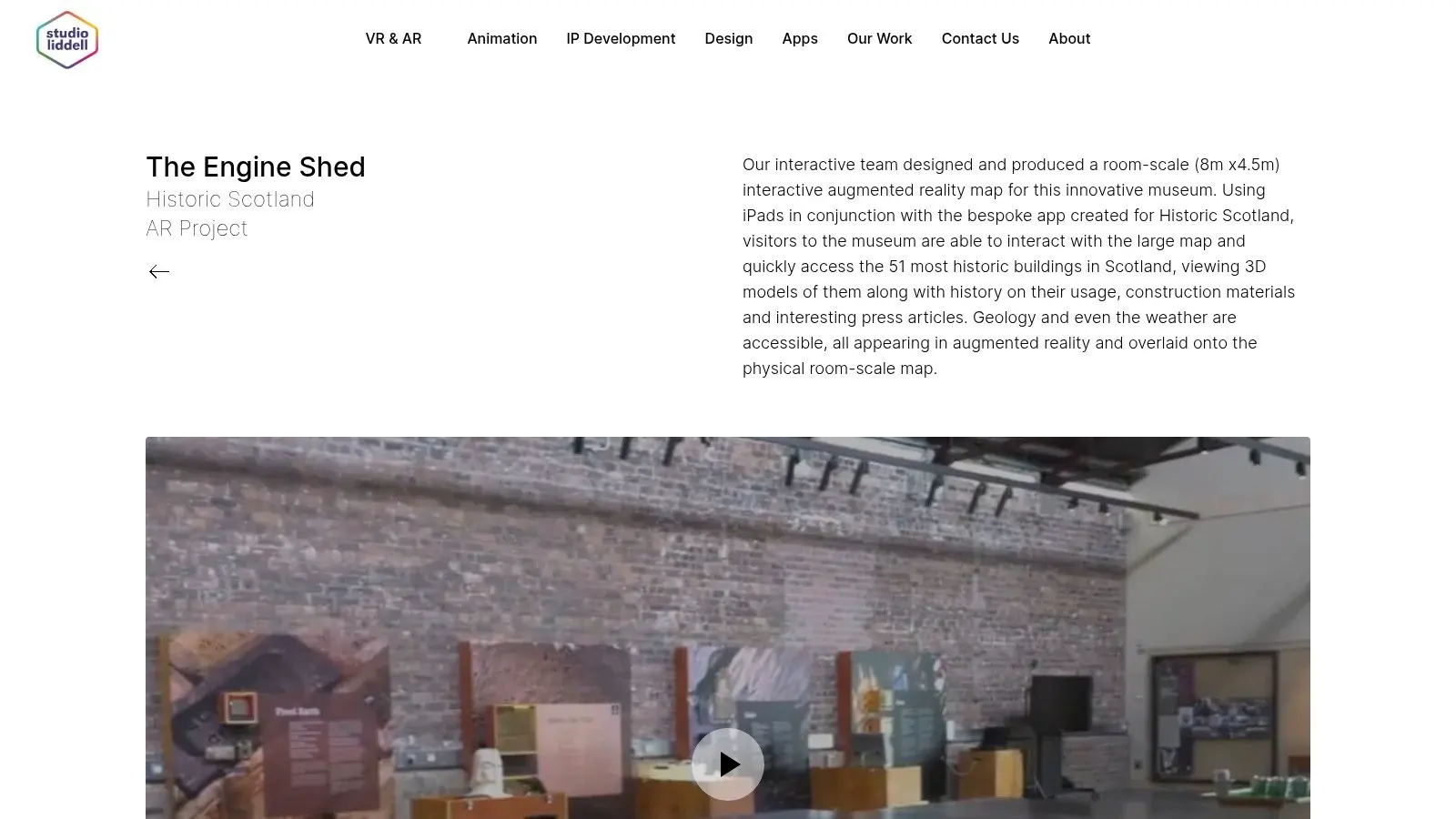
Engine Shed AR is the strongest example on this list if you care about exhibitions, visitor engagement, and cultural storytelling. Studio Liddell built it as a bespoke iPad experience for Historic Scotland, turning a large physical map into an interactive AR surface where visitors can reveal 51 fully modelled historic Scottish buildings. You can see the project on Studio Liddell's Engine Shed AR page. What works here is the hybrid design. Visitors aren't staring at a blank device waiting for magic. They're orienting themselves around a real object in the space, then using AR to reveal structure, scale, and context that static labels can't deliver well.
Why this museum build works
A lot of heritage AR fails because the content model is thin. One scan triggers one animation, then the interaction is over. Engine Shed AR avoids that trap by giving users a collection to explore, not a single trick. That matters in a museum environment because dwell time usually comes from layered discovery. People stay longer when there's more than one thing to uncover and when the interaction feels intuitive across age groups.
Practical rule: In exhibitions, AR works best when it starts with a physical anchor the visitor already understands.
Commercial takeaways
For cultural institutions, this is a strong proof point for bespoke apps with AR that support interpretation, outreach, and education. It also highlights a gap in UK-facing recommendations. While global AR lists usually lean on retail and games, there's still very little UK-specific guidance for heritage and classroom use, even though demand clearly exists. Pros and cons are straightforward:
- •Best strength: The physical map makes discovery tactile and memorable.
- •Content depth: Fifty-one distinct 3D models give the experience educational substance, not just visual novelty.
- •Operational fit: It's engineered for on-site iPad use, a solution museums need.
- •Main limitation: It depends on the physical installation and managed devices, so it isn't a remote-first experience.
- •Ongoing reality: New models, new stories, or UI updates need development support.
If your brand, venue, or institution wants AR that feels premium rather than promotional, this is the model to study. It starts with story, then uses production craft to make that story explorable.
2. Amazon Shopping (View in Your Room)
Amazon's “View in Your Room” feature is one of the clearest examples of AR tied directly to conversion. Instead of asking shoppers to imagine scale, finish, and fit, it lets them place selected products in their own space at true scale inside the shopping journey. The platform lives inside the main Amazon Shopping experience, which is exactly why it matters. This is what commercial AR should do. It should reduce hesitation at the decision point, not distract from the purchase path.
Where it earns its keep
Retail teams often overcomplicate AR strategy. Amazon doesn't. The feature sits near product browsing and supports the buying decision with 3D inspection and room placement. That native integration is the lesson. AR performs better when it's attached to a clear buying moment, especially for furniture, home electronics, and products where proportion is hard to judge from flat images. For brands planning similar work, these augmented reality examples from Studio Liddell are useful reference points because they show how experiential and commercial AR can overlap.
- •What works: It sits inside a familiar commerce flow.
- •What shoppers get: Better spatial confidence before they buy.
- •What doesn't always work: Coverage varies by category and listing.
- •What teams underestimate: Weak 3D assets make the whole feature feel less trustworthy.
If you're building retail apps with AR, don't start with effects. Start with the product page, the decision bottleneck, and the exact doubt a buyer is trying to resolve.
3. Google Arts & Culture (Art Projector / Pocket Gallery)
Google Arts & Culture shows how AR can support learning and cultural access without becoming overproduced. Art Projector lets users place artworks at life size in their own environment, while Pocket Gallery packages curated exhibits into more immersive, explorable formats. For museums, educators, and outreach teams, this matters because it proves AR can extend interpretation beyond the gallery wall. It's not replacing the institution. It's widening the route into the content.
Best fit for education and outreach
This is one of the more useful references for schools and cultural teams because the content already carries educational value. The AR layer adds context, scale, and a sense of presence. That's especially relevant in the UK, where there's a noticeable gap in localised AR guidance for heritage sites and classrooms despite clear demand from those sectors. The strongest lesson here isn't the app itself. It's the editorial discipline behind it. Curated content beats a bloated feature list.
High-value cultural AR usually needs restraint. Fewer interactions, better interpretation, stronger art direction.
The trade-off is scope. Because the AR catalogue is curated, it won't feel as broad as a retail marketplace. Device capability also affects how convincing the projection feels. Still, for anyone commissioning museum or education apps with AR, this is a good benchmark for one key reason. It respects the content first and uses AR to deepen understanding, not to compete with it.
4. Snapchat (AR Lenses)
Snapchat remains one of the best references for high-reach consumer AR. Its Lenses ecosystem spans face effects, world effects, try-ons, and branded activations, and it has one major advantage over many competitors. It understands that AR is both a creative format and a distribution system. That combination is hard to beat for campaigns that need speed, visibility, and shareability.
What brands can learn from Snap
Snapchat's consumer behaviour is built around camera use, so AR doesn't feel bolted on. That lowers friction. Users are already primed to play, capture, and share. For brands, Camera Kit is also strategically interesting because it extends Snap's AR engine into third-party environments. That opens a route beyond one-off social campaigns and toward deeper product integration. A few practical trade-offs matter:
- •Strongest use case: Branded activations that need broad consumer reach.
- •Operational advantage: A mature creator ecosystem speeds up production.
- •Constraint: The best experiences still depend heavily on Snap's ecosystem.
- •Watch-out: Results vary across handsets, especially for more advanced effects.
Snap is excellent when you need a campaign mechanic, a try-on layer, or social-first discovery. It's less ideal when your business needs full control over audience, environment, and data.
5. TikTok (Effect House)
TikTok's Effect House platform is one of the fastest ways to get lightweight AR in front of a large audience. It supports body, hand, and head tracking, and it's built for rapid publishing into a content environment where trends move quickly and format experimentation is normal. That speed is the draw. It lets teams test AR ideas without the lead time of a full standalone app.
Useful when speed matters more than permanence
TikTok is strong for campaigns that ride a cultural moment, creator collaborations, and simple branded interactions that invite user participation. If Snapchat often feels like polished AR media, TikTok often feels like live creative prototyping in public. That makes it commercially useful, but also less predictable. Discovery depends on trend alignment, creator uptake, and platform distribution behaviour. For teams comparing social channels, this broader short-form media network analysis is helpful context.
- •Best for: Fast-turn branded effects and creator-led participation.
- •Production upside: Templates and tools reduce entry barriers.
- •Operational downside: Approval processes and policy changes can affect timing.
- •Strategic limitation: Social effects create reach, but not always durable product utility.
TikTok is a great testbed. It's rarely the final answer if your AR brief involves training, exhibitions, or a controlled branded environment.
6. Pokémon GO (Niantic)
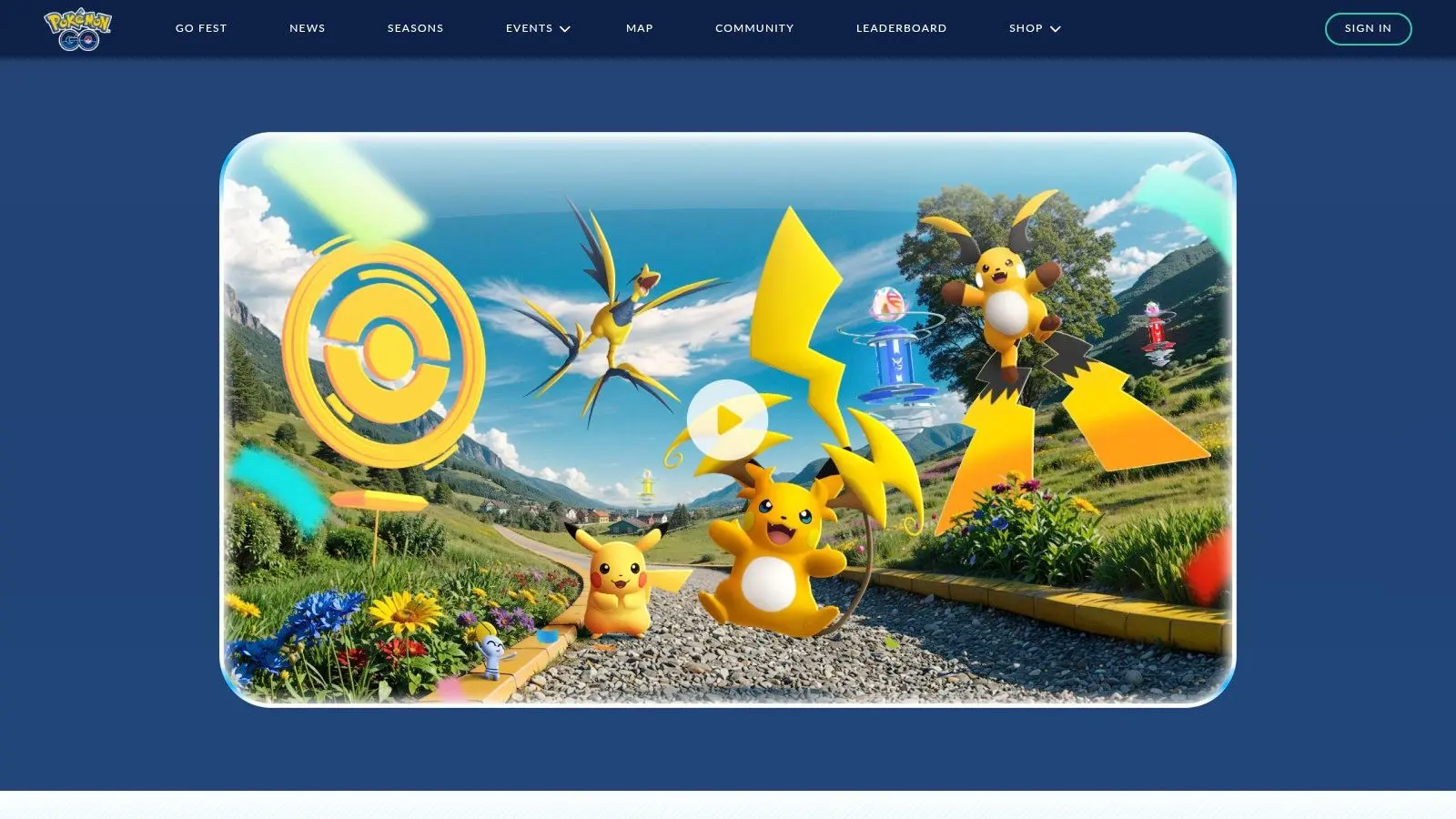
Pokémon GO is still the standard reference for location-based AR at consumer scale. Its camera encounters, geofenced points of interest, events, raids, and ongoing live operations show how AR can sit inside a much larger engagement loop rather than carrying the whole product on its own. That's the key lesson. The AR layer is important, but the retention engine is the game system around it.
Why producers still study it
If you're designing public activations, city-based trails, or event-driven mixed reality, Pokémon GO is worth revisiting. It demonstrates how geospatial design, repeatable mechanics, and place-based participation can work together. It also shows what not to do. Many branded AR launches copy the visual layer without building the reason to return. The result looks impressive for a day and then disappears. For teams exploring location-driven entertainment or public engagement, Studio Liddell's guide to augmented reality games and immersive production connects those mechanics to practical production thinking.
Strong AR engagement usually comes from systems design, not from the novelty of seeing an object in camera view.
The limits are familiar. Device support varies, AR stability isn't identical across phones, and sessions can be battery-heavy. Even so, as a model for live, place-based apps with AR, it remains one of the clearest benchmarks available.
7. Google Maps (Live View)
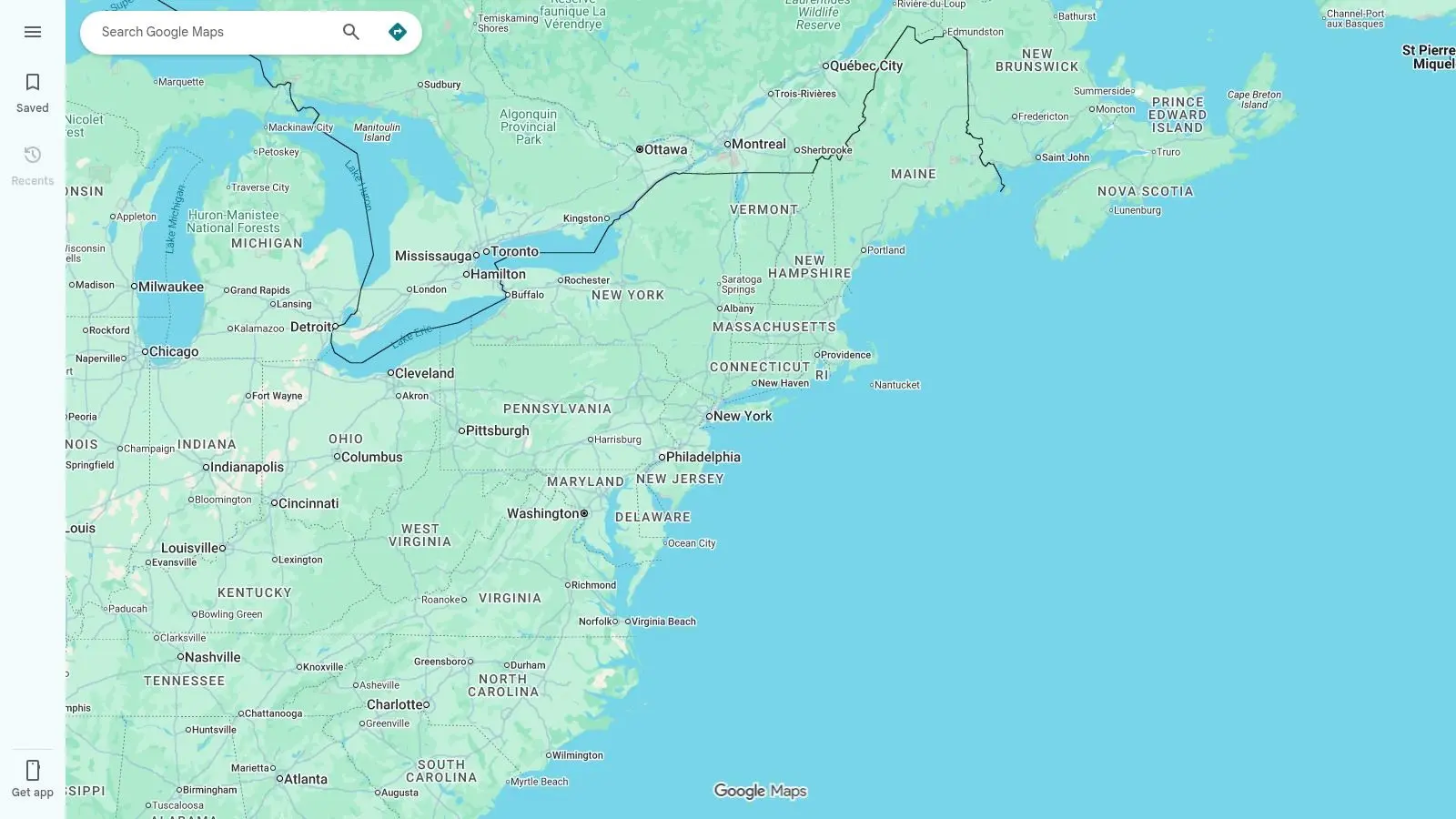
Google Maps Live View is one of the most convincing arguments for utility-first AR. It overlays walking directions onto the physical environment, making wayfinding more intuitive in places where standard map reading can feel clumsy. There's no spectacle here, and that's why it works. Users open it because they need help getting somewhere, not because they want to try an AR feature.
A benchmark for functional AR
For product teams, Live View proves that AR adoption improves when the task is immediate and obvious. Navigation is a perfect fit because the camera feed, directional overlays, and physical surroundings all belong to the same action. This is especially useful for anyone planning venue guidance, campus navigation, exhibition wayfinding, or tourism experiences. The strongest AR often solves a tiny moment of confusion very well. A few caveats matter in practice:
- •Best context: Outdoor urban areas with strong visual reference points.
- •Operational dependency: Performance relies on device support and Street View coverage.
- •User benefit: Almost no learning curve because it sits inside a familiar app.
- •Design lesson: Clear overlays beat decorative AR every time.
If your brief involves orientation, routes, or physical-space guidance, Google Maps is the right kind of inspiration. It's focused, quiet, and useful.
8. Star Walk 2
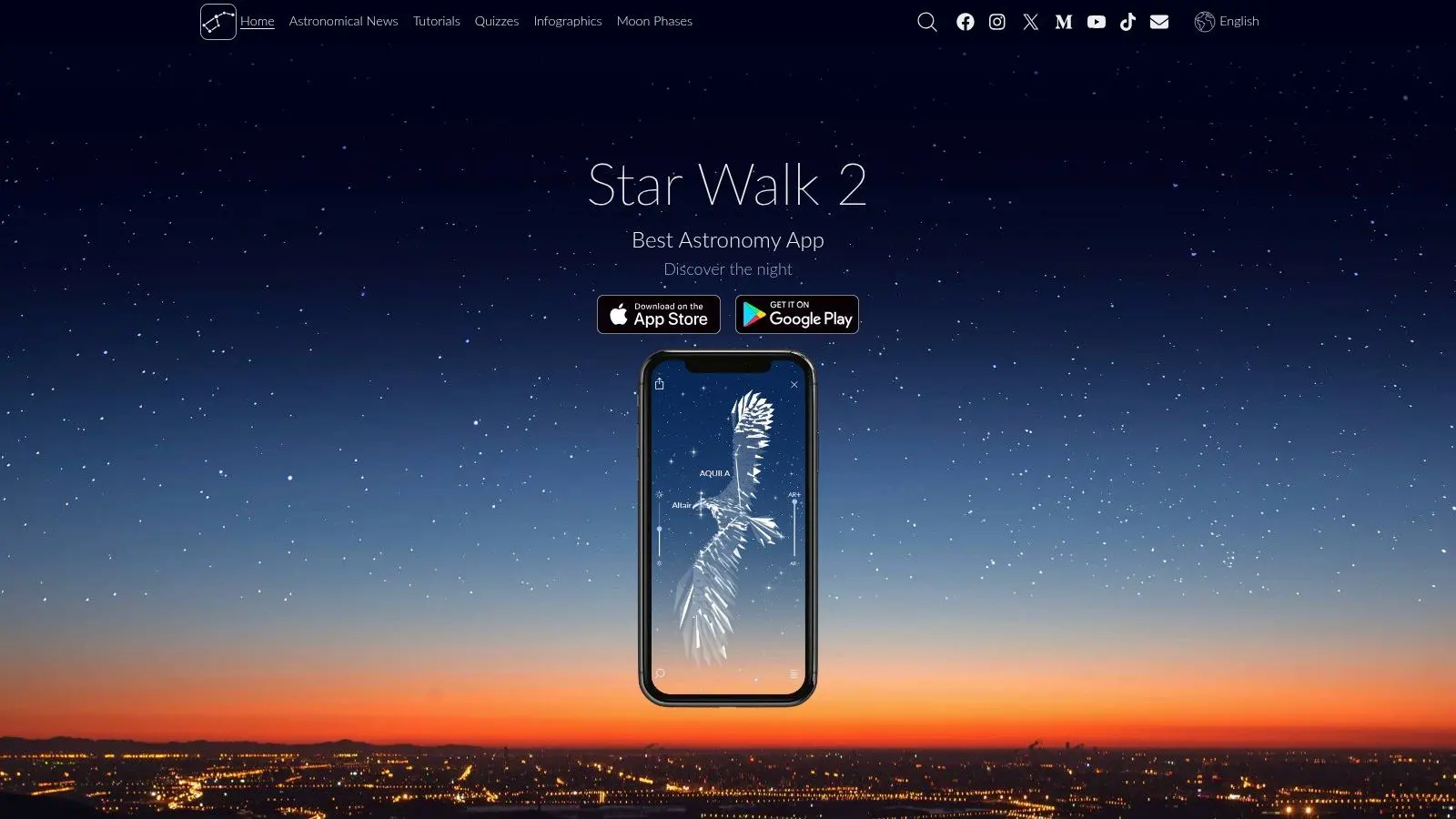
Star Walk 2 shows a different side of AR. It doesn't sell products or drive a social campaign. It helps people understand something abstract by aligning information with the physical world in real time. That makes it a strong reference for science communication, family learning, and event-based outreach.
Why it feels intuitive
Astronomy is full of concepts people struggle to visualise. Star Walk 2 lowers that barrier by using the phone as a live interpretive window. Constellations, celestial objects, and sky information appear in context, which is exactly where AR earns its place. For schools, observatories, festivals, or public engagement teams, the takeaway is clear. AR can make specialist content approachable when it maps directly onto a physical experience people are already having.
- •Best strength: It turns a complex subject into an accessible outdoor activity.
- •Event value: Useful for guided stargazing and family programming.
- •Practical limit: It works best at night and away from heavy light pollution.
- •Commercial note: Some extra features sit behind paid options.
This kind of app won't be the model for retail or exhibitions, but it's a very good model for interpretive AR that teaches while people explore.
9. Sky Guide (Fifth Star Labs)
Sky Guide from Fifth Star Labs is one of the most polished consumer AR experiences in the astronomy category. It combines constellation overlays, time-travel planning, event calendars, offline use, and a well-considered interface that doesn't overwhelm the user. This is what mature mobile AR often looks like. It's sensor-driven, elegant, and tightly scoped.
The production lesson here
Sky Guide is a reminder that good AR isn't only about tracking. It's also about information design. The overlays are useful because the app controls hierarchy well and gives users enough context without cluttering the screen. That's a valuable benchmark for commercial projects. Whether you're building a heritage layer, a venue guide, or a product visualiser, visual clarity often matters more than technical flash.
A refined AR interface usually removes features. It doesn't keep adding them.
The obvious trade-off is platform reach, since Sky Guide is positioned around iOS. Some advanced content may also sit behind paid options. But as a reference for sensor-led, highly usable apps with AR, it's one of the better examples available.
10. Adobe Aero
Adobe Aero isn't a mass-market AR destination in the same way as Snapchat or Pokémon GO. It's more important than that for many teams. It's a bridge between concept design and interactive AR prototyping, especially for agencies, educators, and design departments already working inside Adobe workflows. If you need to test an AR idea before commissioning a full build, Aero is one of the most practical starting points.
Best used as a prototype layer
Aero lets teams assemble scenes, define interactions, and preview work on-device without jumping straight into heavy development. That's useful when the business question is still being shaped and the team needs something tangible to review. It also helps separate two very different phases that clients often mix together: validating the concept and engineering the final product. For teams moving from prototype into production, Studio Liddell's AR app development guide is a sensible next step.
- •Best fit: Early-stage concept work and internal demonstrations.
- •Workflow advantage: Familiar for Creative Cloud users.
- •Limit: Performance still depends on asset optimisation and device capability.
- •Reality check: Enterprise deployment often needs a broader production stack.
Aero is not the end product for most commercial AR briefs. It's the fastest way to make the idea discussable.
Top 10 AR Apps: Feature Comparison
| Product | Core Features ✨ | UX / Quality ★ | Value Proposition 💰 | Target Audience 👥 | Standout 🏆 |
|---|---|---|---|---|---|
| Engine Shed AR , Historic Scotland AR Project | ✨ iPad AR anchored to physical map, 51 high‑fidelity 3D models, on‑floor optimisation | ★★★★☆ museum‑grade reliability & tactile discovery | 💰 Drives dwell & education; bespoke/enterprise deployment | 👥 Museums, heritage orgs, families & schools | 🏆 Curated storytelling + museum‑ready engineering |
| Amazon Shopping (View in Your Room) | ✨ True‑to‑scale 3D placement, multi‑item scenes, native checkout | ★★★★ Wide retail polish; model quality varies | 💰 Increases conversion & reduces returns; merchant costs for 3D | 👥 Shoppers & retailers | 🏆 Integrated into purchase funnel at scale |
| Google Arts & Culture (Art Projector / Pocket Gallery) | ✨ Life‑size artwork placement, curated AR exhibits, institutional content | ★★★★☆ High‑quality cultural assets; device dependent | 💰 Free cultural outreach & education | 👥 Museums, educators, cultural audiences | 🏆 Prestigious partnerships & curated experiences |
| Snapchat (AR Lenses) | ✨ Face/world Lenses, Camera Kit SDK, shopping Lenses | ★★★★ Massive daily usage; viral creative UX | 💰 Huge reach for brands; free for users, paid promo options | 👥 Brands, creators, Gen Z consumers | 🏆 Creator ecosystem + viral distribution |
| TikTok (Effect House) | ✨ Body/hand/head tracking, templates, analytics & publishing | ★★★★ Trend‑driven, rapid iteration | 💰 Fast social amplification; free creator tools, paid brand programs | 👥 Creators, marketers, youth audiences | 🏆 Trend amplification & rapid UGC growth |
| Pokémon GO (Niantic) | ✨ AR encounters, geofenced POIs, live ops & events | ★★★★☆ Persistent engagement; device‑dependent | 💰 Long‑term engagement + monetisation (F2P + IAP) | 👥 Mobile gamers, communities, event partners | 🏆 Proven large‑scale geospatial AR & live ops |
| Google Maps (Live View) | ✨ AR walking directions, Street View calibration, visual overlays | ★★★ Practical, low‑friction navigation | 💰 Everyday utility, free, widely available where supported | 👥 Urban walkers, tourists, commuters | 🏆 Utility‑first geospatial AR for navigation |
| Star Walk 2 | ✨ Real‑time sky AR, Time Machine, object info | ★★★★ Works well for night outreach; best in dark skies | 💰 Educational engagement; freemium / paid add‑ons | 👥 Stargazers, educators, families | 🏆 Accessible real‑time astronomy AR |
| Sky Guide (Fifth Star Labs) | ✨ AR constellations, event calendar, night‑vision, offline | ★★★★ Polished iOS experience | 💰 Premium app with paid packs; rich UK event data | 👥 iOS users, astronomy enthusiasts, educators | 🏆 Polished UX + offline & night modes |
| Adobe Aero | ✨ Authoring tool, Creative Cloud & 3D asset integration, cloud sharing | ★★★ Designer‑friendly prototyping; performance varies by device | 💰 Speeds prototyping; included/optional in Adobe subs | 👥 Designers, agencies, educators | 🏆 Low‑code AR authoring integrated with CC workflows |
How to Commission Your Own Custom AR Experience
Strong AR apps are rarely defined by the effect itself. They work because the brief is tied to a business outcome. Reduce product hesitation in retail. Add interpretation layers in a museum. Improve recall in training. Increase dwell time at an exhibition. That is the standard to commission against. The commissioning mistake I see most often is starting with the visual trick instead of the operating context. An AR idea can look persuasive in a deck and still fail on a shop floor, in a gallery with weak signal, or at a public event where users have older phones and little patience. The right question is not “can we build it?” It is “what does this need to do, for whom, on which device, and how will success be measured?” A custom AR production usually breaks into five practical stages:
- •Concept and experience design: Define the user task, the interaction model, and the reason AR is the right format.
- •Technical scoping: Choose the platform, tracking method, content pipeline, and supported devices.
- •Asset production: Create 2D, 3D, audio, and motion assets that hold up in real-world use.
- •Development and optimisation: Build, test, and tune for performance, lighting conditions, and user flow.
- •Deployment and measurement: Launch in the right channel and track the metrics that matter, such as conversion, dwell time, repeat use, or lead capture.
Asset production is often where timelines slip. For a premium 60-second 3D animation in the UK, end-to-end production typically spans 8 to 10 weeks (https://prolificstudio.co/blog/3d-animation-production-cost/). AR builds often inherit that same reality because the content still has to be designed, modelled, approved, optimised for mobile, and integrated into an interactive experience. Budget follows the same pattern. In the UK, pre-production typically accounts for 10 to 20% of the total 3D animation budget, with production taking the largest share (https://www.motiontheagency.com/blog/3d-animation-cost-explained). That is not a direct AR app quote, but it is a useful planning benchmark for any content-heavy immersive project. If the experience depends on bespoke models, realistic materials, character work, or multiple interaction states, the asset pipeline will shape both cost and schedule. Accessibility also needs to be specified at the brief stage, not left to QA. One referenced review in the source material states that 63% of popular AR apps fail to meet basic accessibility requirements for visually impaired users (https://play.google.com/store/apps/details?id=uk.co.virtualviewing.NLA.LondonAR&hl=en_US). For public-facing work, that means defining readable UI, clear audio support, motion sensitivity considerations, alternative pathways, and usable contrast before production starts. Different business goals need different AR formats. Retail teams may need web AR for low-friction product visualisation. Exhibitions may need marker-based or location-aware interpretation that works reliably in controlled spaces. Training projects often need guided interaction, assessment logic, and device management. A studio should be able to explain those trade-offs early, then scope the experience around the operational reality instead of forcing one technical approach onto every brief.
Ready to turn inspiration into impact? Studio Liddell has a proven track record producing award-calibre AR, VR, and animation for global brands, broadcasters, and cultural institutions. We manage the entire production pipeline, from initial creative to final delivery.
If you're comparing partners, it's also worth reviewing the wider market of top augmented reality development companies and then asking a more useful commercial question. Which team can connect strategy, asset creation, real-time development, testing, and launch support in one production pipeline? That is usually the difference between a polished AR product and an expensive prototype. If you're planning apps with AR for retail, exhibitions, education, heritage, or branded experiences, Studio Liddell is well placed to take the project from early concept through to polished delivery. The studio combines 3D and 2D animation, XR development, Unity and Unreal expertise, and production experience across cultural institutions, broadcasters, and global brands. For teams that need more than a demo, that joined-up pipeline is often what turns a promising concept into an experience that performs in live environments.