A Producer's Guide to Unity for Game Development
When people talk about Unity for game development, they're talking about the industry heavyweight for creating interactive 2D, 3D, and XR content. It’s built to deploy across more than 19 different platforms, from mobile phones to high-end VR headsets. The best way to think of it isn't just as a game engine, but as a complete digital production studio in a box, giving creative teams everything they need to bring ambitious ideas to life.
Why Top Studios Choose Unity for Real-Time Content
For years, creative studios have been turning to Unity for just about everything. We've seen it power everything from award-winning mobile games that top the charts to incredibly complex VR training simulations for major companies. The core idea behind its success is simple but incredibly effective: it provides one flexible, accessible platform that lets you build an experience once and then push it out everywhere. This approach maximises both your commercial reach and creative potential. It’s this sheer versatility that has made Unity for game development the go-to choice for so many producers and developers. It's not just about making games anymore; it's about crafting any kind of interactive real-time experience you can imagine. Whether a studio is building a children's animated series, an architectural visualisation, or an immersive retail app for an exhibition, Unity provides the foundational tools to make it happen.
A Unified Creative Workbench
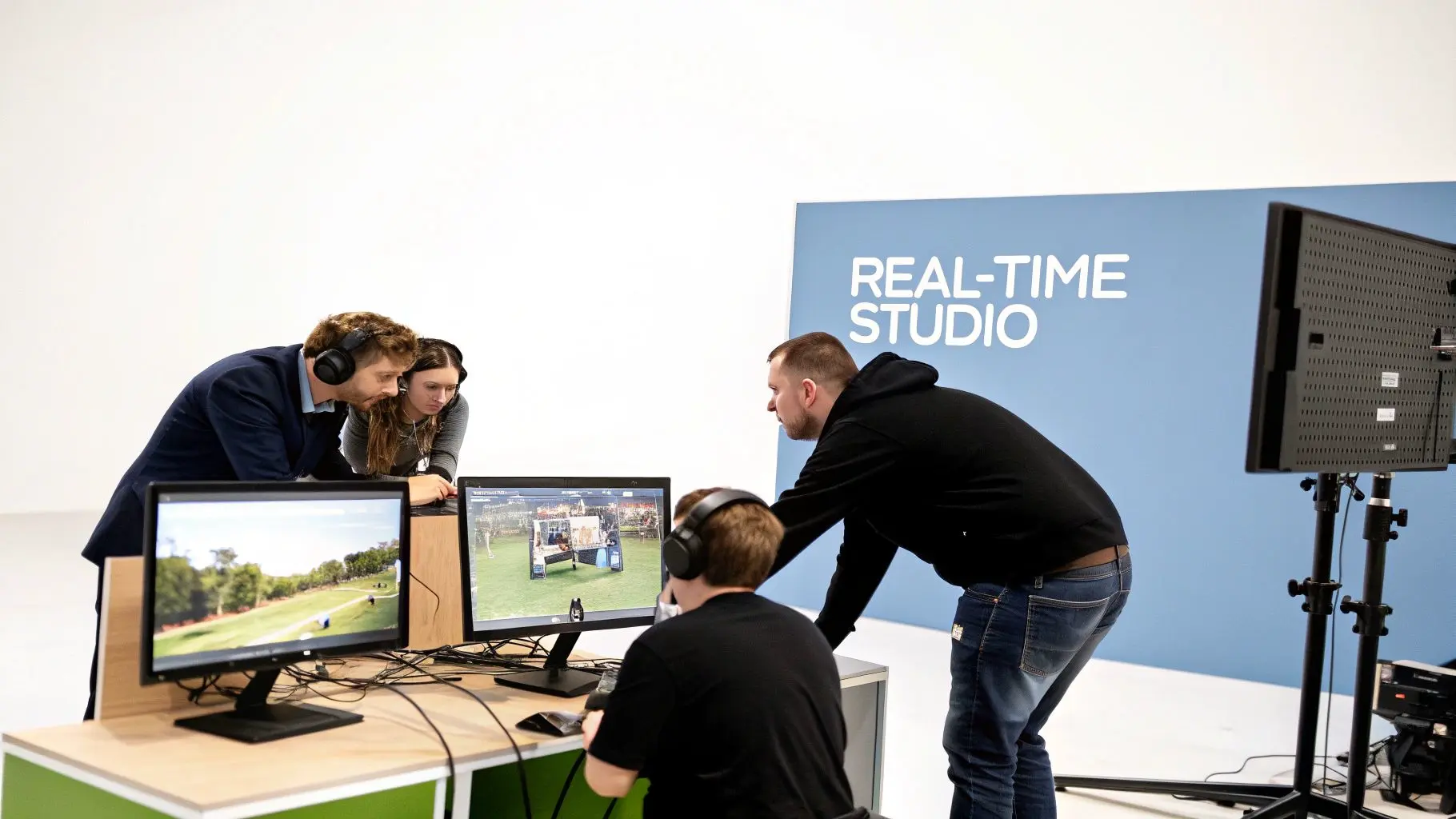
At its heart, Unity is a central hub where artists, programmers, and designers can actually work together without stepping on each other's toes. This integrated environment is packed with everything you'd expect from a modern production pipeline:
- •Advanced Rendering: Giving you the power to create visuals ranging from stylised 2D cartoons to stunningly photorealistic 3D worlds.
- •Integrated Physics: Built-in systems that handle realistic object interactions, covering everything from simple gravity to complex vehicle dynamics.
- •Powerful Animation: A complete suite of tools for bringing characters and environments to life with believable, fluid motion.
- •Vast Asset Ecosystem: Direct access to the Unity Asset Store, which is a huge marketplace filled with ready-made models, tools, and scripts that can dramatically speed up production.
For producers, this is the key takeaway: Unity isn't just a list of features, it's a strategic platform. It gives smaller, more agile teams the firepower to compete with much larger studios by offering powerful tools within a flexible workflow that can be bent to fit almost any creative or commercial brief. Of course, Unity is one of two giants in the real-time engine space. To really understand how it stacks up against its main rival, you can find a detailed breakdown in our guide comparing Unreal vs Unity for animation. The best choice often comes down to the specific goals of your project, the visual style you're aiming for, your target platforms, and the existing skills within your team.
A Look Inside Unity's Core Engine Features
To really get a feel for what makes Unity for game development so powerful, you have to look under the bonnet at the tools it offers. Think of these core features as the building blocks that let creative teams piece together everything from charming 2D animations to incredibly complex, photorealistic virtual worlds. Every component is designed to work together, creating a smooth and potent development environment. The main nerve centre for all this action is the Unity Editor. This is the interface where your developers, artists, and designers will spend their time, assembling scenes, tweaking code, and testing their work on the fly. It's a highly visual and intuitive space built for quick iterations, giving you instant feedback on any changes you make, a massive advantage for keeping any creative project moving forward.
Real-Time Rendering Pipelines
At the core of creating any visual project in Unity are its render pipelines. You can think of these as the engine's "camera" and "lighting" departments, controlling exactly how every single pixel appears on the screen. Unity gives you two main Scriptable Render Pipelines (SRPs), each tailored for different kinds of projects.
- •Universal Render Pipeline (URP): This pipeline is all about performance and scalability. It’s the go-to choice for projects that need to run smoothly on a wide range of platforms, especially mobile devices where efficiency is absolutely critical. A stylised 2D kids' TV show or a bright, colourful mobile game would be a perfect fit for URP, as it guarantees a high frame rate without compromising on visual charm.
- •High Definition Render Pipeline (HDRP): When you need the absolute best visual quality, HDRP is the tool for the job. It's built for high-end PCs and consoles and unlocks advanced features like ray tracing, volumetric lighting, and hyper-realistic material effects. This makes it ideal for photorealistic architectural fly-throughs, high-end technical animations, or blockbuster-quality game trailers.
Picking the right pipeline is one of the most important decisions you'll make early on, as it directly shapes the project's final look and its performance potential.
Comparing Unity's Render Pipelines URP vs HDRP
Choosing between URP and HDRP is a key strategic decision. It’s not just about what looks best, but what’s most appropriate for your target audience, hardware, and creative goals. This table breaks down the core differences to help guide your choice.
| Feature | Universal Render Pipeline (URP) | High Definition Render Pipeline (HDRP) |
|---|---|---|
| Primary Goal | Performance and scalability across many platforms | Maximum visual fidelity for high-end platforms |
| Target Platforms | Mobile, WebGL, VR/AR, low-to-mid range PCs & consoles | High-end PCs, PlayStation 5, Xbox Series X/S |
| Visual Style | Excellent for stylised, non-photorealistic, or clean visuals | Designed for photorealism and cinematic quality |
| Key Rendering Features | Fast, single-pass rendering, optimised lighting and post-processing | Advanced materials, ray tracing, volumetric fog/lighting, deferred rendering, advanced shadows |
| Best For | Mobile games, stylised animated series, XR experiences, 2D projects | AAA games, architectural visualisation, automotive design, high-end film & animation, digital twins |
Ultimately, URP gives you incredible flexibility and reach, while HDRP is for when you need to push the boundaries of realism and create something truly breathtaking.
Integrated Physics and Animation Systems
A virtual world only feels real if it responds to you in a believable way. Unity's built-in physics engine, which runs on NVIDIA's powerful PhysX technology, handles this beautifully. It simulates gravity, collisions, and other physical forces so that objects interact dynamically without your team having to write mountains of complex code. It’s what makes a stack of boxes tumble just right or gives a vehicle a convincing sense of weight and momentum. Working hand-in-hand with this is Unity's excellent animation system. Tools like Mecanim and Timeline give artists fine-tuned control over everything from character movements to entire cinematic scenes.
For a studio like ours, with a broadcast pedigree in kids TV animation, these tools are indispensable. They let our animators craft expressive character performances, from the slightest facial twitch to big, dynamic action sequences. We can then arrange these into compelling stories, all inside the same engine.
This tight integration of physics and animation means characters and objects don't just look good, they move and interact with their world in a way that feels completely natural and immersive.
The Unity Asset Store
One of Unity's biggest secret weapons is the Unity Asset Store. It’s a huge online marketplace packed with a massive library of ready-made assets, tools, scripts, and plugins. For any production team, this is an incredible resource that can dramatically speed up development and slash costs. Instead of having to build every single 3D model, texture, or system from the ground up, teams can find high-quality assets and drop them straight into their projects. A small indie studio can get their hands on models with the same professional quality as a huge studio, while larger teams can find specialised tools to solve tricky technical problems in an instant. This whole ecosystem really levels the playing field for unity for game development, letting studios of all sizes bring their ambitious creative ideas to life efficiently. It shifts the development mindset from one of pure invention to one of smart curation and customisation.
How Unity Powers the UK’s Digital Creative Economy
More than just a piece of software, Unity has become a serious economic engine, especially for the UK’s booming creative industries. Its approachable design and powerful features have levelled the playing field, giving studios of every size the chance to build world-class interactive content and compete on a global stage. This is a huge reason why the UK has become such a powerhouse in digital entertainment. You can see this growth reflected clearly in the UK games industry. Here at home, Unity is the foundation for countless studios like our own, powering the immersive XR experiences and virtual worlds we've been creating for global audiences since 2019. The numbers back this up. According to UKIE's Key Facts 2025 report, the UK video games industry directly employs 26,000 people as of January 2025. That’s miles ahead of the European average of just 2,000 per country, with a huge number of these professionals using Unity for 3D CGI, animation, and XR development. You can find more details in the full UKIE report. This growth is fuelling a massive market expansion. The UK video game market hit USD 14,000.9 million in revenue in 2024 and is on track to hit a staggering USD 27,530.7 million by 2030. That's a compound annual growth rate (CAGR) of 11.8% from 2025 onwards. This isn't just a fleeting trend; it’s a success story built on a solid foundation of local talent and deep technical skill. The UK is packed with talented Unity developers, artists, and producers, making it the perfect place to create everything from breakout indie hits to major enterprise solutions.
Cultivating a Hub of Creative Talent
The widespread adoption of Unity in UK universities and colleges has been a game-changer. It has created a steady stream of skilled talent who are already proficient in real-time development, meaning they can hit the ground running on complex projects from day one. This skilled workforce is the lifeblood of the creative economy. It helps established studios scale up their operations while also attracting international investment, cementing the UK’s reputation as a world leader in digital content. What you end up with is a thriving, self-sustaining ecosystem where genuine innovation can flourish.
Driving Innovation in Games and Beyond
While gaming is still the heartland, Unity's influence now reaches far beyond it. UK studios are on the front lines, using the engine for an incredible range of applications and constantly pushing the boundaries of what’s possible with real-time 3D.
- •Enterprise XR Solutions: Companies are building highly realistic VR training simulations for critical industries like healthcare and energy.
- •Immersive Marketing: Brands are crafting compelling AR experiences for retail and events, letting customers interact with products in entirely new ways.
- •Digital Heritage: Museums and cultural organisations are preserving history by creating interactive virtual tours and reconstructing historical sites.
These aren't just novelties; they are serious, impactful projects that contribute massively to the UK's digital economy outside of traditional entertainment. The image below breaks down the difference between Unity's Universal Render Pipeline (URP), which is perfect for mobile and scalable projects, and its High Definition Render Pipeline (HDRP), built for jaw-dropping, high-end visuals.
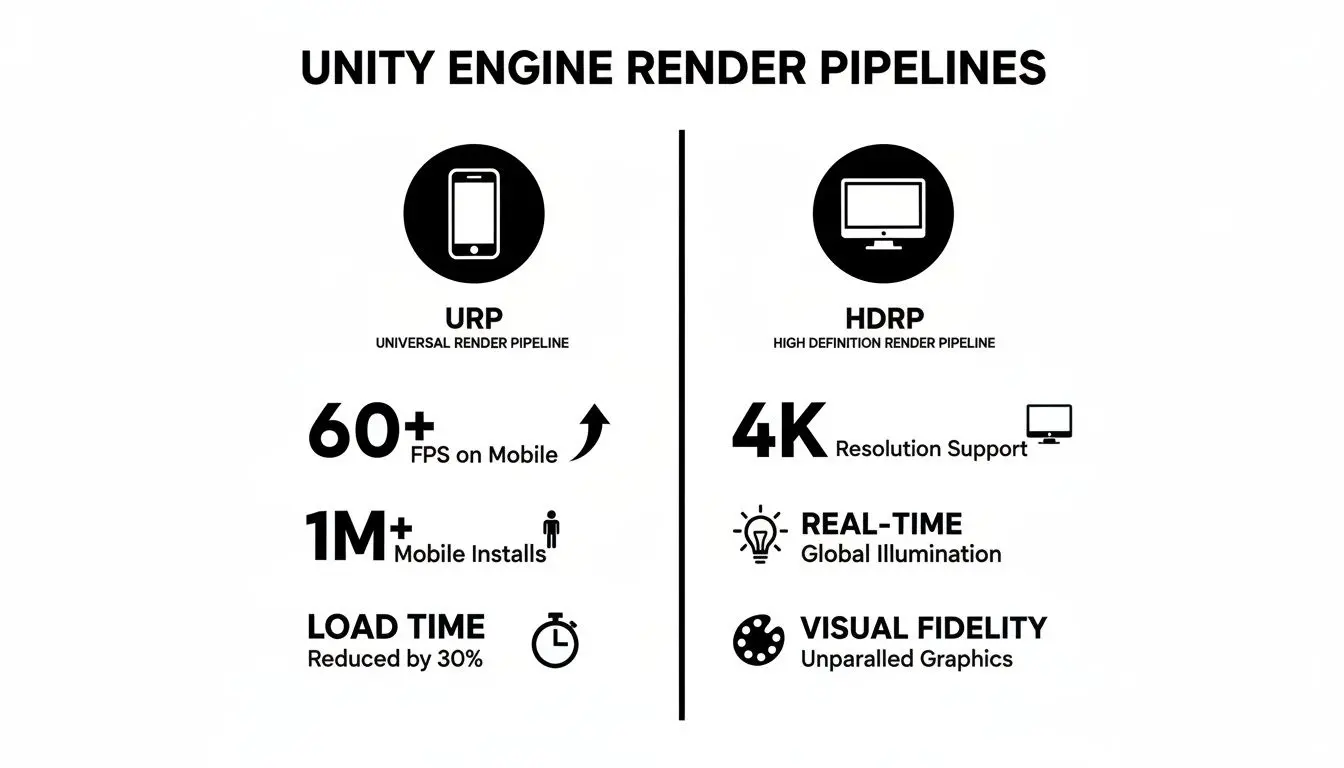
This flexibility allows UK studios to efficiently target the full spectrum of digital platforms, from mobile apps that can reach a global audience to stunning cinematic experiences.
From our base in Manchester, we've seen first-hand how Unity enables us to deliver ambitious projects for a global clientele. It provides the technical foundation that allows our creative vision to thrive, whether we're producing a children's animated series or a complex industrial simulation.
Ultimately, it’s this ability to produce such diverse, high-quality content that makes the UK's creative sector so resilient and competitive. Unity gives us the tools, and the UK provides the talent and vision to turn digital potential into real economic growth and cultural impact.
Building a Scalable Production Pipeline in Unity
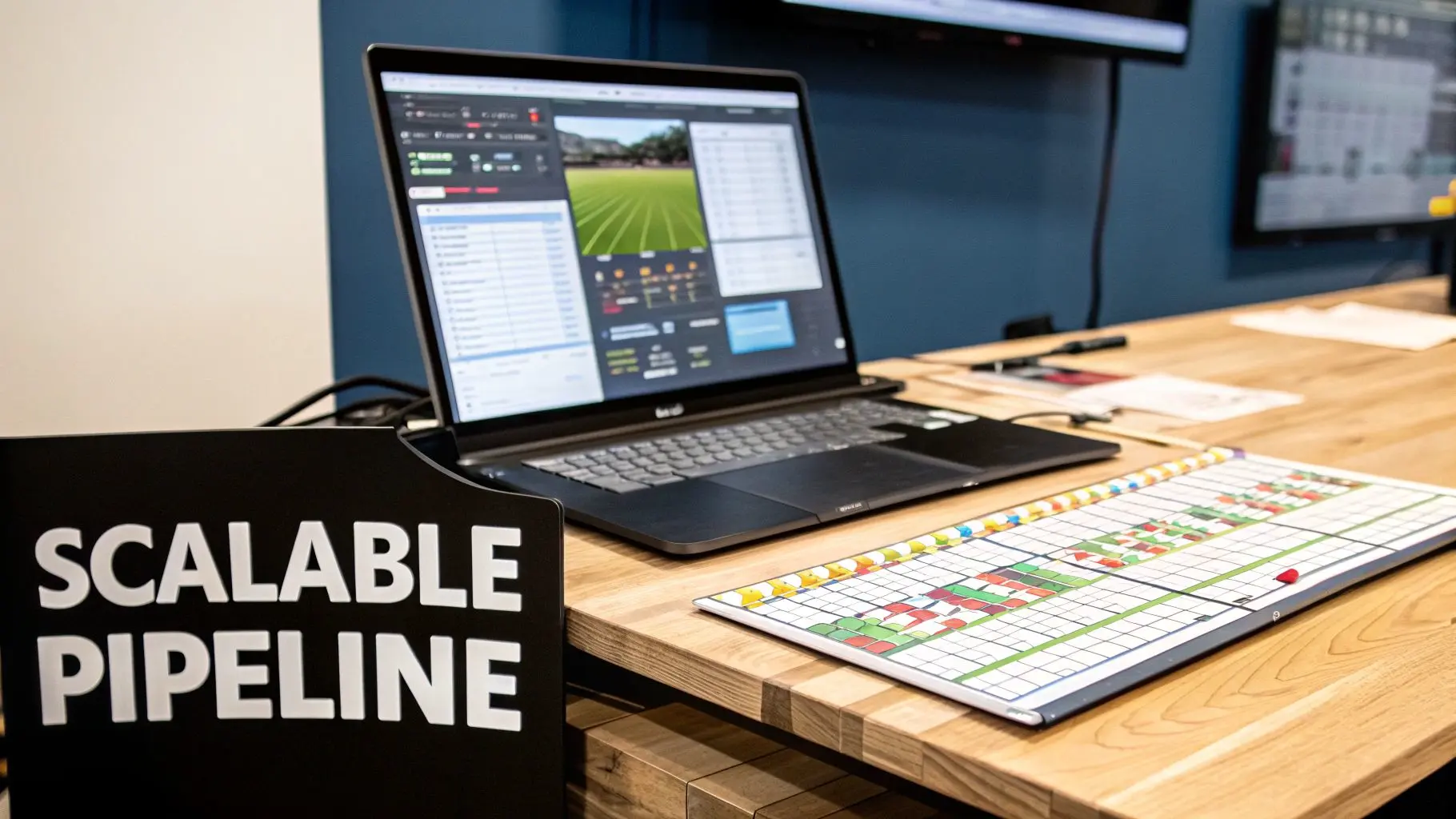
Having all the right features is one thing, but knowing how to use them effectively is a different beast entirely. For any professional Unity for game development project, success really hinges on building a scalable, well-organised production pipeline. Think of it as the project's central nervous system. It’s the framework that dictates how a creative idea moves from a scribbled concept to a polished, final product, hopefully without chaos erupting along the way. It gives your team the structure needed to collaborate, iterate, and deliver high-quality work on time. A solid pipeline isn't just a technical to-do list; it’s a strategic map ensuring every part of the production process connects smoothly. It defines the project phases, from early pre-production and rapid prototyping right through to final optimisation and launch. Without it, even the most talented teams can get bogged down in disorganisation, version control nightmares, and wasted effort.
Key Phases of a Unity Production Pipeline
While every project has its own unique quirks, professional Unity productions tend to follow a familiar path. This phased approach is a lifesaver for producers, letting them manage resources, track progress, and maintain quality at every single stage.
- Pre-Production and Prototyping: This is where you lay the foundations. Your team will bash together rough prototypes to test core ideas, validate game mechanics, and settle on an art style before anyone commits to full-scale production.
- Asset Creation and Integration: Time for the artists to work their magic, creating 3D models, textures, animations, and sound effects. These assets are then brought into Unity, where they’re organised using strict naming conventions and folder structures to keep everything tidy.
- Development and Iteration: This is where programmers and designers build out the core systems, levels, and user interfaces. Expect this phase to be highly iterative, with constant testing and tweaking based on internal feedback and playtesting sessions.
- Optimisation and Quality Assurance (QA): Once the content is more or less complete, the focus shifts to performance. The team dives in to optimise code, graphics, and memory usage, making sure the project runs smoothly on its target platforms. Meanwhile, the QA team rigorously hunts for bugs and usability issues.
- Deployment and Post-Launch: The final build is prepared and submitted to the various platform storefronts. After launch, the pipeline often stays active to support updates, patches, and new downloadable content.
Essential Tools for Collaborative Workflows
For any project involving more than one person, managing collaboration is absolutely critical. A few key tools form the backbone of a professional Unity pipeline, making sure everyone is working from the same page.A well-managed pipeline helps you dodge the dreaded "it works on my machine" problem. By using version control and clear asset management, every team member is always working from the same source of truth, essential for scaling up and maintaining quality.Version Control Systems (VCS) like Git are completely non-negotiable. They track every single change made to the project, allowing teams to merge work from multiple developers without painful conflicts, roll back to a previous version if something breaks, and keep a complete history of the project's evolution. On top of that, effective asset management is vital. This means setting up strict guidelines for how assets are named, organised, and imported into Unity. Using tools like Unity's own Addressable Asset System can be a huge help in managing memory and streamlining how content is loaded, which is especially important for bigger projects.
The Role of AI and Automation
These days, modern production pipelines are increasingly bringing AI-powered tools into the mix to speed things up. These technologies can automate the repetitive, tedious tasks, freeing up your creative talent to focus on what they do best. For instance, AI can lend a hand with:- •Procedural Content Generation (PCG): Automatically creating variations of levels, environments, or other assets.
- •Automated Testing: Using AI agents to play through the game and sniff out bugs or performance bottlenecks.
- •Animation Assistance: Tools that can help automate parts of the animation process, like generating lip-sync from audio files.
This drive for efficiency is getting a serious boost from growing investment in the UK's creative sector. The government's £30 million Games Growth Package, announced in late 2024, is set to supercharge Unity-based development by supporting prototypes and early-stage studios. This investment is part of a broader strategy that perfectly aligns with the sector's projected 11.8% CAGR, pushing the market from USD 14 billion in 2024 towards an estimated USD 27.5 billion by 2030. It shows a strong belief in the industry's future. You can read more about the UK's gaming renaissance and its impressive growth.
Expanding Beyond Games into Immersive XR Experiences
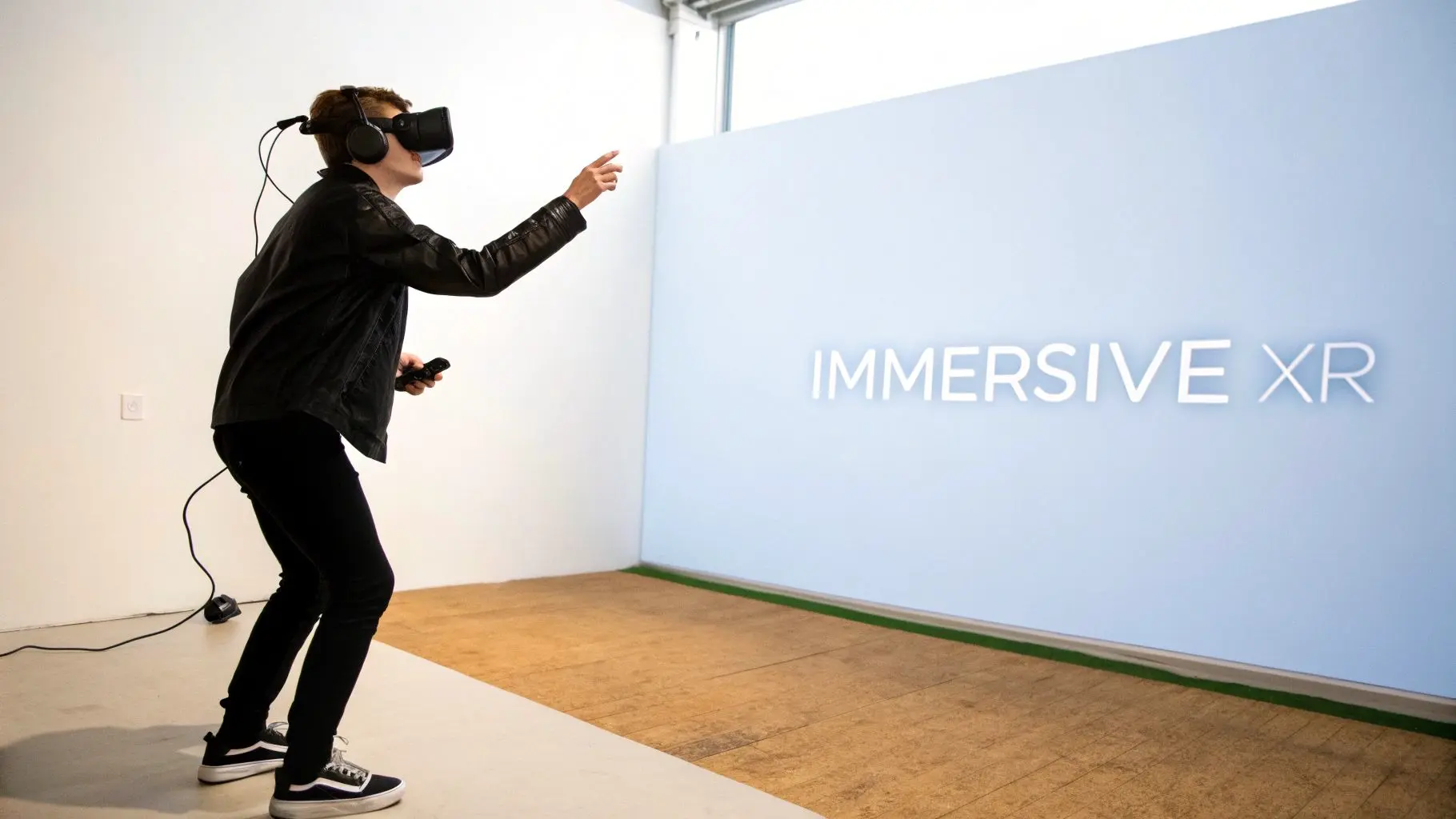
While Unity's name is practically synonymous with game development, its true power lies in its incredible versatility. The same real-time rendering and interactive tools that power chart-topping video games are also the perfect foundation for creating the next generation of immersive experiences. In fact, Unity has firmly established itself as the leading platform for developing Virtual Reality (VR), Augmented Reality (AR), and Mixed Reality (MR) content for brands looking to extend their IP beyond traditional platforms. This expansion beyond traditional gaming opens up a world of possibilities for businesses. Suddenly, the engine’s capabilities can be used to build practical, high-impact applications that can genuinely transform training, marketing, and customer engagement. It’s no longer just about entertainment; it’s about building powerful new communication tools.
The Technical Edge for XR Development
Unity offers several key technical advantages that make it the go-to choice for XR projects. Its core architecture is built for performance across a huge range of devices, something that’s absolutely critical for the demanding nature of VR and AR. Developers can build an experience once and then roll it out across numerous platforms with surprisingly little friction. Here's where Unity really shines for XR:
- •Robust Hardware Support: Unity provides native support for all major XR hardware, including the Meta Quest, HTC Vive, and Apple Vision Pro. This means developers can target the most popular devices without getting bogged down in complex workarounds.
- •Cross-Platform AR Frameworks: Tools like AR Foundation allow teams to create AR applications that work seamlessly on both iOS (ARKit) and Android (ARCore) devices, all from a single codebase. It’s a massive time-saver.
- •Optimised Rendering Pipelines: Both the URP and HDRP can be fine-tuned for XR performance. This delivers high-fidelity visuals while maintaining the stable, high frame rates that are absolutely essential for a comfortable and convincing user experience.
These features remove significant technical barriers, allowing studios like ours to focus on what truly matters: creating compelling and effective immersive content. If you're looking to explore this further, our guide on mastering Unity development for business and XR offers deeper insights.
Real-World Applications with Business Impact
The true value of Unity for XR is best seen through its real-world applications. Here at Studio Liddell, we've used the engine to deliver a wide range of immersive projects that solve real business challenges and create unforgettable brand moments.
Unity's dominance in UK game development is fuelling the online gaming boom, where the 10.84 million UK gamers in 2023 are projected to grow by 6.64% to 11.56 million by 2027. This surge directly benefits full-service studios like ours, whose expertise in Unity-powered XR has served global brands since 2019. With 48% of over-65s now playing online, Unity allows us to broaden audiences for educational projects with partners like English Heritage, while also enabling immersive simulations in healthcare and training. Discover more about the growth of online gaming statistics in the UK.
Just think about the practical applications:
- •VR Training Simulations: Imagine creating safe, repeatable virtual environments for training employees in complex or high-risk industries. We're talking everything from surgical procedures to operating heavy machinery, all without real-world consequences.
- •AR for Exhibitions and Retail: You can build interactive product demonstrations that customers can view in their own space, or engaging spatial content that makes people want to spend more time at an event stand.
- •Location-Based Entertainment (LBE): It’s perfect for designing high-throughput VR games and experiences for theme parks, arcades, and live events that can entertain huge numbers of guests.
By moving beyond games, Unity provides a powerful platform for businesses to innovate, educate, and connect with their audiences in entirely new dimensions.
Finding the Right Unity Development Partner
Choosing a partner for your Unity for game development project is a big deal, just as critical as picking the engine in the first place. You’re not just hiring a team with technical chops; you’re looking for a strategic ally who can take your project from a rough brief to a polished, final product. Get this decision right, and your creative vision will be brought to life efficiently and beautifully. When you’re sizing up potential studios, it’s easy to be wowed by a flashy showreel. But you need to dig deeper. A truly capable studio will have a portfolio that shows their range across different styles and platforms, whether that’s a slick mobile game or a complex XR application for a big enterprise client. That kind of variety is a great sign they can adapt their process to whatever creative or technical curveballs your project throws their way.
Evaluating Technical and Creative Expertise
A solid, proven production pipeline isn’t a nice-to-have; it’s non-negotiable. Don't be shy about asking how they manage projects, what their version control looks like, and how they handle quality assurance. A well-run studio can walk you through their workflow, explaining how they wrangle assets, process feedback, and keep quality high, especially on huge projects like a multi-episode animated series. Think about their skills on both sides of the coin: the creative and the technical. A top-tier Unity partner brings:
- •A strong artistic eye: They need the ability to either develop a new visual style or seamlessly adapt to yours, ensuring it connects with your brand and your audience.
- •Deep engine knowledge: This means real mastery of Unity’s core systems, from its rendering pipelines (URP and HDRP) to the nuances of its animation and physics engines.
- •Cross-platform fluency: They should have a track record of deploying projects smoothly across different targets, including PC, consoles, mobile, and a whole range of XR headsets.
It's this blend of skills that really turns a promising idea into a knockout interactive experience.
Look for a True Production Ally
At the end of the day, you're not looking for a supplier. You need a production ally who is genuinely invested in your project's success. That means a team that communicates clearly, collaborates without friction, and has the experience to spot potential problems long before they become project-derailing disasters.
A partner with a long history of production, like our studio's experience since 2019, brings more than just development skills. They bring years of problem-solving, project management, and an understanding of how to deliver complex digital content for some of the world's biggest brands.
Choosing a partner is about finding a team you trust to be a good steward of your intellectual property and your budget. An established studio with a history of delivering high-stakes projects for major brands has already proven its reliability and commitment to quality. That’s the kind of foundation you want when you’re building something special.
Frequently Asked Questions About Unity Development
When you're diving into the world of real-time engines, a lot of questions can pop up. Here, we'll give you clear, straightforward answers to the queries we hear most often about using Unity for game development and other commercial projects.
Is Unity Good for Both 2D and 3D Game Development?
Yes, absolutely. While Unity earned its reputation for its powerful 3D capabilities, it’s just as strong in the 2D space. It comes with a complete suite of tools built specifically for 2D, including a dedicated renderer, a robust sprite editor, and a physics system designed for 2D movement. This flexibility makes it a fantastic choice for an enormous range of projects. It means a studio can use a single, familiar production pipeline to build everything from a stylised 2D animated series to a complex 3D VR simulation, keeping the team efficient and letting them share knowledge across different projects.
How Does Unity Compare to Unreal Engine?
Both Unity and Unreal Engine are titans of the industry, but they shine in different areas. Unity is widely praised for its sheer flexibility, its huge platform support (especially for mobile and XR), and its more approachable C# scripting language. This makes it a brilliant all-rounder for a massive variety of interactive content. Unreal, on the other hand, is often the go-to for its out-of-the-box graphical power, particularly for projects aiming for photorealism. The best engine always comes down to the project's specific needs: the target platform, the visual style you're after, and the skills your team already has. A good studio knows how to pick the right tool for the job to hit a client's goals.
The decision isn't just a technical one; it's deeply strategic. You're weighing up development speed, how many platforms you can reach, and the long-term cost of maintaining the project. Making the right choice at the start sets the foundation for a smooth and successful production.
What Kinds of Projects Can Be Built with Unity Besides Games?
Unity's real-time rendering is incredibly versatile and has been adopted far beyond the gaming world. It's used across countless industries to create practical, impactful tools. If you're curious about the coding side, our article explains the development language behind Unity games and XR. Here are just a few common examples:
- •Architectural Visualisations: Building interactive, photorealistic walkthroughs of buildings long before a single brick is laid.
- •Automotive Configurators: Letting customers design and view their dream car in real-time 3D.
- •Medical Training Simulations: Creating safe, repeatable virtual environments for surgeons and medical staff to practise complex procedures.
- •Animated Films and Series: Producing entire cinematic projects from start to finish within the engine's real-time environment.
- •Immersive Museum Exhibits: Crafting interactive AR and VR experiences that bring history to life in new ways.
Studios use Unity for everything from AR shopping apps to large-scale VR theme park attractions, proving its power extends well beyond traditional games. Ready to bring your vision to life with Unity? The team at Studio Liddell has been delivering world-class animation, games, and immersive experiences since 2019. Book a production scoping call today to discuss your project with our experts.