Best Video Editing Software : Top Picks
Choosing a video editor usually starts the same way. Too many tabs open, every product page promising speed, AI, collaboration and cinematic results, and no clear answer to the more important question. Which one fits the work you need to ship this week? That matters more than ever because video isn't a side format in the UK. Ofcom reported that 91% of UK adults used video-sharing platforms in 2024, up from 84% in 2021, with 16 to 24-year-olds the heaviest users at 96% in 2024, which helps explain why editing tools now sit at the centre of marketing, education, creator and broadcast workflows rather than the edge of them, as noted in this UK video platform usage context. The best video editing software in 2026 isn't the one with the longest feature list. It's the one that matches your pipeline, your deadlines, your team size and the kind of footage you cut every day. A one-person social team needs very different things from a longform offline editor, and both need different things from a studio finishing animation, VFX and sound in parallel. I'd split the market into three practical camps. Full professional NLEs for broadcast and agency work. Fast-turn editors for social, training and branded content. Then text-led and cloud-led tools for teams that need speed more than traditional craft controls. This guide gets straight into the trade-offs. Where a tool is excellent, I'll say so. Where it creates friction, I'll say that too. And in a few cases, the most efficient choice won't be software at all. If your project involves specialist animation, technical storytelling or delivery across broadcast, games and XR, DIY post can become slower and more expensive than bringing in a production partner that already has the pipeline.
1. Adobe Premiere Pro
Adobe Premiere Pro is still the safest default for mixed professional work. If your team cuts ads, social variants, explainers, event films and occasional longform, it's usually the editor that causes the fewest interoperability headaches because so many freelancers, agencies and post teams already know it. Its real strength isn't any single flashy feature. It's the way Premiere sits inside a wider production stack. You can move cleanly into After Effects, Photoshop, Audition and Frame.io without rebuilding the project from scratch, which matters when feedback loops are tight and multiple people need to touch the job.
Where Premiere Pro fits best
For UK teams producing paid social and campaign video, speed to multiple aspect ratios matters as much as creative control. Industry benchmarks summarised in this video editing market overview note that short-form video is now a core paid-media format, and mobile-first completion and viewability metrics are treated as primary KPIs. In practical terms, that pushes editors towards tools with fast export presets for 9:16, 1:1 and 16:9, hardware-accelerated H.264 and H.265 output, and native caption workflows. Premiere handles that job well. If you also produce branded animation or composited explainers, Adobe's ecosystem helps. Motion designers can jump between edit and graphics more smoothly than in most rival setups. That's one reason it remains common in studio and agency environments. If you need a refresher on where graphic-led work ends and editorial begins, this guide to motion graphics for UK brands is worth a read.
- •Best for agency pipelines: Strong handoff between edit, graphics, sound cleanup and review.
- •Best for mixed deliverables: Social cut-downs, paid media exports and broader campaign packages all live comfortably in one project.
- •Less ideal on modest hardware: It can feel bloated if you're running heavy footage on a machine with limited GPU headroom.
Practical rule: Choose Premiere when collaboration across disciplines matters more than having the lightest, fastest standalone editor.
You do pay for that convenience. Subscription-only licensing won't suit every buyer, and on lower-spec systems Premiere can feel heavier than Final Cut Pro or EDIUS. But if your main problem is keeping lots of moving parts aligned, it's still one of the best video editing software choices available. Visit Adobe Premiere Pro.
2. Blackmagic DaVinci Resolve / DaVinci Resolve Studio
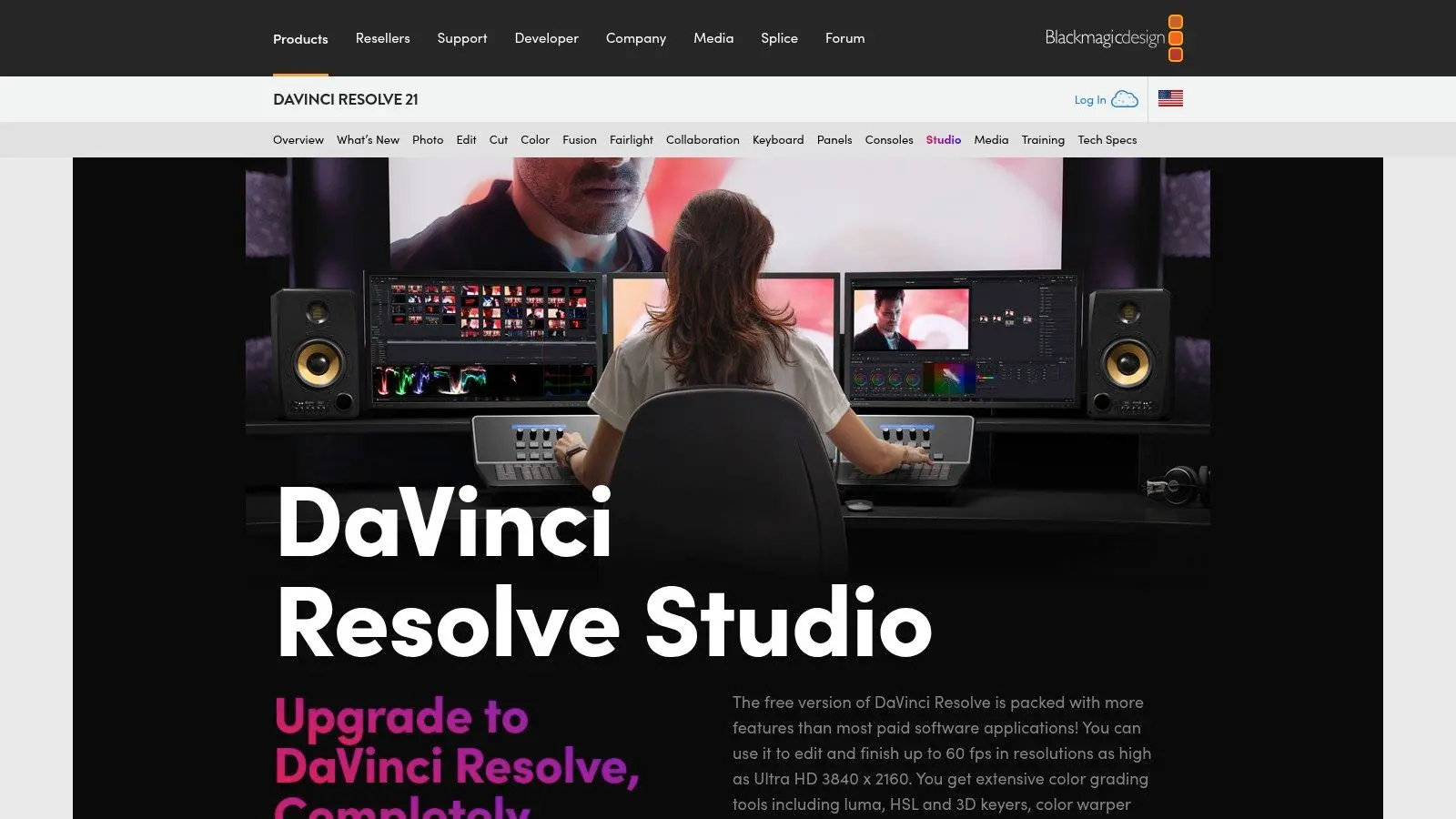
DaVinci Resolve is the editor I'd point to when the finish matters as much as the cut. Colourists love it for obvious reasons, but the bigger advantage is that editing, grading, Fusion work and Fairlight audio all sit inside one application. For some teams, that removes a lot of handoff friction. The free version is unusually capable. The Studio version is where the more advanced AI and codec options come into play, so your decision often comes down to whether you need a serious finishing environment or a strong editor with room to grow.
Why Resolve stands out now
A useful benchmark for the wider category is that the global video editing software market was valued at $3.2 billion in 2025 and is projected to reach $5.2 billion by 2034, with a 5.6% CAGR, according to this video editor market comparison summary. That same source notes MP4 accounted for approximately 28.6% of usage in 2025, while MOV held 15.2%. That's a helpful reminder that format support still matters. Editors win or lose in real projects based on delivery compatibility, not just timeline features. Resolve is particularly strong when your work spans graded brand films, VFX-heavy promos, technical explainers or anything that needs a proper online finish. If you're moving between practical and digital effects work, the line between editorial and finishing gets thin very quickly. This producer-focused guide to SFX vs VFX explains why that crossover matters in production planning.
- •Best for finish-first workflows: Excellent colour, strong audio and capable VFX tools in one environment.
- •Best value at entry level: The free version is good enough for a lot of serious work.
- •Watch the learning curve: Switching between Edit, Colour, Fusion and Fairlight pages can slow newer users at first.
Resolve isn't always the quickest way to cut simple social content. But for post teams that want depth without hopping between multiple apps, it's one of the best video editing software options on the market. Visit DaVinci Resolve and Resolve Studio.
3. Apple Final Cut Pro
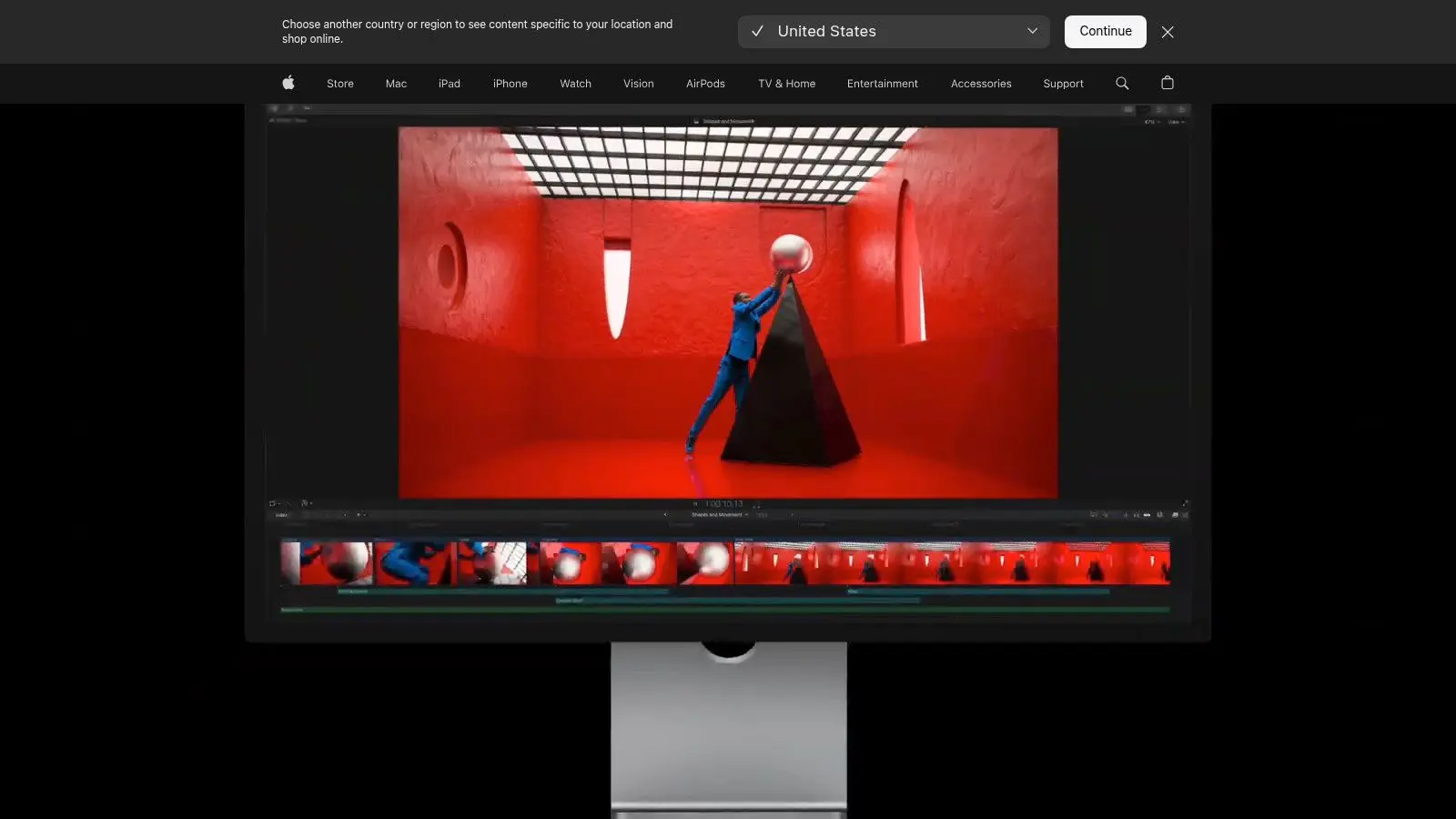
Final Cut Pro is the speed editor's editor. If you work on a Mac and value responsiveness over convention, it's still one of the strongest choices around. Apple's Magnetic Timeline clicks for some editors immediately and irritates others on first contact, but once it fits your brain, it can be very fast. This is especially true on Apple Silicon. Scrubbing, skimming, multicam work and ProRes-heavy jobs often feel lighter here than they do in bulkier cross-platform systems.
Where Final Cut wins
Final Cut makes sense for branded content teams, in-house marketers, YouTube production and anyone turning around polished edits on tight deadlines without needing enterprise-level infrastructure. Transcript search, visual search, beat detection and its integration with Motion and Compressor all support fast production cycles. The one-time purchase model also appeals to buyers who don't want another software subscription. That doesn't mean it's cheaper in every real-world setup, because hardware choices and plugin needs still matter, but many small teams like the simplicity.
Final Cut Pro is excellent when one editor, one Mac-based environment and fast exports matter more than broad standardisation across outside collaborators.
The trade-off is obvious. It's macOS only, and it's less common than Premiere Pro in larger agency and broadcaster ecosystems. If you regularly exchange projects with a wide pool of freelancers, that can become a practical limitation. For editors leaning into title design and text-heavy social pieces, workflow details matter more than people think. This walkthrough on mastering Final Cut Pro text editing is a useful companion if text treatment is central to your output. Visit Apple Final Cut Pro.
4. Avid Media Composer
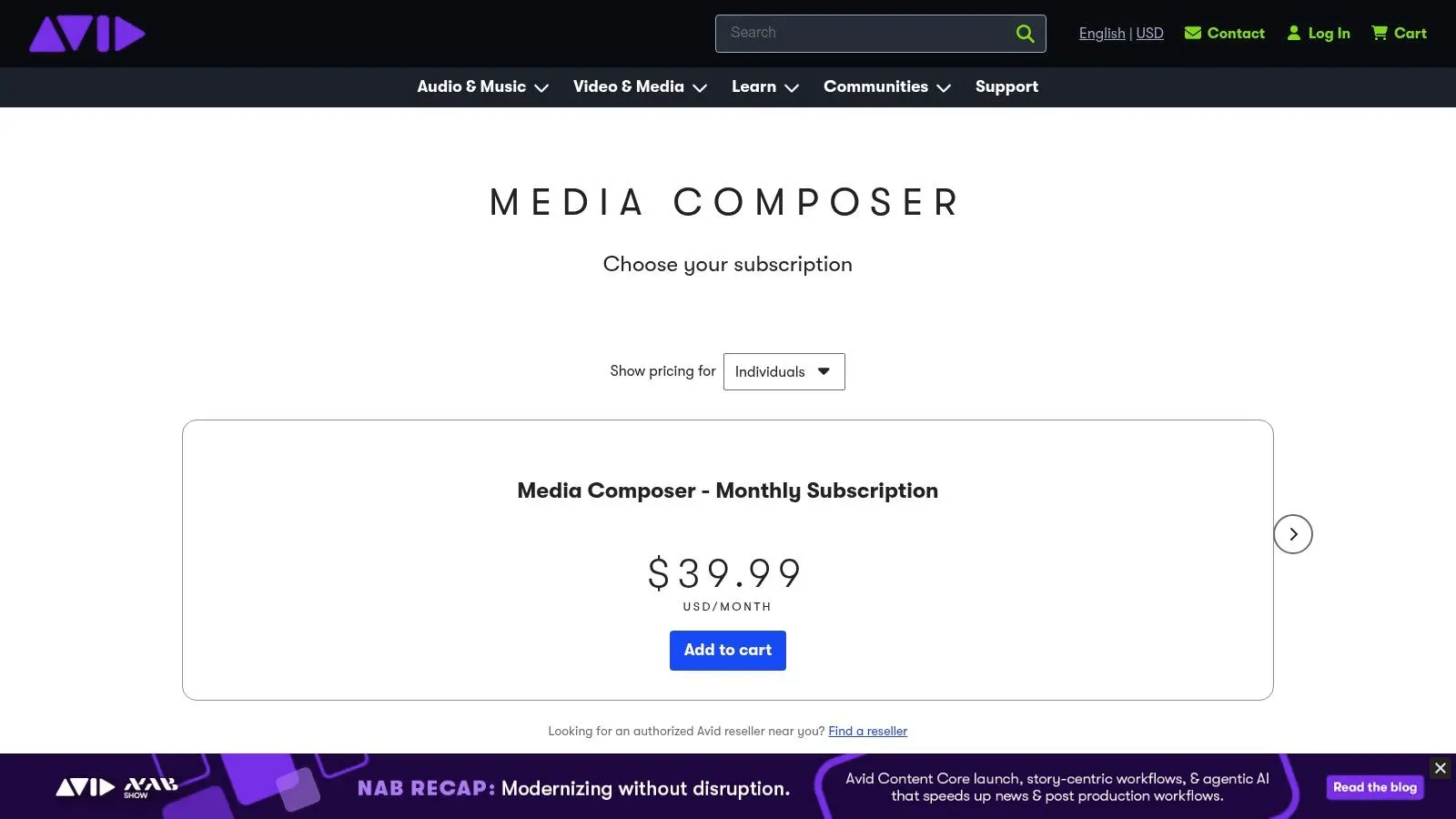
Avid Media Composer remains the serious longform choice. It isn't fashionable, and it doesn't need to be. When multiple editors need reliable project sharing, disciplined media management and predictable offline workflows, Avid still does the job with very little drama. That's why it keeps showing up in broadcast and film pipelines. The interface asks more of you at the start, but it pays that back when projects become complex, deadlines harden and the cut has to stay stable under pressure.
Who should still choose Avid
If you're cutting episodic television, documentary series, archive-heavy productions or large shared projects, Avid is built for that environment. Bin sharing, Nexis integration and higher-tier tools like ScriptSync matter most when editorial is happening across teams, not laptops. It's also a strong fit where editorial sits inside a wider virtual production or studio pipeline. Not because Avid is flashy, but because stable offline systems are often the quiet foundation beneath more technically ambitious projects. If that wider ecosystem is relevant to your work, this practical guide to virtual production gives useful context.
- •Best for longform offline: Strong media discipline and collaborative project handling.
- •Best for established post houses: It fits environments with shared storage and formal workflows.
- •Not ideal for casual users: The learning curve is real, and the value only shows once projects get big enough.
Avid isn't the best video editing software for every editor. It's often the right one for the jobs where chaos is expensive. If you're a one-person creator or social team, it's probably overkill. If you manage longform broadcast editorial, it still earns its place. Visit Avid Media Composer.
5. VEGAS Pro
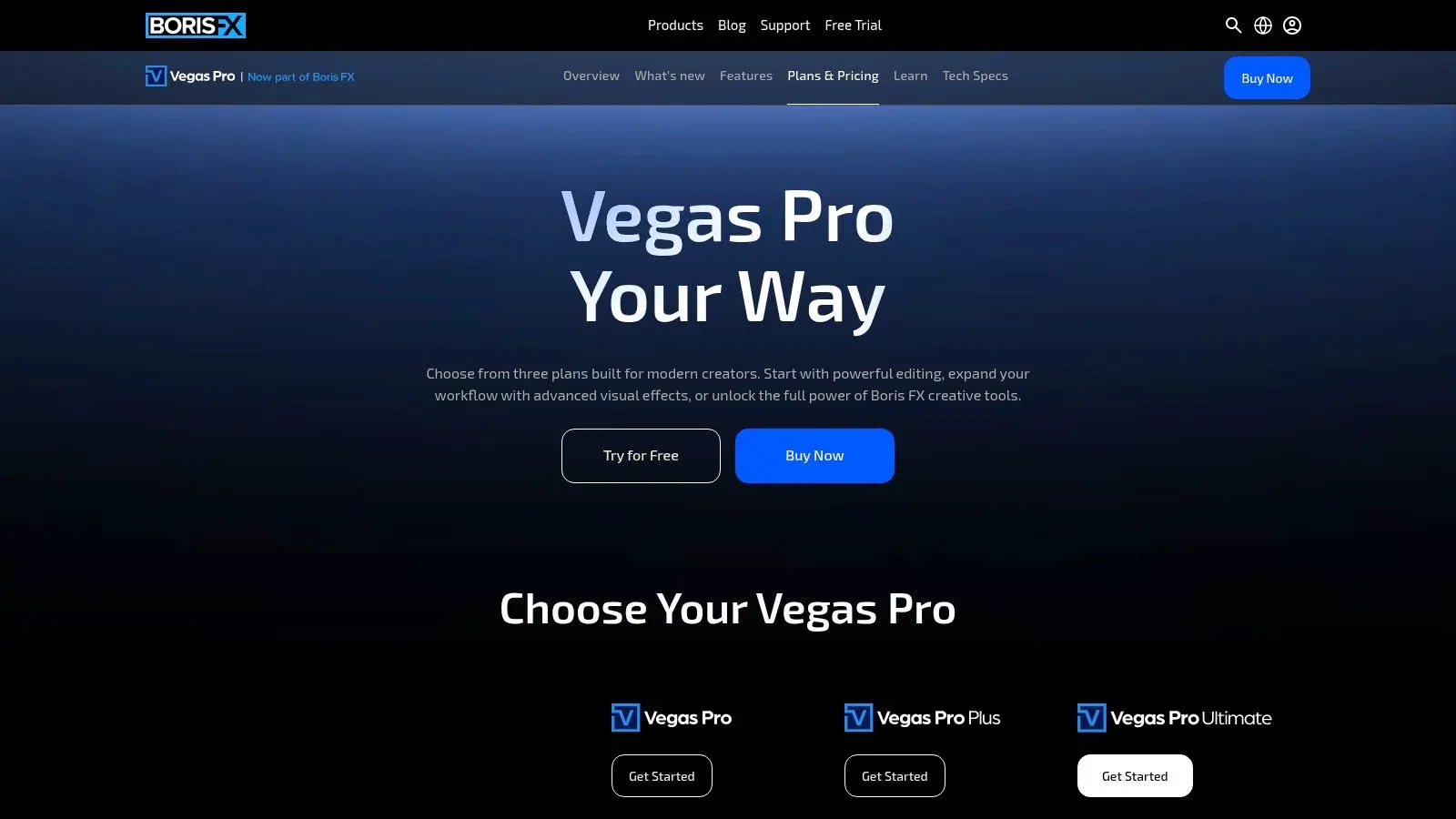
VEGAS Pro has always had a practical streak. It doesn't carry the same enterprise prestige as Premiere, Resolve or Avid, but plenty of editors still like it because it gets out of the way quickly. On Windows, it can feel direct, responsive and less ceremonial than some heavier systems. That makes it attractive for owner-operators, fast-turn commercial editors and producers who cut their own work but don't want a bloated setup.
What VEGAS Pro does well
The timeline is approachable, nested timelines help keep larger projects tidy, and the audio toolset is good enough that many users can stay inside the app longer than expected. Flexible licensing also helps. Some buyers still want a perpetual option instead of another monthly bill, and VEGAS is one of the products that speaks to that preference. Its newer AI-assisted features are useful in the same way many AI features are useful in editing. Not magic. Just handy when they save repetitive labour and let you move on.
- •Best for solo professionals: Good balance between depth and speed.
- •Best for Windows users who value control: Perpetual and subscription options are both available.
- •Less suited to larger studio ecosystems: Fewer teams standardise around it, so handoff can be harder.
VEGAS tends to be strongest when one editor owns the whole job from ingest to export. It's less convincing when you need broad team standardisation, external finishing pipelines or lots of project interchange with agencies and broadcasters. For the right user, though, it remains a very workable answer to the best video editing software question. Visit VEGAS Pro.
6. Lightworks
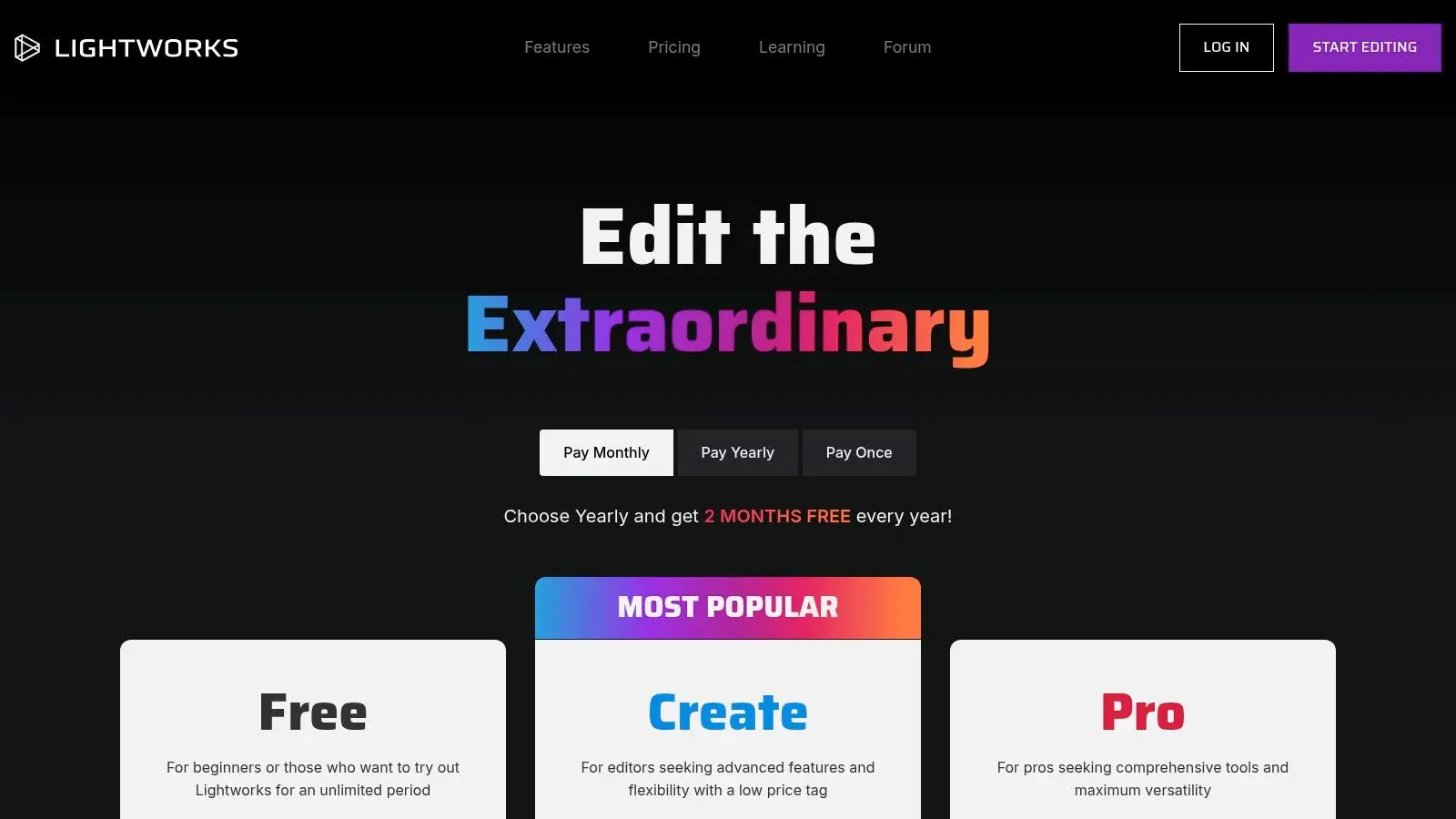
Lightworks appeals to a narrower buyer, but that buyer knows exactly why they're here. Cross-platform support across Windows, Mac and Linux still matters in education, bespoke technical environments and teams that don't want to be boxed into one operating system. Its footprint is leaner than many mainstream editors, and that can be a genuine operational advantage. Not every team wants a post stack built around the latest workstation spec.
A practical fit for constrained environments
The tiered structure makes sense if you want a low-risk entry point and the option to scale upward later. Proxy editing and background processing help keep things moving, especially in teaching environments or smaller production setups where hardware varies from desk to desk. The other reason Lightworks remains relevant is Linux support. That won't matter to most creative teams, but for institutions, developers and specialist pipelines, it can be the deciding factor.
Some tools win because they have the biggest ecosystem. Lightworks survives because it solves a specific operational problem for a specific kind of buyer.
The trade-off is ecosystem depth. Plugins, training resources and third-party integrations don't match the volume you'll find around Adobe or Blackmagic. If your team depends on broad support, Lightworks can feel isolated. If your team values flexibility and platform choice, it can be a sensible fit. Visit Lightworks.
7. Grass Valley EDIUS 11
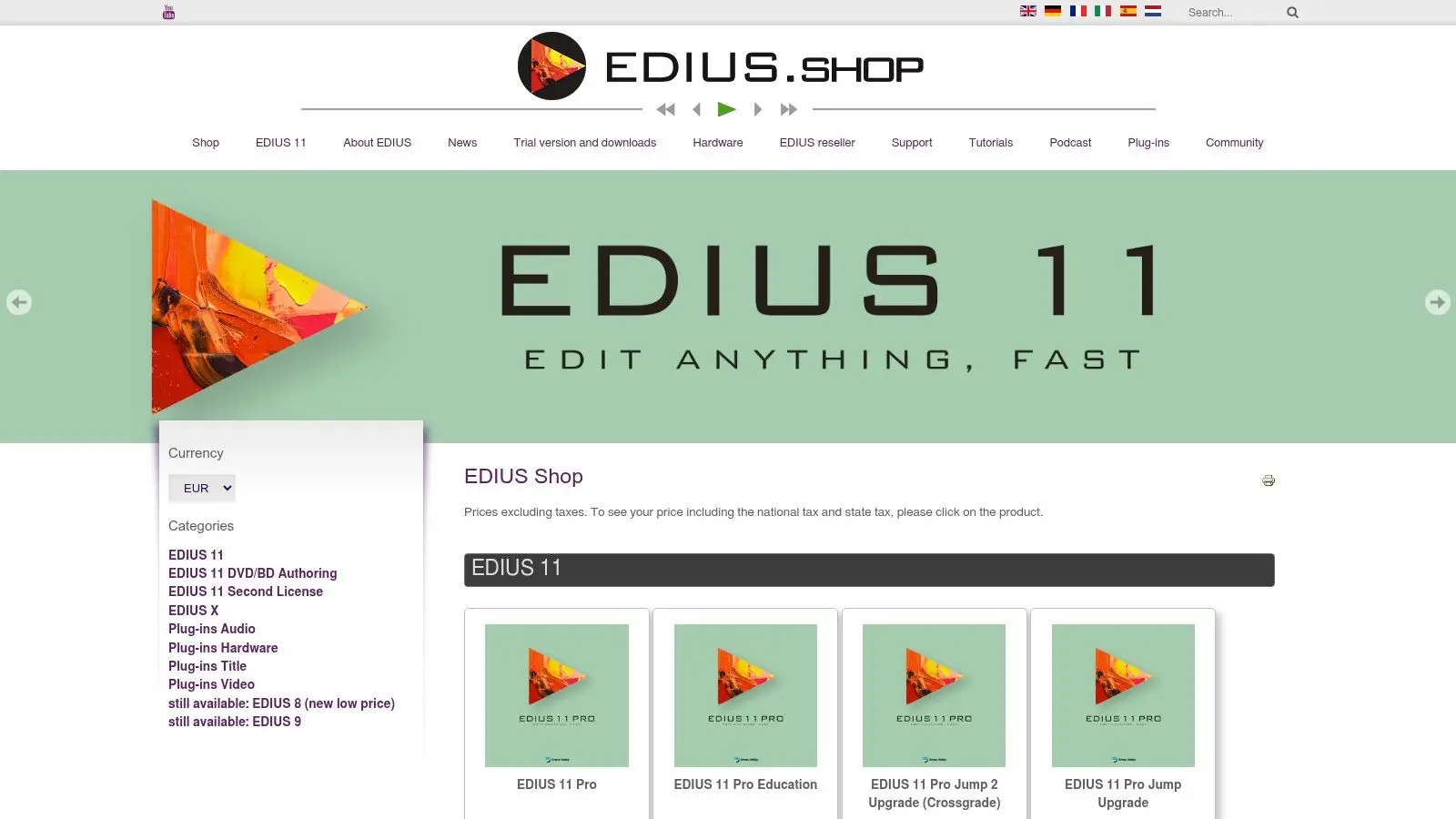
EDIUS is one of those tools that gets overlooked in broad “best of” lists because it isn't chasing cultural relevance. It's chasing reliability. In news, events and fast-turn factual production, that's often more valuable. Editors who use EDIUS usually talk about the same things. Real-time performance, stable handling of mixed formats, and fewer excuses from the machine. That's not glamorous, but it's useful.
Why EDIUS still earns a place
If you cut multicam events, conference coverage, live-to-fast-turn packages or mixed-camera content, EDIUS is built for that kind of pressure. Proxy mode helps on heavier source media, and the perpetual licence remains attractive to buyers who want predictable software ownership rather than rolling subscription costs. Its design philosophy is closer to “keep the edit moving” than “build an all-in-one creative universe”. That focus is exactly why some editors stick with it.
- •Best for fast-turn production: News, events and factual packages suit it well.
- •Best for hardware pragmatists: It's known for getting solid work done without demanding the most aggressive workstation setup.
- •Less ideal for broader creative ecosystems: The UK plugin and training footprint is smaller than Adobe or Resolve.
EDIUS won't be the first recommendation for motion-heavy branded content or VFX-linked finishing. But if your job is to ingest messy footage, cut quickly and deliver reliably, it deserves more respect than it gets in mainstream software roundups. Visit Grass Valley EDIUS 11.
8. CyberLink PowerDirector
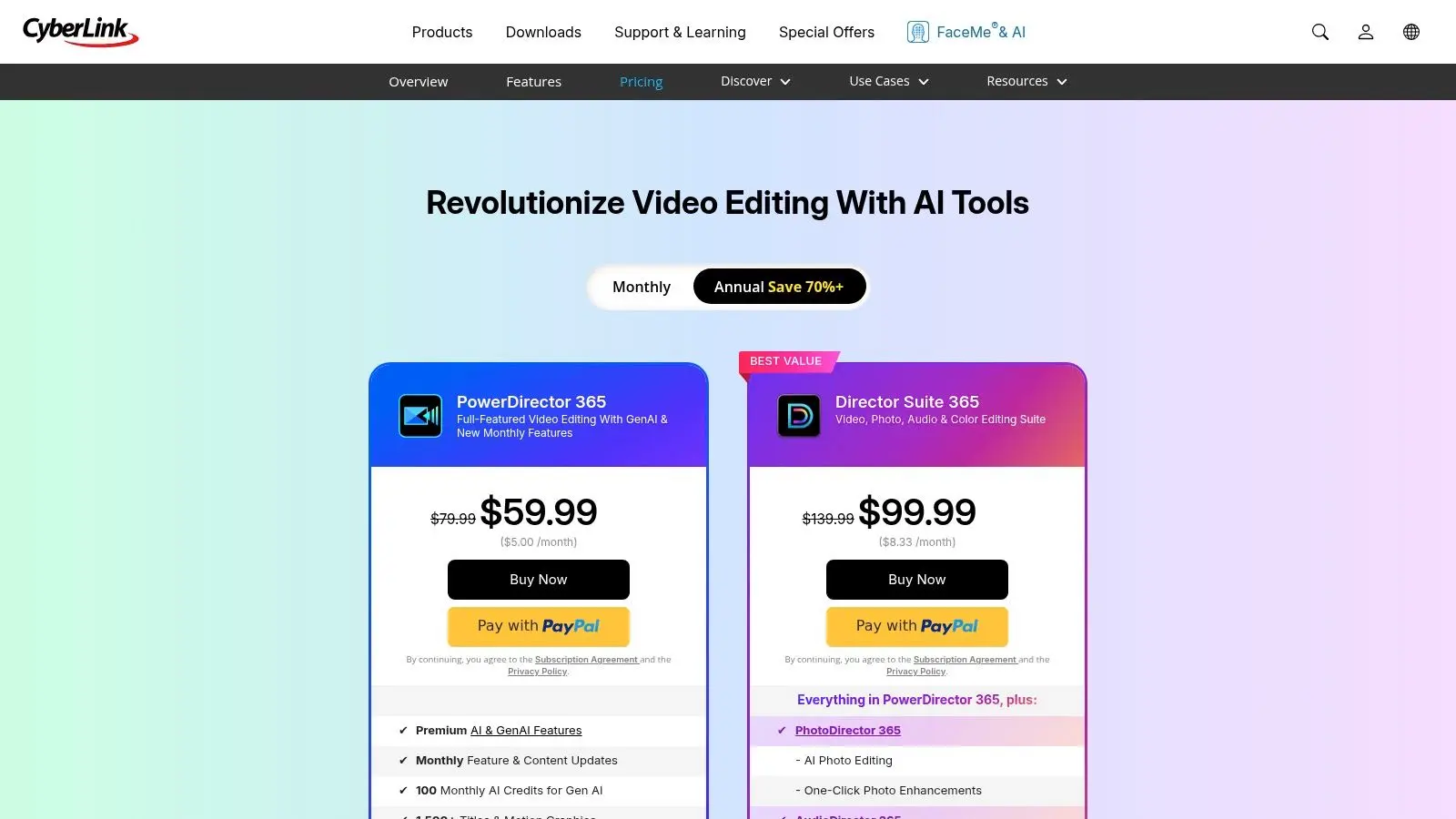
PowerDirector sits in a useful middle ground. It's more capable than many lightweight consumer editors, but it doesn't demand the same level of craft training or setup as a traditional pro NLE. For some marketing, training and internal comms teams, that's exactly the point. The templates, built-in assets and AI-assisted tools speed up production in ways experienced editors sometimes dismiss too quickly. If your team needs high output volume, convenience features aren't fluff. They're labour savings.
Where PowerDirector makes sense
PowerDirector is a strong choice when non-specialists need to produce decent-looking video without a steep ramp-up. That includes HR teams building training clips, in-house marketers turning webinars into cut-downs, and education teams making repeatable lesson content. Cloud storage and broader app bundles can also be useful if one team handles simple video, image and social tasks together. It's not trying to replace a finishing suite. It's trying to help mixed-skill teams publish quickly.
- •Best for volume over prestige: Useful for repeatable branded content and internal video production.
- •Best for rapid onboarding: New users can become productive quickly.
- •Weakest in high-end post: It isn't a standard choice for broadcast or film pipelines.
This is one of the clearest examples of “best” depending on context. A studio colourist won't choose PowerDirector over Resolve. A comms team producing weekly internal videos might be far more efficient in PowerDirector than in a heavyweight pro tool. Visit CyberLink PowerDirector.
9. CapCut
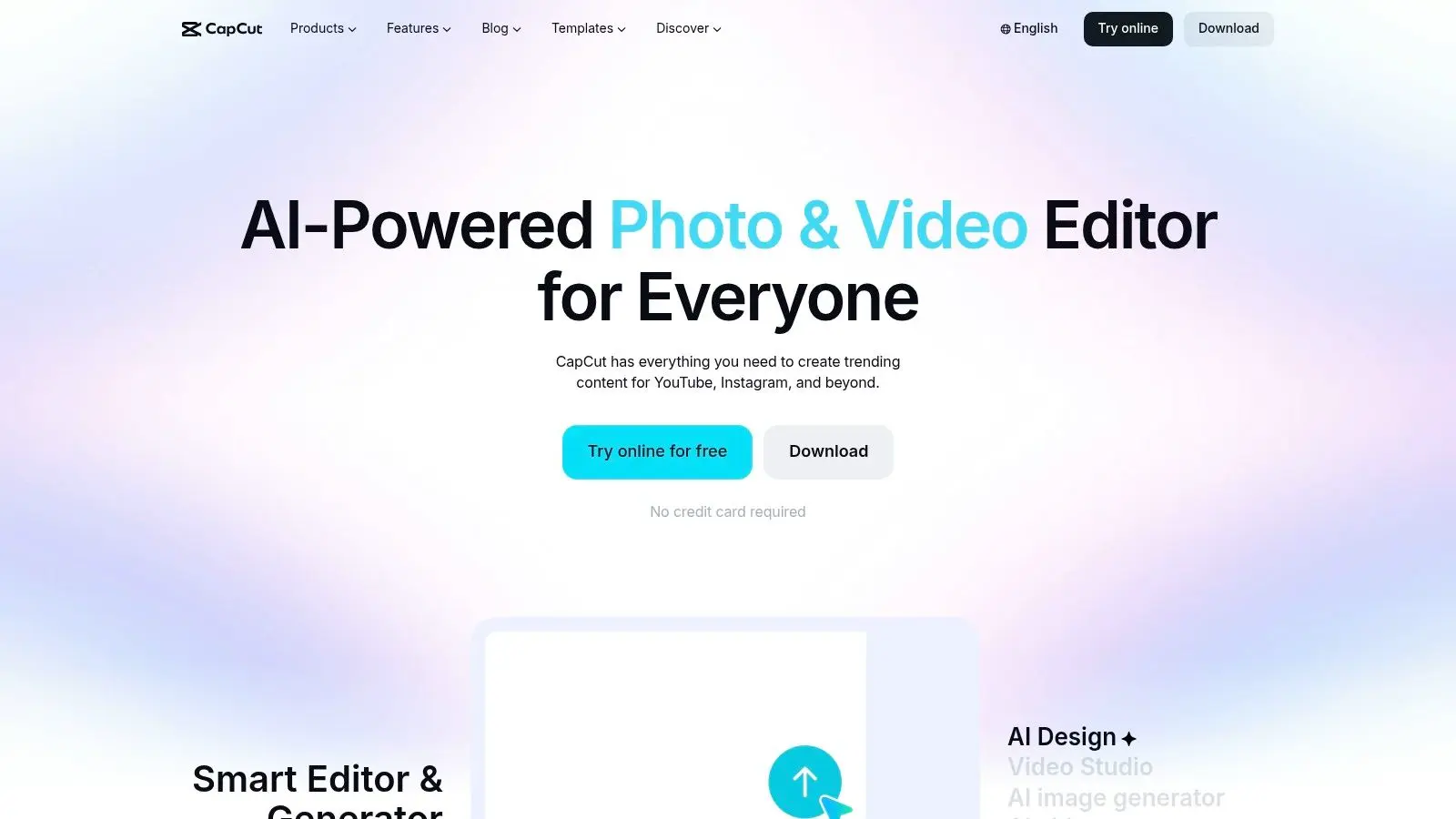
CapCut is the fastest answer for a lot of social-first teams, and pretending otherwise wastes time. If your output is predominantly short-form, mobile-first and trend-aware, CapCut often gets you from idea to publish faster than a traditional NLE. That speed comes from design choices, not lower quality standards. Templates, auto-captions, easy resizing and cross-device sync are all built around the reality of modern social production.
Best for short-form teams
For creators, in-house social teams and junior marketers, CapCut has a low intimidation factor. People can get useful work out of it quickly, which is a real advantage when the editor isn't a full-time specialist. The flip side is scope. CapCut is not where I'd want to manage a serious longform documentary, a broadcast series or a complex post schedule with layered finishing requirements. It's a rapid publishing tool first.
If your team spends more time trimming hooks, adding captions and reformatting clips than shaping deep narrative edits, CapCut may be the most efficient option in the room.
This is also where software selection starts to reveal organisational limits. If your team is producing large volumes of campaign video but keeps stretching a social-first tool into work that needs script development, animation, compositing or platform-specific planning, the problem may not be the app. It may be resourcing. For a broader take on tool choice in the creator space, this CapCut vs BlitzReels comparison for TikTok creators is an interesting read. Visit CapCut.
10. Descript
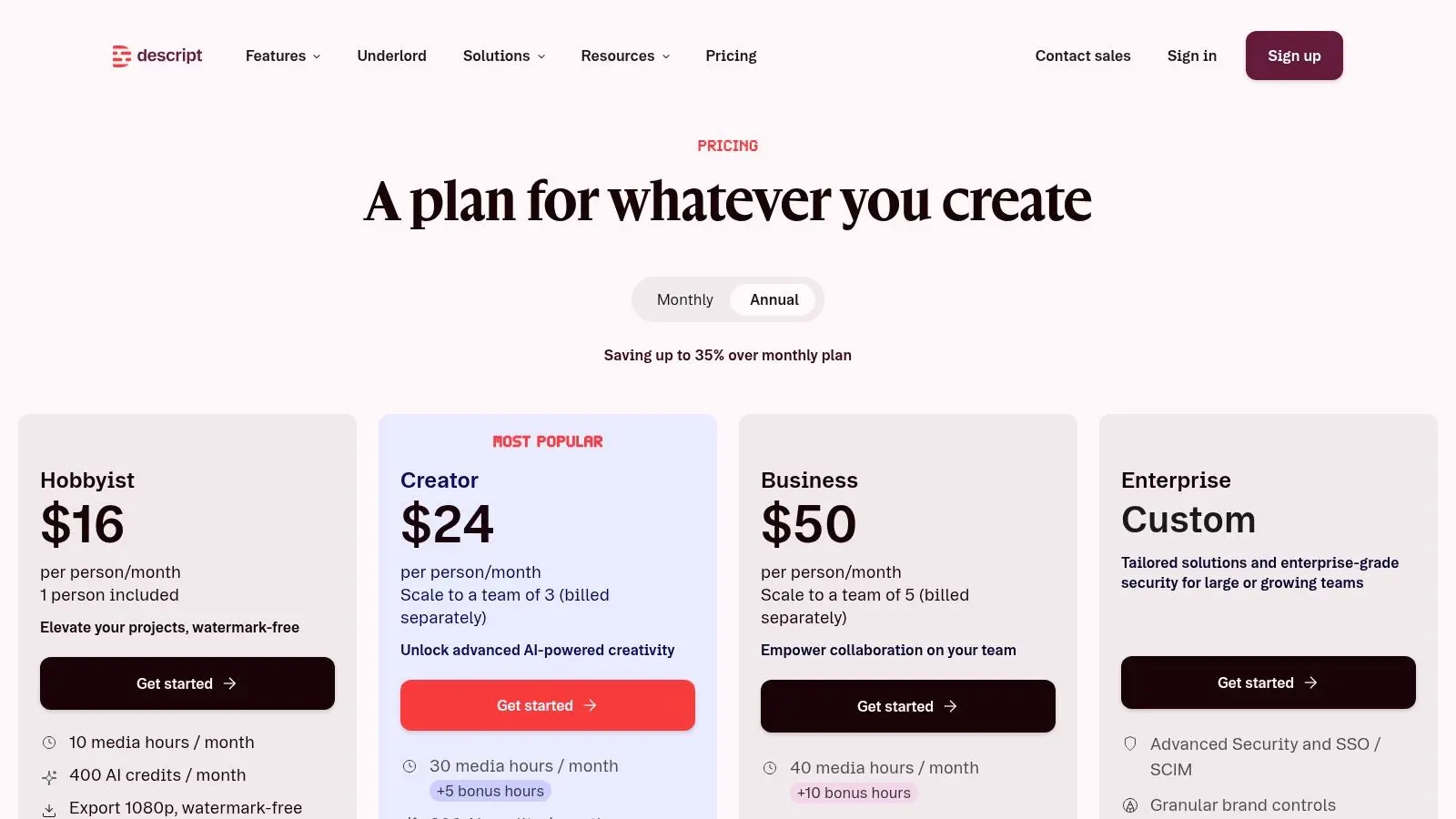
Descript is the tool that makes traditional editors either smile or bristle. If you come from timeline editing, cutting video by editing text can feel strange at first. If you produce explainers, podcasts, webinars, tutorials or talking-head content all week, it can feel like the obvious way the work should have been organised in the first place. For that kind of production, Descript is less about craft flexibility and more about removing repetitive friction. Delete a sentence in the transcript, and the cut updates. That's a very different relationship with the edit.
Why text-based editing changes the workflow
The strongest use case is stakeholder-heavy content that gets revised at script level. Educational teams, marketing departments, founders recording thought-leadership clips and internal comms teams often need rounds of line edits, not refined timeline surgery. Descript is very good at that. It also fits the broader move toward AI-assisted workflows. Comparative content discussing current AI capabilities notes that DaVinci Resolve includes features such as transcription editing, AI subtitles and rotoscoping helpers, while Premiere Pro and Final Cut Pro are still often framed more as traditional timeline editors, as described in this comparison of AI-assisted editing features. That matters because subtitle generation, text-based editing and quick social cut-downs can reduce turnaround time for small teams.
- •Best for spoken-word content: Podcasts, tutorials, interviews and explainers.
- •Best for communicator-led teams: People who think in scripts and transcripts adapt quickly.
- •Not a finishing suite: Heavy colour work, complex compositing and high-end VFX still belong elsewhere.
If you want another perspective on its strengths, this article lets you explore Descript's AI editor with Framesurfer. Visit Descript.
Top 10 Video Editing Software Comparison
| Software | Core strengths | UX / Quality (★) | Value / Pricing (💰) | Ideal for (👥) | Unique selling point (✨ / 🏆) |
|---|---|---|---|---|---|
| Adobe Premiere Pro | Timeline editing to 8K; tight Adobe ecosystem & Frame.io | ★★★★ | 💰 Subscription (studio/agency plans) | 👥 Agencies, studios, broadcasters | ✨ Deep After Effects/Photoshop integration; 🏆 Industry interoperability |
| Blackmagic DaVinci Resolve / Studio | End-to-end edit → colour → VFX → audio; strong codec support | ★★★★★ | 💰 Free tier; Studio one‑time upgrade | 👥 Colourists, finish houses, indie studios | ✨ Unified pages + Neural Engine AI; 🏆 Best-in-class colour & audio |
| Apple Final Cut Pro | Magnetic timeline; Apple Silicon optimised; ProRes/HDR | ★★★★ | 💰 One‑time purchase (macOS only) | 👥 Mac editors, fast-turn branded & social edits | ✨ Speed on Apple Silicon; tight Motion/Compressor workflow |
| Avid Media Composer | Robust media management; Nexis/project sharing; script tools | ★★★★ | 💰 Subscription / enterprise (higher cost) | 👥 Longform TV, multi-editor broadcast teams | ✨ Deterministic timelines for large-scale collaboration; 🏆 Broadcast standard |
| VEGAS Pro (Boris FX VEGAS) | Fast timeline; solid audio & colour; flexible licensing | ★★★ | 💰 Perpetual & subscription (affordable) | 👥 Solo editors, quick-turn creators | ✨ Rapid editing with nested timelines; flexible licences |
| Lightworks | Cross-platform (Win/Mac/Linux); lean footprint; export tiers | ★★★ | 💰 Free → Pro tiers; budget-friendly | 👥 Education, Linux pipelines, cost-conscious teams | ✨ Linux support + background/proxy processing |
| Grass Valley EDIUS 11 | Real-time performance; wide codec/proxy support; stable on modest HW | ★★★ | 💰 Perpetual licences (Pro/Workgroup) | 👥 Newsrooms, event production, mixed‑camera workflows | ✨ Real‑time mixed‑codec reliability for fast‑turn broadcast |
| CyberLink PowerDirector | Prosumer → pro features; AI tools & large asset libraries | ★★★ | 💰 Affordable subscription & perpetual options | 👥 Marketing teams, social creators, training content | ✨ Generative AI + extensive templates/assets for fast output |
| CapCut | Social-first templates, AI effects, cross-device cloud sync | ★★★ | 💰 Generous free tier; region‑dependent plans | 👥 Short‑form creators, social teams | ✨ Rapid template-driven short-form workflows; easy onboarding |
| Descript | Text‑first editing (edit the transcript); overdub & audio cleanup | ★★★★ | 💰 Tiered subscription (high repurposing ROI) | 👥 Podcasters, explainers, comms & edu teams | ✨ Edit-by-text + AI voice cloning; 🏆 Fast content repurposing workflow |
The Right Tool Or the Right Team
Software decisions usually look cheaper than production decisions. That's why teams often keep trying to solve a workflow problem by changing apps. Sometimes that works. Often it doesn't. If your work is mostly social edits, webinars, product demos, internal comms or creator content, the best video editing software really can solve most of the problem. A tool like CapCut, Descript, PowerDirector or Final Cut Pro can remove enough friction to make output faster and more consistent. In those cases, the right software is indeed the lever. But complex productions rarely fail because the timeline software was wrong. They fail because the pipeline was wrong. The brief wasn't translated clearly into visuals. The edit required motion design the team couldn't produce in-house. The project needed colour, sound, animation, VFX, subtitles, platform versions and approval management, but the workload still sat with one overstretched editor. That's the point where DIY becomes expensive in a quieter way. Not through licence cost. Through delays, revisions, missed creative potential and technical compromises. For high-stakes work such as broadcast animation, technical explainers, children's content, branded storytelling, immersive installations or XR experiences, the real question isn't “Which editor should we buy?” It's “Who already has the pipeline, talent and production discipline to deliver this properly?” A specialist team brings editorial judgement, but also producers, animators, art directors, technical leads, sound, finishing and delivery planning. That combination is what keeps ambitious work from collapsing under its own complexity. Studio Liddell sits in that category. The value isn't just access to software. It's the ability to move from pitch to delivery with a production structure that already understands animation, digital storytelling, branded content, apps, games and immersive work. When a project crosses disciplines, that matters more than whether an edit started in Premiere or Resolve. That doesn't mean outsourcing everything. Plenty of teams should absolutely keep routine editing in-house. If you're producing regular social videos, training edits or campaign variants, owning that workflow makes sense. The better move is to reserve specialist partners for projects where quality, complexity or delivery risk rises beyond what an internal editor should reasonably be expected to carry alone. So the right answer depends on the job. Choose Premiere Pro if you need broad compatibility and a familiar professional ecosystem. Choose Resolve if finishing depth is central. Choose Final Cut Pro if you want speed on Mac. Choose Avid for large-scale longform collaboration. Choose VEGAS, Lightworks or EDIUS when their specific workflow strengths match your environment. Choose CapCut or Descript when speed, captions and versioning matter more than classic post craft. And when the job stops being “edit this video” and becomes “build the entire production properly”, choose the right team.
If your next project needs more than a timeline, Studio Liddell can help shape it from concept through delivery, whether that means animation, branded content, technical storytelling or immersive production. If you'd like a practical conversation about scope, workflow and what should stay in-house versus what should be handled by a specialist studio, get in touch.