Best Free Game Development Software: 10 Engines Compared
Popular advice says pick the most popular engine and learn it properly. That's backwards. Popularity doesn't tell you when a free download turns into a bill, a blocked export or a project you can't legally sell. Read the licence trigger first, then look at features. Every tool below costs nothing to start. Some stay free after a commercial release. Others charge once revenue arrives, cap your events, limit daily publishing or reserve console access for paid tiers. Those details decide whether a prototype can become a product without a rebuild. The stakes aren't small hobby stakes either. TIGA's UK development figures put the sector at 25,419 full-time-equivalent development roles in May 2024, with 28,516 people including freelancers. Ukie's UK market summary reports consumers spent £7.6 billion on video games in 2024, so an early idea tested for free may later serve a serious market. This guide sorts the best free game development software by that later cost and by team profile, not by feature count. If you're also prototyping audio on no budget, you can find simple software for making beats alongside your engine test. Match the tool to your skills, platforms and selling plans now, and you'll save a painful migration later.
1. Godot Engine
The catch comes first. Godot has no paid support desk behind it, and some exports need extra setup or community tools. UK-facing Capterra reviews for Godot Engine rate it 4.3/5 overall from 28 reviews, with 5.0/5 for value for money but only 3.8/5 for customer support. You'll document your own pipeline.
That trade-off buys you the cleanest licence on this list. Godot Engine is open source under the MIT licence, with no subscription, royalty or revenue threshold for commercial use. Redistribute Godot itself and you must include the copyright and licence notice. Ship your game and there's no engine fee waiting.
- •2D and 3D in one editor: Purpose-built 2D tools sit beside 3D scene, animation and testing tools.
- •Scripting choice: Use GDScript, or C# in the .NET edition.
- •Multi-platform export: Build for several platforms from one project.
I recommend Godot for indies, schools and small teams who want licensing control and lightweight deployment. If your studio already runs Unity or Unreal pipelines, expect friction, since assets and habits don't transfer directly. For background on how engines structure production, read our guide to what a game engine does for modern studios.
2. Unity Personal
Unity Personal stops being free when you outgrow it. Eligibility is tied to revenue and funding over the previous 12 months staying within the US$200,000 threshold stated by Unity Personal. Console publishing also sits outside Personal. Plan that upgrade into your budget before you commit a team.
What you get in return is the broadest hiring and learning base. A TIGA survey of UK developers found 62% of respondents using Unity, compared with 12% for Unreal Engine, although that survey dates from 2014 and works best as a historical benchmark. Treat it as evidence of long UK familiarity, not current market share.
Where Unity earns its keep
Unity handles 2D, 3D, mobile, desktop, web and AR/VR in one mature real-time workflow. Unity Cloud features come with Personal, and third-party integrations cover most services you'll need. The downside is sheer breadth. New teams can lose weeks choosing packages instead of building gameplay. Licence uncertainty is also a real production risk. TIGA's 2023 to 2024 Business Opinion Survey summary found 6% of surveyed UK games businesses identified uncertainty caused by Unity's proposed runtime fees as an obstacle to growth in December 2023. Check current terms directly, then follow our start to finish guide to game development using Unity before you structure a project.
3. Unreal Engine
Unreal is free until your game earns serious money, then the royalty meter starts. Unreal Engine charges a 5% royalty on qualifying product revenue above US$1 million, while sales through the Epic Games Store are royalty-free under current terms. That's a fair trade for many teams, but model it before launch, not after.
The second cost is hardware and weight. The editor and projects demand strong machines, and the toolset is excessive for a simple 2D game. Don't pay that overhead unless visual ambition justifies it.
If your prototype doesn't need high-end lighting or large 3D worlds, Unreal's power becomes drag rather than advantage.
Where it fits, it's hard to beat. Blueprints visual scripting lets designers prototype without starting in code, while C++ and full source access support deeper engineering. High-end rendering, film and visualisation workflows also make it useful beyond games. Choose Unreal for visually rich 3D, real-time animation or XR work that needs cinematic quality. We've built game-engine-based projects with Unity and Unreal across practically every platform, and the deciding factor is usually team skill, not render demos. Our producer's guide to game development with Unreal Engine covers that production view.
4. GDevelop
GDevelop's engine is free and open source. Its account services aren't unlimited. Free users face limited cloud storage and daily publishing quotas, and certain businesses above the developer's stated revenue or funding threshold must use Pro when using an account. Read the engine licence and the service terms as two separate agreements.
For beginners, that caveat is worth accepting. GDevelop uses a visual event system instead of conventional coding, runs in browser, desktop and mobile apps, and includes behaviours, templates and an asset library. Designers and educators can test a mechanic the same day they think of it. Adoption backs that up for web-first work. The Gamedev.js Survey 2024 found 21.3% of respondents using GDevelop in 2024, alongside 20.9% for Unity and 20.6% for Godot. That reflects a web games audience, so don't read it as the whole industry.
- •Fast prototypes: Event logic gets playable results quickly.
- •Escape hatch: JavaScript extensions handle needs the events can't.
- •Open core: The engine itself is MIT-licensed.
Complex systems will push you into JavaScript or workarounds. If your project already needs inventories, networking and layered AI, start in Godot or Unity instead.
5. GameMaker
GameMaker's free tier has a hard commercial line. You can build and share non-commercial games, including on GX Games, but selling executable copies needs a commercial licence listed at US$99.99 as a one-time purchase on GameMaker. Console work needs Enterprise plus platform-holder approval.
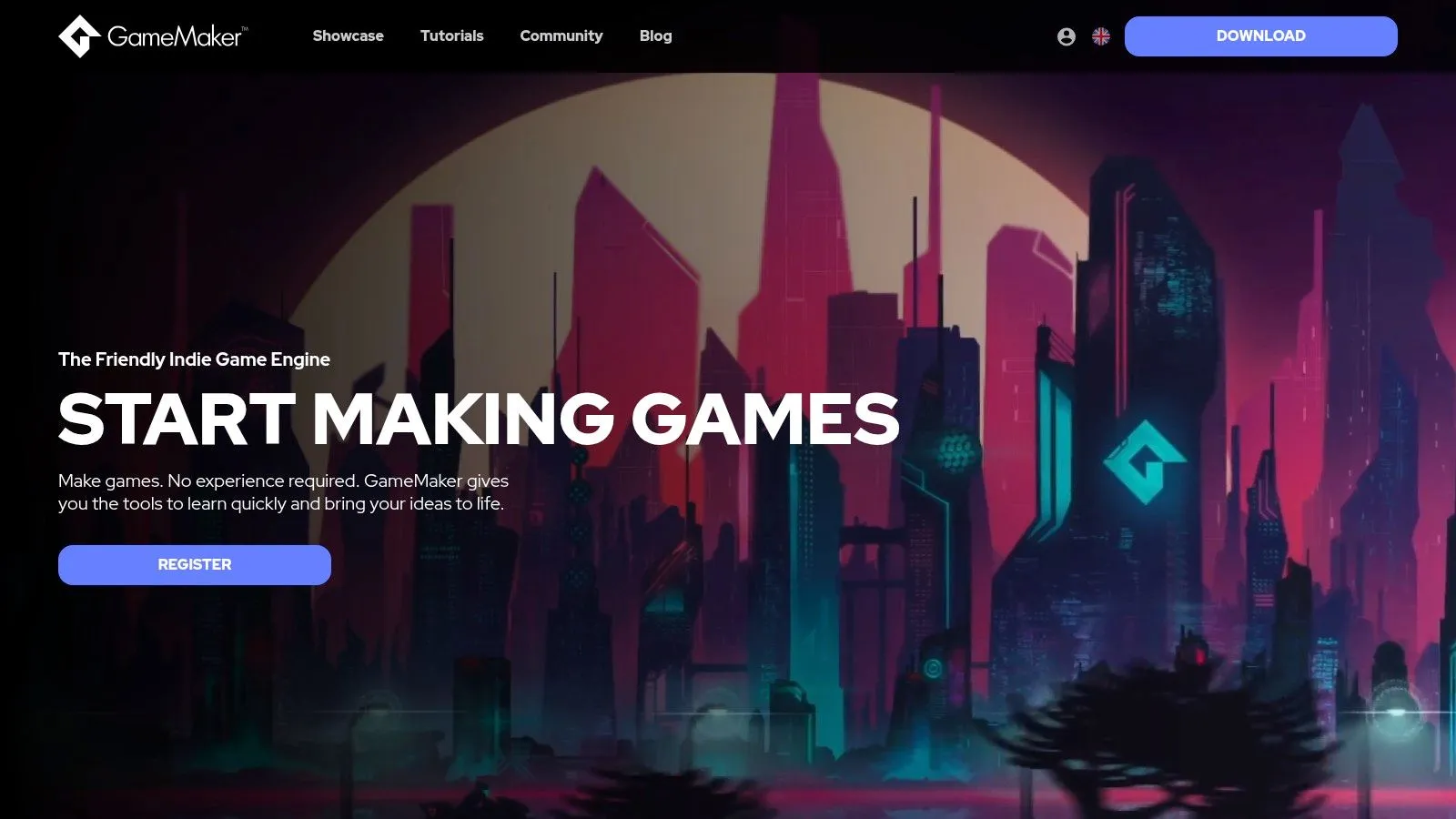
Within 2D, that restriction buys focus. The integrated editor, sprite and room tools, and its scripting language GML all serve one job. You aren't wading through 3D systems you'll never touch, and tutorials and asset bundles shorten the learning curve.
Who should pay the upgrade happily
Pick GameMaker when you're shipping a 2D platformer, top-down action game or pixel-art project on desktop, web or mobile. The free version lets you finish substantial development before spending anything, so you can validate the game first and pay only when you're ready to sell. Skip it for ambitious 3D. General-purpose engines handle that scope better, and forcing GameMaker beyond 2D wastes the focus that makes it good. I treat the licence fee here as a planned launch cost, similar to a store listing fee. It's predictable, which is more than some royalty models offer.
6. Construct 3
Construct 3's free edition is a trial in practical terms. The developer lists a 50-event cap for verified free users, and free-edition projects can't be monetised. Several exports and commercial publishing need a paid subscription from Construct 3. A real game outgrows 50 events fast.
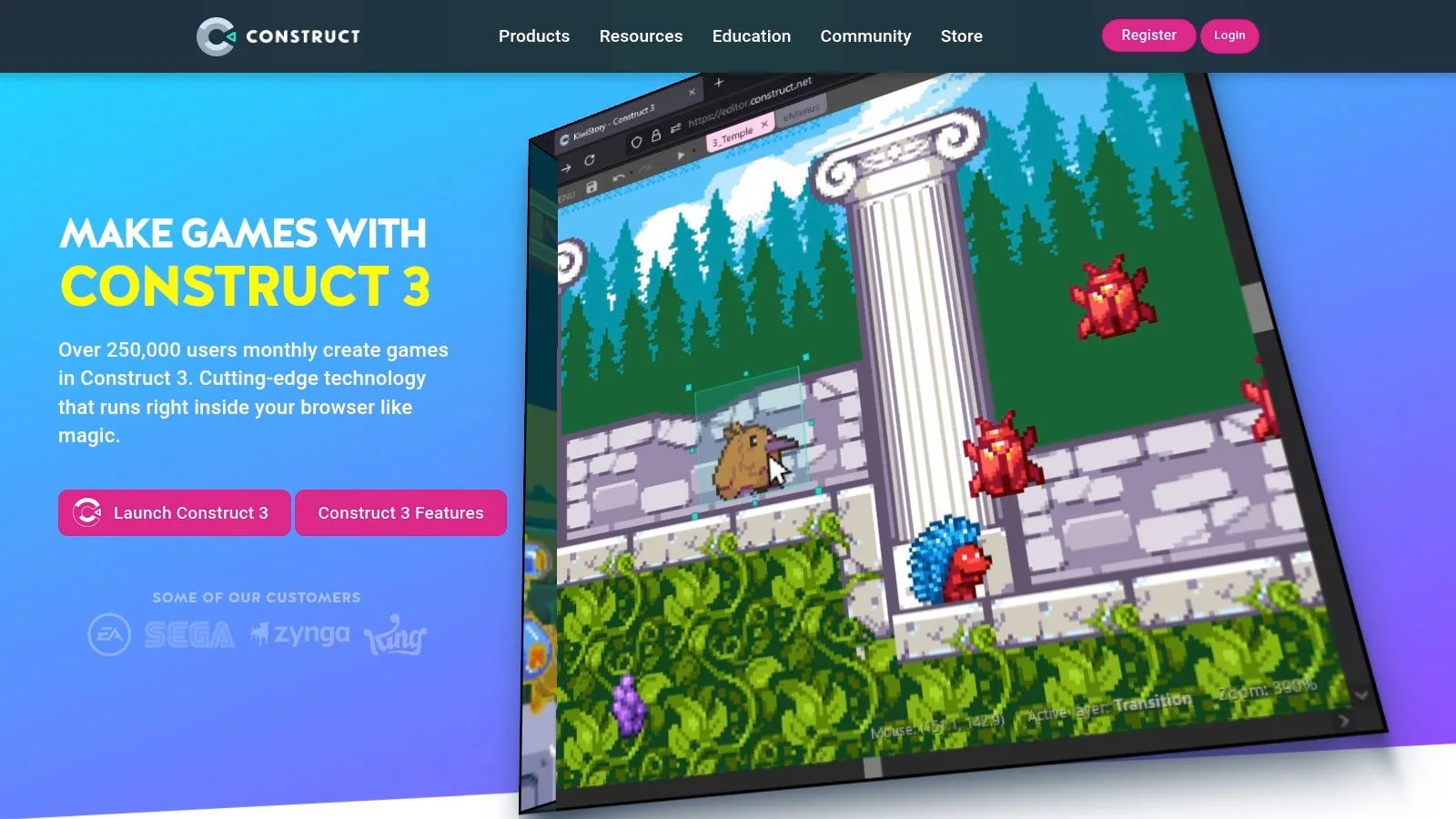
That limit still has a use. The editor runs entirely in the browser, with no desktop installation, guided examples, templates and included asset packs. On shared or managed classroom computers, that's a genuine advantage. Students open a tab and start, instead of waiting for IT approval.
- •Visual event sheets: Build logic without code, with JavaScript available later.
- •Web publishing: Free users can publish to Construct Arcade and export for web.
- •Quick trials: Test whether visual scripting suits your team before paying.
For a school unit or a first game jam, Construct 3 works well. For a commercial release, budget the subscription from day one and compare it against GDevelop, which gives you more room before quotas bite. Browser-first working also won't suit studios that need local pipelines, offline builds or tight version control.
7. Ren'Py
Ren'Py won't make your action game. It isn't trying to. This is a specialised engine for visual novels and writing-led games, and using it outside that lane means fighting the tool with Python workarounds. Browser support is also listed as beta, so test web builds early.
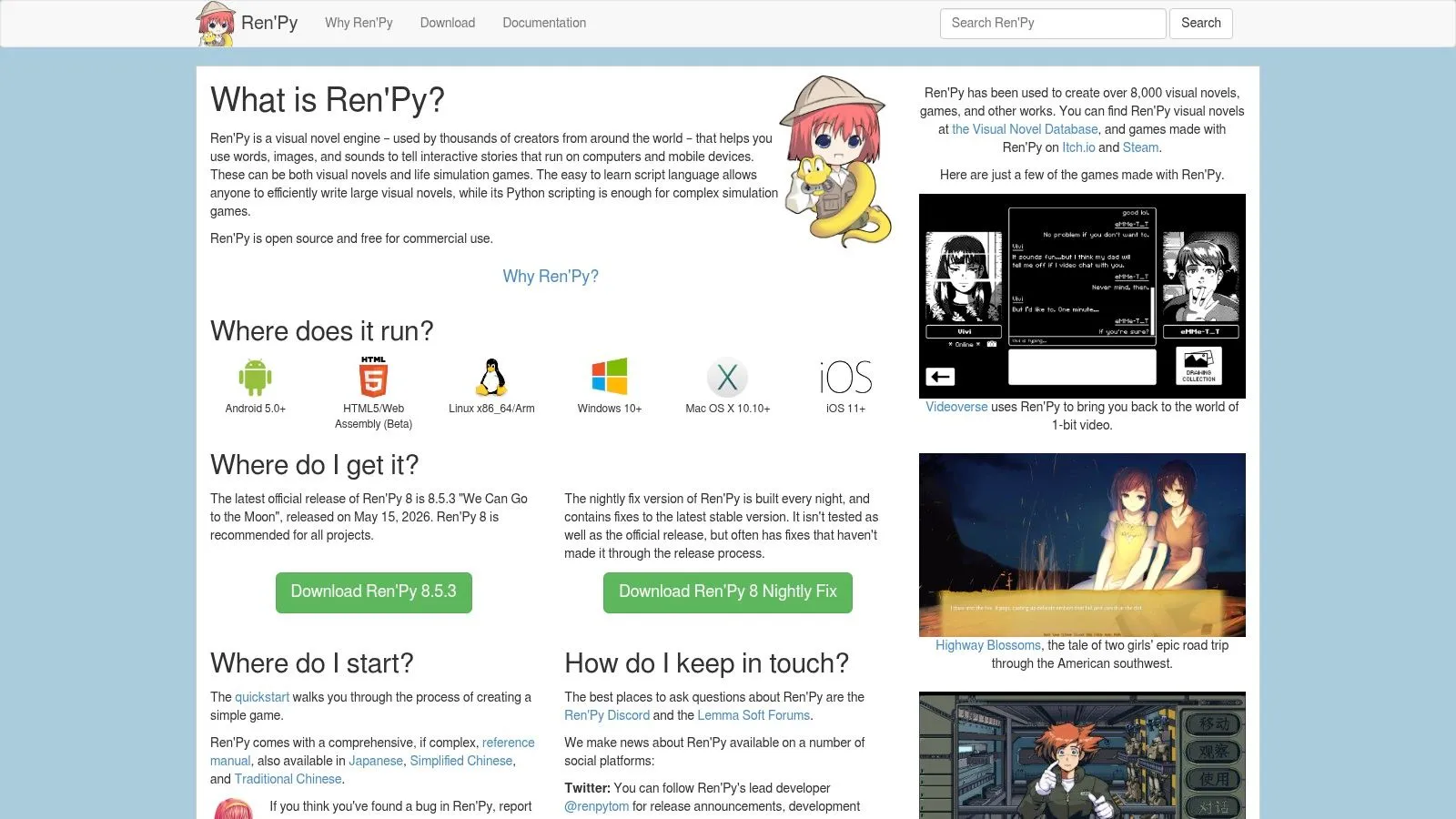
Inside its lane, the terms are excellent. Ren'Py is free for commercial and non-commercial use with no engine fee or royalty. You keep your revenue, which matters for small narrative teams selling modest volumes at low prices. The scripting language handles dialogue, branching choices and scenes without you building story systems from scratch. A screen language covers custom interfaces, and Python supports more complex logic such as stats, inventories or life-simulation systems. Desktop and mobile are supported targets.
Practical rule: If your game is mostly text, choices and character art, don't build that in a general engine. Use the tool that already solved it.
Choose Ren'Py for branching stories, dating sims, educational narrative and choice-driven training. Choose something else the moment moment-to-moment movement, physics or 3D space becomes the core experience.
8. Defold
Defold asks you to learn Lua and accept a smaller ecosystem. If your team only knows C# or C++, that learning time is a real cost, and some advanced needs depend on extensions or native code. There's no royalty hiding later, though.
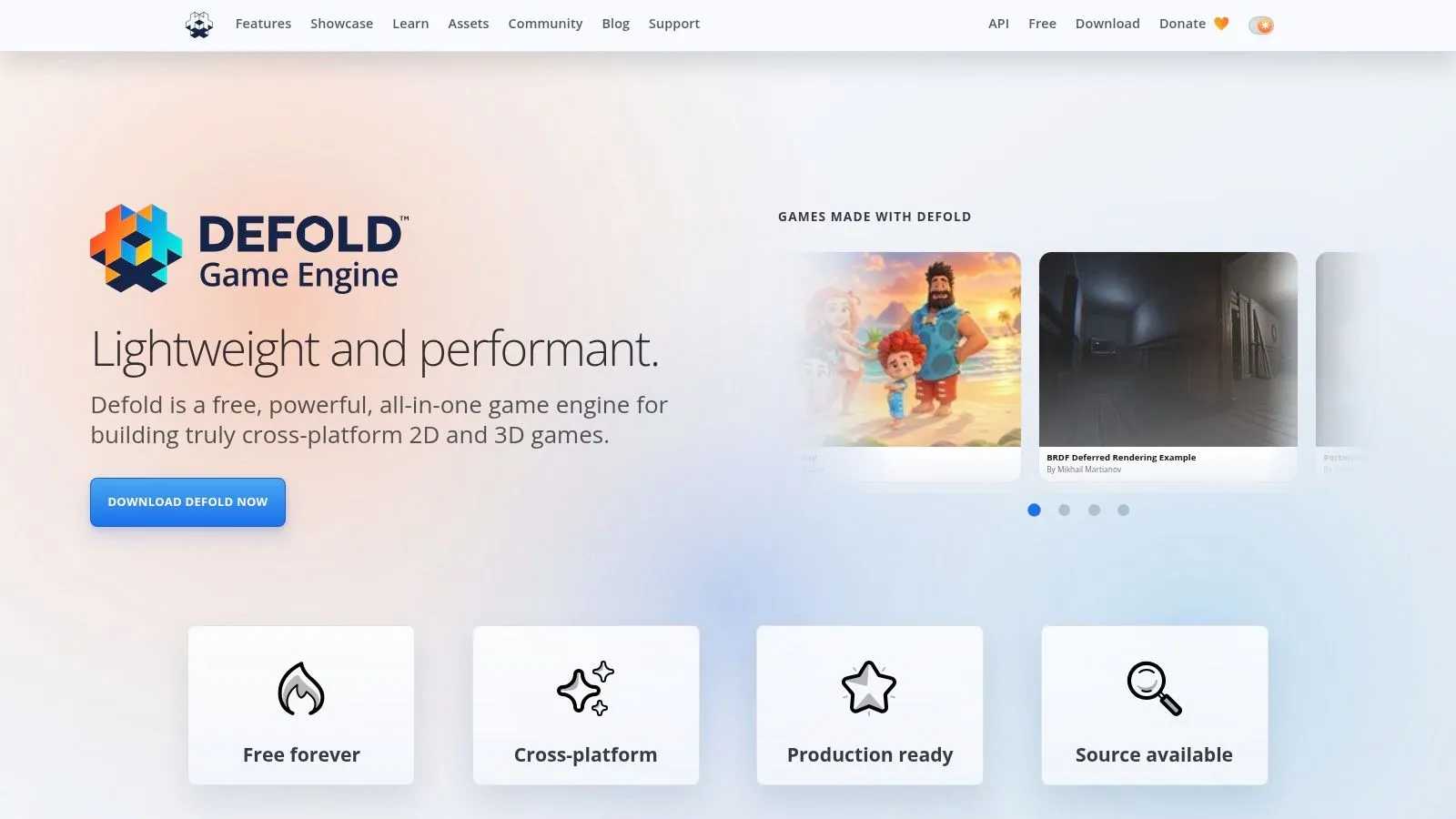
The FAQ on Defold states it's free to use with no hidden costs, fees or royalties. Its source-available licence permits commercialising games made with the engine, but not commercialising the engine or editor itself. That distinction matters if you planned to resell tooling.
A lightweight, complete toolchain
Defold bundles the editor, runtime and build workflow together, with scene and UI tools, particles, atlases, a debugger and profiler. Source availability lets engineers inspect and extend parts of the engine, and cross-platform deployment covers the usual targets without a heavyweight install. I recommend Defold for lean 2D and modest 3D teams who value small builds and predictable terms over a huge asset store. If hiring locally is your priority, Unity's wider familiarity may win. Judge Defold on shipping efficiency, not community size, and prototype your trickiest feature first to confirm an extension exists.
9. Phaser
Phaser isn't an editor. It's a code framework, so there's no visual scene builder waiting for you, and you'll assemble your own asset workflow. Non-browser releases need extra packaging tools. If you don't already program, start elsewhere on this list. If you do program in JavaScript or TypeScript, that missing editor stops mattering. Phaser is a free, open source HTML5 framework for commercial and non-commercial projects, rendering through Canvas and WebGL for desktop and mobile browsers. Sharing a build is as simple as sending a link, which makes playtesting fast.
- •Web-native deployment: No installs for players or testers.
- •Familiar stack: Fits teams already building web applications.
- •Packaging options: Third-party tools can wrap games for app and desktop stores.
Phaser suits branded web games, educational interactives, arcade titles and agency work where browser delivery is the point. It also pairs naturally with web skills many marketing and learning teams already employ. Budget time for the missing pieces. Level editing, animation review and build automation are your responsibility. Teams that accept that trade get a lean, licence-free route to the browser.
10. Panda3D
Panda3D gives you code and very little hand-holding. There's no ready-made no-code experience and no extensive visual authoring, so you'll assemble more of the workflow yourself. Beginners who want drag-and-drop building should pick GDevelop or Godot instead.
In exchange, the licence is about as permissive as it gets. Panda3D describes itself as free for commercial use with no royalties or registration fees, under a permissive BSD licence. No thresholds, no quotas, no upgrade tier. You develop in Python or C++, with real-time 3D rendering, an SDK and deployment tools. Python gives a relatively accessible route into code-driven 3D, which is why Panda3D also appears in simulation and visualisation work, not just entertainment games. Pick Panda3D when a technically confident team wants full control, perhaps for a training simulator, research prototype or visualisation that happens to need game technology. That spillover into other sectors is valuable in itself, since the 2024 Ukie Annual Review reported video-game technology spillovers contributed £760 million to UK GDP in 2024.
How the ten free options differ on licence, scripting and fit
| Item | Licence and cost | Scripting language | Best for |
|---|---|---|---|
| Godot Engine | Free, open source under MIT; no royalties | GDScript; C# in .NET edition | Indie teams and projects spanning 2D and 3D |
| Unity Personal | Free for eligible users under the stated US$200,000 revenue and funding threshold | Not specified | Cross-platform 2D and 3D games, including AR/VR |
| Unreal Engine | Free to start; 5% royalty on qualifying game revenue above US$1 million | Blueprints and C++ | Visually rich 3D games and real-time projects |
| GDevelop | Free, open source; cloud and publishing limits apply | Visual events; JavaScript for extensions | Beginners, education and quick prototypes |
| GameMaker | Free for non-commercial use; commercial licence listed at US$99.99 one-time | GML | 2D games |
| Construct 3 | Limited free edition; paid subscription for more features and commercial publishing | Visual events; JavaScript available | Beginners and classroom game projects |
| Ren'Py | Free and open source; commercial use allowed without royalties | Ren'Py script; Python | Visual novels and branching narrative games |
| Defold | Free to use without fees or royalties; source-available licence | Lua | Lightweight 2D and 3D game development |
| Phaser | Free and open source, including for commercial use | JavaScript or TypeScript | Browser games and web developers |
| Panda3D | Free for commercial use under a permissive BSD licence | Python and C++ | Code-driven 3D games, simulations and visualisation |
Pick the Engine Your Team Can Ship With in 2026
Start with your licence trigger, because that's the part you can't fix with a plugin. If you never want royalties or thresholds, shortlist Godot, Ren'Py, Defold, Phaser and Panda3D. If you'll happily pay once revenue arrives in exchange for ecosystem depth, shortlist Unity and Unreal. If you only need to test an idea, GDevelop, GameMaker and Construct 3 get you playable results fastest, with paid steps waiting at commercial release. Then separate sticker price from total cost. A survey covered by Investing.com's report on open source use among game developers found 87% of 102 game-development professionals regularly used open-source software and 74% preferred Godot among open-source engines, while respondents also flagged performance optimisation and licensing complexity as challenges. Free software can still cost you in scarce expertise, support gaps and handover risk.
- •Staffing and training: Does your team already know the language, or will you fund months of learning?
- •Support and compliance: Who answers when an export breaks a week before launch?
- •Exit cost: What would a mid-project engine migration involve?
Employability should influence students just as much. The PEC Creative Industries Skills Audit for video games reports 50% of games businesses had difficulty filling vacancies in 2024, with shortages contributing to project delays in 54% of studios. The best free game development software for a learner is often the one that teaches version control, profiling, debugging and asset pipelines, not just the one that ships a first demo quickest. Specialist help, whether internal hires or media industry staffing services, becomes easier to find when your stack matches common studio practice.
Build the same small prototype in two engines. One week of testing tells you more than a month of feature comparisons.
Check the current licence terms directly with each provider before you commit, since thresholds and tiers change. Then lock your choice, set up version control and document your build steps from the first week. If you need help building or scaling on the engine you choose, we work with clients through consultation, hands-on development and ongoing support, from initial conceptual development through to final delivery, across web, mobile and PC, Mac and Linux applications. --- If you've picked an engine and need a production team to turn the prototype into a shipped game, interactive or XR experience, Studio Liddell can take it from concept development through hands-on development to final delivery. Tell us your platform, audience and deadline, and we'll help you scope the build before you commit to full production.