Best Editing Video Software Free: Top Picks
You've got the footage. The brief is approved. Then the budget reality lands. There's no room for another monthly software cost, and you still need to cut clean edits, turn around social versions fast, and deliver something that doesn't look like it was assembled in a free toy app. That's where the current free editing scene gets interesting. The best editing video software free options now range from proper post-production platforms to lightweight tools built for vertical content, internal comms, and fast branded cut-downs. Some belong in a studio pipeline. Some are better kept for quick posts and rough assemblies. The trick is knowing which is which before you waste a day migrating a project. If you also want browser-based options for lightweight edits, this roundup of top browser-based video editing tools is a useful companion. For desktop and hybrid workflows, the tools below are the ones I'd consider.
1. DaVinci Resolve
You finish a client cut, then the notes land all at once. Push the skin tones warmer. Clean up the interview audio. Add a tracked screen replacement. Export square and vertical versions before end of day. Resolve is one of the few free tools that can handle that job in a single application without forcing awkward handoffs between three or four programs. That matters in real production. Resolve combines editing, colour, Fairlight audio, and Fusion compositing under one roof, so conform stays tighter and revision rounds move faster. In a studio pipeline, that saves more time than any flashy feature list.
Where It Fits Best
Resolve earns its place when picture quality and finishing discipline matter. Commercials, brand films, music videos, multicam interviews, trailers, and colour-sensitive work all benefit from its node-based grading tools, strong media management, and serious delivery controls. If your team touches log footage, camera matching, or proper broadcast-style finishing, this is the free editor that feels closest to a professional post environment. It also scales better than many free editors once jobs get messy. You can cut social versions quickly, but the bigger advantage is what happens when the brief expands halfway through production. A project that starts as a simple edit can move into noise reduction, keying, motion graphics, surround mixing, or VFX-heavy finishing without a full platform switch. For teams also producing explainers or motion-led brand content, it pairs well with broader workflows around 2D animation software for studio and branded content work.
Practical rule: Choose Resolve if you need a free editor that can start as an offline cut and still hold up at final delivery.
The trade-off is speed to competence. Resolve is not the fastest app to learn if you only need quick meme edits or lightweight internal comms videos. Fusion in particular can slow newer editors down, and the interface makes more sense once you understand post-production stages rather than casual drag-and-drop editing. Hardware also matters. Resolve runs best on a machine with a decent GPU, and underpowered laptops can struggle once you stack grades, noise reduction, or heavier codecs. A few buying signals help:
- •Best strength: End-to-end post in one app, including edit, grade, audio finishing, and VFX.
- •Best use case: Studio-grade branded content, documentaries, interviews, multicam productions, and finishing work that needs colour control.
- •Watch-out: Steeper learning curve and higher hardware demands than Clipchamp, iMovie, or CapCut.
Blackmagic Design outlines the feature set on its DaVinci Resolve product page, and SponsorRadar's Blackmagic Design profile gives useful company background. It also sits naturally beside broader conversations about video content production for UK businesses.
2. Lightworks Free
Lightworks feels like an editor built by people who still think in terms of bins, trims, sequence discipline, and proper timeline craft. That's its appeal. It doesn't try to charm you with templates. It wants you to edit. For editors coming from older broadcast or film workflows, that familiarity is a plus. For beginners, it can feel less forgiving than newer consumer tools. That doesn't make it worse. It just means the software assumes you want a more traditional NLE experience.
Why Editors Still Keep It in Mind
Lightworks Free works best as a learning environment for serious editing habits or as a simple cut-focused tool when you don't need a lot of motion design frills. Proxy workflows and background rendering help, and the cross-platform support is practical if your team straddles Windows, macOS, and Linux. Its trade-off is clear. The free plan has historically limited export options, and some higher-end formats sit behind paid plans on the Lightworks pricing page. That means I wouldn't build a long-term finishing pipeline around the free tier unless your delivery requirements are very modest.
Lightworks is strongest when the edit itself is the job, not when the job depends on heavy graphics, social templates, or integrated VFX.
If you're comparing mature desktop editors side by side, this wider look at best video editing software picks helps place Lightworks in context.
3. Shotcut
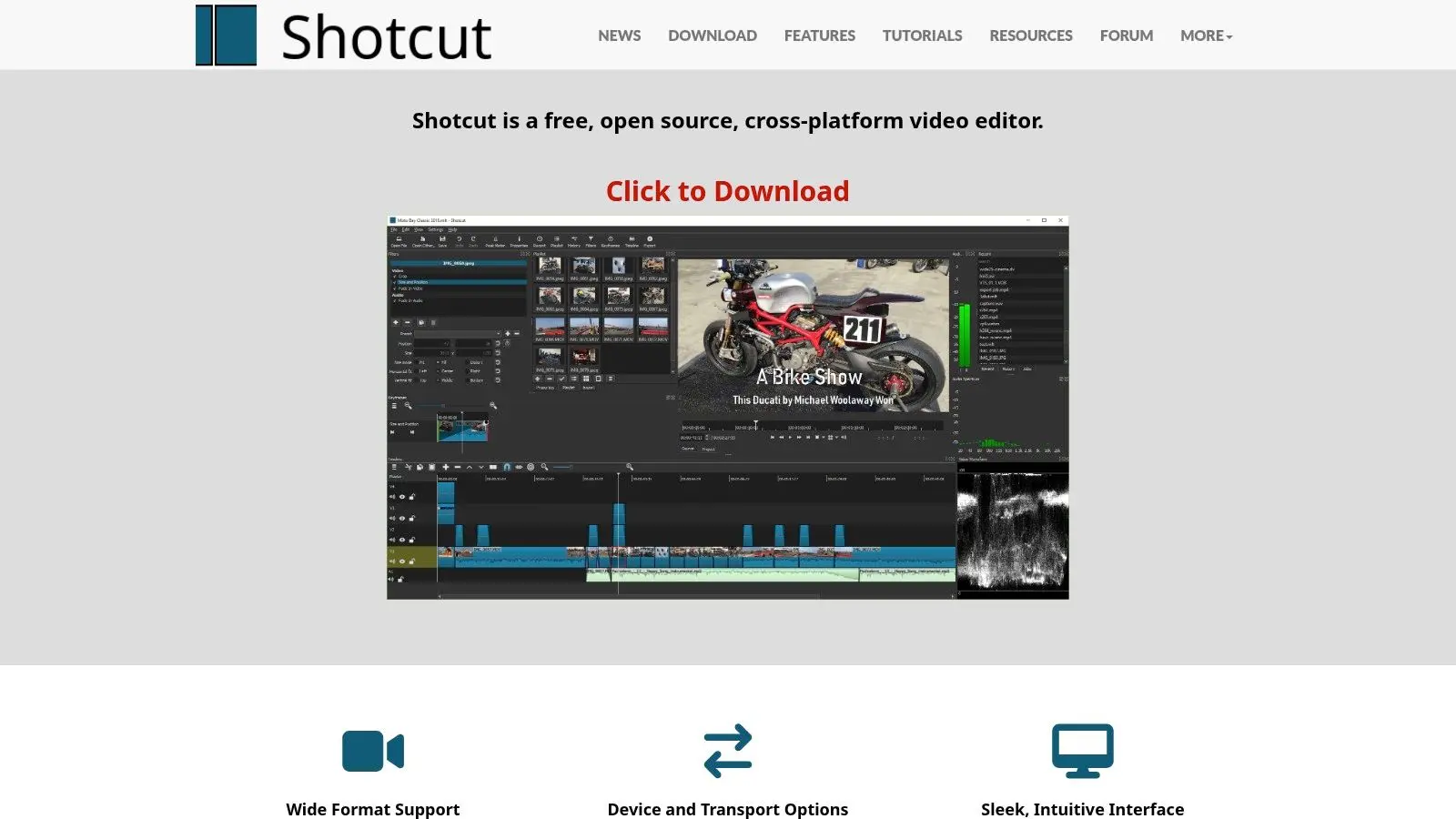
Shotcut is one of the better answers when someone asks for the best editing video software free without hidden catches. It's open-source, cross-platform, and doesn't push you into a gated ecosystem. The interface won't win beauty contests. It's functional, a bit utilitarian, and sometimes feels closer to a practical workshop than a polished creative suite. But that's also why many editors stick with it. The tool stays out of the way once you learn where things live.
Best for No-Nonsense Editing
Shotcut suits corporate videos, training content, educational pieces, internal comms, talking-head edits, and straightforward social work. Wide format support through FFmpeg is useful when clients hand over whatever they happened to record, and the native timeline can speed up rough assembly. It's also a sensible bridge tool for motion designers and animators who don't need a heavyweight NLE every day. If your work often starts in illustration or animation packages, it pairs nicely with thinking around the best 2D animation software options. A few practical realities:
- •What works well: Quick assembly, trims, filters, titles, and small-to-medium edits.
- •What doesn't: Template-led workflows, slick onboarding, or premium-feeling UX.
- •Who should pick it: Users who value control and openness more than polish.
You can download it from the official Shotcut website.
4. Kdenlive
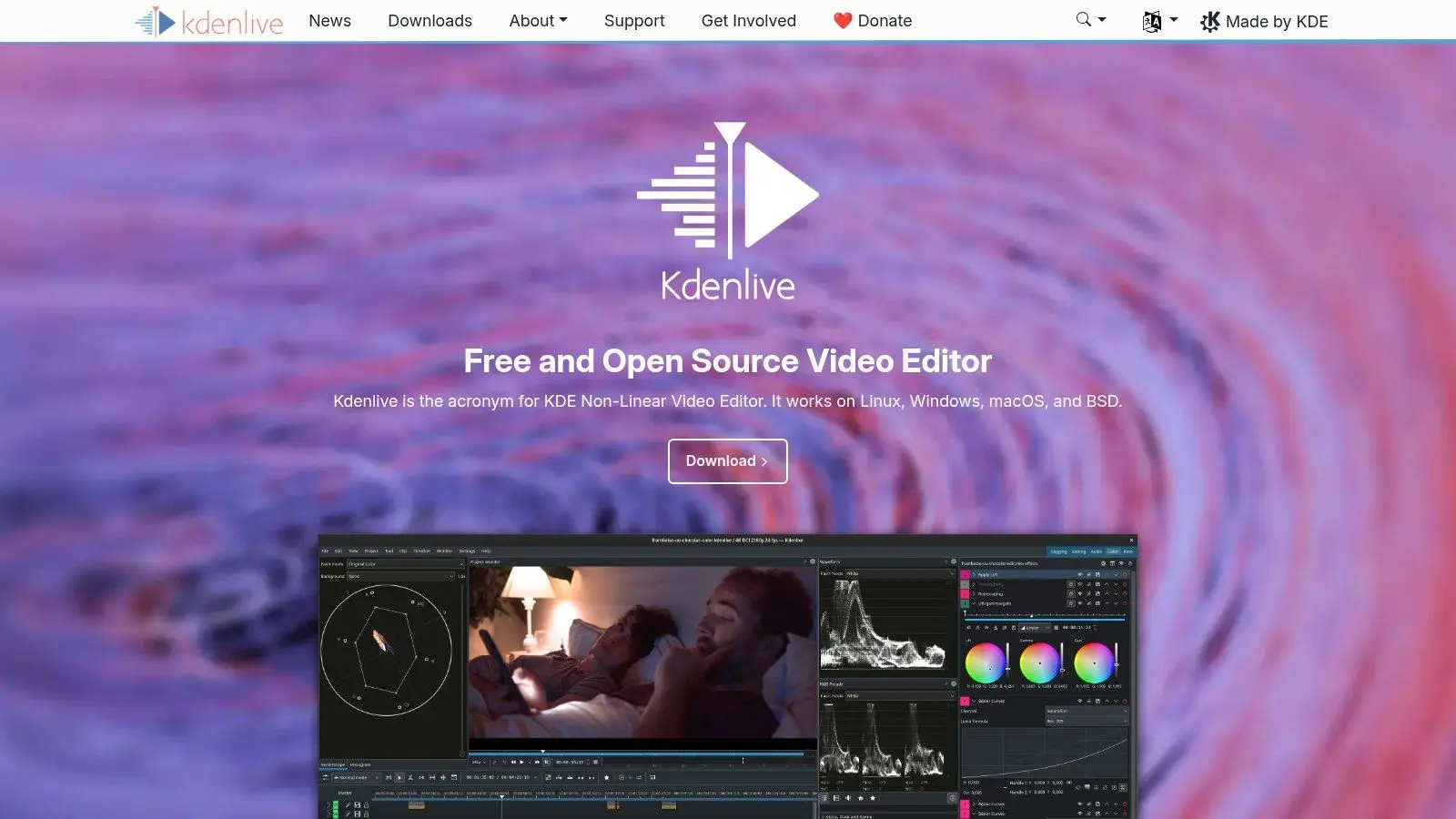
Kdenlive is the open-source editor I'd look at when the project gets more layered. Unlimited tracks, project archiving, automatic backups, and proxy workflows make it more viable for longer edits than some people assume. That makes it useful for documentary assemblies, event recaps, webinar packages, training series, and any timeline that keeps growing because stakeholders keep “just adding one more section”. It has the kind of practical project management features that matter once the edit stops being a quick cut and starts becoming an actual production file.
The Real Trade-Off
Kdenlive can be powerful, but it may also need a bit of patience. Stability varies by setup, and very large projects sometimes benefit from careful proxy use and tidy media handling. That's not unusual in free software, but it's worth planning for. If your instinct is to keep everything organised, versioned, and archived properly, Kdenlive rewards that discipline. If you want a frictionless drag-and-drop app with guided templates, it probably won't. You'll find it at the official Kdenlive site.
5. OpenShot
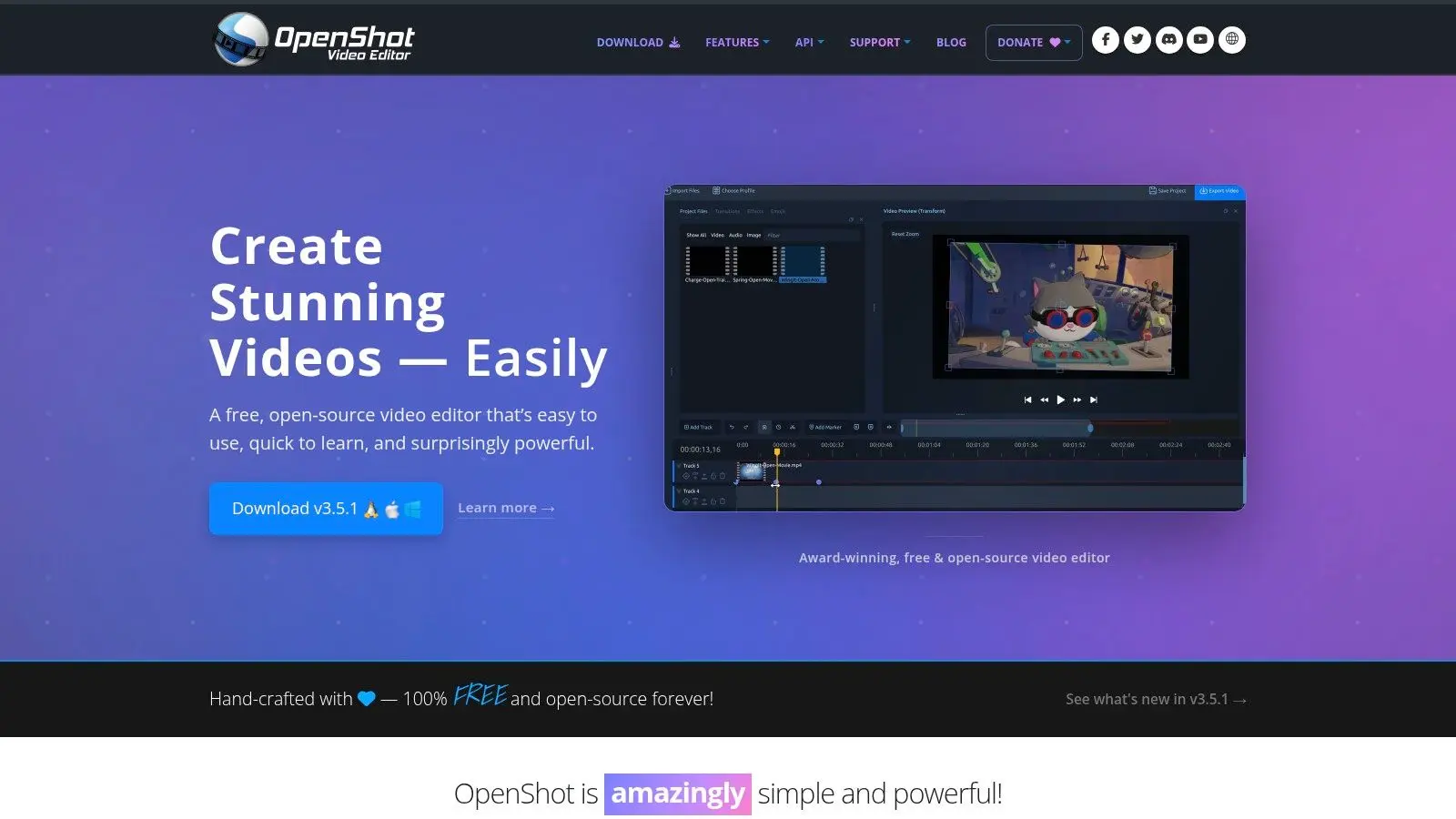
OpenShot is the one I'd hand to a non-editor who still needs to make something coherent by the end of the day. It's approachable, the drag-and-drop workflow makes sense quickly, and it doesn't punish basic users with a maze of pro terminology. That simplicity makes it a sensible fit for internal marketing teams, educators, small businesses, and founders cutting product teasers, social bumpers, or presentation videos. It also helps when the project owner wants to make small changes themselves instead of feeding every text swap back to production.
Good for Fast Basics, Not Deep Finish
OpenShot covers titles, keyframes, transitions, waveforms, and basic audio work. Blender integration for 3D titles is a nice extra, though I'd treat that as a bonus rather than the reason to choose it. Where it starts to wobble is scale. If the timeline gets heavy, layered, or media-rich, performance can become the bottleneck. For short-form branded content, though, it can do the job well enough without overwhelming the user.
If the person editing isn't really an editor, OpenShot often gets them to a usable result faster than a more powerful tool would.
The software lives at the OpenShot homepage.
6. iMovie
iMovie stays relevant because it solves a real production problem. Sometimes you don't need a full post pipeline. You need to get from clips to clean export quickly, on hardware you already own, without training somebody for a week. Within the Apple ecosystem, it's still one of the smoothest ways to assemble interviews, cut social clips, build trailer-style edits, or stitch together event footage shot on an iPhone or iPad. Storyboards and Magic Movie are made for speed, not nuance, and that's fine when speed is the point.
Best Inside Apple-Only Workflows
iMovie works well for schools, internal teams, solo creators, and producers roughing out an idea before moving to something bigger. Chroma key, picture-in-picture, split-screen, and 4K export on supported devices are enough for a lot of real work. Its limits are obvious. If you need deeper audio control, advanced colour tools, proper finishing options, or broad format flexibility, you'll hit the ceiling. But for quick and polished edits on Mac, iPhone, or iPad, it's still one of the safest free choices. You can get it from Apple's iMovie page.
7. Microsoft Clipchamp
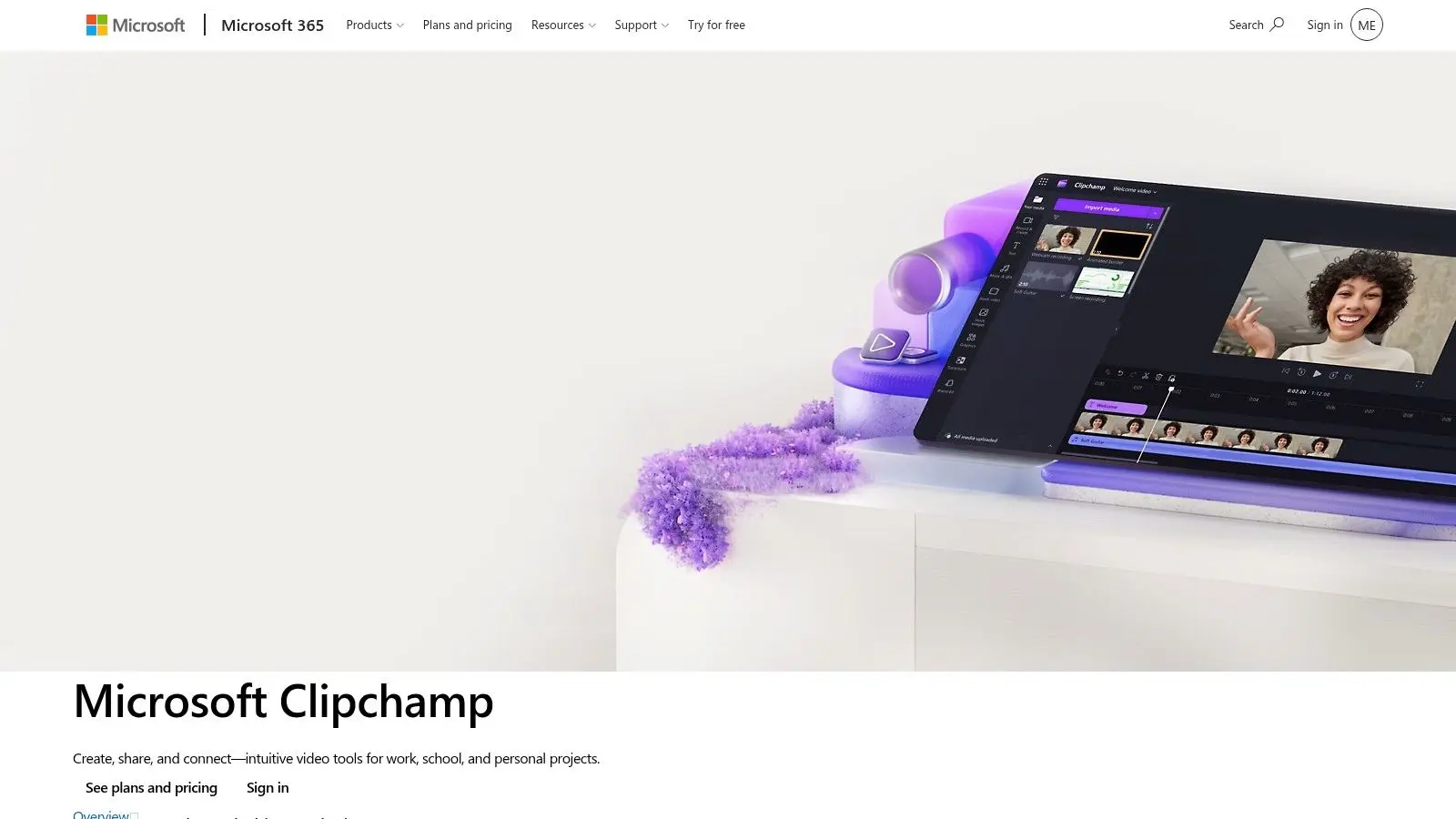
Clipchamp is built for business users who need a result fast and don't want to think like editors. That sounds dismissive, but it isn't. In a lot of organisations, that's the exact requirement. If you're producing explainers, screen-recorded training clips, internal updates, recruitment videos, product intros, or lightweight promo edits, Clipchamp makes sense. The screen and webcam capture tools are practical, and the template-driven approach helps teams stay moving.
Where It Wins
Clipchamp is strong when brand consistency matters more than cinematic control. It's especially useful for Microsoft-heavy workplaces where content production is part of operations rather than a dedicated craft role. A few points matter in practice:
- •Fastest route: Explainers, talking-heads, training videos, and social edits.
- •Less ideal for: Detailed grading, advanced compositing, or finish work with demanding delivery specs.
- •Best environment: Edge or Chrome, especially for browser-based sessions.
The platform is available from Microsoft Clipchamp.
8. CapCut
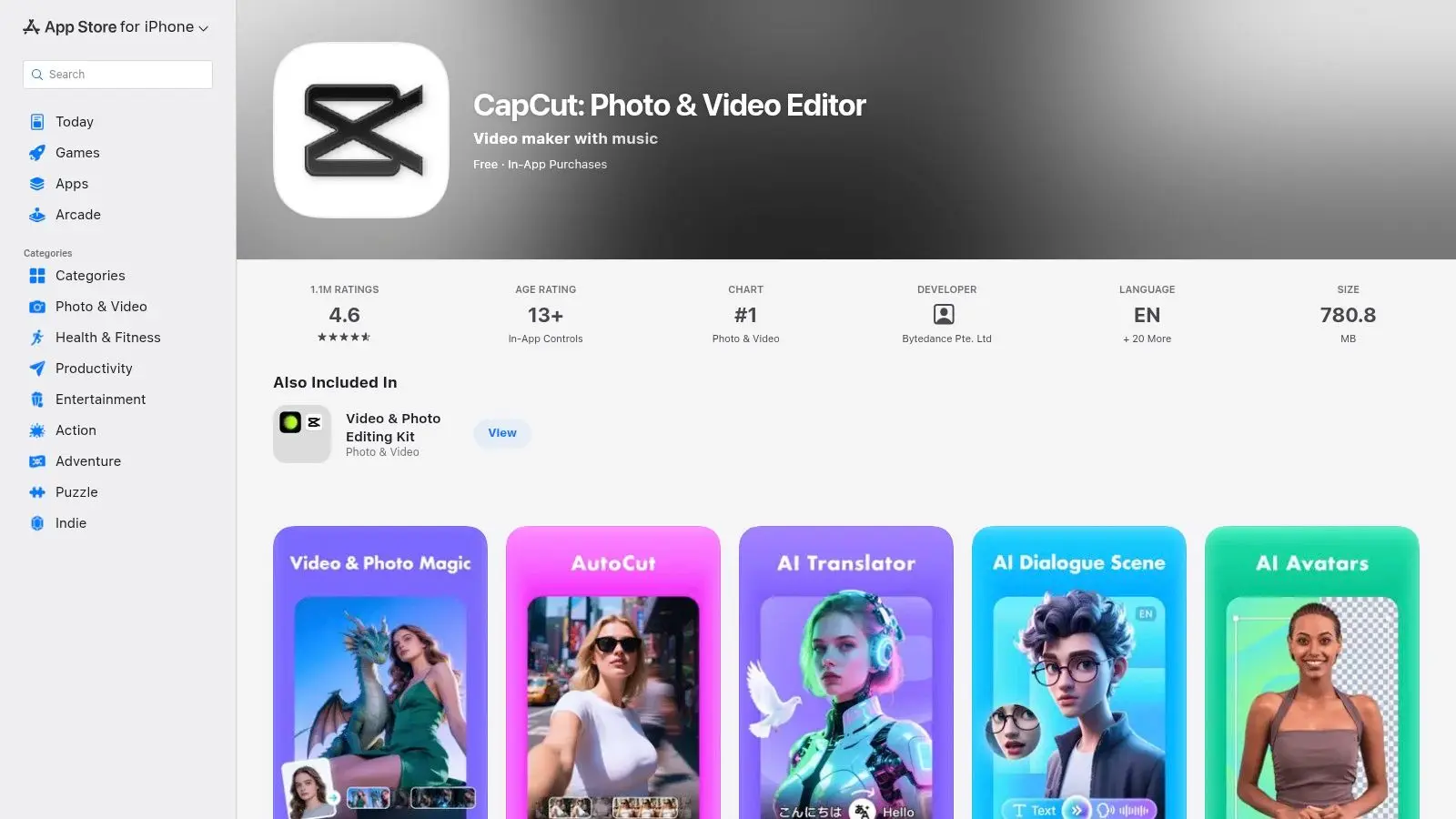
A client sends footage at 9 a.m., wants six vertical cutdowns by lunch, and needs captions, music, and platform-safe framing without a long finishing pass. CapCut is built for that kind of day. It is one of the strongest free options for social production because the workflow is tuned for speed first. Short-form creators, in-house marketing teams, and agencies producing high volumes of Reels, Shorts, TikTok edits, and paid social variants can move from rough cut to publish-ready export quickly. Zapier's review also notes CapCut's broad UK adoption, AI-assisted tools, and GDPR-related UK infrastructure updates, which helps explain why it has become a common choice for fast-turn content teams in that market best free video editing software analysis.
Best for Social Pipelines and Fast Turnarounds
CapCut works well when the edit is only one step in a larger content pipeline. You cut quickly, generate captions, resize for multiple platforms, swap templates, and hand assets between mobile, web, and desktop with little setup. That matters in studio environments where one source shoot turns into ten deliverables. The trade-off is straightforward. CapCut is not where I would finish a colour-critical brand film, manage a demanding long-form timeline, or build a VFX-heavy sequence with precise audio post. Its smart tools are useful, but they are aimed at acceleration, not detailed control. If your workflow depends on colour management, disciplined media organisation, round-tripping, or careful finishing for broadcast-style delivery, you will feel the ceiling.
Producer's view: CapCut earns its place when output volume matters more than edit precision.
Use CapCut when you need:
- •Vertical-first production: Reels, Shorts, TikTok-style edits, and quick paid social versions.
- •Rapid template work: Repeatable promos, creator campaigns, product drops, and weekly content series.
- •Quick captioning and reframing: Useful for teams repurposing interviews, podcasts, and talking-head shoots.
- •Flexible handoff: Mobile, browser, and desktop access for distributed teams or creators working across devices.
You'll find it at CapCut's official site.
9. Blender Video Sequence Editor
Blender's Video Sequence Editor is not my first recommendation for general editing. It becomes interesting when the edit is tied directly to 3D production, compositing, or a custom pipeline. That distinction matters. If your project involves rendered passes, 3D elements, motion graphics assembly, or test edits around animation shots, keeping work inside Blender can reduce handoff friction. You can cut, add text overlays, manage simple transitions, and stay close to the rest of the 3D toolset.
Best When Editing Supports CG Work
For pure editing, Blender feels non-traditional. Editors coming from Resolve, Premiere-style systems, or even Shotcut will notice that immediately. But for technical artists, animation teams, and hybrid generalists, the VSE can be the practical choice because it sits next to compositing and 3D. That makes it more of a pipeline tool than a broad recommendation. If you're already using Blender, it's useful. If you aren't, I wouldn't learn Blender just to get a free NLE. You'll find the software at Blender's official website.
10. VideoProc Vlogger
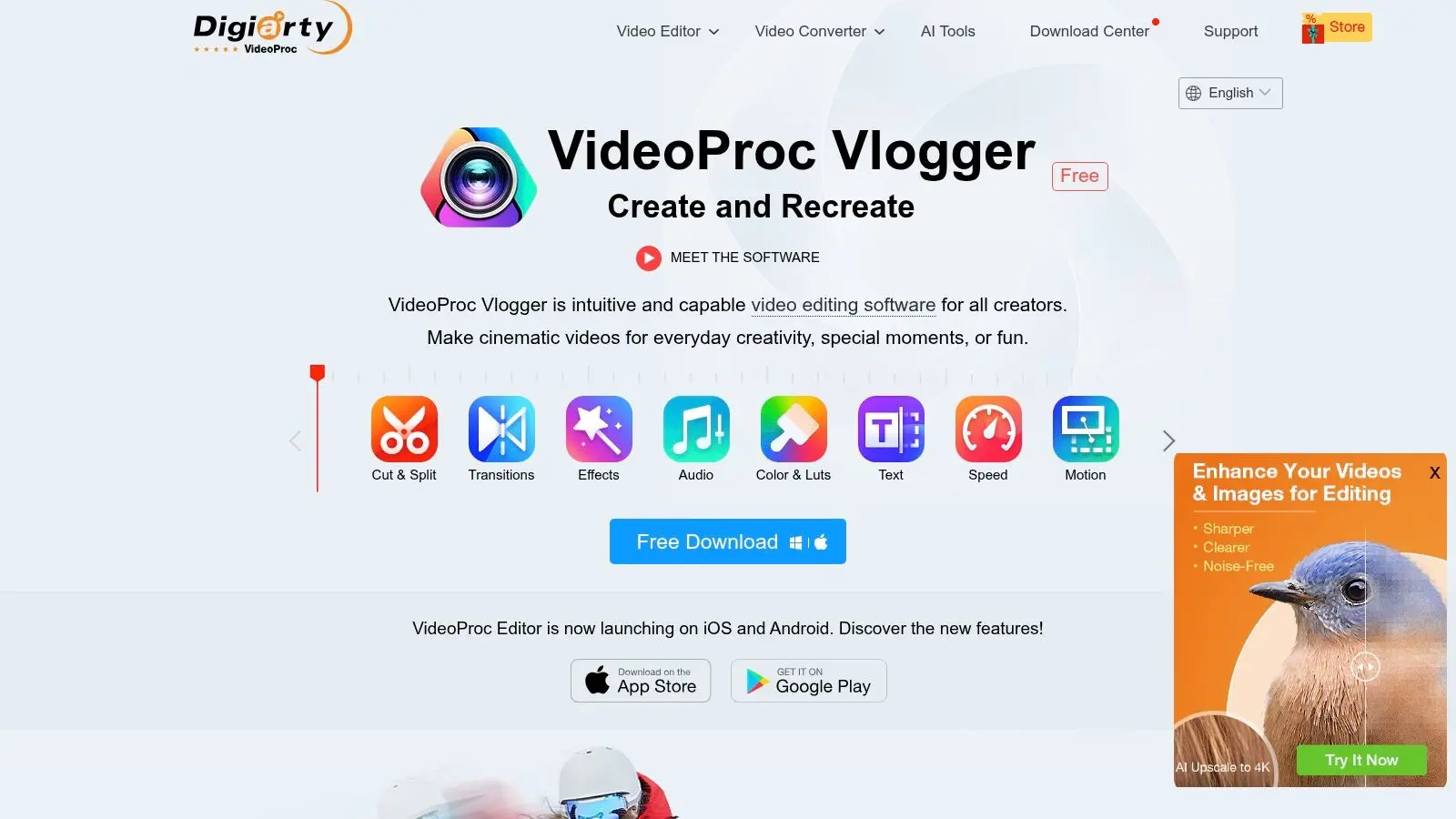
VideoProc Vlogger is aimed at a very specific pain point. You've got modern footage, maybe 4K or HEVC from phones, drones, or action cams, and you don't want playback to turn into a stuttering mess on modest hardware. That's where it earns attention. Hardware acceleration is the main reason to look at it. If your machine struggles with heavier editors, a tool built around smoother handling can beat a more prestigious platform that technically has more features but feels awful in use.
Good on Modest Systems
VideoProc Vlogger offers keyframes, speed ramping, colour filters, titles, transitions, and multi-track editing. The bigger advantage is practical responsiveness. For quick-turn edits where speed matters more than elaborate finishing, it can be a workable option. Its downside is ecosystem depth. You don't get the same professional gravity, community mindshare, or broader pipeline relevance you get with Resolve or even more established open-source editors. Still, for certain users, “works smoothly on my computer” is the deciding feature. The product is available at VideoProc's video editing software page.
Top 10 Free Video Editors: Feature Comparison
| Product | Core features ✨ | UX / Quality ★ | Value / Price 💰 | Target audience 👥 | USP / Standout 🏆 |
|---|---|---|---|---|---|
| DaVinci Resolve | ✨ Advanced colour grading, Fairlight audio, Fusion VFX, multicam | ★★★★☆ pro‑grade; steep learning | 💰 Free (powerful) · Studio for advanced AI/codecs | 👥 Post‑production houses, colourists, finishers | 🏆 Industry‑leading colour + end‑to‑end finishing |
| Lightworks Free | ✨ Traditional timeline, proxy workflows, cross‑platform | ★★★★☆ stable, film heritage | 💰 Free (export limits) · paid for high‑end codecs | 👥 Film editors, learners wanting classic NLE | 🏆 Mature, proven film‑grade workflow |
| Shotcut | ✨ FFmpeg format support, native timeline, 4K, filters | ★★★★☆ utilitarian UI; lightweight & fast | 💰 Completely free & open‑source | 👥 Corporate/educational/social editors avoiding lock‑in | 🏆 Broad format support via FFmpeg |
| Kdenlive | ✨ Unlimited tracks, strong effects, autosave & proxies | ★★★★☆ feature‑rich; occasional OS quirks | 💰 Free & open‑source; active community | 👥 Long‑form editors, Linux users, complex timelines | 🏆 Robust toolset for complex projects |
| OpenShot | ✨ Drag‑and‑drop timeline, titles, simple compositing | ★★★☆☆ very approachable; can lag on big projects | 💰 Free; no watermark | 👥 Beginners, marketers, quick social edits | 🏆 Extremely easy for non‑editors |
| iMovie | ✨ Storyboards, Magic Movie, 4K export, templates | ★★★★☆ polished & very low learning curve | 💰 Free on macOS/iOS/iPadOS | 👥 Apple users, social creators, quick turnarounds | 🏆 Seamless Apple ecosystem & ready‑made templates |
| Microsoft Clipchamp | ✨ Template library, brand tools, screen/webcam capture | ★★★★☆ fast template‑driven workflow (web/Win) | 💰 Free 1080p; premium assets behind paid plans | 👥 Marketers, teams, training & explainers | 🏆 Microsoft 365 integration for quick branded videos |
| CapCut | ✨ Auto‑captions, bg removal, motion tracking, templates | ★★★★☆ social‑first; mobile↔desktop evolving | 💰 Free core; CapCut Pro for premium assets | 👥 Short‑form/social creators & teams | 🏆 Fast AI tools tailored for vertical/social content |
| Blender (VSE) | ✨ Multi‑track editing + compositor & 3D integration, scripting | ★★★☆☆ non‑traditional NLE UX; very powerful if familiar | 💰 Free & highly extensible | 👥 3D artists, studios needing tight 3D→edit pipeline | 🏆 One app for 3D, compositing and editing workflows |
| VideoProc Vlogger | ✨ GPU acceleration, keyframes, speed‑ramp, 4K/HEVC | ★★★★☆ smooth playback on modest hardware | 💰 Free forever (vendor claim); optimized for action cams | 👥 Vloggers, action‑cam shooters, creators on modest PCs | 🏆 Hardware‑accelerated 4K/HEVC performance |
How to Choose A Workflow-First Framework
A producer has to turn around six vertical cutdowns by 4 p.m., a brand film is waiting on final grade approval, and a 3D product animation needs one more render pass before conform. Those jobs should not start in the same editor. Workflow fit decides whether free software saves time or creates cleanup work later. Start with the finish line. If a project needs colour-managed delivery, proper audio post, VFX handoff, or broadcast-style QC, DaVinci Resolve is the strongest free option because the edit does not have to leave the same environment for grading and finishing. Analysts at Straits Research note wider adoption of free and lower-cost professional tools in UK production workflows, particularly where studios are balancing output standards against software spend in the UK video editing software market report. That matters in practice because free software is no longer limited to hobby use. In the right pipeline, it can reduce licence overhead without forcing a drop in delivery standards. Speed matters just as much as depth. CapCut and Clipchamp suit content teams publishing weekly social edits, paid variants, training clips, and internal comms because templates, captions, resizing, and fast exports remove repetitive steps. iMovie also fits that category for Apple-based teams that want clean results with very little setup. These are production tools for volume and turnaround, not finishing suites for colour-critical campaign work. Open-source options need a more specific choice. Shotcut works well for editors who want flexibility and a lighter footprint. Kdenlive handles longer, denser timelines better and gives more room for structured editing. OpenShot is the easiest handoff if a non-editor needs to trim, reorder, and export without much training. Blender's VSE earns its place when editing sits next to 3D, compositing, or animation work, because keeping shots, renders, and edit decisions inside one broader creation environment can save a lot of back-and-forth. Lightworks Free and VideoProc Vlogger fill narrower but useful roles. Lightworks still appeals to editors who prefer a classic NLE mindset and are comfortable working within the free tier's limits. VideoProc Vlogger is a practical pick when playback performance on modest hardware is more important than having a large plugin ecosystem or studio-style finishing tools. Hardware sets the ceiling. Free editors can still struggle with high-bitrate footage, layered timelines, HEVC media, and GPU-heavy effects. If playback is breaking your rhythm, more RAM or a better-matched machine can make a larger difference than switching software, and this guide to business laptop upgrades and DDR4 RAM considerations is a sensible place to start. Choose for the handoff, not just the cut. A social media coordinator usually needs fast captioning, reframing, and repeatable exports. A studio team handling animation, XR, branded film, or complex stakeholder review needs stronger project structure, better media management, cleaner finishing, and fewer round-trips between apps. That is the key distinction. The best free editor is the one that supports the whole job, from first assembly to final delivery, with the least friction for the people using it. If you're weighing up free editing tools but the project itself needs more than software, Studio Liddell can help. From animation and branded content to XR experiences and broadcast-quality delivery, the team builds production pipelines around the work, not around hype. Book a conversation if you need a clearer route from brief to finished content.