Best 2D Animation Software: Top Picks
You're probably in one of two positions right now. Either you need the best 2d animation software for an actual production pipeline, or you're trying to avoid buying the wrong tool, training a team on it, and rebuilding the workflow six months later. That's a key problem with most software roundups. They compare feature lists as if every buyer is a solo creator making short clips. In studio work, software lives inside a pipeline. It has to survive handoffs between design, boards, rigging, animation, comp, editorial, and client review. If it doesn't, the tool is “cheap” only until the rework starts. If you need a quick refresher on the language around design and production, this glossary of design terms for marketers and founders is useful. In the UK, teams usually judge serious 2D tools by how well they hold up in professional production, not by consumer popularity. Industry guides consistently place Toon Boom Harmony, Adobe Animate, and TVPaint among the leading commercial options for pro 2D work, especially where broadcast-grade delivery and collaboration matter, as noted in this overview of leading 2D animation software used in professional pipelines. Below are the tools worth considering. Not all of them are “best” in the same way. Some are best for series production, some for hand-drawn craft, some for games, and some for hybrid 2D and 3D delivery.
1. Toon Boom Harmony
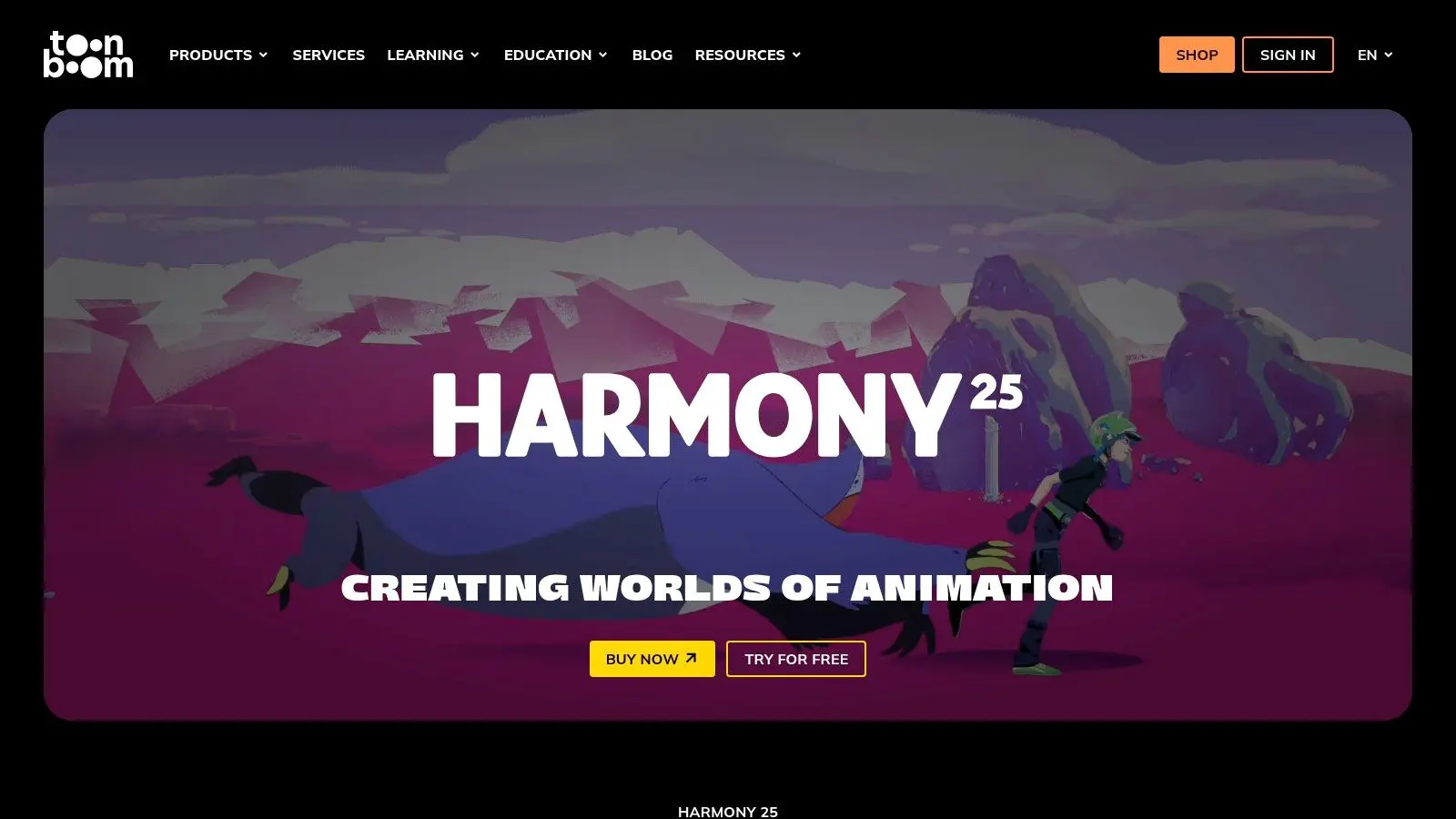
If you work in broadcast series, recurring branded content, or any show with repeatable character setups, Harmony is usually the first serious answer. It's widely treated as the professional standard for 2D animation, and that reputation comes from pipeline depth rather than hype. It handles drawing, rigging, effects, and compositing in one environment, which reduces the amount of shuffling between apps. Its real strength is that it supports both cut-out and frame-by-frame workflows without feeling like two unrelated systems bolted together. That matters when one sequence needs expressive hand-drawn work and the next needs reusable rigs to stay on schedule.
Where Harmony earns its keep
- •Rig-heavy production: Deformers, constraints, and reusable setups make it strong for episodic work.
- •In-app finishing: Node-based compositing helps teams keep more of the shot workflow inside one package.
- •Larger teams: Database and network licensing options suit productions where multiple artists need to touch the same assets safely.
The downside is obvious once you move beyond basics. Advanced rigging and node compositing take training, and smaller teams can end up paying for capability they won't fully use. Harmony is rarely the easiest place to start, but it's often the safest place to scale.
Practical rule: If your delivery model includes multiple episodes, repeat clients, or frequent revision rounds, choose the tool that reduces production risk first.
For buyers comparing software against outsourcing, Harmony is often the benchmark because it reflects the kind of pipeline discipline you'd expect from a studio partner. This guide on choosing a 2D animation studio, budgets, timelines and red flags is useful if you're deciding whether to build in-house or hand work to a production team. You can review current editions and licensing on the Toon Boom Harmony pricing page.
2. TVPaint Animation 12
TVPaint is what many teams reach for when the drawing itself is the point. If you want texture, line character, painterly movement, and proper hand-drawn timing, it's one of the strongest options on the market. It feels built for animators who think in keys, in-betweens, and draftsmanship first, not for producers trying to optimise a rig. That's both its appeal and its limitation. TVPaint is excellent when the visual language depends on handmade energy. It's less compelling when your job is to reuse a puppet across a long run of deliverables and keep every revision efficient.
Best fit for style-led hand-drawn work
The bitmap workflow gives artists a natural drawing feel that many vector systems never quite match. For feature development, shorts, title sequences, or premium hand-drawn segments, that matters more than a broad automation stack. A few practical trade-offs stand out:
- •What works well: Strong timeline control, expressive brush behaviour, and a workflow that respects traditional animation habits.
- •What doesn't: It's not the strongest choice for cut-out rigging or puppet-based series production.
- •What to watch: Per-seat cost can become a planning issue if you're scaling quickly across a bigger team.
In UK production, software choice often follows hiring reality as much as raw features. Teams increasingly need artists who can move across 2D, 3D, compositing, and adjacent workflows, which is one reason software selection has widened beyond a single “best” tool, as discussed in this overview of animation software options and digital skills needs. You can check current versions and licences on the TVPaint pricing page.
3. Moho Pro 14
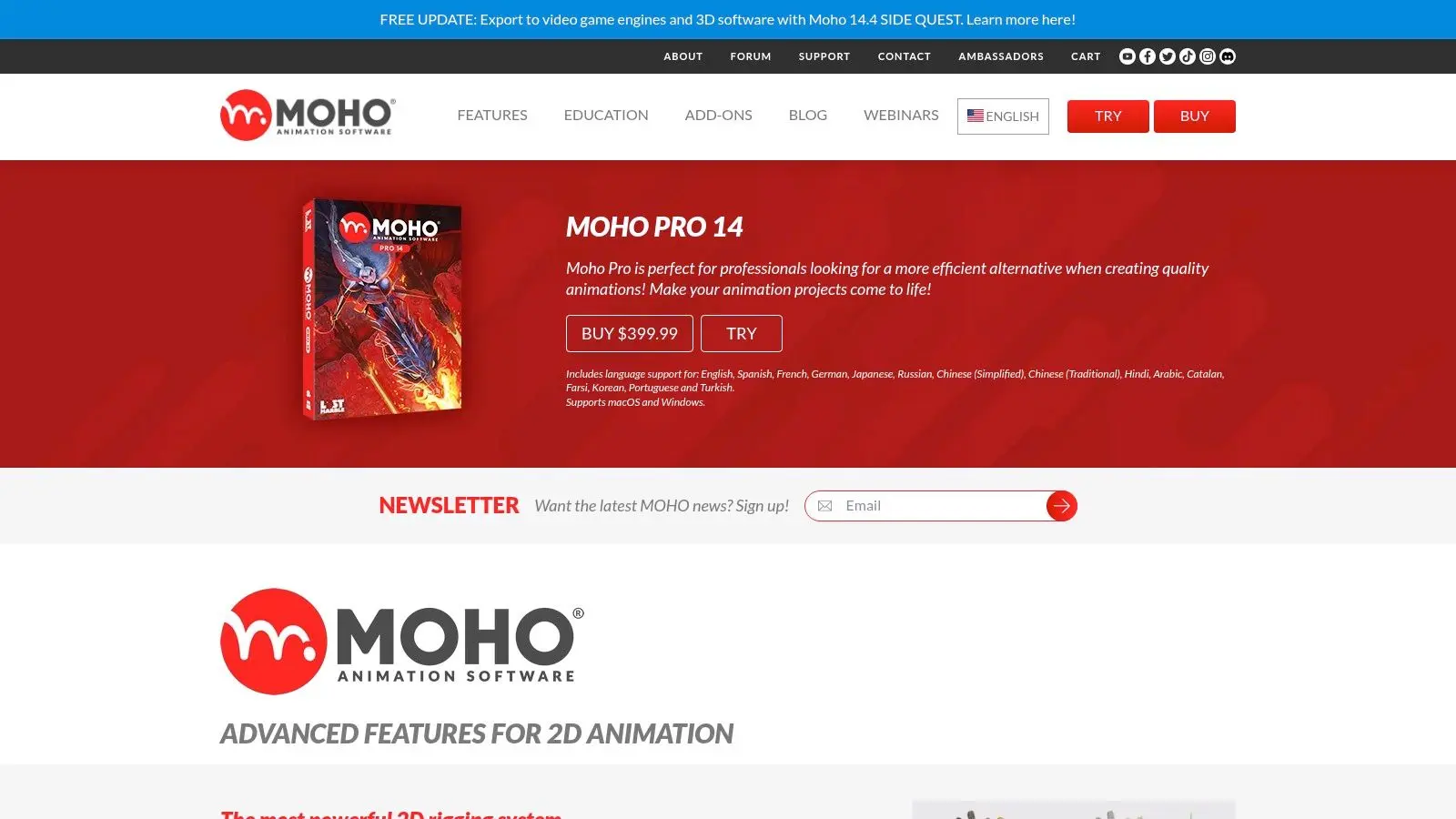
Moho Pro sits in a useful middle ground. It's more production-minded than illustration-led animation apps, but it's usually lighter to adopt than a full Harmony pipeline. For character-driven ads, web series, explainers, and repeatable social content, that balance is attractive. Its core value is speed through rigging. Bones, meshes, smart bones, and IK let teams build reusable characters that animate quickly and stay consistent across revisions. If your producers care about turnaround and consistency more than painterly nuance, Moho can be a very sensible choice.
Why producers still like Moho
The perpetual licence model changes the buying conversation. Subscription tools may still be right for larger organisations, but smaller studios and in-house teams often prefer software they can capitalise and keep using without a rolling monthly commitment. Moho tends to work well when you need:
- •Reusable characters: Strong for recurring cast animation and explainer formats.
- •Faster onboarding: Teams can get productive without mastering a deep node-based environment first.
- •Lower ownership pressure: The licence structure is often easier to justify for lean operations.
Its weakness shows when the work needs a raw, hand-drawn surface. You can absolutely mix styles, but TVPaint or Krita will feel more natural for painterly frame-by-frame animation. The plugin ecosystem is also smaller than what some teams expect from larger platforms. You can review the current feature set on the Moho Pro 14 product page.
4. Adobe Animate
Adobe Animate is still relevant, but you need to be clear about why you're choosing it. It remains useful for vector tweening, frame-by-frame work, lightweight character animation, and interactive or web-oriented exports. If your team already lives in Adobe tools, the integration is familiar and convenient. Where buyers go wrong is treating Animate like a future-proof answer for every 2D workflow. It isn't. It's strongest when you have existing Adobe-heavy processes, legacy FLA or XFL assets, or a need for web vector output that still fits its strengths.
When Animate makes sense
Animate is often a practical tool in agencies, education, and mixed media teams because it's approachable and widely recognised. It also works well where artists need to move assets in and out of broader Creative Cloud workflows without too much ceremony. That said, there are limits:
- •Good use case: Interactive content, web animation, banner systems, and lightweight character work.
- •Poor use case: Long-term pipeline planning where deep rigging, heavy compositing, and large-show asset management are central.
- •Commercial concern: Subscription costs can become hard to justify if each seat only uses a narrow slice of the app.
One of the more useful market signals for buyers is broader category stability. The animation software market is projected to grow from USD 154.8 billion in 2023 to USD 226.9 billion by 2033 at a 3.9% CAGR, which suggests buyers should favour tools with durable interchange, automation, and multi-user compatibility over short-term novelty. You can evaluate the app directly on the Adobe Animate product page.
5. Blender Grease Pencil
Blender isn't the most traditional answer to the best 2d animation software question, but it's one of the most strategic. Grease Pencil lets artists draw in 3D space, which opens up a hybrid workflow that many studios now need for titles, stylised series, branded content, and XR-adjacent work. That hybrid capability matters because 2D no longer sits in a sealed department. In many UK teams, 2D assets move into motion graphics, editorial, game engines, or mixed-format experiences. Blender handles that reality better than many pure 2D tools.
The hybrid pipeline advantage
Blender is especially strong when 2D and 3D need to coexist in the same shot or production environment. Instead of exporting flat assets through a chain of separate applications, artists can often keep more of the work inside one DCC. It's a good fit when you need:
- •Cross-discipline flexibility: Grease Pencil, 3D tools, compositing, and video editing in one application.
- •Seat scalability: Open-source deployment removes licence friction when teams expand.
- •Experimentation: Strong for stylised visuals that don't fit old category lines.
The catch is training. Blender's 2D workflow isn't built around the same assumptions as Harmony or TVPaint, so traditional 2D animators often need time to adjust. If your whole brief depends on a classic paperless TV pipeline, that learning curve can outweigh the licensing savings.
In mixed pipelines, the winning tool is often the one that causes the fewest handoff problems, not the one with the longest feature list.
That's also why the 2D versus 3D question is often the wrong framing. In real production, many projects need both. This breakdown of 2D vs 3D animation is useful if you're weighing style, timeline, and delivery format together. You can download and review Blender from the official Blender website.
6. OpenToonz
OpenToonz is the open-source option people mention casually, but it deserves a more serious look than that. It's capable, established, and grounded in a traditional animation logic that many artists still prefer. If you can tolerate a steeper interface and a bit more technical self-reliance, it can support real work. For schools, indie teams, and smaller studios, the big advantage is obvious. You can standardise on a no-fee tool without stripping animation down to toy-level features. That changes access, especially when you need to equip multiple artists or trainees.
Stronger than many buyers expect
OpenToonz supports raster and vector levels, uses an Xsheet-style workflow, and includes scanning and ink-and-paint style options that align well with paperless and effects-heavy 2D production. It feels closer to a production tool than many “free” alternatives. A few realities to keep in mind:
- •Best use: Training pipelines, independent production, and teams willing to invest in setup discipline.
- •Main friction: The interface can feel dense, and some workflows depend on community know-how.
- •Long-term value: Good for organisations that want capability without immediate licensing commitments.
Free and open tools have become a meaningful entry point in digital animation training and independent production, especially as smaller teams build broadcast-capable workflows before moving to premium systems later. That broader context is one reason OpenToonz keeps showing up in serious conversations, not just beginner lists. If you're evaluating software for newer artists, this overview of the best animation software for beginners helps frame where entry-level choices stop being enough. You can get the latest build from the OpenToonz website.
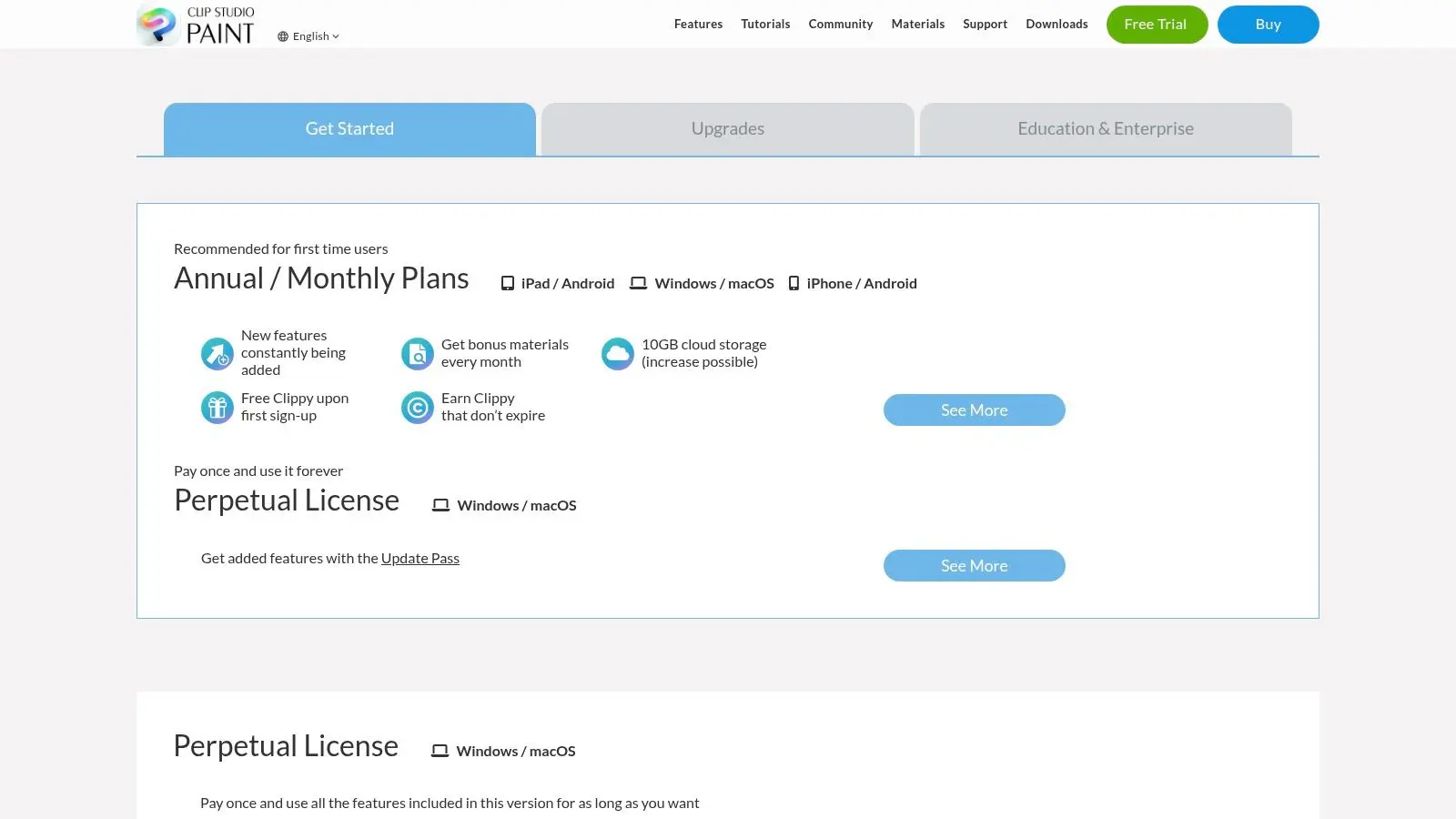
7. Clip Studio Paint EX
Clip Studio Paint EX is often underestimated because people associate it with comics and illustration first. That's fair, but incomplete. For short-form animation, animatics, stylised sequences, and artist-led productions where drawing quality matters, it's a very practical tool. Its strength is the crossover between illustration and animation. If the same team is developing character sheets, key art, pitch materials, and short animated pieces, Clip Studio can reduce app switching and keep line quality consistent across deliverables.
Best when design and animation overlap
The EX edition is the one worth considering for serious animation use. It expands frame support and works far better for substantial sequences than the more limited tiers. What it does well:
- •Drawing experience: Strong brush behaviour and comfortable stylus response.
- •Short-to-mid-form work: Good for social films, animatics, music visuals, and design-led shorts.
- •Flexible buying: Perpetual and subscription options suit different teams.
Where it falls short is breadth. It isn't a full studio pipeline platform in the Harmony sense, and it isn't as purpose-built for premium hand-drawn long-form production as TVPaint. It's most effective when the work sits between illustration and animation rather than inside a large departmental pipeline. You can compare plans and licences on the Clip Studio Paint purchase page.
8. Krita
Krita is one of the best answers for teams that need hand-drawn animation without a commercial licence burden. It began as a painting application, and that heritage still shows in the brush quality and overall feel. For animatics, rough sequences, painterly shots, and training environments, it punches well above its price point, which is to say none. It's also a sensible tool for organisations that want broad access across many seats. Education providers, freelancers, and early-stage teams can deploy it widely without negotiating software spend before the work even starts.
Where Krita fits cleanly
Krita works best when the job centres on drawing rather than deep editorial, complex audio handling, or a large linked production structure. It's a good animation tool, not a whole pipeline stack.
- •Use it for: Hand-drawn tests, stylised clips, rough animation, and painterly sequences.
- •Don't rely on it for: Large multi-scene productions that need robust downstream management inside the same application.
- •Plan for handoff: You'll often want editorial or compositing support in another tool.
Studio note: Krita is excellent for making animation. It's less ideal for managing everything around the animation.
That distinction matters more than buyers expect. Many software purchases fail because teams ask one tool to cover boards, animation, comp, editorial, review, and final mastering, then blame the app when the pipeline starts to buckle. You can download Krita from the official Krita website.
9. Cavalry
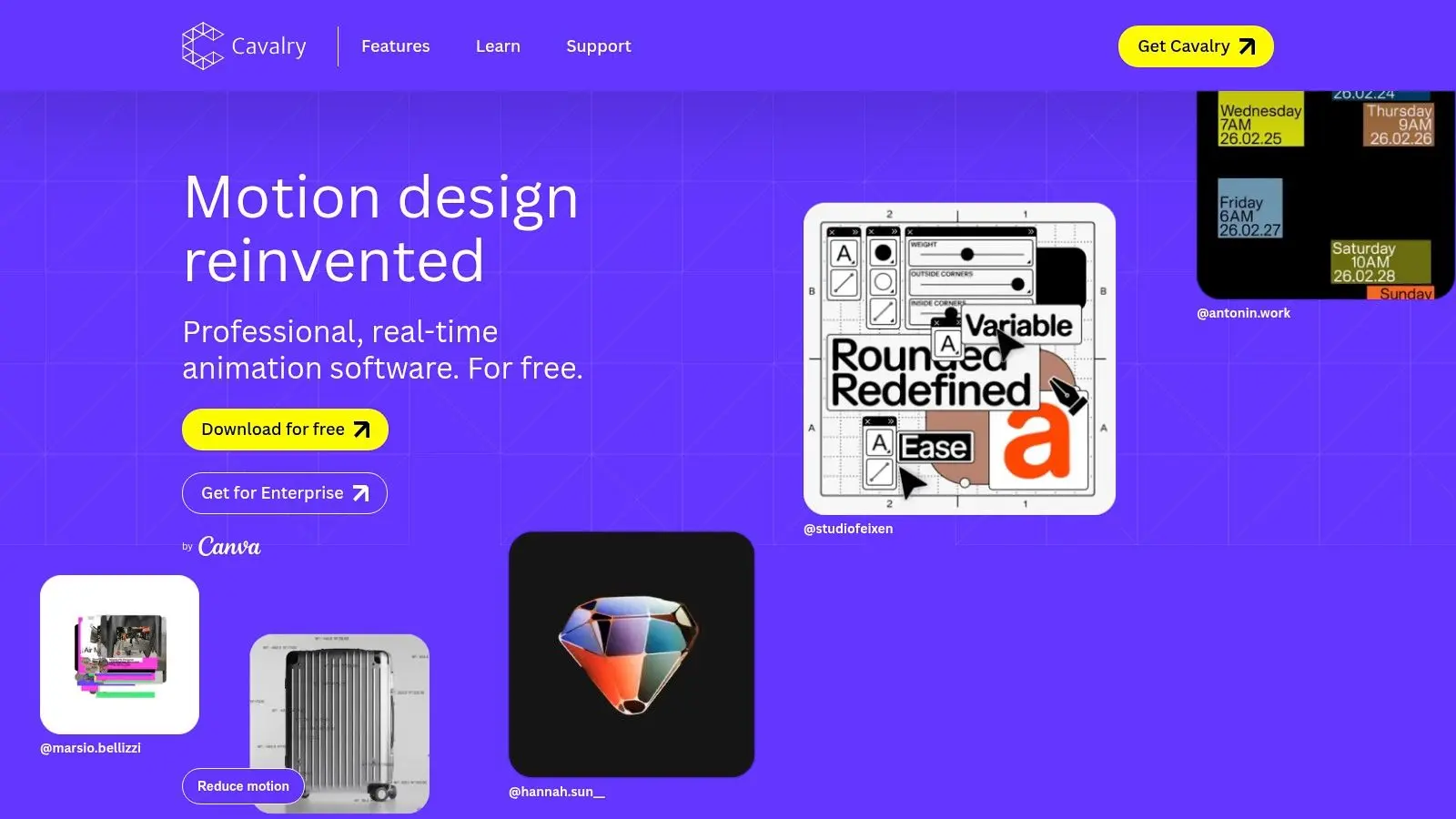
Cavalry belongs on this list because many commercial buyers say “2D animation” when they really mean motion design. If your output is title sequences, promos, social loops, explainers with data-led movement, or branded graphic systems, Cavalry can be far more efficient than a traditional cel animation package. It's procedural, modern, and designed for designers who need motion at scale. Layout systems, behaviours, effectors, and data-driven controls make it especially strong for work where animation logic matters more than frame-by-frame craft.
A better answer for motion-led projects
Cavalry is not trying to be Harmony or TVPaint, and that's a good thing. It's strongest when repetition, variation, and responsive graphic behaviour are part of the brief. It's worth considering if you need:
- •Fast versioning: Useful for campaigns that require multiple cut-downs or market variants.
- •System-based motion: Good for title packages and branded content families.
- •Cleaner design workflows: Often easier for motion designers to move quickly without overbuilding comps.
Its limits are clear too. It isn't a traditional character animation environment, and if your project depends on cel-style performance or hand-drawn nuance, you'll hit the edge of its strengths quickly. The wider animation market is also moving toward hybrid workflows. Precedence Research projects that 3D animation will hold 46% share in 2025, while North America leads with 38%. For UK teams, that reinforces a practical point. Even when buying a 2D tool, interoperability with 3D and mixed-format delivery often matters more than pure 2D feature depth. You can review plans on the Cavalry pricing page.
10. Spine
Spine is specialised, and that's exactly why it's valuable. For game teams, it's often a better choice than broader 2D animation software because it's built around runtime efficiency, engine export, and skeletal workflows that fit production realities in Unity, Unreal, and custom pipelines. If your target is film or broadcast, Spine probably isn't your lead tool. If your target is a 2D game with repeatable character animation and performant runtime behaviour, it belongs near the top of the shortlist.
Built for engines, not episodes
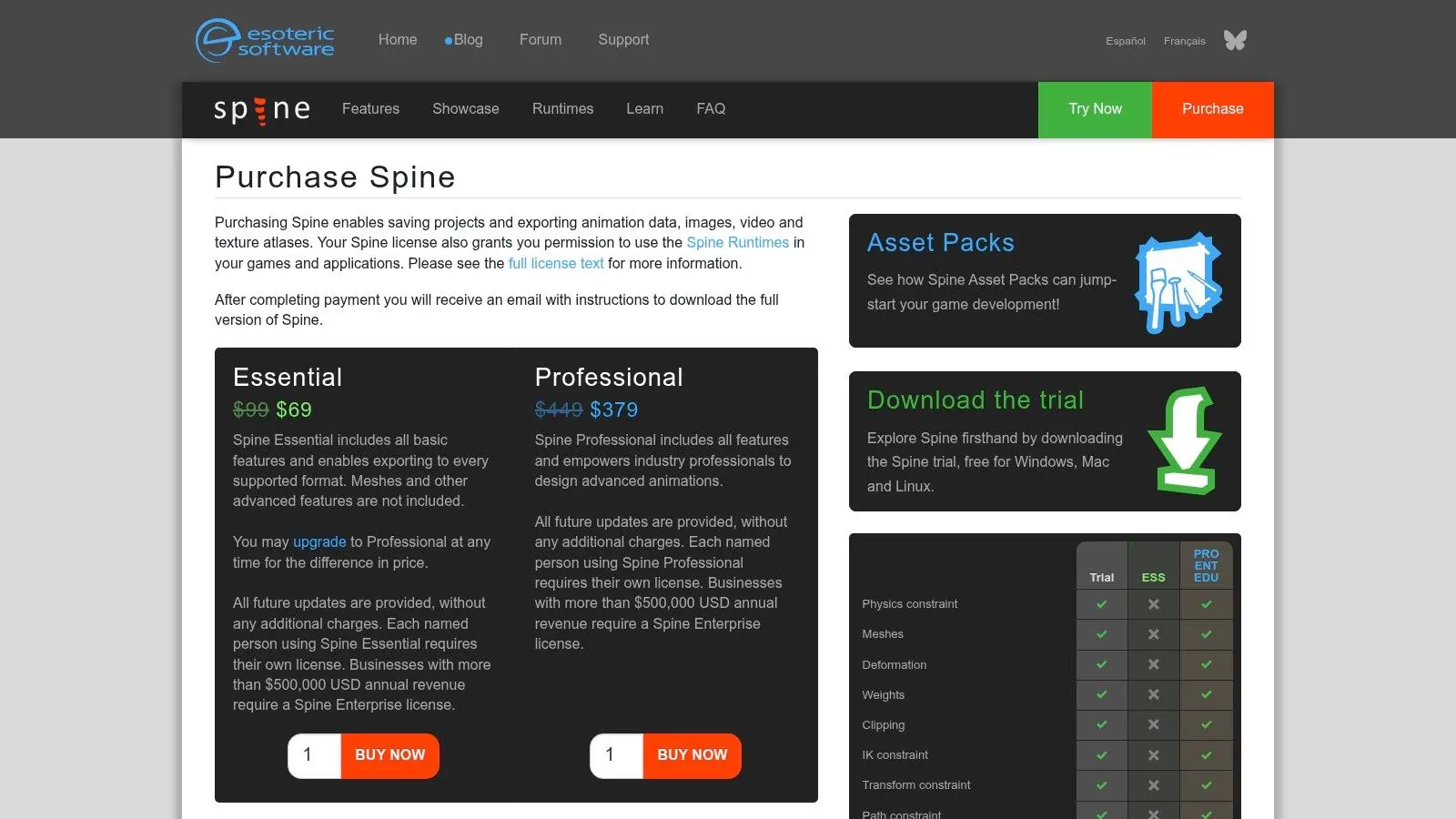
Spine's workflow is about bones, meshes, weights, constraints, and reliable export. That makes it much more useful for gameplay implementation than for traditional scene-based animation finishing. The trade-offs are straightforward:
- •Strongest for: Mobile, console, and interactive character pipelines.
- •Less useful for: Hand-drawn film language, painterly animation, and TV-first asset management.
- •Important caveat: Some higher-end deformation features sit in upper licence tiers, so scope your needs properly before rollout.
A lot of UK-facing software decisions now come down to interoperability rather than loyalty to one package. Employers and training routes increasingly prioritise handoffs between formats and departments, which is why support for exports, review, and mixed pipelines matters so much in practice, as reflected in this discussion of interoperable 2D animation software choices. For game production specifically, Spine remains one of the clearest examples of a tool that does less overall, but does the right less. You can compare tiers on the Spine purchase page.
Top 10 2D Animation Software Comparison
| Tool | Core strengths (✨) | Studio fit / Quality (★) | Pricing / Value (💰) | Best for (👥) | Standout (🏆) |
|---|---|---|---|---|---|
| Toon Boom Harmony | ✨ Full 2D pipeline: deformers, node compositing, DB/network licensing | ★★★★★ Studio/TV‑grade; robust for long shows | 💰 $$ subscription & studio licences | 👥 Broadcast & multi‑episode studios | 🏆 Industry standard for TV pipelines |
| TVPaint Animation 12 | ✨ High‑end bitmap painting, natural brush & timeline tools | ★★★★★ Feature/hand‑drawn production proven | 💰 $$ premium per‑seat | 👥 Feature artists, traditional studios, schools | 🏆 Best painterly/frame‑by‑frame fidelity |
| Moho Pro 14 | ✨ Bone/mesh rigs, smart bones, hybrid vector/bitmap | ★★★★☆ Fast, rig‑centric for series/ads | 💰 $ perpetual licence (lower TCO) | 👥 Series/web teams needing reusable rigs | 🏆 Efficient rigging + perpetual licence |
| Adobe Animate | ✨ Vector tweening, web exports, Creative Cloud integration | ★★★☆☆ Familiar but maintenance mode; legacy fit | 💰 $ subscription; watch long‑term roadmap | 👥 Web/interactive creators, education | 🏆 Longstanding tool for web/vector content |
| Blender (Grease Pencil) | ✨ 2D in 3D space; full DCC (modelling, comp, VFX) | ★★★★ Growing studio adoption; non‑traditional workflow | 💰 Free (open‑source), easy seat scaling | 👥 Hybrid 2D/3D projects, cost‑sensitive studios | 🏆 Free end‑to‑end 2D/3D solution |
| OpenToonz | ✨ Xsheet workflow, Ghibli‑origin effects, scan tools | ★★★★ Capable for production; steeper UI | 💰 Free open‑source | 👥 Indie & education; traditional workflows | 🏆 Ghibli‑heritage effects + no fees |
| Clip Studio Paint EX | ✨ Superior brush/stylus feel, EX unlimited frames | ★★★★ Great for short‑form & illustration‑led animation | 💰 $ flexible (perpetual or subscription) | 👥 Illustrators, short‑form animators, comics | 🏆 Best stylus/drawing fidelity for mid‑length |
| Krita (Animation) | ✨ Painterly brushes + frame‑by‑frame timeline | ★★★★ Excellent drawing fidelity; lighter edit tools | 💰 Free (open‑source) | 👥 Indie artists, animatics, schools | 🏆 Outstanding value for hand‑drawn look |
| Cavalry | ✨ Procedural, data‑driven motion design and dynamics | ★★★★ Fast for motion graphics & titles | 💰 Freemium + Pro subscription | 👥 Motion designers, promos, data‑viz | 🏆 Auto‑animate + data integration |
| Spine (Esoteric) | ✨ Game‑focused bones, meshes, runtimes for engines | ★★★★★ Production‑proven for games; performant | 💰 $ tiered licences (Essential→Pro→Ent) | 👥 Game developers (mobile/console) | 🏆 Industry standard for runtime exports |
Final Thoughts
The best 2d animation software isn't one product. It's the tool that fits your production model without creating avoidable friction. If you're running a broadcast or series pipeline, Toon Boom Harmony is still the safest professional choice because it covers a lot of ground inside one system and aligns well with team-based delivery. If your work depends on hand-drawn craft and the animation itself has to carry a premium, authored feel, TVPaint is still hard to beat. If speed, rig reuse, and budget control matter more than painterly nuance, Moho Pro earns serious consideration. Blender is the strategic pick for hybrid pipelines. It's especially useful when 2D has to live alongside 3D, compositing, or interactive delivery. OpenToonz and Krita both matter because not every team should commit to premium licences on day one. They're strong entry points for schools, indies, and smaller production houses that need capability before scale. Clip Studio Paint EX is excellent where illustration and animation overlap. Cavalry is one of the smartest choices for motion-led branded work. Spine is the specialist that game teams should evaluate early, not as an afterthought. The mistake buyers make is choosing software in isolation. They compare drawing tools, rigging features, or sticker price, then ignore handoffs, revision cycles, review workflows, staffing, and final delivery formats. In practice, those are the things that decide whether a tool pays for itself. A simple way to choose is to ask four questions:
- •What are you making repeatedly: Series shots, ads, social cut-downs, game assets, or one-off hand-drawn films?
- •Who has to use it: A specialist animator, a broader design team, or multiple departments?
- •Where does the work go next: Editorial, comp, game engine, client review, or localisation?
- •What breaks first if the tool is wrong: Training time, revision speed, asset consistency, or export reliability?
If you can answer those definitively, the shortlist gets much smaller very quickly. There's also a point where software choice stops being the main question. If the project needs pipeline design, creative direction, asset planning, review structure, and delivery discipline, buying a tool won't solve the core issue. That's when partnering with a studio makes more sense than expanding your internal stack.
If you need more than software advice, Studio Liddell can help scope the right production approach, whether that means a full animation pipeline, hybrid 2D and 3D delivery, or support for games, TV, branded content, and XR. If you've got a brief in progress, bring the goals, formats, and deadlines. The team can help you decide what should be built in-house, what should be outsourced, and which workflow will hold up under delivery pressure.