A UK Studio's Guide to Meta Quest 3 Production and ROI
The Meta Quest 3 isn't just another hardware refresh; for creative studios across the UK, it’s a whole new canvas to play with. Its arrival is a big deal, throwing the doors wide open to new commercial projects thanks to some serious upgrades in mixed reality and processing power.
Why the Meta Quest 3 Is a Game Changer for UK Studios
The launch of the Quest 3 really changes what's possible for creative and XR studios. It’s the device that finally drags mixed reality out of the 'niche concept' category and into the realm of commercially viable projects. It gives us a powerful set of tools to create properly engaging content that beautifully blends the digital and physical worlds. And this headset isn’t just for gaming. It’s paving the way for new applications in corporate training, branded entertainment, and interactive marketing that were, frankly, a bit clunky and impractical on older standalone headsets. The magic here is its ability to deliver believable, high-fidelity experiences without being chained to a monster PC. So, what makes this device such a big deal for producers and developers?
- •Full-Colour Passthrough: This is more than just a spec, it’s the bridge between your digital creations and the user's actual room. It lets you build apps where virtual objects can realistically sit on a real-world table or interact with the physical space around them.
- •Enhanced Processing Power: The new chipset gives you the grunt needed to render more complex scenes and higher-quality assets. This means studios can push their creative ideas further without constantly worrying about performance bottlenecks.
- •A Maturing Ecosystem: With a growing user base and solid developer tools, the Quest 3 offers a stable and expanding market for bespoke applications.
For studios, this means the barrier to creating genuinely impactful mixed reality has just been lowered, significantly. You can now build everything from intricate training simulations to eye-catching retail demos that feel grounded, intuitive, and visually stunning.
Ultimately, the Meta Quest 3 empowers UK studios to think beyond purely virtual worlds. We can now start designing experiences that weave themselves seamlessly into our daily lives. As you start to weigh up your options, our guide on choosing a modern VR headset for business might offer some useful extra context. This shift is all about solving real-world business challenges with imaginative, effective, and immersive solutions.
Understanding the Leap from Quest 2 to Quest 3
To really get what makes the Meta Quest 3 special, you have to look at where it came from. The Meta Quest 2 was a game-changer, the device that finally pushed VR into the mainstream and built a massive, hungry audience for immersive content. Let's not forget, the Quest 2 sold over 20 million units in its first three years. That made it the undisputed champion of VR headsets globally in both 2022 and 2023. For UK studios, this wasn't just a tech trend; it was the birth of a viable market. If you want a deeper dive, you can discover more about the Quest's market performance and how it shaped the industry. So, the Quest 3 isn't starting from scratch. It’s building on that success, but it's also a direct response to the creative walls developers were hitting. It’s a serious step up in capability, designed to unlock the kind of ambitious mixed reality projects that were just out of reach before. To put it into perspective for studios, let's break down exactly what's changed under the hood and why it matters for your projects.
Meta Quest 3 vs Meta Quest 2 Key Production Differences
This table zeroes in on the hardware shifts that directly influence how you'll plan, build, and optimise your experiences. It’s not just about bigger numbers; it’s about what those numbers mean for your creative freedom and the user's experience.
| Feature | Meta Quest 2 | Meta Quest 3 | Impact for UK Studios |
|---|---|---|---|
| Processor | Snapdragon XR2 Gen 1 | Snapdragon XR2 Gen 2 | Roughly 2x GPU performance means more complex scenes, higher-fidelity assets, and more reliable frame rates. |
| Passthrough | Grainy, monochrome | Full-colour, high-res | Unlocks true mixed reality. You can now blend digital content with the real world convincingly for training, marketing, and design. |
| Lenses | Fresnel | Pancake lenses | Sharper image from edge-to-edge and a slimmer headset. This boosts user comfort for longer sessions, which is vital for enterprise apps. |
| Display Resolution | 1832 x 1920 per eye | 2064 x 2208 per eye | A significant jump in clarity. Text is easier to read, and fine details pop, improving realism for simulations and product showcases. |
What this all boils down to is a headset that doesn't just improve on the last one, it opens up entirely new avenues. The combination of power and high-quality mixed reality is the real story here.
More Power, More Possibilities
The heart of the upgrade is the new Snapdragon XR2 Gen 2 chipset. If the Quest 2's processor was a reliable family saloon, this is a finely tuned sports car engine. It delivers roughly double the graphics processing power. For developers at studios like ours, this isn't just about making things look prettier. It’s about breathing room. It means you can build more complex, dynamic, and visually dense worlds without constantly fighting the hardware to maintain a smooth frame rate. Think higher-resolution textures, more sophisticated lighting models, and a greater number of interactive objects on screen at once. All of this is crucial for creating believable training simulations or brand experiences that truly captivate. This diagram shows how these core upgrades feed into new creative opportunities.
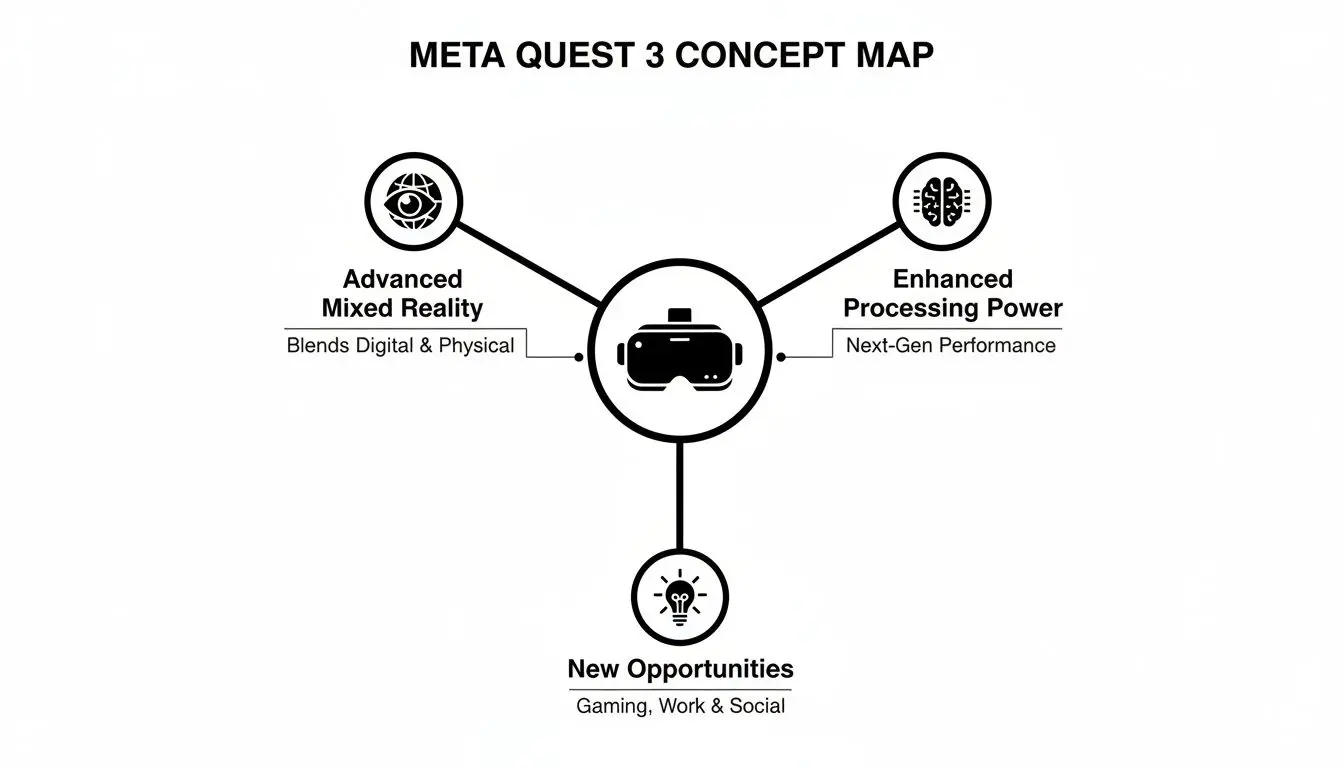
It’s the _combination_ of more processing power, genuinely useful mixed reality, and better visual clarity that unlocks brand new use cases for UK studios.
A Clearer View of Mixed Reality
Maybe the biggest leap forward is the high-resolution, full-colour passthrough. The Quest 2’s grainy, black-and-white view was fine for spotting your coffee table, but that’s about it. The Quest 3’s dual RGB cameras deliver a clear, vibrant video feed of the user's actual room.
This technology effectively gives your applications a new sense of sight, allowing them to intelligently and convincingly blend digital objects with a user's physical space.
This is the key that finally turns the dream of mixed reality into a practical tool. A virtual character can now appear to walk around a real table. A digital architectural model can sit in a physical room with the correct perspective and scale. This is a massive deal for creating practical AR apps for retail, exhibitions, and product design. Lastly, the switch to pancake lenses makes a huge difference you can feel immediately. They allow for a much slimmer headset and provide fantastic edge-to-edge clarity, getting rid of that frustrating 'sweet spot' issue that plagued older headsets. This improved visual comfort is a massive win for any application that requires extended use, like enterprise training or detailed design reviews, as it reduces eye strain and keeps users properly immersed.
Optimising Your Unity and Unreal Engine Workflows
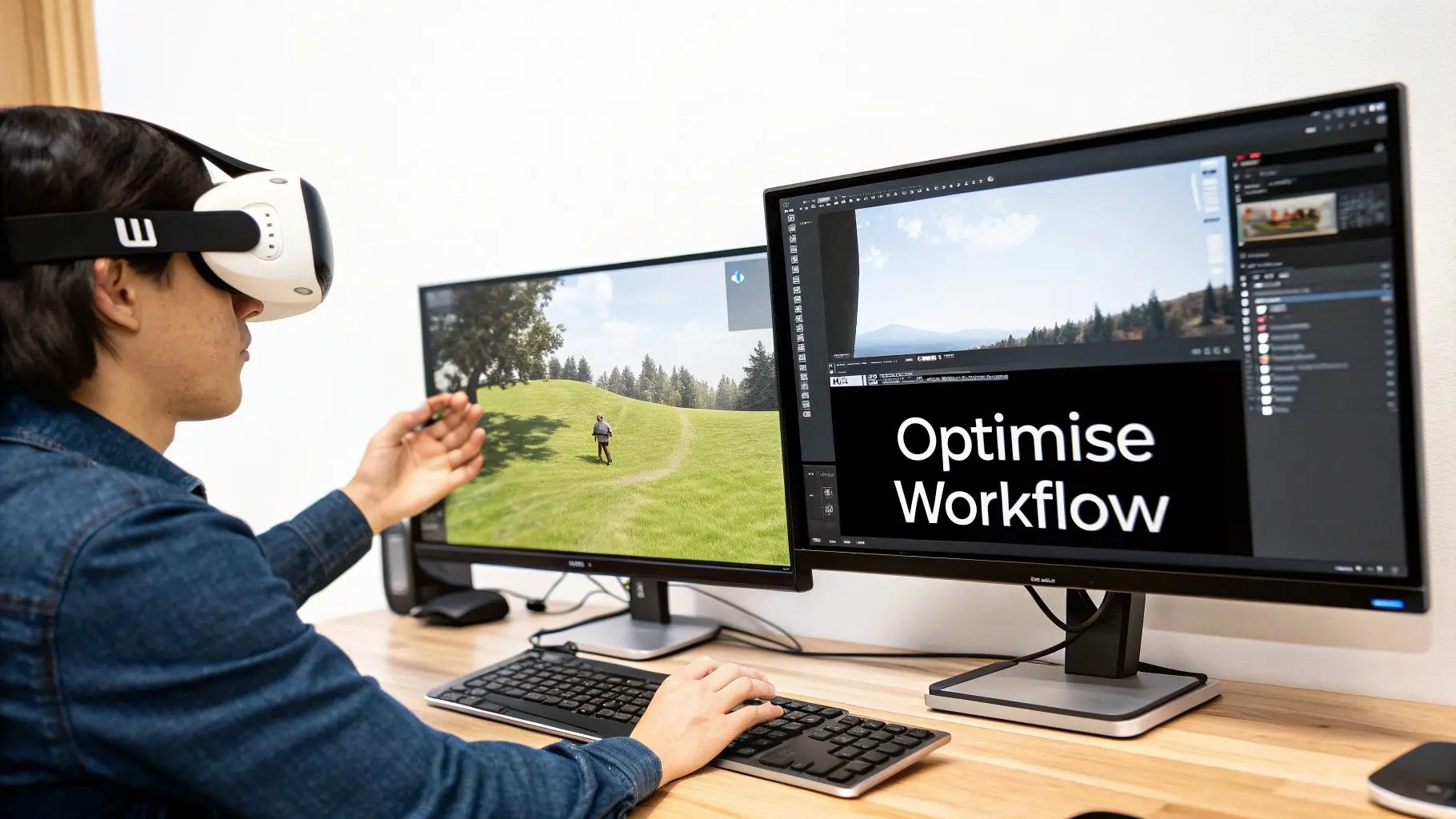
When you're building for a standalone headset like the Meta Quest 3, performance isn't just a goal; it's everything. Both Unity and Unreal Engine are brilliant, but they need to be handled with care to get experiences running smoothly without being tethered to a PC. It all boils down to being smart about your resources. For any creative studio, the jump from PC VR to standalone requires a shift in mindset. You're no longer working with the brute force of a high-end graphics card. Instead, you're finessing performance out of a mobile chipset , a very powerful one, but mobile nonetheless.
Fine-Tuning Your Rendering Pipeline
Your first and biggest wins will come from how you handle rendering. The key is to reduce the number of draw calls , essentially, how many times the processor has to send instructions to the graphics chip. Every object, every material, every light adds to this load. To keep things snappy, we lean heavily on a few tried-and-true techniques:
- •Baking Your Lighting: This is non-negotiable for most scenes. By pre-calculating all the light, shadows, and reflections and "baking" them into a texture map, you offload a massive amount of real-time work. The scene becomes static, but the performance gains are huge.
- •Occlusion Culling: This is a clever trick where the engine simply doesn't draw what the player can't see. If there’s a wall between the player and a detailed object, why waste precious resources rendering it? It’s like telling the engine to only focus on what’s on stage, not what’s behind the curtain.
- •Static Rendering with Dynamic Lighting: Sometimes you need the best of both worlds. For scenes where the environment is fixed but the lighting needs to react , think a flickering torch or a character’s flashlight , you can use static geometry with dynamic lights. It’s a performance-friendly middle ground that keeps things feeling alive.
Textures and Materials Optimisation
If rendering is the engine, your textures and materials are the fuel. This is where performance can really start to chug if you're not careful. For the Meta Quest 3, smarter is always better than bigger. Overly detailed, high-resolution textures are a quick way to burn through memory and processing power. We rely on a classic technique: texture atlasing. Instead of loading dozens of small textures for different objects, we combine them into one single, larger texture sheet. This move alone can drastically slash your draw calls, which is a make-or-break metric for mobile VR. On top of that, you have to be mindful of your shaders. While Unreal’s Lumen and Unity's HDRP produce jaw-dropping visuals on PC, they are often far too demanding for a standalone headset. Instead, stick to the mobile-specific render pipelines and, linking back to our first point, bake as much lighting information as you can directly into your textures.
Implementing the Presence Platform for Mixed Reality
The real magic of the Quest 3 is its mixed-reality capability, and tapping into that means getting familiar with Meta’s Presence Platform. This is the suite of tools that lets your app see, understand, and interact with the user’s physical space. Think of it as giving your app a set of senses. The key components you'll be working with are:
- •Scene Understanding: This feature is fantastic. It automatically identifies walls, floors, ceilings, and even furniture, building a simple 3D mesh of the room. Your virtual objects can then interact with this mesh, letting a digital ball bounce realistically off a real-world sofa.
- •Passthrough API: This gives you direct control over how the real world looks through the headset. You can add colour overlays, apply visual effects, or even create "portals" on a real wall that open up into a completely virtual world.
- •Spatial Anchors: These are the digital pins that let you stick virtual content to specific spots in the physical world. This is absolutely crucial for creating persistent MR experiences where objects stay put, even if the user leaves the room and comes back later.
By focusing on these three pillars, smart rendering, efficient assets, and clever Presence Platform integration, your studio can build experiences that not only look fantastic but run flawlessly on the Meta Quest 3. For a deeper dive into one of these engines, you can learn more about mastering Unity development for business and XR experiences in our detailed guide.
Unlocking Strategic Use Cases for Real Business Impact
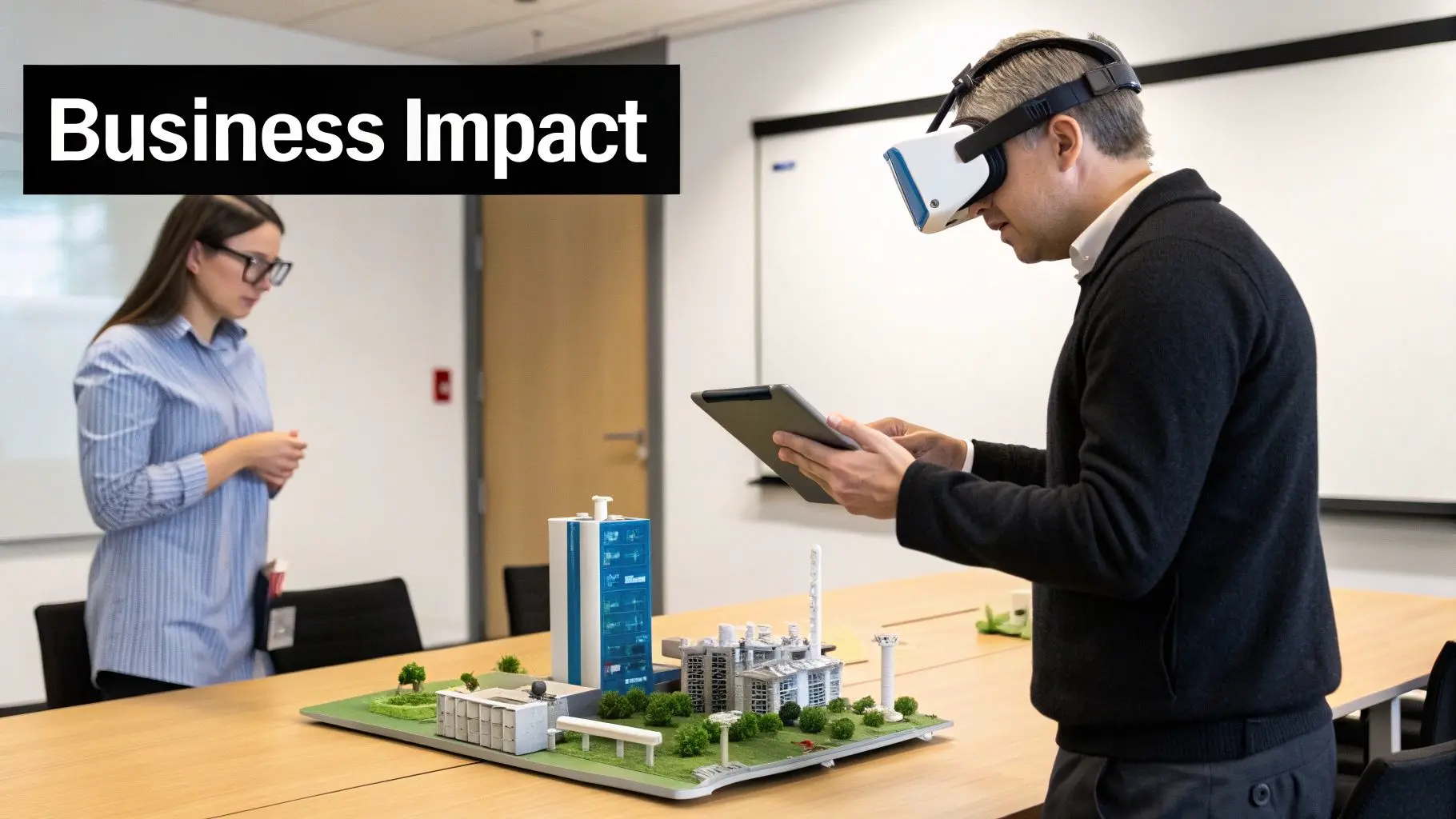
With a solid grasp of the tech, the real question for studios becomes: what can we _actually do_ with the Meta Quest 3 to deliver genuine business results? The device’s shiny new features aren’t just spec bumps; they’re gateways to specific, high-value applications that solve real-world problems. The growing market for the headset is what makes this so exciting. By June 2024, the Meta Quest 3 had already sold around 1.25 million units, a pretty impressive feat in its first eight months. This rapid adoption, especially here in the UK, means there's a hungry audience ready for well-crafted immersive experiences, creating fertile ground for commercial projects. You can explore more sales data insights to get a feel for its market trajectory. But let's move past the numbers and look at how this tech is being put to work right now.
Immersive Training and Technical Simulation
One of the most powerful and immediate uses for the Quest 3 is in professional training. Its standalone design and crisp visuals make it the perfect tool for creating safe, repeatable learning environments for tasks that are either too complex or too dangerous to practice in real life.
- •Manufacturing and Engineering: Picture an engineer learning to assemble a complex bit of machinery. With a Quest 3, they can run through the procedure a dozen times in a virtual workshop, handling digital parts with their own hands long before they touch the real thing. This cuts the risk of costly mistakes and equipment damage down to virtually zero.
- •Healthcare and Medical: The headset is a natural fit for detailed surgical simulations or practicing difficult patient conversations. Our own work on Medical & Training Simulations in XR shows how practitioners can hone their skills in a zero-risk setting, building muscle memory and sharpening their decision-making under pressure.
The real win here is knowledge retention. Study after study has shown that learning by doing, even virtually, leads to far better recall and performance than just sitting in a classroom.
High-Impact Marketing and Retail Experiences
For marketing teams, the Quest 3's mixed reality capabilities are opening up a whole new world of customer engagement. Blending digital content with a person's physical space is a game-changer for creating brand interactions that people actually remember. Take an exhibition stand, for example. Instead of a boring, static product display, you could use the Quest 3 to overlay interactive 3D models onto your physical stand. Visitors could walk around them, explore features, customise colours, and see the product in a completely new light. It's this kind of thinking that elevates AR for Exhibitions and Retail, driving up dwell time and generating quality leads.
Location-Based Entertainment and Enterprise Collaboration
The Quest 3 is also making a splash in location-based virtual reality (LBVR) and corporate collaboration. Because it's so easy to set up, no external sensors needed, it's perfect for high-turnover public experiences like VR arcades or brand activations at events. For UK studios, looking beyond development into services like Virtual Reality hire solutions can open up entirely new revenue streams and partnerships. Meanwhile, in the corporate world, teams are using the headset for virtual design reviews, collaborative brainstorming, and even remote site visits, slashing travel costs and saving huge amounts of time. When you connect these use cases directly to business goals, whether it’s cutting training costs, boosting sales conversions, or improving team productivity, the path to a clear return on investment becomes impossible to ignore.
How to Plan Your Meta Quest 3 Project Budget and Timeline
Nailing the scope for a Meta Quest 3 project is all about wearing a producer’s hat, you’ve got to balance the big creative vision with what's actually achievable on the ground. A solid plan, figured out long before anyone writes a single line of code, is what separates a successful launch from a project that goes off the rails. It all starts with a clear concept. From there, you move through distinct production phases, each with its own price tag and time commitment. When you're mapping out a Quest 3 project, getting a firm grip on project management costs is non-negotiable for keeping estimates and the final spend in check. This lifecycle approach stops scope creep in its tracks and keeps everyone on the same page. It’s also worth keeping an eye on the wider consumer market. For example, during the 2024 Black Friday and Cyber Monday rush, Quest headset sales in key markets actually dropped 14% year-over-year, even with new models on the shelves. This kind of trend shows that even for B2B work, the mood of the broader market can influence stakeholder confidence and project timelines. You can dig into those sales figures over on Road to VR.
Defining Project Scope and Complexity
The biggest thing that will move the needle on your budget? Complexity. Not all VR experiences are built the same, and figuring out where your project lands on the spectrum is the first step to a realistic quote.
- •Simple Experiences (e.g., AR Product Visualiser, 360° Video Tour): These projects are often about taking existing 3D models and dropping them into a simple, polished experience with limited interactivity. The real work is in the visual presentation and ensuring it all runs smoothly.
- •_Typical Timeline:_ 4, 8 weeks
- •_Key Cost Drivers:_ Asset optimisation, UI/UX design.
- •Intermediate Experiences (e.g., Interactive Training Module, Architectural Walkthrough): Here, you’re building more from scratch. Think custom interactions, bespoke assets, and basic systems for user feedback. This means more time spent on development and a lot more testing.
- •_Typical Timeline:_ 3, 6 months
- •_Key Cost Drivers:_ Custom 3D modelling, interaction design, basic analytics.
- •Complex Experiences (e.g., Multi-Module Simulation, Collaborative Enterprise Tool): These are the big ones, sprawling applications with deep interactivity, connections to backend systems, user logins, and a huge amount of content.
- •_Typical Timeline:_ 6, 12+ months
- •_Key Cost Drivers:_ Backend development, network engineering, rigorous QA, ongoing support.
Key Budgetary Considerations
Beyond the overall scope, a few specific items will always have a direct impact on your final costs. A detailed brief is your best friend for getting an accurate quote. If you need a hand with that, take a look at our buyer’s guide to choosing an animation studio.
The core trade-off in any Meta Quest 3 project is between visual fidelity, interactivity, and performance. Excelling at all three requires careful planning and a bigger budget; most projects will need to prioritise two.
When building your budget, make sure you account for key line items like pre-production (concept art, storyboarding), asset creation (3D modelling, sound design), development (programming the interactive elements in Unity or Unreal), and post-production (optimisation, testing, and getting it onto the platform). Each of these stages needs specialist skills and dedicated time, and that all has to be baked into a serious project plan.
Common Questions About Quest 3 Development
As studios and businesses start to get serious about the Meta Quest 3, a lot of practical production questions come up. We get these all the time from producers and decision-makers, so we’ve put together some straight answers to help clear the path from that first great idea to a finished app.
How Long Does It Take to Build a Custom VR App?
Honestly, this varies massively depending on what you’re trying to build. A simple, interactive 360-degree video experience or a basic product visualiser? You’re probably looking at around 4-8 weeks. Things get more involved from there. A complex VR training simulation with different modules, user tests, and lots of interactive elements could easily take 4-6 months. If you're planning a full-blown multi-user game or a big enterprise app that needs to talk to your existing systems, you could be looking at nine months or even longer. The biggest things that affect the timeline are the amount of custom 3D artwork needed, how complex the interactions are, and how much user testing and quality assurance you build in. We always suggest starting with a discovery workshop to properly map out what’s needed and give you a realistic production schedule.
Can We Just Reuse Our Existing 3D Marketing Assets?
Yes and no. It’s a great starting point, but there are a few things to keep in mind. Those super-detailed, high-polygon 3D models you use for marketing renders are almost always too heavy to run smoothly in real-time on a standalone headset like the Quest 3. Those assets will need to be optimised. This involves a process called 'retopology', where we intelligently reduce the polygon count, and 'baking' textures to keep all that lovely visual detail without tanking the performance. So, while you can't just drop them straight in, having high-quality models to work from is a huge head start. It can genuinely speed up production compared to creating everything from scratch. Our team can take a look at what you’ve got and let you know how well it’ll fit into a real-time pipeline.
What's the Real Difference Between VR and Mixed Reality Development?
When we’re building for Virtual Reality (VR), the aim is to create a completely new digital world that takes over the user’s entire view. Everything they see and interact with, the assets, the lighting, the environment, is virtual.
Mixed Reality (MR) is different. The goal here is to blend digital stuff into the user’s actual physical space, which they see through the Quest 3’s full-colour passthrough cameras.
This means we have to use tools like Meta's Presence Platform to help the headset understand the room’s layout, where the walls are, the furniture, the floor. That's how you make a virtual ball bounce convincingly off a real-world table. MR throws up its own unique design challenges, like making sure digital objects are correctly hidden by real ones (occlusion), getting the lighting to match, and just making the whole physical-digital interaction feel natural.
How Do We Get a Custom Enterprise App onto Our Headsets?
You don’t typically put corporate apps on the public Quest Store. Instead, there are a few standard ways to handle distribution for business use:
- •Meta Quest for Business: This is the official enterprise platform. It’s designed for IT admins to securely push apps out to a whole fleet of headsets, manage them remotely, and lock down device settings.
- •Sideloading: For smaller teams or just for testing, you can install the application file (an .apk) directly onto a headset from a computer. It’s a bit more hands-on but works perfectly well.
- •App Lab: Think of this as a middle ground. It lets you share an app using a direct link, so it’s not publicly listed on the main store but is easy to distribute to a wider, controlled group.
We can help you figure out the best way to go based on your company’s size, security requirements, and IT setup. The main thing is to get your application to the right people, securely and without any fuss.
Ready to see what the Meta Quest 3 could do for your business? The team at Studio Liddell has been creating immersive content since 2019. Book a production scoping call with us today and let's talk about your vision.