The 10 Best Free AI Video Generators
A client needs a motion test by this afternoon. The creative team wants to see whether an idea works before anyone books an animator, editor, or shoot day. In that situation, a free AI video generator can save time and help a team make a faster decision. Studio Liddell uses these tools in that exact part of the workflow. We use them to test concepts, rough out sequences, explore visual directions, and build pre-visualisation that stakeholders can react to. That is the right standard to apply in this guide. These tools are useful when you need speed, iteration, and a low-cost way to pressure-test an idea. They stop being enough when you need brand-safe assets, controlled animation, clean finishing, accurate timing, and delivery quality that can hold up in paid campaigns, broadcast, or polished internal productions. That distinction matters. Free AI video tools do not all solve the same problem. Some are strongest for rough previs and look development. Some are better for avatar-led explainers or internal updates. Others are built for quick social edits with a layer of AI on top. If you are assessing where these tools fit inside a wider production pipeline, Studio Liddell's AI video and creative production services show where AI-assisted ideation ends and professional production takes over. If you're also comparing adjacent tools for short-form workflows, this roundup of the Top AI video clip generator options is a useful companion. The key question is not which free tool makes the flashiest demo. It is which one helps your team test a repeatable process, get useful feedback early, and decide when the work should move into proper production.
1. Runway
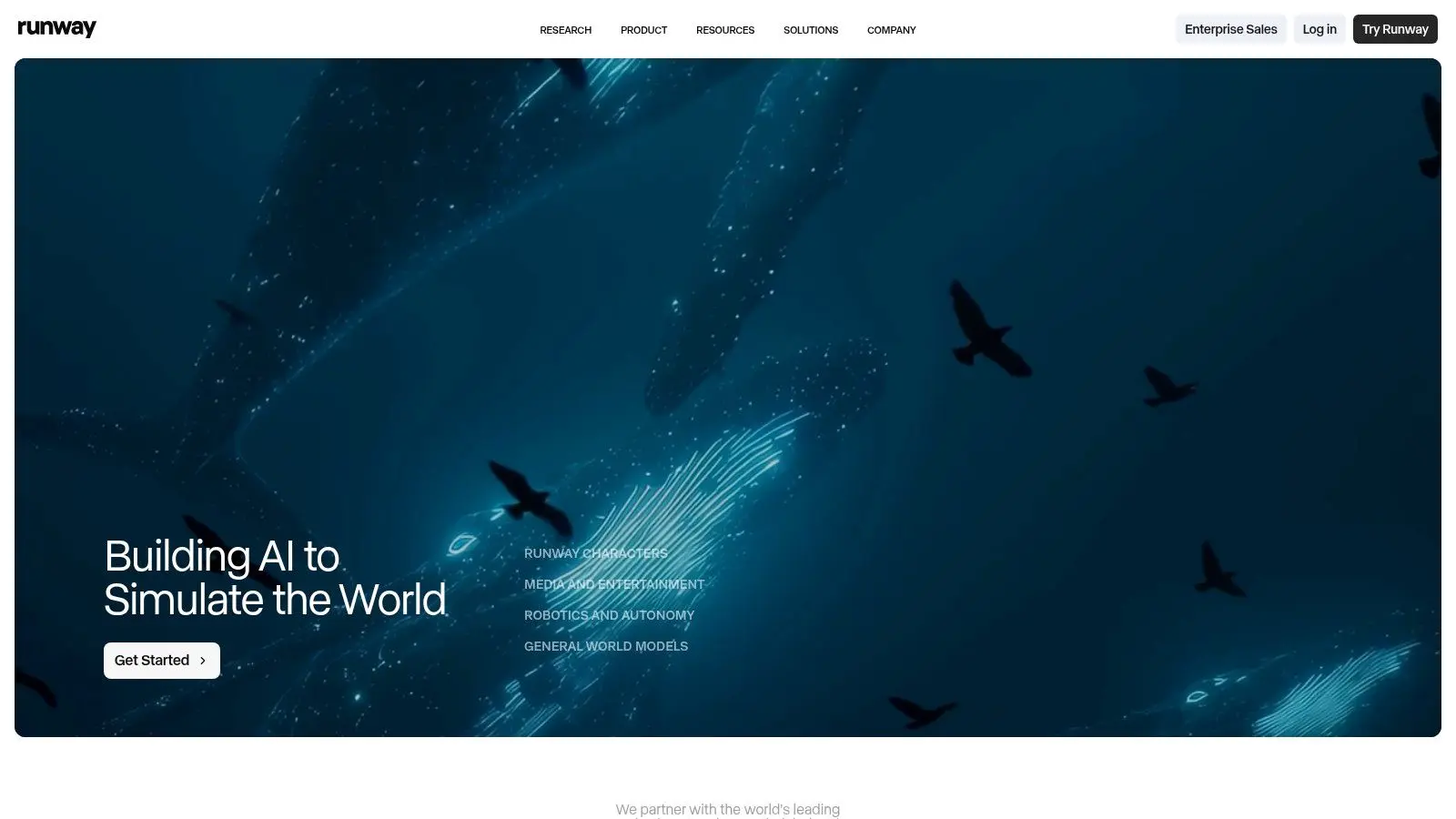
Runway is the tool I'd point creative teams toward when they want AI generation to sit inside something that feels closer to a production environment than a novelty app. It supports text-to-video and image-to-video, but its primary advantage is the surrounding workspace. You're not just making clips. You're managing assets, reviewing outputs, and keeping one eye on eventual edit decisions. That matters if you work the way a studio works. A lot of free AI tools are fine until you need version control, cleaner prompt iteration, or a path from rough concept to something your wider team can assess. Runway handles that transition better than most.
Where it earns its place
The editor is the reason Runway stays relevant. For filmmakers, agency teams, and in-house content departments, that production-oriented setup is often more valuable than one extra generation gimmick.
- •Best use case: Previsualisation, shot exploration, look tests, and proof-of-concept sequences.
- •What works well: Text-to-video, image-to-video, and a workspace that feels built for creative review rather than casual play.
- •Main limitation: The free tier is brief. It's enough to evaluate, not enough to sustain regular output.
If you're testing where AI sits inside a broader creative pipeline, Studio Liddell's view on AI-enhanced production services is the right frame. These tools are strongest at ideation and acceleration. They don't replace art direction, finishing, or delivery standards.
Practical rule: Use Runway when the question is “Can we visualise this direction quickly?” Don't use it as the final answer for brand-critical animation that needs exact continuity, polished compositing, or broadcast-grade finishing.
Runway is one of the clearest examples of a free tool being useful in a professional workflow, even if the free access is mainly there to prove fit.
2. Pika
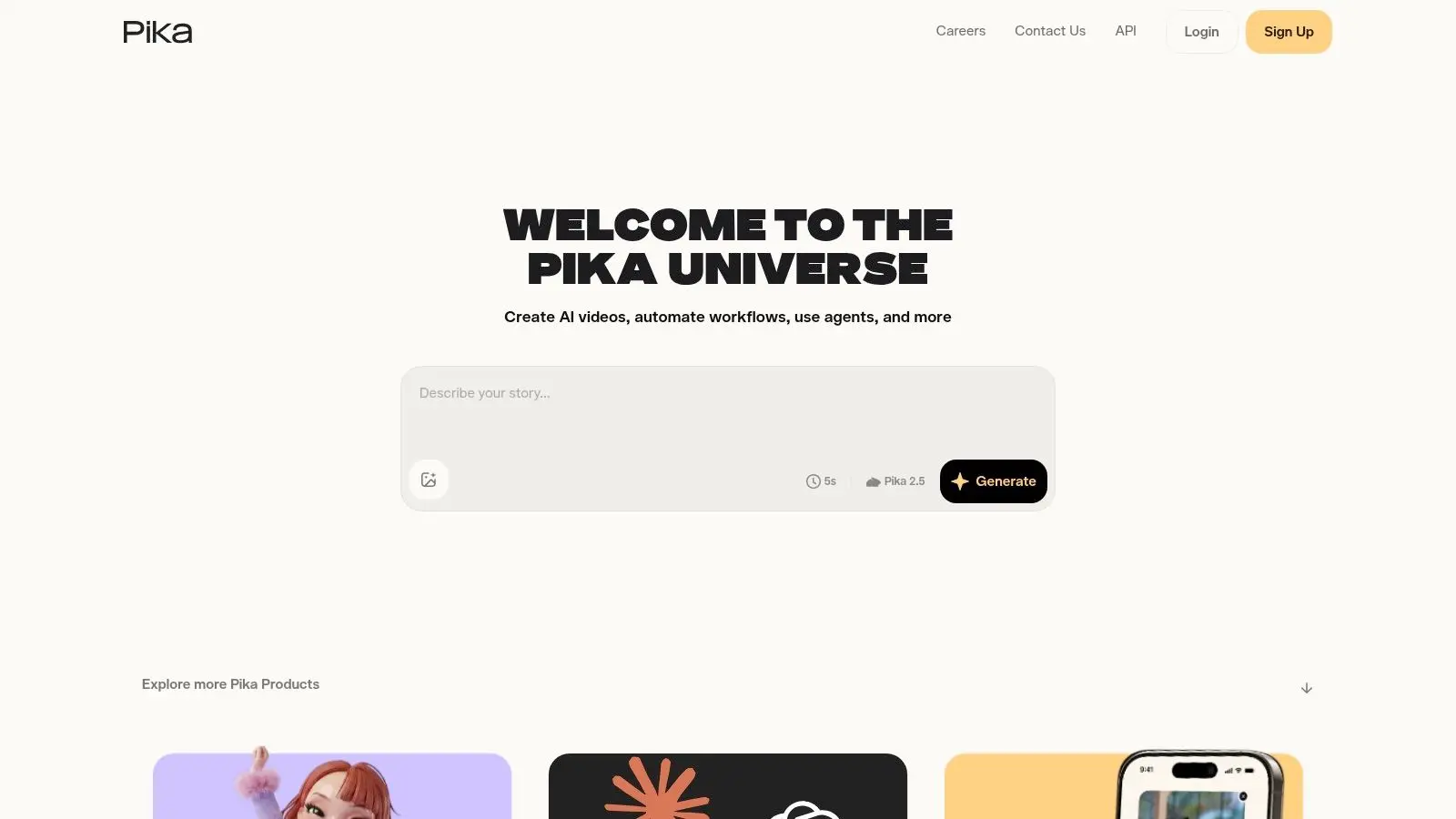
Pika is brisk, accessible, and very good at getting a creative team unstuck. If someone needs motion references for a social concept, a surreal transition test, or a stylised visual gag, Pika usually gets to a result faster than more serious-feeling platforms. That speed matters when you're pitching directions rather than locking shots. Its interface also makes sense to non-technical users. You don't need to behave like a prompt engineer to get something useful out of it. For marketers and designers, that lowers the barrier a lot.
Best for short-form experimentation
The strongest reason to try Pika isn't realism. It's iteration. WaveSpeed's 2026 testing notes that Pika offered about 150 credits with daily refresh and short outputs of about 4 seconds. That tells you exactly where it fits. Not full scenes. Fast fragments.
- •Good fit: Social promos, motion tests, style exploration, visual transitions.
- •Less good fit: Longer narrative beats, precise continuity, cinematic scene-building.
- •What to watch: Resolution and model choices can alter how quickly you burn through free use.
Pika's template-style features are useful because they encourage directed play. You can test treatments, transitions, and effects without committing the team to a full production path.
Short clips are not a flaw if your job is concept approval. They become a flaw when someone mistakes them for finished production assets.
If you're choosing the best free AI video generator for a marketing team that wants quick movement and low friction, Pika deserves a place near the top. If you need sustained scene logic, dialogue blocking, or controlled camera language, it runs out of road quickly.
3. Luma Dream Machine
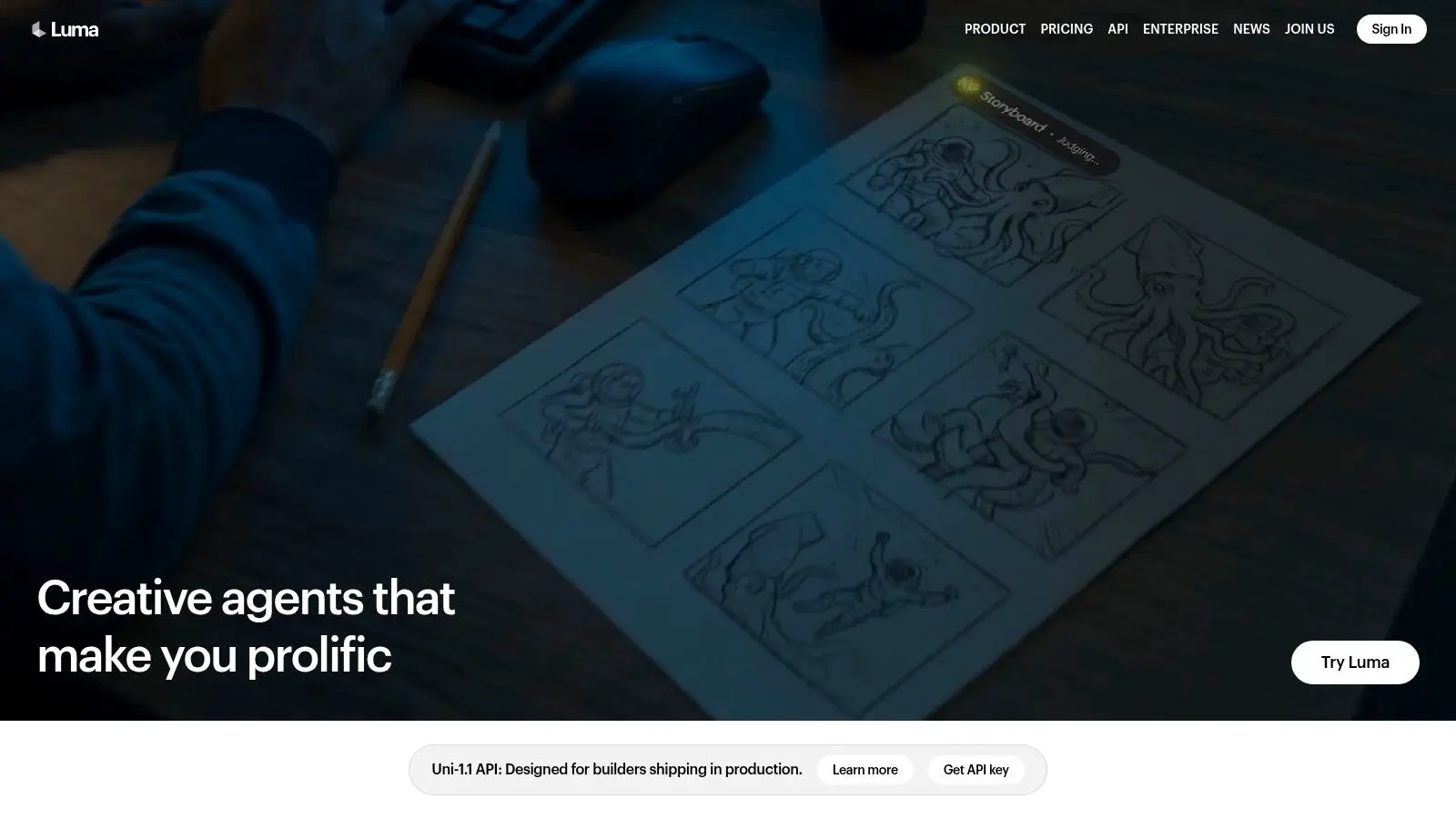
Luma Dream Machine is where I'd go when a concept needs a more cinematic flavour. It's strong for product shots, action-led prompts, and mood-driven sequences where natural-looking movement matters more than heavy editorial control. You can feel the appeal immediately. The outputs often have more atmosphere than utility-first tools. That doesn't make it a one-stop production platform. It makes it a capable visual development tool. If your team is exploring tone, camera feel, or image energy, Luma can be very effective.
What it does better than template-led tools
Luma gives you more of that “directed image research” feel. You can extend, modify, and reframe clips, which helps when a concept is close but not quite landing. A few trade-offs are worth being blunt about:
- •Strength: Cinematic motion and visually persuasive drafts.
- •Weakness: Free use is constrained, and draft outputs don't equal client-ready deliverables.
- •Business concern: Watermarks and rights position matter before anything leaves internal review.
That last point is often ignored in generic roundup articles. It shouldn't be. Zapier's comparison highlights the wider issue that some tools may restrict exports, add watermarks, or limit credits, while Adobe Firefly positions itself around commercially safer output and some plans with IP indemnification. The same piece notes that IBISWorld estimates the UK video production sector at about £4.1bn in 2025, which is a reminder that “free” and “usable in paid work” aren't the same thing. For internal concepting, Luma is strong. For final branded delivery, you still need producer oversight, rights clarity, and proper post.
4. CapCut AI Video Generator
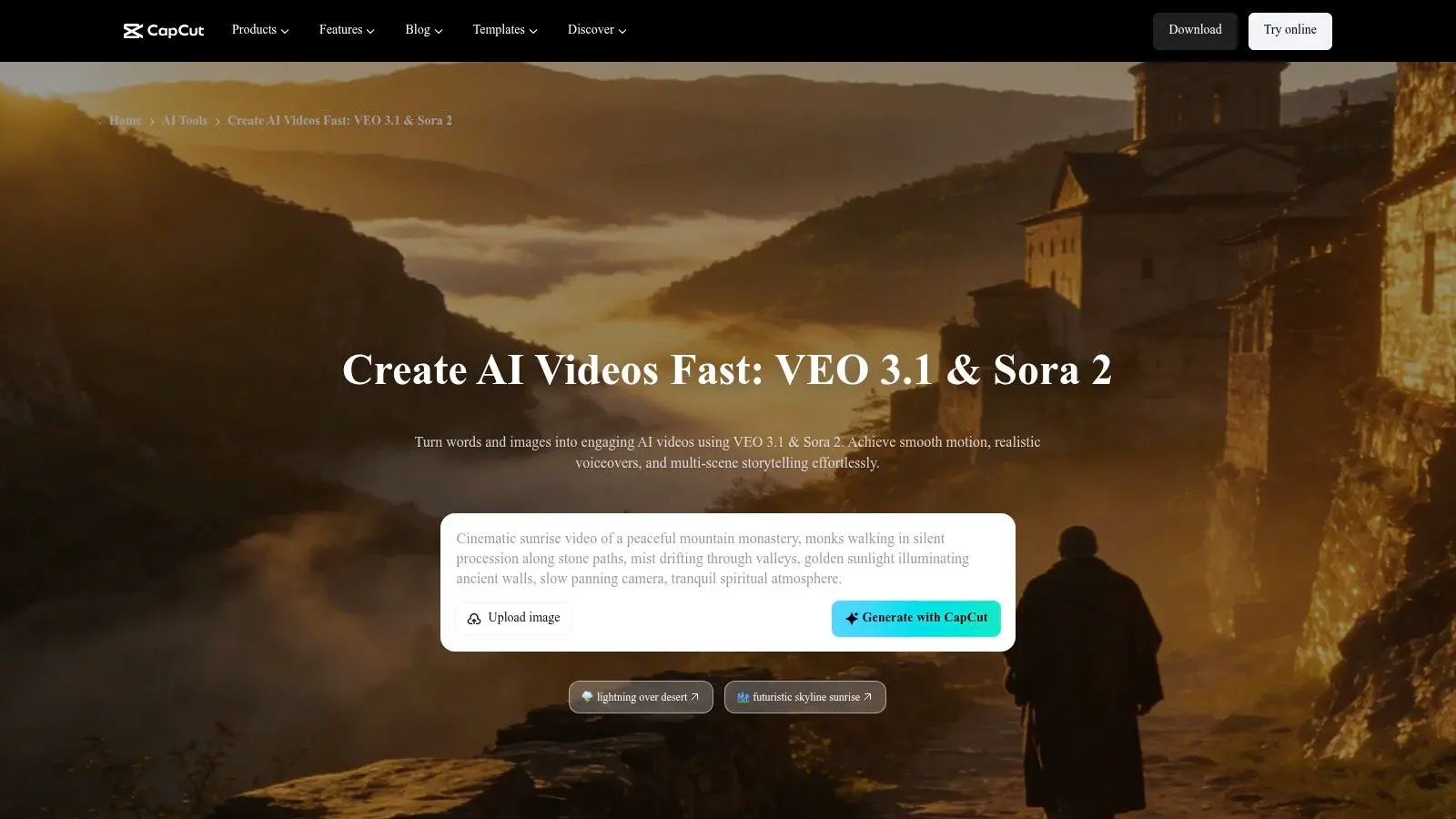
CapCut is less about cinematic generation and more about speed to publish. That's why it belongs in this list. For many teams, the best free AI video generator isn't the one with the fanciest model. It's the one that gets a social asset cut, captioned, voiced, trimmed, and ready to ship without needing three separate tools. CapCut's strength is the stack around the AI. Text-to-video, avatars, captions, music, voice, and templates all sit in one workflow. If you produce high volumes of short-form content, that's useful.
The producer's view
This is a practical tool, not a precious one. It's good when the brief is simple and the turnaround is tight.
- •Best use: Social content, ads with straightforward structure, internal promos, creator-style edits.
- •What it avoids: The friction of moving between generator, editor, subtitle tool, and publishing workflow.
- •What it lacks: Fine-grained control over cinematic composition and bespoke motion.
CapCut also works well as a bridge tool for teams starting to explore motion. If your brand team is still learning the fundamentals of timing, transitions, hierarchy, and screen legibility, this guide to free animation software tools helps put AI-assisted editing in context. CapCut is sufficient when the job is speed and acceptable polish. It isn't sufficient when the brief calls for authored character animation, exact brand motion systems, or premium visual storytelling.
5. Canva Magic Media
Canva Magic Media is the most approachable option on this list for non-specialists. If your team already lives in Canva for decks, branded graphics, social templates, and approvals, adding AI video in the same workspace makes obvious operational sense. The output isn't the most advanced, but the convenience is hard to dismiss. That convenience is where a lot of value lives. Marketing coordinators, teachers, internal comms teams, and event marketers often need “good enough, now” rather than “best possible, after technical setup”.
Why teams adopt it quickly
Canva lowers the skill threshold. You can generate a clip, drop it into a branded layout, add captions, apply brand kit rules, and circulate it for approval without leaving the platform. The trade-off is equally clear. You're working inside a broad design suite, not a specialist video engine.
- •Strongest point: One shared environment for design, simple video, brand control, and collaboration.
- •Weakest point: Less control over realism, camera behaviour, and shot specificity than dedicated AI video platforms.
- •Best suited to: Educators, social teams, and brand marketers producing lightweight content at pace.
For many organisations, Canva is the right answer when the main bottleneck isn't generation quality. It's team coordination. If content needs to be quick, branded, and easy to approve, Canva earns its place. If it needs authored craft, it becomes a starting point rather than a destination.
6. VEED
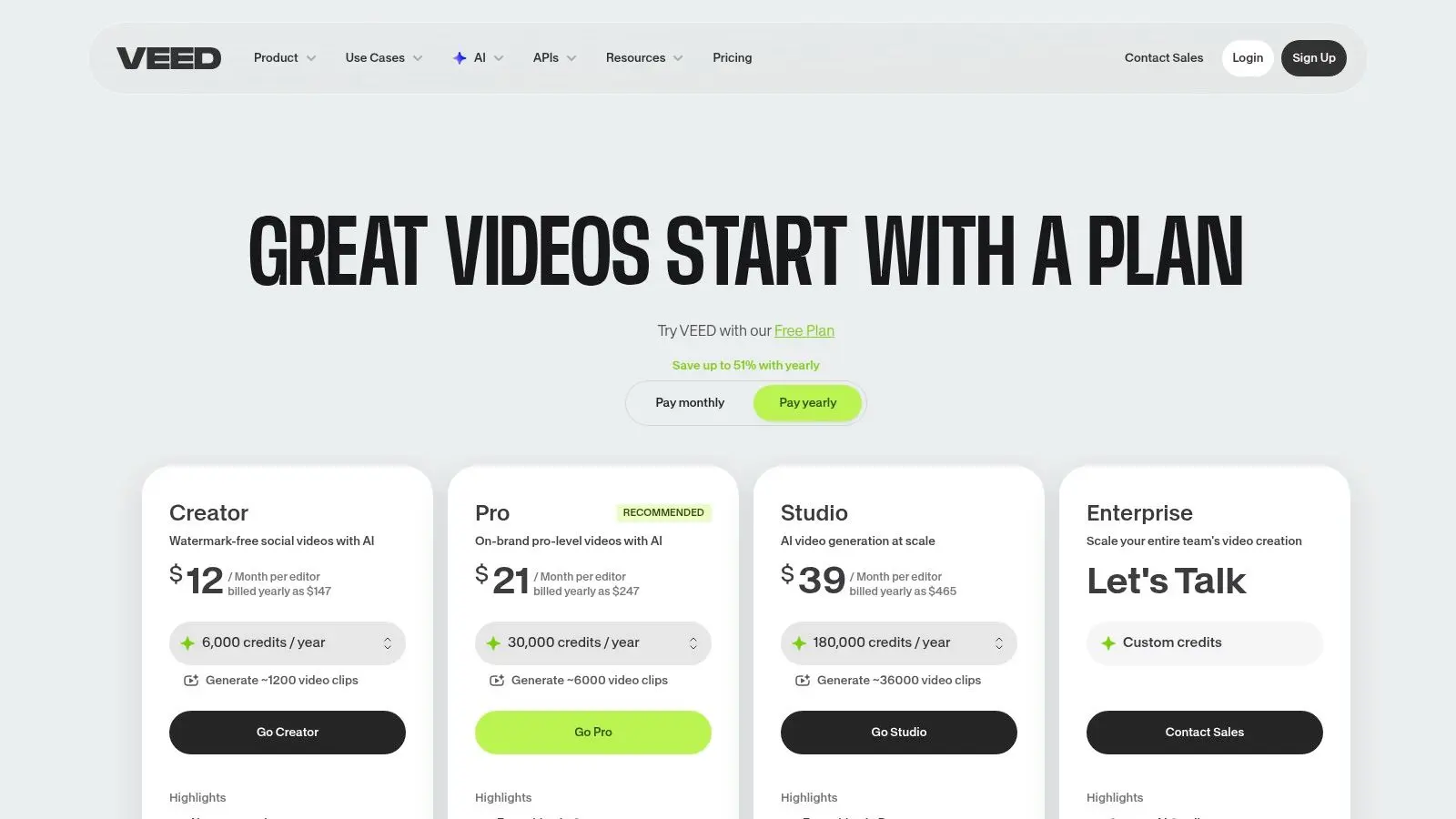
VEED is one of the more practical choices for UK teams because it combines generation with the post-production tasks people need every day. Subtitles, dubbing, script-to-edit workflows, cleanup tools, and browser-based editing all matter more in day-to-day content operations than headline-grabbing demo clips. That broad utility is why VEED is easy to recommend to agencies and internal content teams. It understands that the workflow doesn't stop at generation.
A better fit for comms than cinematic work
VEED is especially useful when localisation, accessibility, and speed are part of the brief. Synthesia's free plan is a good benchmark for where the market is moving. The company says its free plan includes up to 10 minutes of video per month, AI avatars, voiceovers in 160+ languages, AI asset generation, and no credit card requirement. That's significant for UK public-sector, education, and multinational communication, and it helps explain why tools with strong subtitle and language workflows are becoming more attractive. VEED sits in that same practical lane. It's not trying to win on pure cinematic spectacle. It's trying to remove friction from actual publishing work.
For training, internal comms, and localisation-heavy content, the best tool is usually the one that reduces revision loops, not the one that makes the prettiest six-second demo.
VEED's free limitations are exactly what you'd expect. Export constraints and watermarks are the boundary. For day-to-day communication assets, though, it can be a very efficient test bed before you move to a paid workflow or a studio finish.
7. InVideo AI
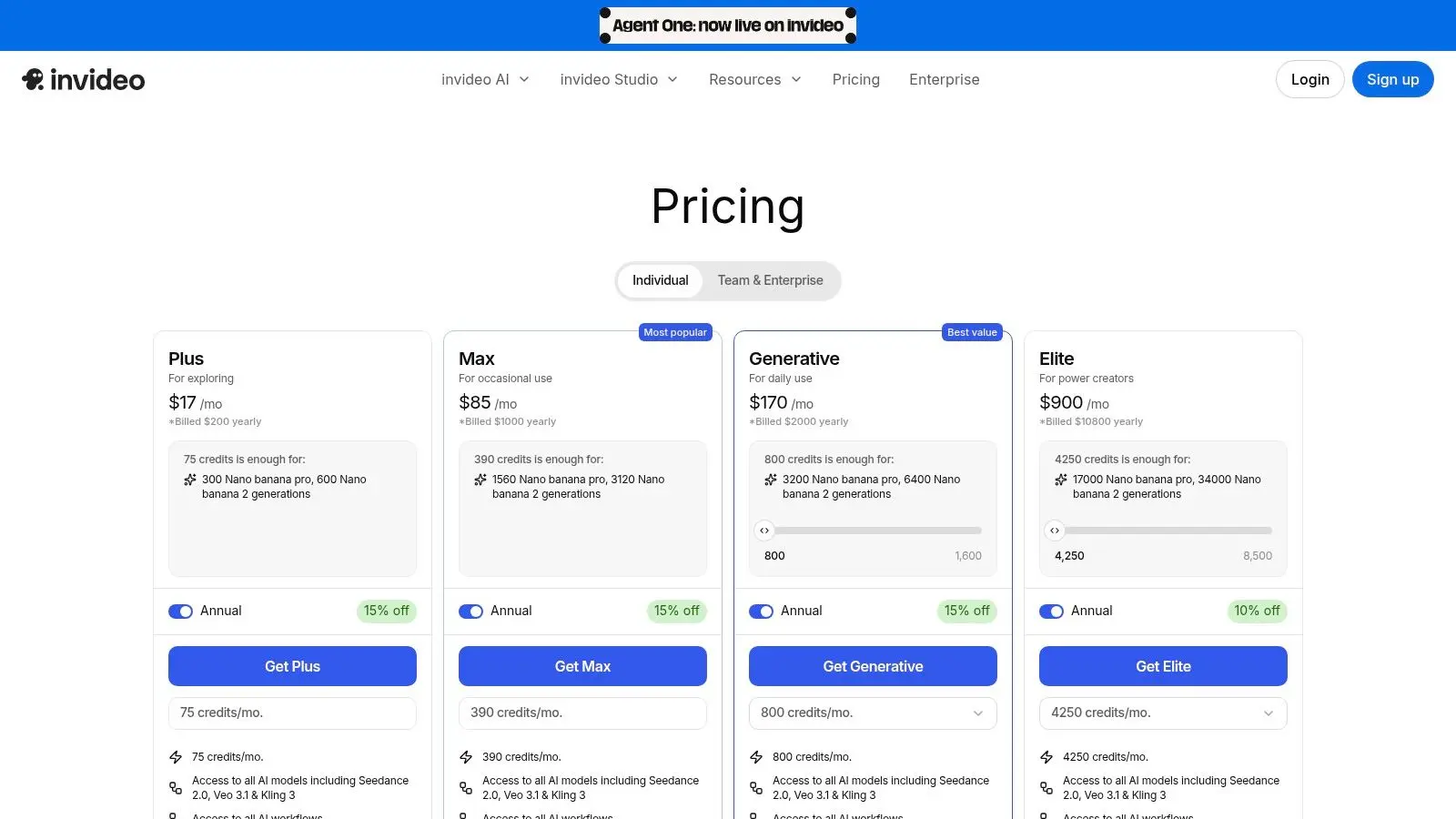
InVideo AI is less about generating wholly new moving imagery and more about assembling a usable first draft from script, stock, voice, and subtitles. That makes it useful for marketers, educators, and sales teams who need a serviceable explainer quickly. If your bottleneck is script-to-asset turnaround, InVideo AI can compress that process. I wouldn't use it to judge visual originality. I would use it to test structure, pacing, and message clarity before a proper motion design or animation pass.
Where it's useful in a real workflow
Think of InVideo AI as an automated rough cut. It can help you see whether the narrative order works, whether the voice suits the message, and whether the content can hold attention at all.
- •Best for: Listicles, explainers, promos, sales intros, educational summaries.
- •Less suited to: Distinctive visual worlds, premium branding, and nuanced storytelling.
- •Common issue: Watermarks and limited free exports make it poor as a final delivery route.
For teams that need stronger visual design after the draft stage, it helps to understand the difference between assembly and authored motion. This overview of motion graphics for UK brands is useful because it shows where AI assembly ends and designed communication begins. InVideo AI is effective when the question is, “Can we turn this script into something watchable today?” It's not the right tool when the question is, “Can this represent the brand at a high standard?”
8. HeyGen
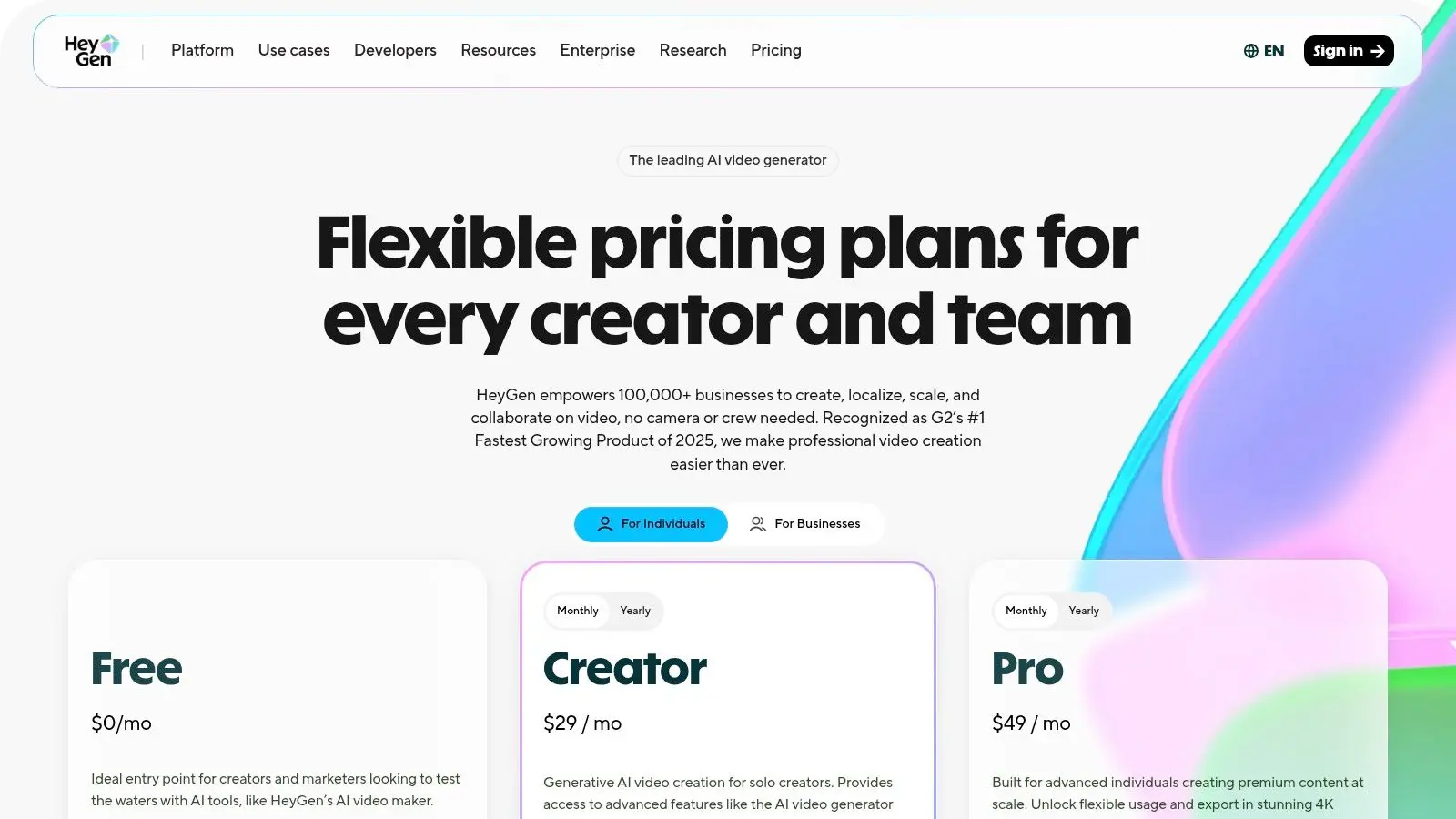
HeyGen is very good at one thing. Presenter-led video without a shoot. If you need a talking avatar for training, onboarding, sales outreach, or internal updates, it's one of the cleaner, more polished experiences available. Lip-sync quality and multilingual workflows are its core strength. That specialisation matters. This isn't the tool for cinematic text-to-video experimentation. It's the tool for structured communication with a virtual presenter.
Best when human presence matters more than visual invention
A lot of businesses don't need abstract AI footage. They need someone to “speak” on screen consistently across multiple markets and update cycles. HeyGen solves that operational problem well. Its main strengths are easy to define:
- •Avatar-led delivery: Good for training, HR, onboarding, and repeatable comms.
- •Dubbing and language support: Helpful for distributed teams and multilingual audiences.
- •Enterprise logic: Works well when content needs to be produced repeatedly, not just once.
The free tier is mainly for testing the workflow. That's fine. You can evaluate whether avatar presentation fits your audience before committing. If your need is presenter-style content, HeyGen is one of the strongest options here. If your need is free-form visual storytelling, move on.
9. D-ID Creative Reality Studio
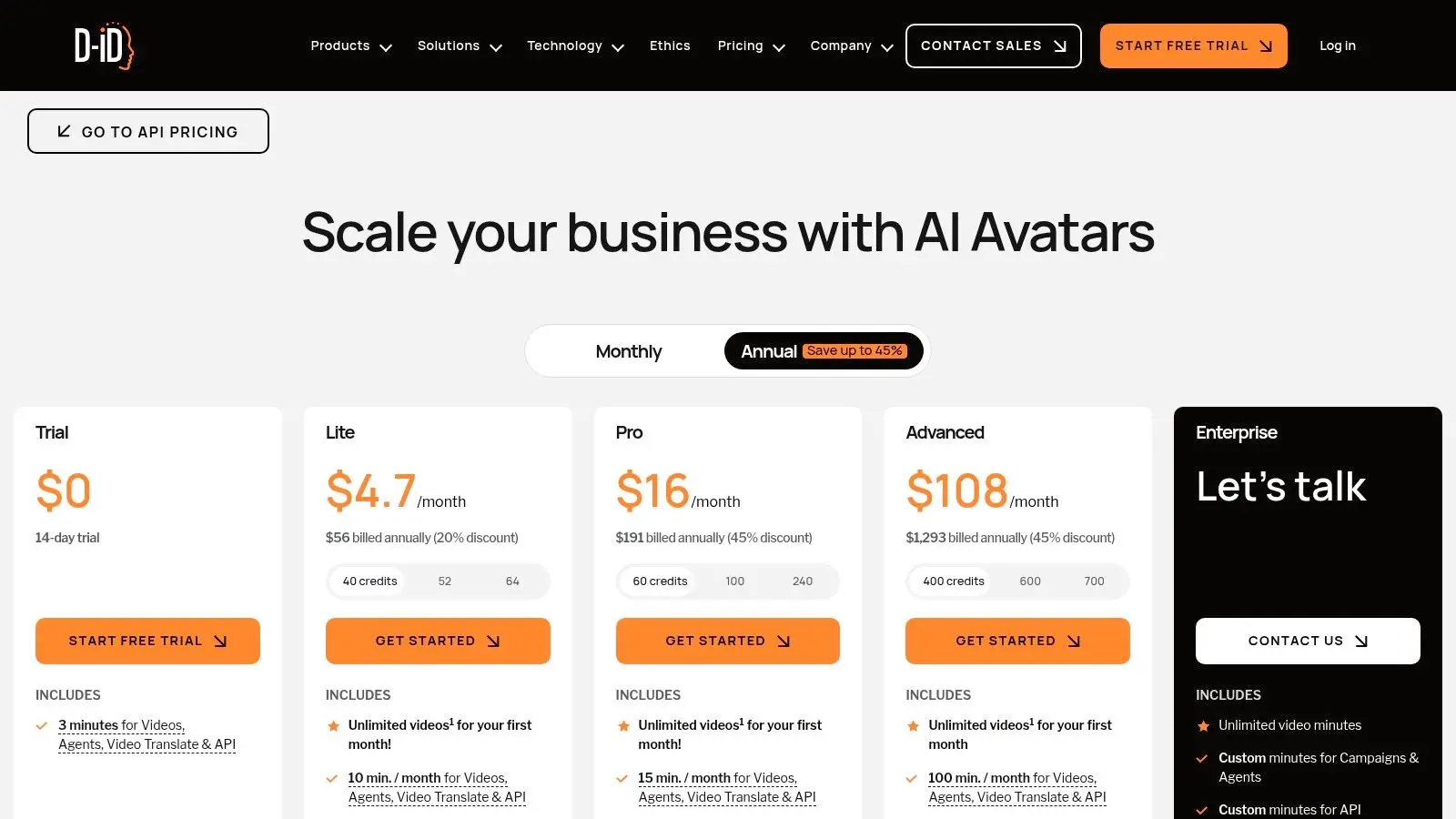
D-ID has been around long enough that its value proposition is clear. It turns still images into talking presenters and supports voiceover, translation, and API-driven workflows. For education, customer support, and personalised outreach, that's still a compelling offer. The reason to choose D-ID over broader video generators is operational simplicity. If you already know you want presenter-style communication and don't need cinematic scene generation, it keeps the path direct.
When the format is the message
D-ID is well suited to scenarios where consistency matters more than spectacle. Support explainers, multilingual teaching aids, and scripted outreach all benefit from a stable, repeatable format. That said, the format has limits.
- •What it's good at: Scripted avatar videos with translation and scalable workflows.
- •What it isn't: A general-purpose creative video lab for art direction, shot craft, or rich scene generation.
- •Commercial caution: Trial limitations and watermarking mean you still need to verify the output is appropriate for paid use.
This is one of those tools that works best when nobody is pretending it can do everything. Used within its lane, it's efficient. Pushed beyond that lane, it feels mechanical very quickly.
10. Kaiber
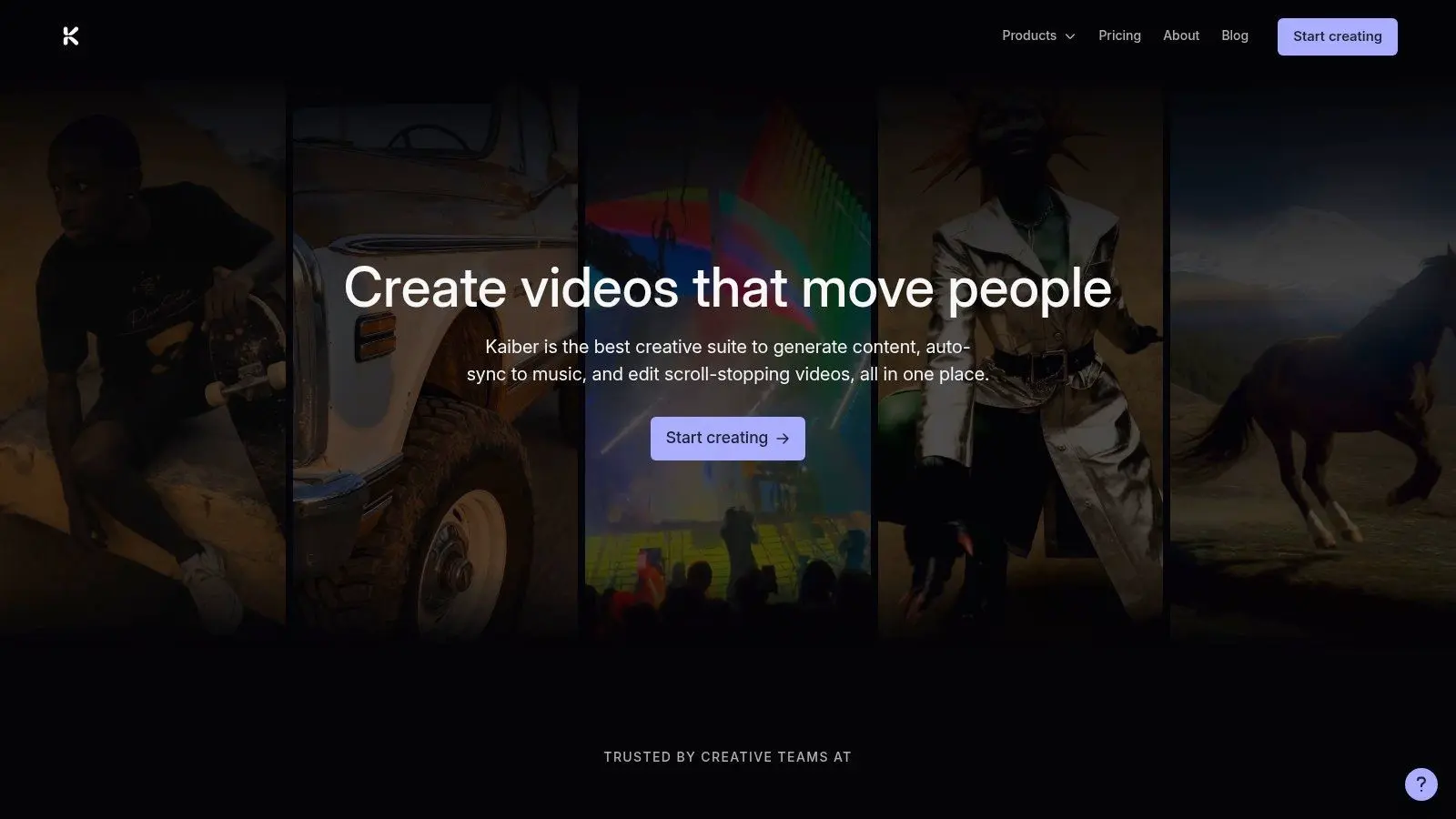
Kaiber remains a strong option for stylised visuals, music-led content, and rapid mood exploration. It's not a realism leader, and it doesn't need to be. Its appeal is creative distortion, graphic texture, and quick look development. That makes it especially handy for pitches, mood films, and early art direction references. If a client or internal stakeholder needs to feel a direction before they approve a proper production route, Kaiber can do that job well.
Better for style than precision
Kaiber is a style-first tool. That's both its strength and its limit. It gives teams a fast route into a visual atmosphere, but it isn't where I'd go for controlled motion realism or meticulous narrative continuity. The wider category is growing quickly, which is why upgrade paths matter as much as free access. Allied Market Research says the global AI video generator and editor market was valued at $0.6 billion in 2023 and is projected to reach $9.3 billion by 2033 at a 30.7% CAGR. For buyers, the practical implication is simple. Choose tools that let you experiment freely but don't trap you when you need cleaner exports, clearer rights, or a more dependable paid tier.
Free access is useful for discovering visual direction. It's rarely enough for managing delivery risk.
Kaiber is a good example of that rule. It's a strong ideation tool. It isn't a finishing pipeline.
Top 10 Free AI Video Generators: Feature Comparison
| Tool | Core features | UX / Quality (★) | Value & Pricing (💰) | Target audience (👥) | Standout (✨ / 🏆) |
|---|---|---|---|---|---|
| Runway | Text→video & image→video; timeline editor; selectable models; credit meter | ★★★★★ production-grade motion & pipelines | 💰 Credit-based; one-time 125 free credits trial; pay-per-tool | 👥 Filmmakers, studio R&D, prototyping teams | ✨ Mature production editor + clear cost visibility 🏆 |
| Pika | Text→video & video→video; template tools (Pikascenes/Pikaswaps) | ★★★★ rapid, intuitive for quick iterations | 💰 Generous free tier (480p); paid for 1080p | 👥 Social teams, concepting, motion tests | ✨ Fast iterations + transparent per-action costs |
| Luma Dream Machine | Ray-series high-fidelity models; upscaling/HDR; modify/extend pipelines | ★★★★★ cinematic realism & motion consistency | 💰 Credit plans; drafts/watermarked free plan | 👥 Cinematic R&D, product shots, VFX tests | ✨ Strong physics-like motion & upscaling 🏆 |
| CapCut AI Video Generator | Text→video, avatars, TTS, auto-captions; social templates; web/desktop/mobile | ★★★★ social-ready, zero-install web friction | 💰 Mostly free; some AI features on Pro/credits | 👥 Social creators, short-form ads, TikTok workflows | ✨ All-in-one editor + ready-made social templates |
| Canva Magic Media (AI Video) | Text→video inside Canva; templates, brand kits, collaboration | ★★★★ extremely low learning curve for teams | 💰 Credit-metered AI; Pro/Teams for high volume | 👥 Marketers, educators, cross-functional teams | ✨ Single workspace for design + video + approvals |
| VEED (AI Video Generator) | Text→video, avatars, dubbing; subtitles, translations, hosting | ★★★★ all-in-one generate→edit→publish workflow | 💰 Free with limits/watermark; paid tiers for exports | 👥 Agencies, social/localization teams | ✨ Strong subtitling & localization toolset |
| InVideo AI | Script→video assembly; stock B‑roll, TTS, subtitles | ★★★★ very quick first-draft marketing outputs | 💰 Free export limited/watermarked; templates speed production | 👥 Marketers, educators, rapid explainers | ✨ Prompt→script→shot auto-assembly |
| HeyGen | AI avatars with lip-sync; multi-language dubbing; API | ★★★★ polished avatar lip-sync; enterprise-ready | 💰 Trial for testing; credit-based production plans | 👥 Training, sales, internal communications | ✨ High-quality presenter avatars & dubbing |
| D‑ID Creative Reality Studio | Photo→talking avatars; voice cloning; video translation; API | ★★★★ mature avatar pipeline & localization | 💰 Minutes/plans; trial outputs watermarked | 👥 Education, support, personalized outreach | ✨ API + voice cloning for scalable personalized video |
| Kaiber | Text/image→video; style presets; beat-synced visuals | ★★★ fast, stylized, creator-friendly outputs | 💰 Free/premium mix; pricing details via docs | 👥 Creators, music visuals, rapid ideation | ✨ Style-first, music-synced visual looks |
Your Next Step in Video Production
A team builds a promising AI draft on a free plan in an afternoon. By the time it needs brand consistency, legal sign-off, clean sound, accessible captions, and delivery across multiple formats, the quick test has hit its limit. That is the useful way to judge free AI video tools. They are strong at ideation and pre-visualisation. They help teams test whether a concept reads, whether a visual direction has energy, and whether a stakeholder can react to something concrete instead of a paragraph in a brief. In a studio workflow, that speed matters. It reduces wasted time early and gives creative, marketing, and production teams something real to assess. The mistake is expecting the same free workflow to carry a project all the way to release. In practice, the handoff point is usually obvious. Once a piece needs controlled art direction, consistent characters, custom animation, polished editing, proper compositing, sound design, rights-aware asset decisions, or platform-specific deliverables, specialist production takes over. At Studio Liddell, we treat AI outputs as starting material. They are useful for treatment boards, concept tests, internal approvals, rough social variants, and early previs. Broadcast-quality work asks for more. It asks for authored motion, disciplined pacing, colour decisions that hold together shot to shot, and post-production that survives scrutiny on a large screen as well as a phone. Free tools are often sufficient for:
- •early concept testing
- •internal presentations
- •rough story exploration
- •low-risk social experiments
- •quick stakeholder alignment
Professional intervention is usually required for:
- •campaign-ready brand execution
- •bespoke animation and design systems
- •narrative continuity across multiple shots
- •final mix, grade, and compositing
- •accessibility, compliance, and delivery standards
That divide is practical, not ideological. AI gets teams to a first draft faster. Producers, editors, animators, designers, and technical artists turn that draft into a finished piece with intent behind every decision. If the idea is still being tested, use the free tools hard. Generate options. Reject weak directions quickly. Keep what earns a proper budget. If the project now needs to look deliberate, consistent, and ready for public release, bring in a production team. If you're building out a wider workflow around content operations, this guide to an Essential content creator toolkit is a useful next read. CTA: Book a production scoping call to discuss your project. If your AI-generated concept needs to become a polished campaign, explainer, animation, or immersive experience, talk to Studio Liddell. We can help you decide what stays automated, what needs craft-led production, and how to turn a rough prompt into a finished piece worth publishing.