The 10 Best Free Animation Software Tools
Start Animating Today: Pro Tools Without the Price Tag You often hit the same wall at the start. You want to animate something real, not just doodle tests, but the first search fills your screen with expensive subscriptions, bloated feature lists, and software that looks built for a facility pipeline rather than one person trying to learn. The good news is that the best free animation software is no longer just “good for free”. Some of it is strong enough to carry serious indie work, student films, prototypes, pitch materials, game cutscenes, and even parts of commercial production. In the UK especially, free tools matter because animation training and junior pipeline development depend on accessible software. The UK animation industry supports around 5,000 jobs directly, according to UK animation industry context, and that talent pipeline doesn't start with enterprise licences. It starts with tools people can get on their machines. If you're a student, an indie developer, a designer moving into motion, or a small team trying to turn ideas into billable work, this list offers a solid starting point. Some tools on this list teach core animation principles. Others plug directly into real-time production, game development, or studio-style workflows. That distinction matters. Free software won't remove the need to learn timing, spacing, posing, staging, cleanup, rendering, and revision control. But it will remove the excuse that you need a big budget before you can start. Pick the right tool for the kind of work you want to make, and your first project can become the foundation of a professional pipeline.
1. Blender
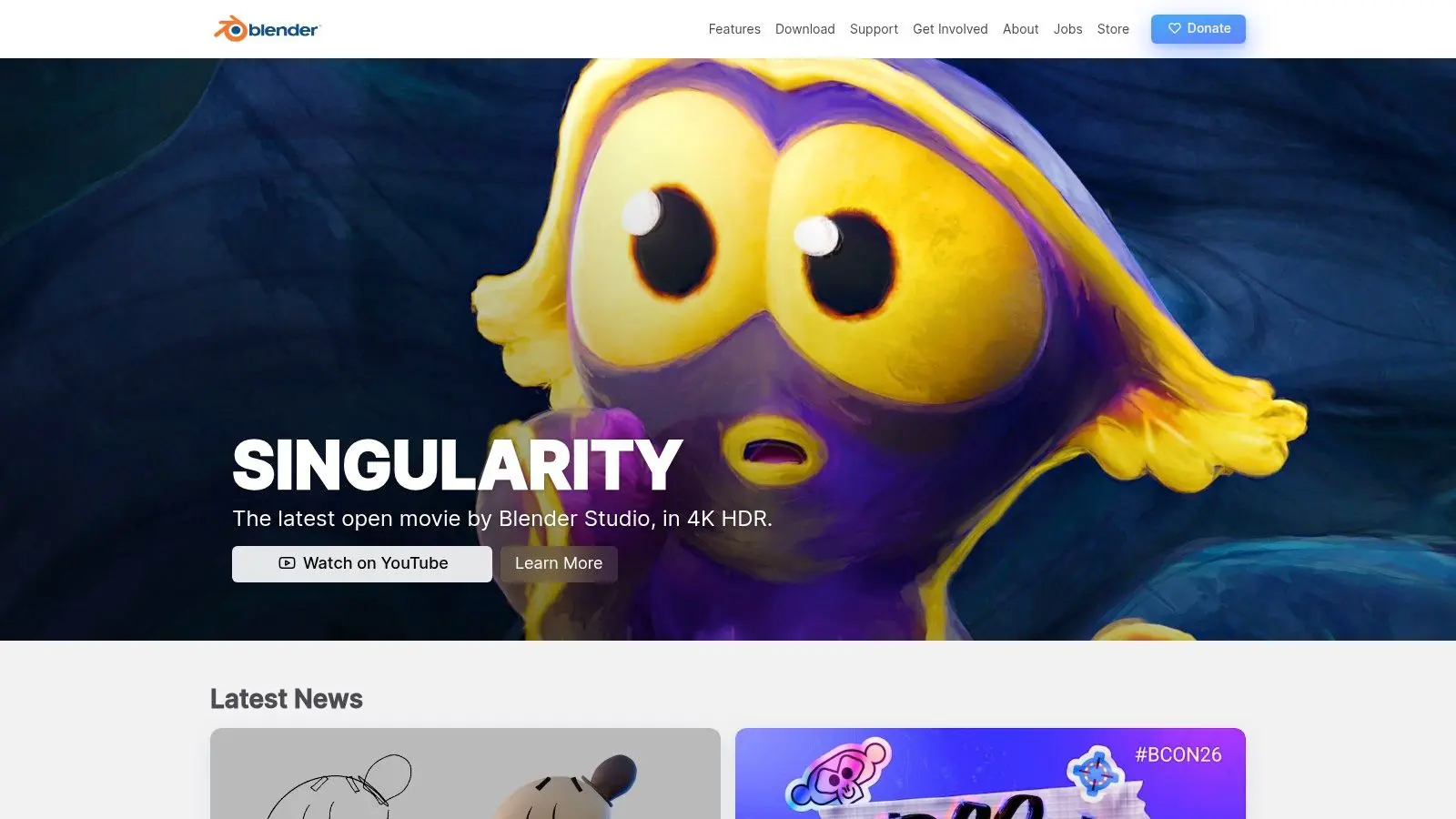
A lot of people start in Blender because it is free. They stay with it because it teaches production habits, not just button clicks. Blender covers modelling, rigging, animation, lighting, rendering, compositing, editing, and 2D work through Grease Pencil in one package. That matters for anyone building from hobby projects toward paid work, because you can learn how assets, shots, revisions, and final output connect inside a real pipeline instead of bouncing between disconnected tools. Its jump in usability after the 2.8 era helped push it further into training environments and early production use. UK schools such as Escape Studios have highlighted Blender training as part of their animation and VFX education offering, which says a lot about how seriously the software is now taken.
Where Blender earns its place
The animation side is strong enough to keep pace as your work gets more ambitious. You get proper rigging controls, a nonlinear animation editor, shader networks, geometry nodes, and render options that support both fast previs and polished final frames. That makes Blender one of the clearest routes from beginner practice to studio-ready thinking. Blocking, camera work, scene layout, naming discipline, render passes, and file organisation all transfer well to commercial production. If you are still deciding where 3D fits against drawn work, this guide to 2D vs 3D animation and how each fits different production goals is a useful companion read. Grease Pencil is the feature that often surprises new users. It lets storyboard artists, motion designers, and hybrid 2D and 3D animators work in the same environment, which is useful for pitch films, animatics, and stylised shorts. If you plan to sketch poses or annotate shots inside Blender, a decent Stylus Pen makes that workflow much more practical.
- •Best for: Learners and indie teams who want one tool that scales from tests to serious production
- •Less ideal for: Anyone looking for instant results with minimal setup
- •Standout feature: Grease Pencil, because it connects 2D drawing and 3D scene work in ways most free tools do not
Practical rule: If your long-term goal is 3D animation, learn Blender early. Even if you later move into Maya, Unreal, or a studio-specific pipeline, the fundamentals carry over.
The trade-off is straightforward. Blender gives you a huge amount of control, and that means a steeper learning curve, heavier scenes, and more room to make a mess if you stay disorganised. For aspiring animators and indie developers, that is still a worthwhile deal, because the habits you build here hold up when projects get larger. Visit Blender.
2. Krita
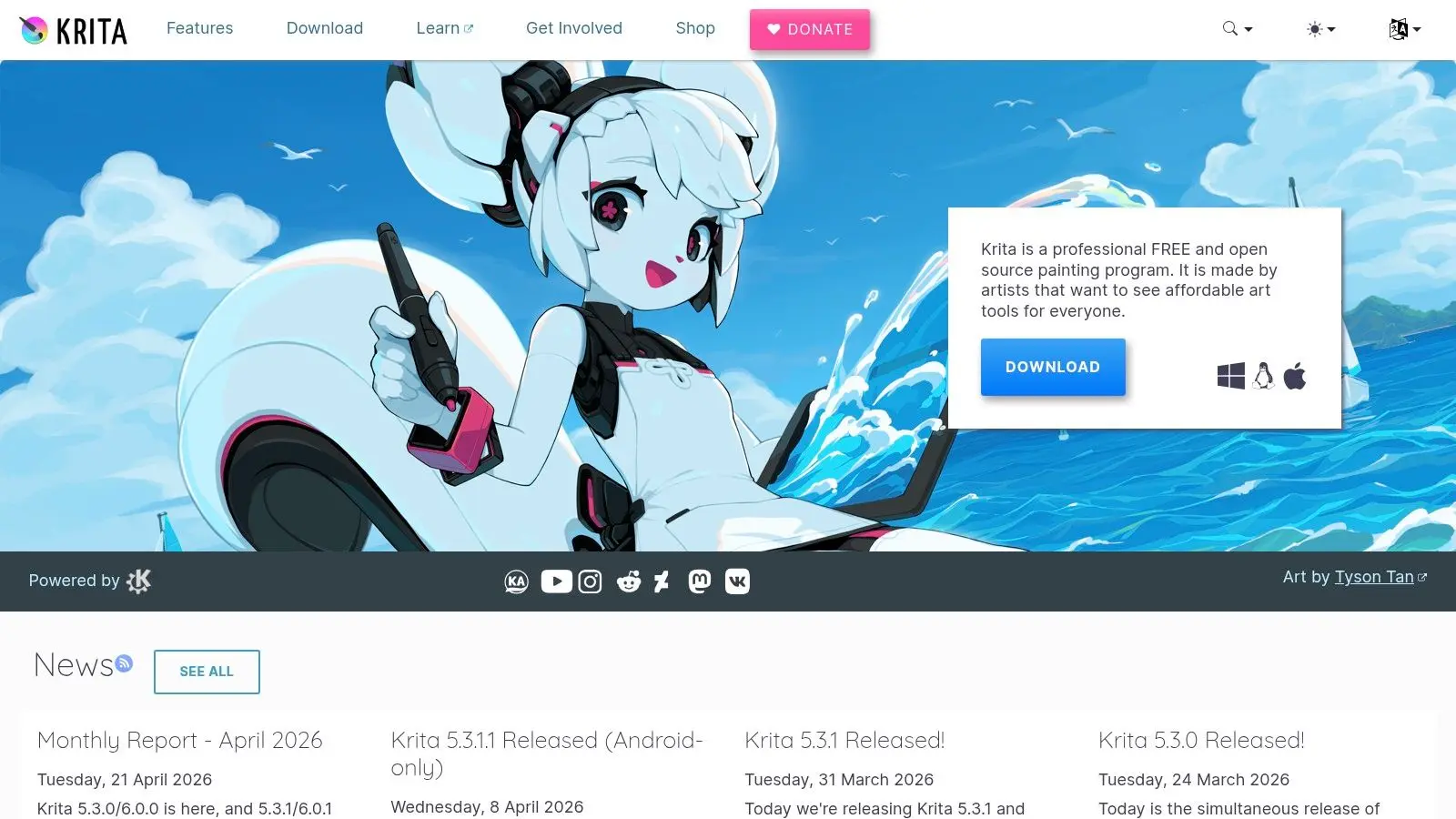
Krita is where I'd point anyone who draws first and animates second. If your instinct is to sketch poses, test expressions, and work frame by frame with a stylus, Krita feels much more natural than a rig-based system. Its animation workspace is built around raster drawing, onion skinning, and timeline control rather than automation tricks. That's a strength, not a weakness, if you're learning draftsmanship and timing rather than trying to fake movement with shortcuts.
Best use case for Krita
Krita is strongest for short hand-drawn loops, rough animation tests, animatics, and expressive 2D character motion. It's also a good fit if you're still deciding between 2D and 3D, because it lets you stay close to illustration practice while learning motion fundamentals. This breakdown of 2D vs 3D animation helps clarify which path makes more sense for the work you want to produce. For setup, the right input device matters more here than in most tools. A decent stylus pen for drawing and animation work will do more for your day-to-day experience than another plugin or brush pack.
- •What works well: Natural brush feel, strong painting tools, straightforward frame-by-frame workflow
- •What doesn't: It isn't built for vector rigs, cut-out puppet animation, or complex studio-style scene assembly
- •Who should choose it: Illustrators, concept artists, students, and anyone making performance-led 2D work
Krita struggles once scenes get too heavy or too long. That's the trade-off. It rewards drawing ability, but it won't do much hand-holding when production needs become more technical. Visit Krita.
3. OpenToonz
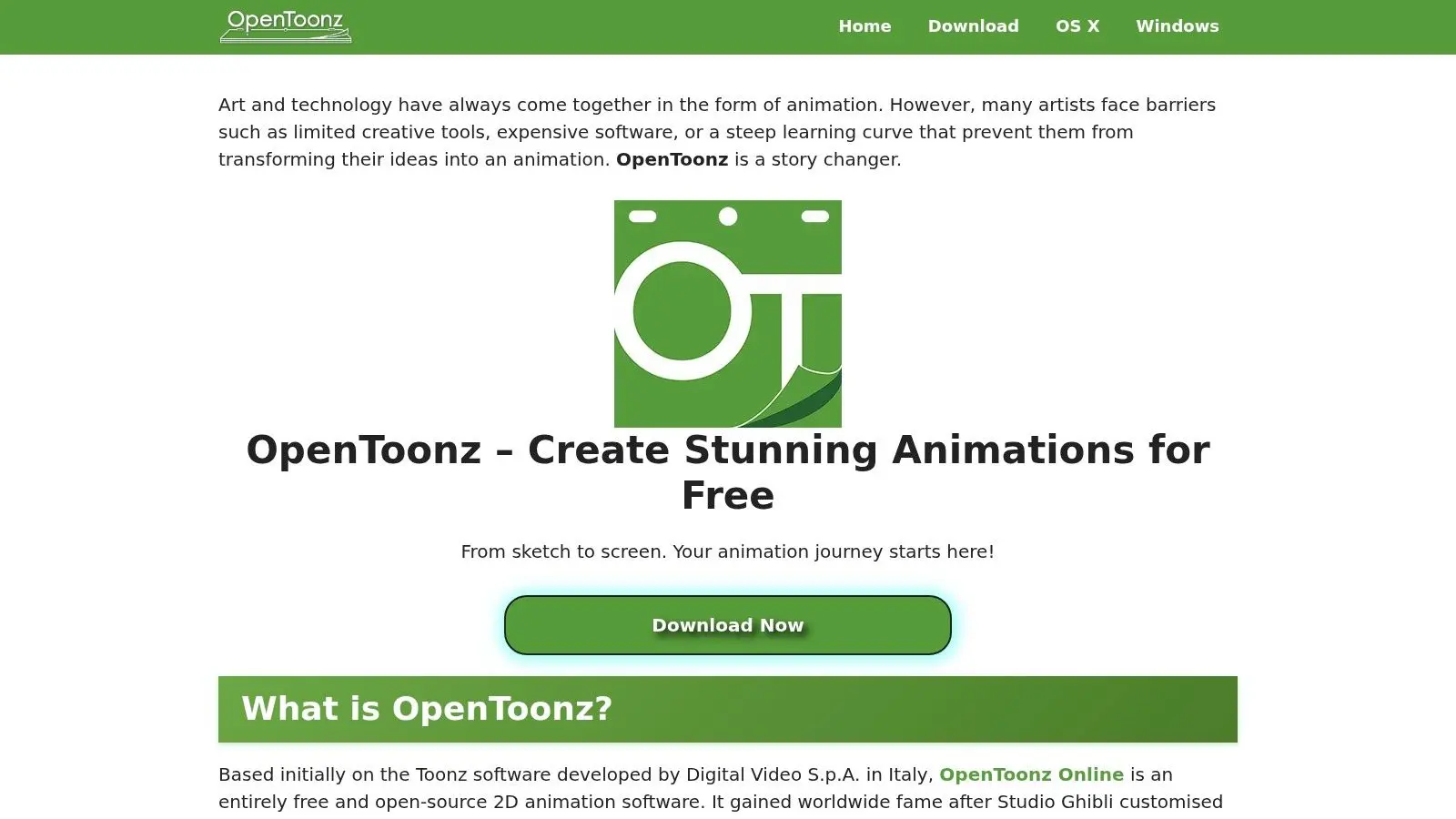
OpenToonz feels less friendly than Krita or Pencil2D, but it's much closer to a production-minded 2D system. If you want software that nudges you toward structured scene management instead of loose sketchbook habits, you'll find a more serious approach. It supports both raster and vector workflows, paperless production, effects, scanning, and more formal scene organisation. That makes it useful for animators who want to understand how television-style 2D pipelines think, even if the interface shows its age.
Why OpenToonz still matters
OpenToonz is not the tool I'd hand to a total beginner on day one. It is the tool I'd recommend once someone has done a few simple shots and wants to understand exposure sheets, cleanup discipline, line consistency, and effects-driven 2D work.
OpenToonz rewards patience. The first week can feel awkward, then the production logic starts to make sense.
Its node-based effects system is the dividing line. Some people bounce off it immediately. Others realise it gives them far more control over compositing and scene treatment than lightweight 2D apps ever will. A few practical strengths stand out:
- •Production orientation: Better suited to scene-based 2D work than casual doodle animation tools
- •Linework flexibility: Handles traditional-looking workflows well
- •Pipeline value: Teaches habits that transfer better than many beginner apps
The downside is friction. Menus can feel dated, the workflow can seem rigid, and it asks you to think like a production artist earlier than most free tools do. That's exactly why it belongs on this list. Visit OpenToonz.
4. Synfig Studio
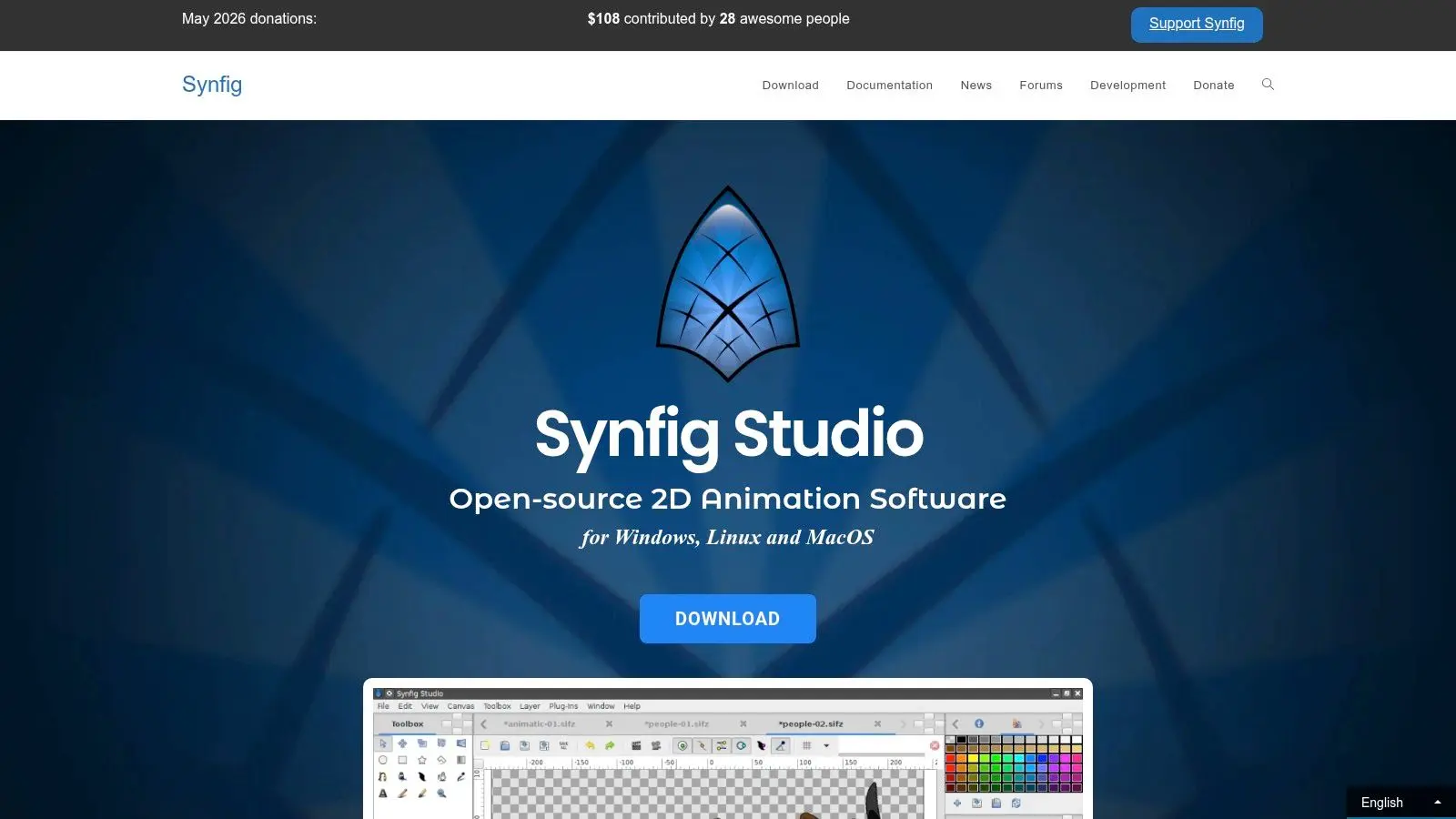
Synfig is a different branch of 2D animation entirely. It's built around vector graphics, interpolation, bones, deformation, and parameter control. If hand-drawn frame-by-frame work sounds slow and painful to you, Synfig is worth a close look. The main attraction is efficiency. You can rig elements, automate in-betweens, and reuse parts in a way that makes much more sense for explainer content, cut-out animation, and repeatable character systems than raw drawing tools do.
Where Synfig fits in a pro pipeline
Synfig is useful when you need resolution-independent artwork and repeatable motion. That makes it attractive for educational media, internal comms, web animation, and smaller commercial jobs where turnaround matters more than painterly style. This is also where the best free animation software question gets more practical. In the UK, hiring and skills scarcity shape tool choice more than many roundups admit. The Employer Skills Survey found that 61% of UK vacancies were hard-to-fill and 36% of those hard-to-fill vacancies were skill-shortage vacancies, with digital and technical roles among the pressure points, according to this UK skills shortage context for creative teams. A tool that a small team can learn and operationalise quickly often beats the “most powerful” option.
- •Best at: Cut-out characters, vector motion, simple deform rigs
- •Weak at: Organic drawing-heavy animation and polished interface design
- •Good stepping stone to: Motion systems, reusable assets, and pipeline thinking
Synfig won't charm you. The interface can feel rough, and complex rigs can become fiddly. But if you want speed through reuse rather than speed through templates, it has real value. Visit Synfig Studio.
5. Pencil2D
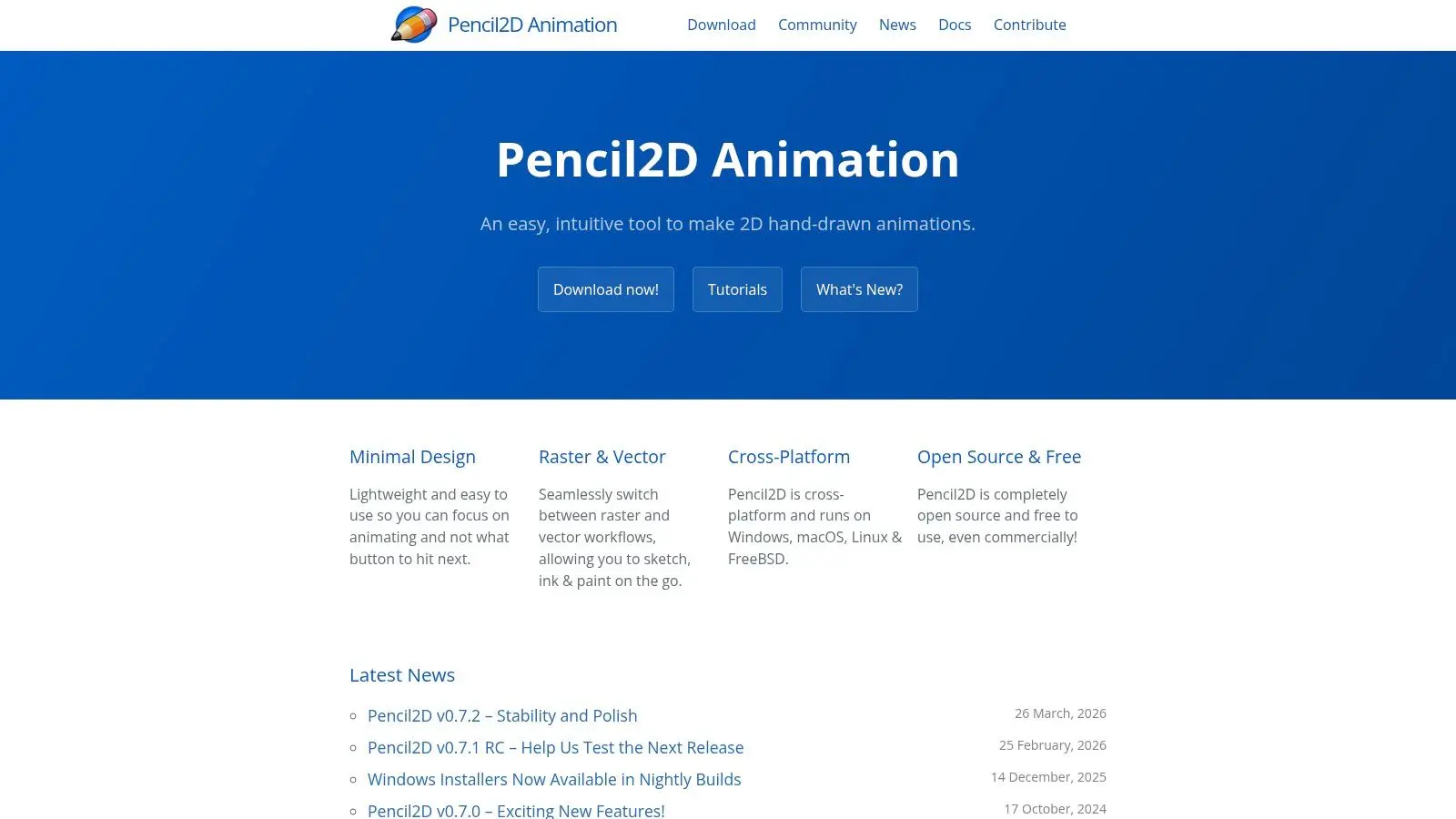
Pencil2D is the app I recommend to people who are overthinking software before they've animated a bouncing ball. It starts fast, stays out of your way, and strips the process back to timing, spacing, arcs, and clear drawings. That simplicity is the point. You're not here for effects pipelines, studio scene management, or heavy compositing. You're here to learn motion.
Why beginners often do better with less
A lot of new animators sabotage themselves by picking a feature-rich tool too early. They spend days customising workspaces, watching tutorials on render settings, and never finish a shot. Pencil2D avoids that trap. It supports vector and bitmap layers, keyframes, and onion skinning. That's enough for rough tests, simple character exercises, and quick animatics.
If you can't finish ten seconds in Pencil2D, more software won't solve the problem.
There are obvious limits:
- •Good for: First principles, school use, rough planning, low-spec machines
- •Not good for: Heavy productions, advanced compositing, or collaborative studio work
- •Best mindset: Treat it as a training floor, not a destination tool
For educators and beginners, that's exactly what makes it useful. It removes friction without pretending to be a full production package. Visit Pencil2D.
6. Godot Engine
Godot belongs on this list because animation doesn't stop at film and shorts. If you're making games, interactive training, educational content, or stylised real-time experiences, an engine can be the right place to animate. Godot gives you timeline tools, keyframing, state control, scene logic, and 2D or 3D animation systems inside a runtime environment. That changes how you think. You're no longer animating only for rendered output. You're animating for response, gameplay, interaction, and deployment.
Best for interactive work
This is a strong option for indie developers who need cutscenes, UI animation, character state systems, or in-engine storytelling. It's especially useful if your project needs to go from prototype to playable without switching ecosystems halfway through. The trade-off is obvious. Godot is not a full digital content creation package in the way Blender is. You won't choose it for high-end offline rendering or detailed character polish from scratch. You choose it because the animation needs to live inside an interactive product. A practical way to think about Godot:
- •Use Godot when: The final output is playable, touchable, or responsive
- •Avoid Godot when: You need a dedicated modelling and rendering suite
- •Career value: It teaches engine thinking, not just animation technique
For indie teams, that can be a major advantage. You learn how animation behaves in context, not just how it looks in isolation. Visit Godot Engine.
7. Unreal Engine 5
Unreal Engine 5 is not beginner-friendly in the traditional sense. It's big, demanding, and full of systems you may not need yet. But if your target is games, previs, virtual production, XR, or real-time cinematics, ignoring it would be a mistake. Sequencer gives you a serious cinematic timeline. Control Rig lets you rig and animate directly inside the engine. Add retargeting, blend systems, lighting, cameras, and real-time review, and you've got a tool that changes how quickly teams can iterate.
When Unreal becomes the right choice
Unreal makes sense when rendering speed and iteration matter as much as animation itself. If you need to test camera language, stage environments, build playable sequences, or align animation with game logic, it's a strong professional step. In the UK, software choice is shaped heavily by education economics as well as production need. Blender 4.0 was released in November 2023, and free tools remain central to classrooms and junior studio pipelines because institutions can redirect licence budgets into hardware and teaching instead, as outlined in this UK education view on free animation software. Unreal often enters the picture after that first free-tool foundation is in place. For anyone moving toward games and real-time work, this producer-focused guide to animations in games is the right companion read.
- •Strongest use: Cinematics, virtual production, real-time previs, game animation
- •Weakest use: Quick casual learning on underpowered hardware
- •Best path in: Learn core animation elsewhere, then bring those skills into engine workflows
Unreal is a destination tool. You don't pick it because it's easy. You pick it because it's where a lot of serious real-time work happens. Visit Unreal Engine.
8. Rive
Rive sits in a different category from most of this list. It's not trying to be a full cartoon studio or a 3D suite. It's built for interactive 2D motion that lives inside products, apps, interfaces, and modern digital experiences. That makes it valuable for designers and developers, not just animators. If you're building interface states, onboarding flows, reactive characters, or lightweight branded motion, Rive can be far more practical than a heavyweight desktop pipeline.
Why lightweight tools matter more than many lists admit
A lot of “best free animation software” roundups overvalue deep desktop suites and undervalue browser-led or lightweight workflows. That misses how many teams currently work. In the UK, internet use is strongly mobile-led and browser-centric, while short-form video is one of the most consumed content types online, according to this UK online behaviour context. For marketers, educators, and internal comms teams, fast-access tools can be a better operational fit than complex desktop software. Rive's strengths are clear:
- •Interactive logic: State machines and runtime behaviour are built into the workflow
- •Developer handoff: Multi-platform runtimes make implementation easier
- •Collaboration: Cloud-based working suits distributed teams
The catch is equally clear. The free tier is best treated as a learning and prototyping space. If you're shipping work commercially, you'll need to review the plan limits carefully. Rive is not for everyone. But for product animation and interface-driven motion, it solves problems that Blender and OpenToonz were never designed to solve. Visit Rive.
9. DragonBones

DragonBones is one of those tools that doesn't always make glossy top-ten lists, but it's useful if you're building 2D game animation on a tight budget. Bone systems, mesh deformation, tweening, and runtime-friendly exports make it a practical option for mobile, web, and indie game workflows. Think of it as a lightweight skeletal animation tool with a narrow but clear job. It isn't trying to be a painter's app, a generalist content suite, or a cinematic platform.
A strong niche tool for game teams
DragonBones works best when you need reusable 2D character rigs that can run efficiently in a game pipeline. If your priority is animation that can be exported cleanly and driven by code or state logic later, it's a good fit. That focus also explains the trade-offs. The ecosystem is smaller, documentation is less centralised, and the community footprint doesn't rival larger platforms. You may need to solve more problems yourself.
Smaller tools often win in production when they remove one bottleneck cleanly.
That's the case here. For skeletal 2D animation without paying for a commercial rigging package, DragonBones remains useful. A simple decision test:
- •Choose DragonBones if: You need 2D runtime animation for games
- •Skip it if: You need broad illustration tools or polished compositing
- •Best paired with: A separate art package for asset creation
Visit DragonBones.
10. Cascadeur
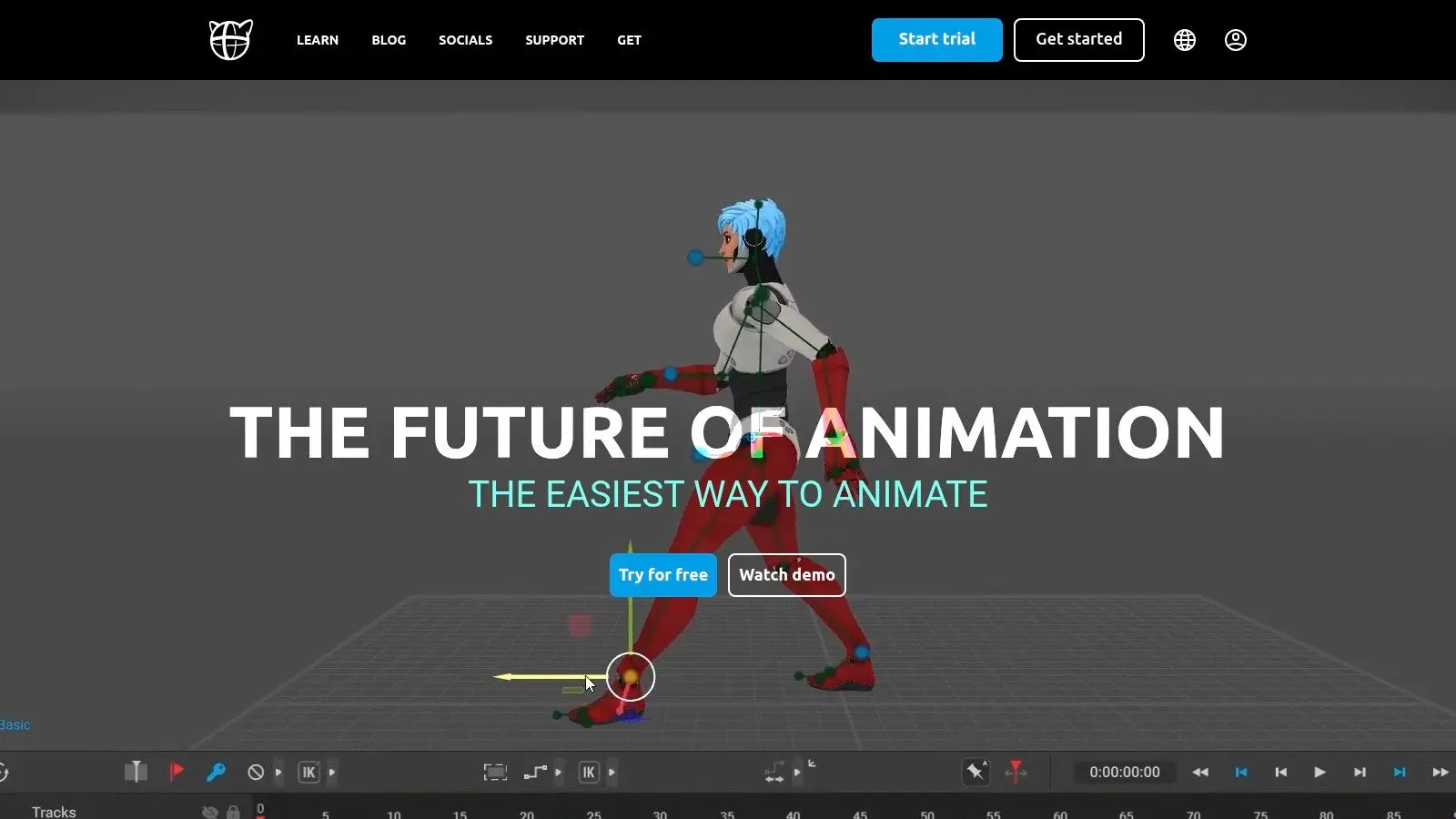
Cascadeur is the specialist on this list. It focuses on 3D character motion, posing, physics-assisted movement, and in-between generation. If you're trying to make characters move with believable weight and mechanics, it can save a lot of time. What makes it interesting is not that it replaces animation skill. It doesn't. What it does is reduce the amount of wrestling required to get a body into convincing motion, especially for jumps, landings, impacts, and realistic action beats.
Best used as part of a wider workflow
Cascadeur makes the most sense when paired with another tool. You might build assets in Blender, refine motion in Cascadeur, then move the result into a real-time engine or broader production setup once you're on a paid plan. The free edition is useful for learning, testing, and motion studies. But it has a hard boundary. Commercial rights and broader export options sit outside the free tier, so treat it as a training and development tool unless your plan changes.
- •Great for: Character posing, realistic movement, action mechanics
- •Less useful for: Full-scene production, rendering, asset creation
- •Best mindset: Learn body mechanics here, then integrate that skill elsewhere
If your weakness is motion quality rather than software navigation, Cascadeur is one of the smartest free places to improve. Visit Cascadeur.
Top 10 Free Animation Software Comparison
A good free tool earns its place by teaching habits that still matter once a project gets real. File discipline. Clean rigs. Readable timelines. Exports that survive handoff. That is the standard that separates a fun app from a useful pipeline starter. The comparison below is best read as a production fit check, not a winner board.
| Tool | Key Features | Quality | Price / Value | Target Audience | Top Strength |
|---|---|---|---|---|---|
| Blender | Full 3D DCC with modelling, rigging, animation, rendering, compositing, and Grease Pencil | ★★★★☆ | Free (GPL) | Indie studios, freelancers, students, educators | Full 3D production in one package |
| Krita | Raster drawing, frame-by-frame timeline, onion skinning, audio support | ★★★★☆ | Free (open source) | Illustrators, 2D animators, schools | Strong hand-drawn workflow and drawing feel |
| OpenToonz | Raster and vector support, node-based FX, scanning support for paper workflows | ★★★☆☆ | Free (open source) | Traditional animators, small 2D teams, education | Production-minded 2D features with paper-to-digital support |
| Synfig Studio | Vector tweening, bones, deformation tools, parameter control | ★★★☆☆ | Free (open source) | Indie teams, motion graphics learners, cut-out animation users | Saves time on repeatable vector motion |
| Pencil2D | Simple interface, bitmap and vector layers, lightweight install | ★★★☆☆ | Free (open source) | Beginners, classrooms, animatics work | Fast start for frame-by-frame basics |
| Godot Engine | AnimationPlayer, state machines, 2D and 3D skeleton tools, engine integration | ★★★★☆ | Free (MIT) | Game developers, interactive teams, technical artists | Animation and runtime logic in the same environment |
| Unreal Engine 5 | Sequencer, Control Rig, retargeting, real-time rendering, virtual production tools | ★★★★★ | Free to use, licensing depends on release and revenue | Cinematic teams, previs, virtual production, game studios | Real-time cinematic pipeline with high-end rendering |
| Rive | Interactive state machines, runtime playback, UI-focused vector animation | ★★★★☆ | Freemium, paid limits affect production use | UI designers, app teams, product animation specialists | Interactive motion for shipped interfaces |
| DragonBones | Bone IK, mesh deformation, timeline animation, JSON runtime export | ★★★☆☆ | Free | Mobile and web game teams, small studios | Lightweight 2D runtime animation export |
| Cascadeur | Auto-posing, physics-assisted motion, mocap cleanup, in-between generation | ★★★★☆ | Free for learning and limited use, paid tiers for broader commercial needs | Character animators, action-focused game and film artists | Better body mechanics and posing speed |
A few trade-offs stand out fast. Blender gives the broadest long-term upside, but it asks for patience early. Pencil2D and Krita get artists animating faster, though neither is trying to be a full studio management tool. Unreal and Godot matter most if animation needs to live inside gameplay, interactive sequences, or real-time cinematics instead of ending as a rendered clip. If the goal is to move from hobby work into paid production, start with the tool that teaches the closest version of your target job. A hand-drawn animator can build real timing and draftsmanship in Krita or OpenToonz. A gameplay animator gets more mileage from Godot, Unreal, DragonBones, or Cascadeur paired with a DCC. A generalist who wants the widest transfer into freelance or studio work should still take Blender seriously.
From Free Tools to a Professional Studio Pipeline
Free tools are enough to get moving, and in some cases they're enough to ship real work. That's the part many people still underestimate. You can learn timing in Pencil2D, draft expressive 2D work in Krita, build serious 3D scenes in Blender, rig game motion in DragonBones, and stage real-time sequences in Unreal without starting with a paid software stack. But there's a difference between making a shot and sustaining a production. Once a project grows, the pressure changes. You're no longer judging software only by features. You're judging it by handoff reliability, version control, training burden, scene consistency, render predictability, and whether multiple people can work without stepping on each other's files. In the UK, that matters even more for distributed teams. London accounts for about 37% of UK creative industries jobs, while the South East contributes another 15% or so, according to this UK creative workforce concentration context. In practice, that means collaboration-friendly tools, cross-platform compatibility, and clean interoperability matter a lot. That's where the “from hobbyist to pro pipeline” question gets real. The best free animation software isn't always the one with the longest feature list. It's the one that teaches habits that survive contact with real production. Blender does that well. Unreal does too, especially for real-time work. OpenToonz and Synfig can also teach useful discipline if your route is 2D, games, or repeatable commercial content. The next step isn't always buying expensive software. Sometimes it's building a better workflow. Sometimes it's choosing one core tool and finishing projects in it. And sometimes it's recognising that a client brief, a series pipeline, or an XR build needs a studio team, not just a solo setup. That's where professional support changes the equation. A working studio brings more than licences. It brings producers, animators, technical artists, art direction, review structure, delivery planning, and a pipeline that can absorb revisions without falling apart. Your skills still matter. They're the foundation. But a professional pipeline is what lets those skills scale into campaign work, broadcast production, interactive content, and larger commercial delivery.
If you're ready to move from experimentation to production, Studio Liddell can help. We build animation, games, and XR experiences with studio-grade pipelines that turn strong ideas into finished work. If you need support with a film, branded animation, interactive project, or real-time production workflow, get in touch and start the conversation.