The 10 Best AR Development Software Tools
You've got a client call tomorrow, a rough brief on your desk, and three very different AR builds in play, one for mobile buyers, one for an event activation, and one for a team that wants the experience to survive beyond the first campaign. The wrong software choice doesn't just slow production, it can force rework in tracking, performance, and deployment. That's why the best AR development software is the stack that fits your audience, your device reality, and your production pipeline, not the one with the longest feature page. For a useful starting point, you can find the right stack with Credit for and then narrow it based on what you need to ship. The UK context makes this choice more practical than theoretical. 93% of UK adults owned a smartphone in 2024, up from 91% in 2023 and 78% in 2015, according to Ofcom, so mobile-first AR is the default environment for a lot of projects, not a fallback. That lines up with the fact that most deployed AR tooling still leans on mobile SDKs and real-time engines rather than headset-only workflows. For producers, that means the best stack usually has to handle camera tracking, efficient rendering, and cross-platform output without turning every change into a separate build path.
1. Unity with AR Foundation
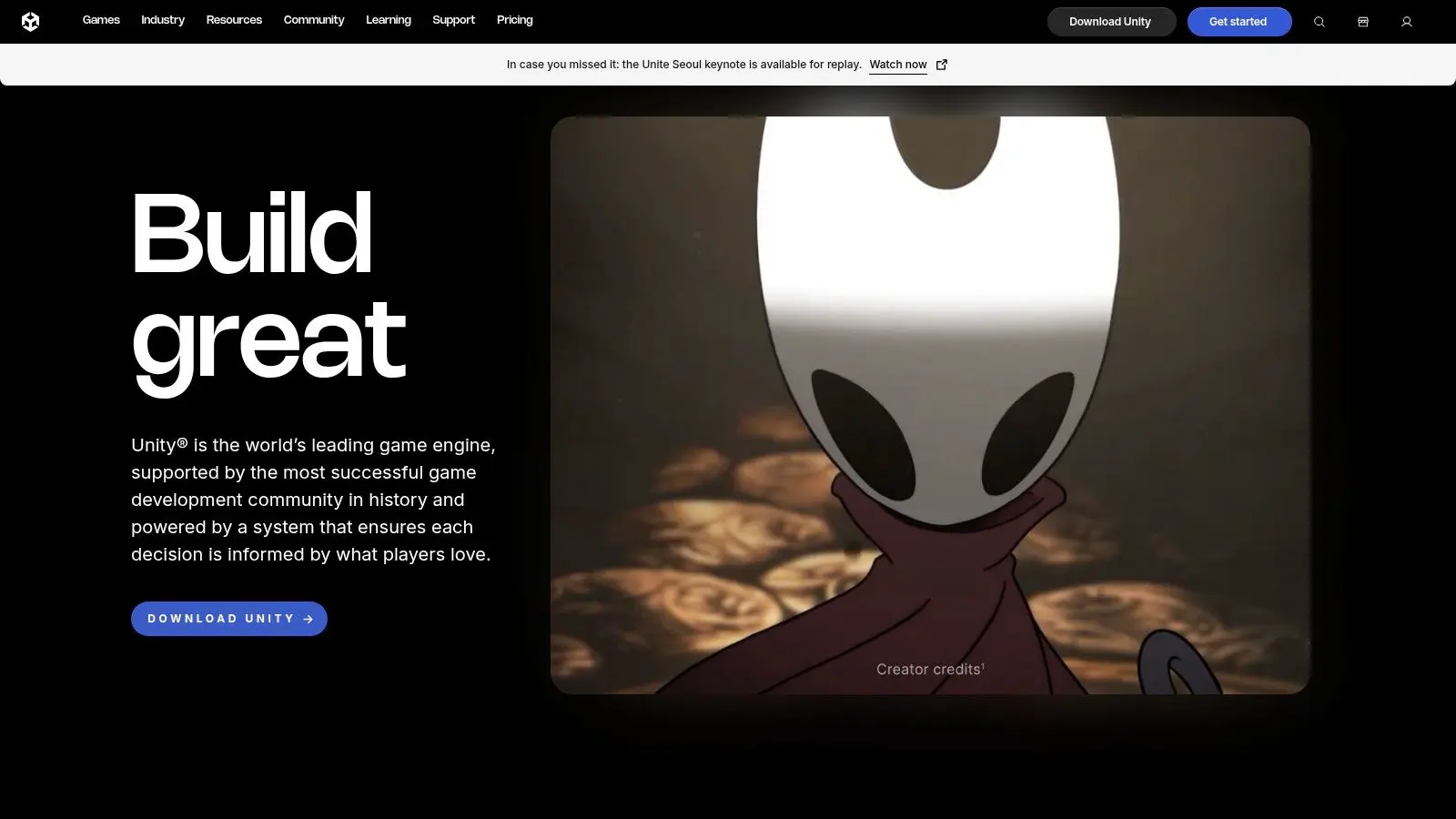
Unity is the safest first call for most production teams because it solves the hardest operational problem in AR, shipping the same experience across device families without rebuilding the whole project. AR Foundation gives you a cross-platform layer over ARKit and ARCore, so plane tracking, image tracking, anchors, and occlusion live inside one production pipeline. For studios that already move assets through DCC tools and want one engine for games, mobile AR, and mixed-reality work, that matters more than any individual feature claim on a product page.
Where Unity earns its keep
The practical advantage is pipeline continuity. You can build in C#, pull in a mature asset ecosystem, and keep the same core logic around when the brief shifts from a prototype to a multi-device rollout. That's why Unity is repeatedly positioned as the go-to choice for mobile AR workflows in expert recommendations, and why it stays the benchmark for mixed audiences that include iOS and Android users.
Practical rule: if the build needs to live on phones first and maybe grow into spatial computing later, Unity usually reduces rework more than it increases artistic friction.
Its weakness is also predictable. Complex scenes need performance tuning, especially on mid-range phones, and licensing terms have changed over time, so procurement teams need to check the current plan rather than assuming yesterday's pricing model still applies. If your client wants one codebase, broad device reach, and a production-proven real-time stack, Unity is still the anchor choice. The most useful internal reference for a team already working in Unity is Mastering Unity development for business and XR experiences.
2. Unreal Engine with ARKit and ARCore support
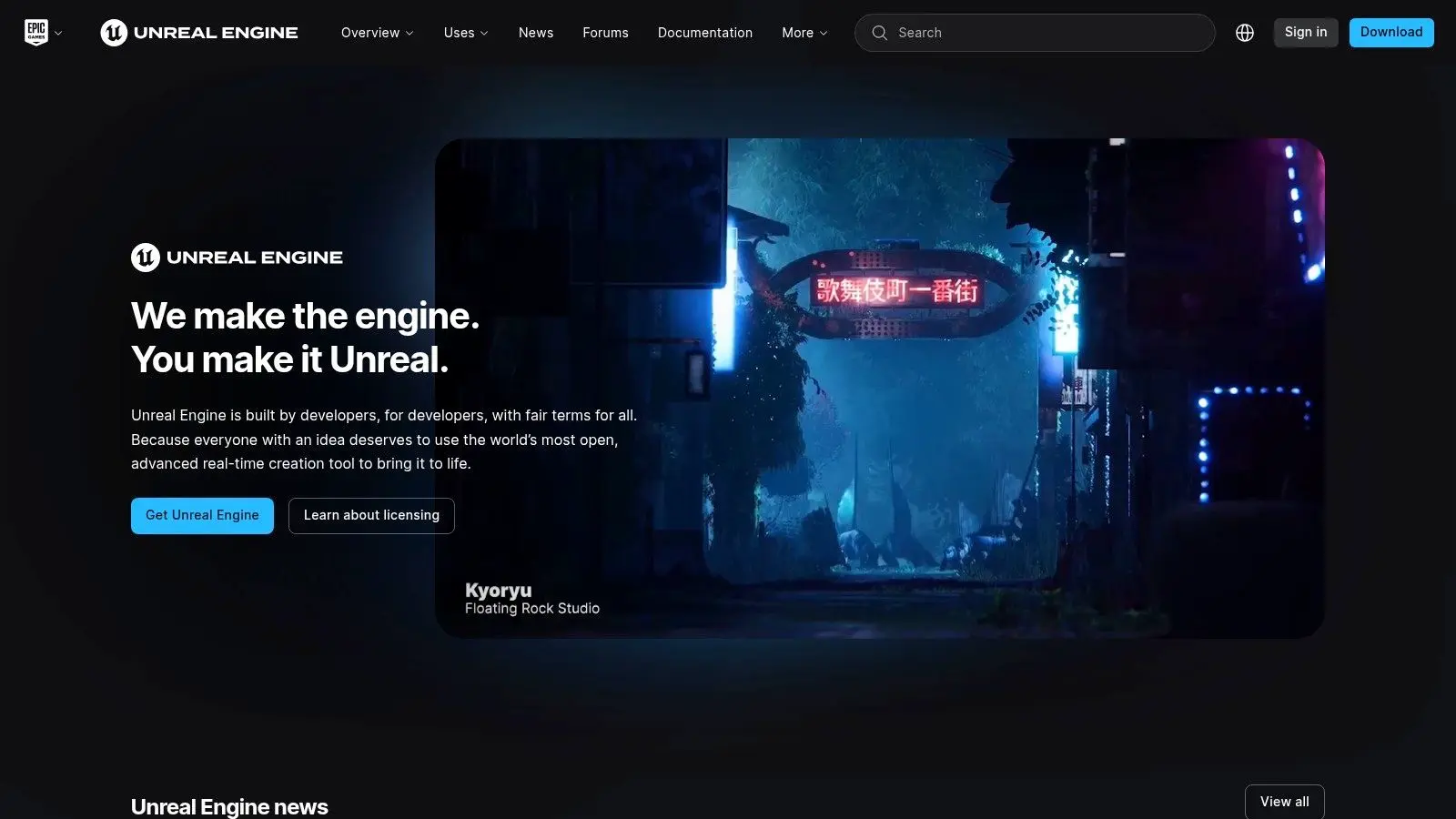
Unreal belongs in the conversation when visual fidelity is the brief, not just a bonus. For premium branded activations, broadcast tie-ins, and venue-based immersive work, its rendering pipeline gives you a cleaner path to cinematic lighting, complex materials, and polished character presentation than lighter engines can usually manage. If the experience needs to look like it came from a trailer department, Unreal is often the right production tool.
What Unreal does better than most
Blueprints let non-programmers sketch logic quickly, while C++ keeps the door open for more advanced systems when the interaction model gets serious. That combination matters in production because you can get to a reviewable scene fast, then harden the technical side once the creative direction is locked. Unreal's native AR support through Apple and Google frameworks keeps it relevant for mobile-facing work, even though it's often chosen for higher-end visual work first. The trade-off is cost and weight. The runtime is larger than some teams want for lightweight mobile activations, and the learning curve is steeper than with simpler stacks. Unreal also uses a royalty model that kicks in after US$1M lifetime gross per product, which can affect commercial planning for successful releases. For teams with a premium look and a budget that can absorb heavier production overhead, Unreal is one of the strongest AR engines available. If your team already thinks in virtual production terms, Unreal Engine game development for producers and creatives is a useful internal reference point.
3. Vuforia Engine
Vuforia is the tool you pick when tracking reliability matters more than flashy demos. It has a long enterprise track record and strong support for image targets, model targets, area targets, and industrial workflows, which makes it well suited to manuals, maintenance, training, and catalogue-style applications. In other words, it's a serious choice when the end user needs the experience to behave predictably in the field.
Why production teams still use it
The value is stability. If you're building around a known set of objects, packaging references, or industrial parts, Vuforia's tracking model can be easier to trust than a more experimental stack. It also integrates with Unity and native apps, so it fits inside a conventional delivery pipeline rather than forcing a separate authoring approach. There's a procurement catch, though. Premium features such as Model Targets, Area Targets, and Barcode support sit behind paid plans, and cloud recognition usage can create overages that need active management. That means Vuforia is less about low-cost experimentation and more about disciplined deployment at scale. For teams shipping AR into operational environments, that trade-off is often acceptable because reliability saves more time than a cheaper tool ever would. The official product page is Vuforia Engine from PTC.
The strongest Vuforia projects usually start with a very narrow object set and a clear deployment environment. Broad “magic AR” briefs tend to waste its best strengths.
4. Google ARCore with Geospatial API and Geospatial Creator
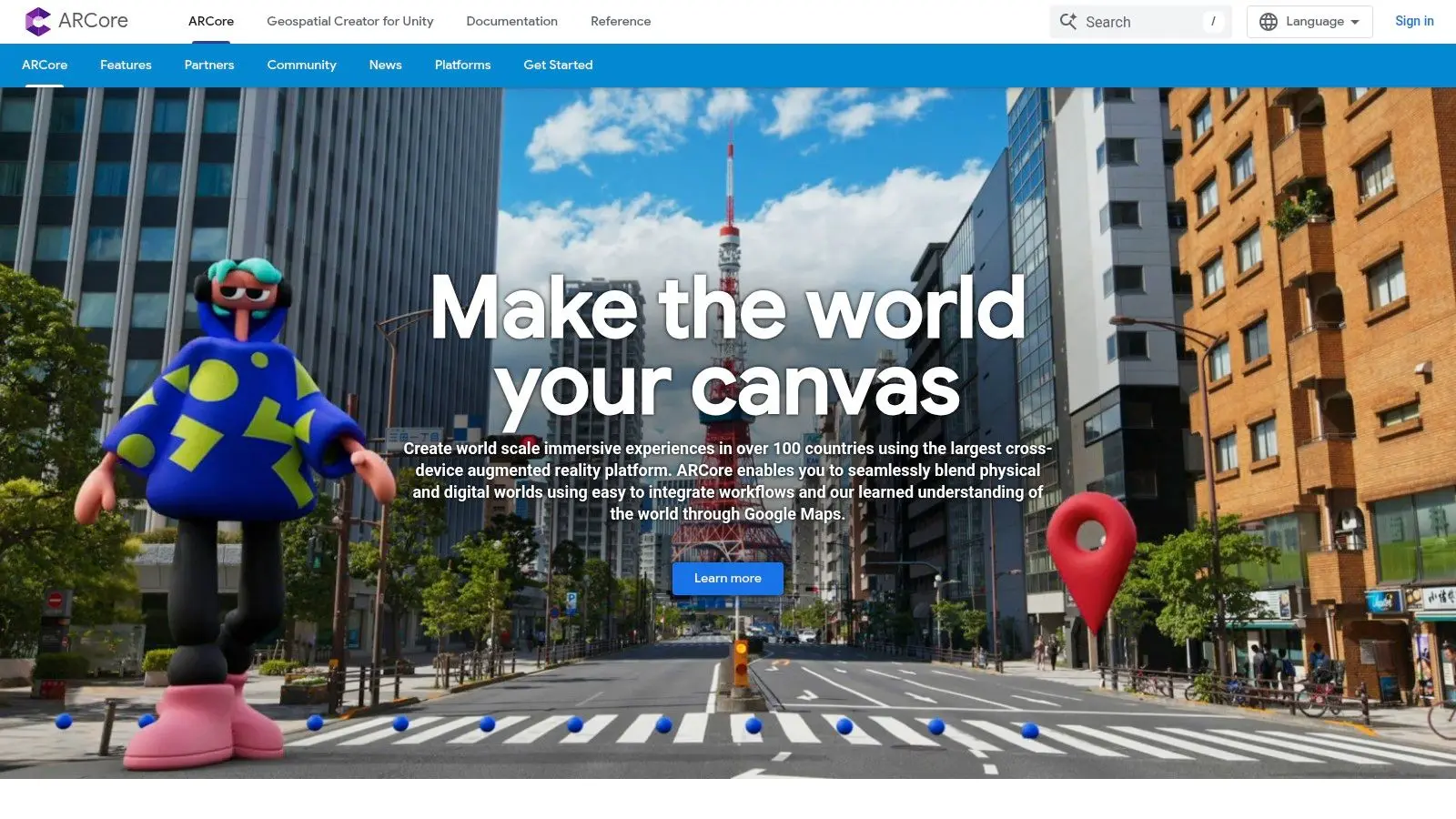
ARCore is the Android-native answer when the experience needs to sit in the physical world, not just on top of a product photo. Its motion tracking, plane detection, depth, and image tracking cover the core mobile AR basics, but the key differentiator is the Geospatial API, which ties content to mapped locations for city-scale and outdoor experiences. That makes it a strong fit for tourism, location storytelling, and outdoor activations where the environment is part of the creative brief.
Where ARCore fits best
For Android-heavy audiences, ARCore reduces friction because the stack sits close to the platform. That helps with device compatibility, documentation, and support when the project needs to land inside an existing Google-led ecosystem. Geospatial Creator adds a more visual authoring path for world-anchored experiences, which is useful when you want stakeholders to understand the placement logic before engineering starts. The budget question sits outside the SDK itself. ARCore is free, but Google Maps Platform services, including 3D tiles and map tiles, are pay-as-you-go, so location-led concepts still need a usage plan. That's not a downside if your production team budgets properly, but it does mean “free SDK” is not the same as “free deployment.” For AR teams already building on Android and localised content, the official reference is Google ARCore, and the technical deployment guide in the provided results is Developers' guide to Google Play Services for AR.
5. Apple ARKit with RealityKit and Reality Composer Pro
Apple's native stack is the right answer when the audience is overwhelmingly on iPhone, iPad, or visionOS and you want the cleanest possible performance on Apple hardware. ARKit handles tracking and detection, RealityKit manages rendering, physics, and runtime integration, and Reality Composer Pro speeds scene prep and asset authoring. That combination makes it a strong fit for premium, Apple-centric spatial work where polish matters as much as interaction.
Why Apple-first teams choose it
The advantage is depth of integration. Apple controls the hardware, the OS, and the distribution pathway, so the stack tends to feel coherent in production. That can reduce device-specific surprises during testing, especially when the experience uses hand tracking or other platform-native behaviours that sit close to the system level. The limitation is obvious. This is an Apple-only route, so it is not the best answer for cross-platform campaigns, and distribution requires Apple Developer Program membership, which adds another commercial step to the release plan. If your audience is mostly Apple users and the experience needs to look and feel native rather than adapted, the stack is hard to beat. The official reference is Apple Augmented Reality development.
Apple-only work can be the right business decision when the audience is narrow and the quality bar is high. Cross-platform convenience is not always the cheaper option.
6. Niantic Lightship ARDK
Lightship ARDK is built for AR that depends on shared space, persistent world understanding, and location-linked experiences. Its Visual Positioning System, shared AR, meshing, occlusion, and semantic understanding make it well suited to multiplayer activations and location-based experiences that need continuity across users and sessions. If the brief involves people interacting in the same space, rather than each user seeing a private layer, Lightship deserves a serious look.
Where it stands in practice
The best use cases are experiential, not generic. Shared content, persistent objects, and map-aligned interactions are where the SDK earns its keep, especially when a project needs Niantic's mapping expertise rather than a more general-purpose engine. The Unity integration also helps teams that already build around AR Foundation and want to extend that stack instead of replacing it. The downside is operational. API keys, backend services, and infrastructure planning are part of the job, so it is not a simple plug-in-and-go choice. Commercial pricing and VPS access also require vendor engagement, so procurement is less transparent than with self-serve tools. If your concept is location-based or multiplayer, that extra planning is usually worth it. The product site is Lightship ARDK.
7. Zappar Zapworks
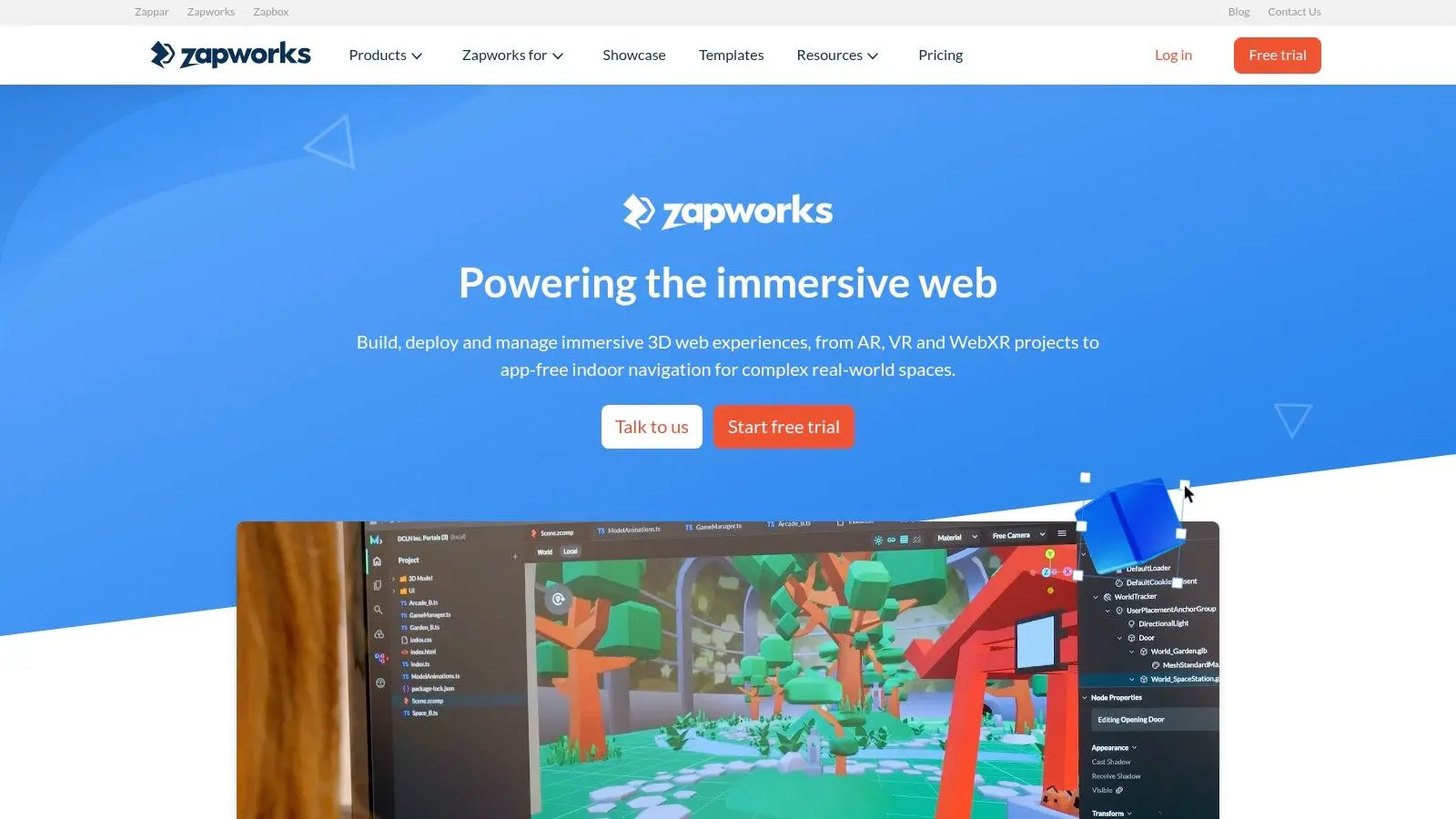
Zappar is one of the most practical UK-facing choices for WebAR and campaign work because it avoids the app-install problem without sacrificing enterprise support. With Designer, Studio, Mattercraft, and Universal AR SDK options, it gives teams a way to move from quick activations to more structured AR production without changing vendors. For brand campaigns that need a fast turnaround, that flexibility is a major production advantage.
Why marketers and agencies care about it
WebAR matters because it removes install friction. Zapworks supports templates, analytics, Unity plug-ins, enterprise features, SSO, and self-hosting options, so it can fit both a campaign team and a more controlled corporate environment. For UK teams, the local vendor position and enterprise support options are useful when compliance, hosting, or procurement need more than a consumer-grade toolchain. The trade-off is that hosted project limits can apply on commercial plans, and heavier 3D or physics-heavy work needs careful optimisation to stay smooth in the browser. That means Zapworks is strongest when you need a fast, polished browser experience rather than a simulated real-time world. The website is Zapworks by Zappar.
8. Snap Lens Studio
Lens Studio is the social AR option when the brief is tied to Snapchat distribution and fast-moving creative testing. It's free to build and iterate, and the toolset is strong for face, body, and hand tracking, segmentation, physics, SnapML, and direct publishing into Snapchat. If your campaign lives or dies on shareability, it's one of the clearest routes to a large audience.
What makes it useful for campaigns
The value is reach plus iteration speed. Teams can prototype effects quickly, adjust visuals based on how the concept performs, and publish without buying into a heavyweight engine. That makes Lens Studio especially useful for social-first work where the AR layer is part of a broader content strategy, not a standalone product. The limitation is platform dependence. Unless you're using Camera Kit integrations, the experience stays tied closely to Snapchat, and platform policy changes can affect how creators and campaign teams work. For brand teams that need quick social distribution and can live inside Snapchat's ecosystem, Lens Studio is a strong option. The platform is Snap Lens Studio.
Practical rule: choose Lens Studio when the distribution channel is the product. If the AR layer needs to outlive the campaign platform, build elsewhere.
9. TikTok Effect House
Effect House is built for short-form, trend-driven AR and live content on TikTok. It gives creators and brand teams a free desktop workflow with visual scripting, templates, analytics, creator rewards, and regular updates, which makes it a fast-moving option for campaign ideas that need to match the pace of the feed. For UGC-led activations, that direct fit is hard to ignore.
Best use cases and limits
The main appeal is access to TikTok's discovery mechanics. If the campaign wants native-looking effects that travel with content, Effect House gives you a direct path into the platform audience and a low barrier to experimentation. It's especially useful when the creative brief depends on trends, sound-led content, or repeat participation from users. The downside is governance. Effects are platform-bound, and submission terms give TikTok certain rights to submitted content, so enterprise teams should review that carefully before treating it like a generic build environment. If your KPI lives inside TikTok, the tool makes sense. If your client wants portability, it doesn't. The official site is TikTok Effect House.
10. Babylon.js with WebXR
Babylon.js is the most flexible open-source answer for custom WebAR when you want control over hosting, integration, and user experience without paying per-seat software fees. It supports WebXR in modern browsers, which makes it useful for product configurators, commerce journeys, and bespoke microsites that need AR without an app store release. For teams with strong web engineering skills, it can be a clean production fit.
Why web teams keep choosing it
The engine is built for browser delivery, with WebXR helpers for hit-testing, input, camera handling, and feature management. PBR materials and glTF or USDZ workflows make it suitable for production-quality 3D presentation, and the open-source model means your team keeps control over the stack. That makes Babylon.js a practical choice when the experience has to sit inside a wider web platform rather than a standalone AR tool. The cost is engineering effort. Web performance needs careful tuning, browser support varies by device and browser, and QA has to be thorough if the audience spans multiple hardware classes. If your team already ships serious web products, Babylon.js can be a very capable AR layer. The official site is Babylon.js.
Top 10 AR Development Platforms Comparison
| Platform / Core Features ✨ | Quality & UX ★ | Value & Pricing 💰 | Target Audience 👥 | Best For / USP 🏆 |
|---|---|---|---|---|
| Unity + AR Foundation, real-time engine; cross‑platform AR (ARKit/ARCore/OpenXR); C#; large asset store ✨ | ★★★★★ Production-proven, mature pipelines, wide device support | 💰 Tiered licensing (free → Pro/Enterprise); monitor terms | 👥 Games & XR studios, rapid prototyping, multi‑platform projects | 🏆 Flexible production pipelines + huge ecosystem |
| Unreal Engine (ARKit/ARCore support), AAA rendering, Blueprints, C++ extensibility ✨ | ★★★★★ Best-in-class visuals; ideal for high-fidelity broadcast/brand work | 💰 Free to use; 5% royalty after $1M product gross | 👥 Studios needing cinematic visuals, film/TV tie‑ins, premium activations | 🏆 Photoreal rendering & advanced VFX |
| Vuforia Engine (PTC), image/model/area targets; cloud recognition; Unity/native integrations ✨ | ★★★★☆ Reliable industrial tracking; enterprise-grade stability | 💰 Enterprise pricing for premium features (Model/Area/Barcode) | 👥 Industrial, maintenance, training, catalog apps | 🏆 Robust marker/target tracking at scale |
| Google ARCore (+ Geospatial), motion/plane/depth; Geospatial API & Creator for world-scale AR ✨ | ★★★★☆ Strong Android performance; excellent mapping/localization | 💰 SDK free; Google Maps/3D tiles pay-as-you-go 💰 | 👥 Android-first, outdoor/city-scale experiences, tourism | 🏆 Geospatial VPS & street-mapped localization |
| Apple ARKit + RealityKit + Reality Composer Pro, AR tracking, rendering, scene authoring for iOS/visionOS ✨ | ★★★★★ Optimized for Apple HW; smooth runtime & tooling | 💰 Apple Developer program fee required | 👥 Apple-centric apps, visionOS spatial experiences, premium UX | 🏆 Deep device integration & visionOS support |
| Niantic Lightship ARDK, Unity-based VPS, meshing, shared AR & persistence ✨ | ★★★★☆ Purpose-built for location & multiplayer with Niantic maps | 💰 API keys & commercial pricing; vendor engagement needed | 👥 Location-based games, multiplayer AR activations, scale projects | 🏆 Centimeter-level VPS + persistent shared AR |
| Zappar Zapworks, WebAR platform; Designer/Studio/Mattercraft; Unity plugins ✨ | ★★★★☆ Fast WebAR publishing; marketing-focused UX | 💰 Subscription tiers; hosted project/view caps on lower plans | 👥 Marketers & brands needing quick WebAR activations (EU/UK friendly) | 🏆 Quick time-to-publish WebAR with enterprise options |
| Snap Lens Studio (Snap AR), face/body tracking, SnapML, GenAI tools; direct Snapchat publish ✨ | ★★★★☆ Frequent updates; strong creator tools; direct distribution | 💰 Free to build & publish | 👥 Social AR creators, agencies running Snapchat campaigns | 🏆 Massive Snapchat reach + advanced tracking tools |
| TikTok Effect House, visual scripting, templates, analytics for TikTok effects ✨ | ★★★★☆ Fast iteration for trends; creator rewards & discovery tools | 💰 Free to use (platform-bound) | 👥 Short-form creators, UGC campaigns, trend-driven marketers | 🏆 Direct access to TikTok discovery & viral mechanics |
| Babylon.js (WebXR), JS 3D engine with WebXR, PBR, glTF/USDZ workflows ✨ | ★★★★☆ Production-ready web rendering; full control over UX | 💰 Open-source (MIT), no per-seat fees | 👥 Web developers, e‑commerce, app-free AR/VR experiences | 🏆 Full control WebXR solution; no vendor lock-in |
Your Decision Checklist and Next Steps
The right choice usually becomes obvious once you reduce the brief to four questions. First, where is the audience, in the App Store, on the web, or inside social platforms like Snapchat and TikTok? Second, how much visual fidelity does the experience need, because a commerce try-on and a premium brand activation are not the same brief. Third, is the interaction single-user or multi-user, since persistence and shared state change the technical plan fast. Fourth, what skills already exist on the team, Unity, Unreal, or web development, because the cheapest software can become the most expensive option if it forces a new production pipeline. For UK buyers, device reality still matters. Ofcom's smartphone data makes mobile-led deployment the default assumption, but it doesn't erase battery, performance, and hardware fragmentation issues. That means a practical AR decision is rarely just about the SDK, it's about the total path from prototype to public launch, including testing, optimisation, and maintenance. For most production teams, the shortlist narrows quickly. Unity is the broadest all-rounder for cross-platform mobile AR and mixed pipelines. Unreal is strongest when the look has to feel premium. Vuforia suits advanced tracking in industrial use. ARCore and ARKit are better when the platform is already decided. Zapworks, Lens Studio, and Effect House make sense when distribution is the priority. Babylon.js fits web-first teams that want control, while Lightship is the specialist option for shared and location-based AR. Studio Liddell sits in the middle of that decision, not as a software vendor, but as a production team that can help you choose the stack, build the experience, and integrate it into a broader campaign or product pipeline. If you're weighing mobile AR, WebAR, or a location-based activation, start by defining the audience, the device constraints, and the launch channel, then book the next review around those facts rather than around features alone. --- Studio Liddell can help you scope the right AR stack, from mobile-first builds in Unity to premium Unreal experiences and browser-based WebAR. If you're planning an activation, product demo, or spatial experience, visit Studio Liddell and ask for a production scoping conversation that maps your brief to the right toolchain.