How to Choose an Educational App Development Company
You're probably looking at a stack of polished demos right now, with one vendor promising a slick classroom app, another quoting a lower price, and a third waving around a glossy showreel. That's the wrong starting point. A serious educational app development company should be judged the way schools and education buyers experience the product, through curriculum fit, safeguarding, accessibility, teacher workload, and whether the app produces evidence you can defend in a meeting. The UK market already tells you this is an institutional buying problem, not a toy app problem. The education technology sector supports around 39,100 jobs and generates about £6.5 billion in annual turnover (Department for Education assessment of the education technology market in England), while school adoption has moved well beyond emergency remote teaching and into sustained use (Technology in Schools Survey Report 2022 to 2023). If a supplier can't talk in those terms, they're selling surface, not substance.
A useful yardstick is simple, if blunt. A vendor should be able to show how they'll link the app to a learning outcome, how they'll test it in school conditions, and how they'll handle the messy parts, data, safeguarding, and accessibility. If they can't produce that evidence, the demo is just theatre. If you want a reality check on what a lower-friction educational app can look like in practice, the Irish learning app from Gaeilgeoir AI is worth studying as an example of a focused learning product rather than a feature dump. And if you're also comparing general app suppliers, the evaluation mindset in this guide pairs well with the advice in how to find and choose the right mobile app development agency.
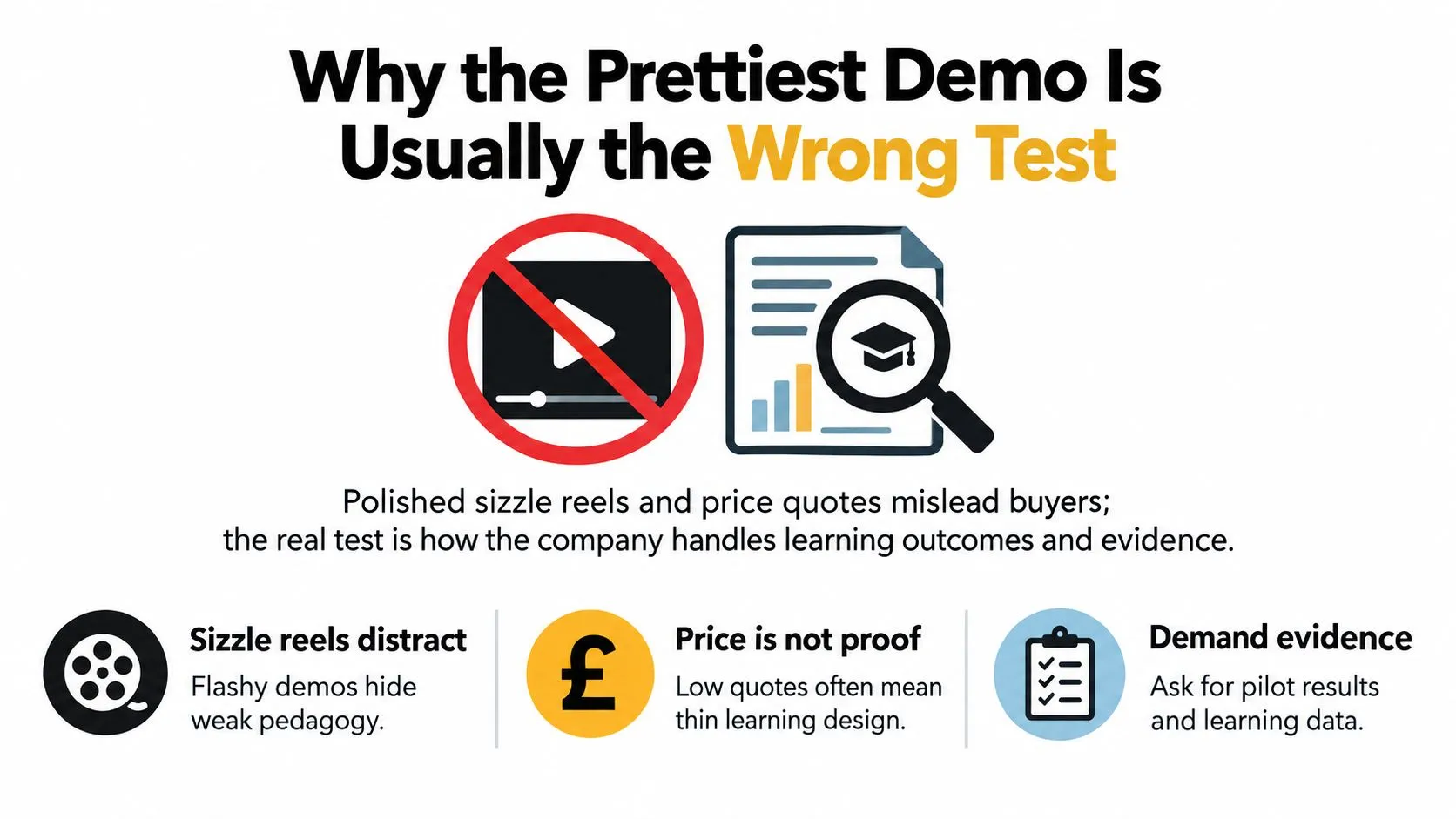
Why the Prettiest Demo Is Usually the Wrong Test
A glossy demo can hide a weak learning model. Buyers get pulled in by smooth motion, bright illustration, and a tidy interface, then find out later that the app does not fit classroom routines, does not support teachers, and does not prove anything about learning.
What schools buy instead of polish
Schools do not buy visual polish for its own sake. They buy something that survives procurement, works on real devices, supports teachers, and still makes sense after the novelty fades. The UK evidence shows schools have already introduced, increased, or upgraded technology at scale, which means buyers are past the point where “new and shiny” is persuasive. A serious supplier talks about classroom evidence and implementation. That means low-friction sign-in, role-based access, school data, accessibility, and the difference between a brief engagement spike and sustained use. A board can be impressed by animation, but a teacher keeps using software that helps the lesson run.
Practical rule: if the vendor opens with visuals before outcomes, they are optimising for the room, not the classroom.
The smartest buyers also ask for evidence from comparable learning products. Not a polished mood board, actual proof that the app has been piloted, measured, and improved. If the company cannot explain how its product behaves in a real school environment, you are taking a gamble. The evaluation mindset in this guide pairs well with how to find and choose the right mobile app development agency, but the educational lens has to stay firm.
Where portfolio theatre fails
The biggest failure mode is simple. An app looks engaging, but the supplier has no credible way to show it improves learning or reduces workload. A beautiful interface means little if the company cannot talk about moderation, accessibility, and evidence-gathering. Teams that build well for schools treat the app as part of a wider system, not a standalone download. That changes the questions buyers should ask. Evaluation, implementation, and fit matter more than the interface. Ask for pilot data from a comparable school product before you ask for another demo. If the supplier cannot answer that clearly, the presentation is doing the work that evidence should do. The Irish learning app is a good example of a focused learning product rather than a feature dump. So make classroom proof, not presentation, your first filter.
What an Educational App Development Company Should Demand in Discovery
A school is ready to pilot your app, but the supplier still cannot explain the learning outcome, safeguarding controls, or teacher workflow. That is a discovery failure, not a rollout problem. A serious educational app development company should challenge the brief before it prices the build, then turn those answers into an evidence trail for design, testing, and procurement.
The questions that should come first
Start with the learning hypothesis in one clear sentence. What behaviour, concept, or skill should change, and what observable measure will show that it changed? If the supplier cannot answer this, the product risks becoming an attractive activity without a defined educational job. Define the audience precisely. Record the age range, curriculum connection, SEND requirements, device conditions, teaching context, and the people using the product in the room. Independent revision needs different flows from a teacher-led classroom tool, while a primary product needs different language, pacing, and controls from a secondary one. Discovery must also map the data flow. Identify who signs in, what information the app collects, where it is stored, who can remove it, and which school users can access each category. Ask the supplier to explain safeguarding decisions, consent routes, moderation responsibilities, and audit records before interface design begins.
A good brief is not a nice-to-have. It is the first audit trail.
Use a focused study product such as Exam Practice for GCSE to examine how interaction design can serve one defined learning task. The aim is not to copy its format. It is to test whether your proposed features support the outcome or merely decorate it.
What to insist on before design begins
Ask for these items in the first meeting:
- •Learning hypothesis: one sentence linking the app to a measurable educational outcome.
- •Baseline measure: the learner behaviour or performance recorded before use.
- •Age and access rules: who the product serves and who it does not.
- •SEND requirements: how the app supports different pacing, navigation, input, and presentation.
- •Device conditions: browser, tablet, shared-device, connectivity, and offline behaviour.
- •Teacher controls: what staff can assign, monitor, reset, moderate, or review.
- •Data map: what is collected, why it is needed, who can access it, and when it is deleted.
Require the supplier to show how each item will be tested during a pilot. Classroom evidence should shape revisions, while safeguarding checks should be documented rather than assumed. Benchmark these seven items against every shortlisted supplier before design starts. A company that welcomes this scrutiny is prepared for educational delivery. One that avoids it is selling creative output without proving classroom value.
Choosing the Right Tech Stack for the Learning Job
A polished demo proves very little in a school buying process. The stack has to suit the teaching job, the devices pupils use, and the level of maintenance a school or provider can carry after launch. Choose technology by evidence, not by how expensive the visuals look in a pitch.
Match the stack to the learning task
For 2D literacy and numeracy apps, lighter usually wins. Fast loading, steady performance, offline tolerance, and easy deployment across mixed devices matter more than flashy transitions. If the learning loop is read, respond, repeat, then use Flutter or a lightweight web build before you let anyone sell you a heavier stack. For 3D animated explainers, the question changes. You are balancing clarity, production time, and the amount of interaction needed to make a difficult idea understandable. A good supplier chooses the tool that supports the explanation cleanly. A weak one starts with the engine and then invents reasons to justify it. For VR and XR simulations, higher fidelity can be justified, but only when it improves the learning experience. Unreal earns its place on projects that rely on richer rendering and a more cinematic finish. Unity is often the better classroom choice for broader device support, faster iteration, and lighter immersive builds. Native iOS or Android still works for tightly scoped micro-apps where the interaction is simple and platform-level behaviour matters more than engine flexibility. Here is the practical comparison.
| Product Type | Best Fit | Why | Watch Out For |
|---|---|---|---|
| 2D learning app | Flutter or a lightweight web build | Fast load times, simpler classroom deployment | Overbuilding features the learning task does not need |
| 3D explainer | Unity or Unreal depending on visual demand | Good balance between animation and interaction | Ignoring performance on older school hardware |
| VR/XR simulation | Unity or Unreal | Better control of immersive interaction and real-time rendering | Promising realism without a team that can optimise for it |
| Curriculum micro-app | Native build if the scope is narrow | Tight control over UX and device behaviour | Scope creep that turns a small app into a maintenance burden |
Use feature sets as a reality check. Tutorbase features is useful for separating actual teaching and admin value from generic product padding. If a proposed stack makes routine classroom use harder, it is the wrong stack, no matter how polished the prototype looks.
The red flag most buyers miss
The common procurement mistake is accepting engine talk as proof of delivery capability. It is not. A company promising Unreal-grade output for an education budget must show who handles optimisation, how assets are managed, what hardware has been tested, and where performance will be trimmed when school devices struggle. Ask blunt questions. What happens on older tablets? What breaks when bandwidth drops? How is content updated without forcing a full rebuild? Suppliers that answer clearly usually have shipped real products. Suppliers that hide behind jargon usually have not. If you are deciding between web delivery and app-store deployment, read this comparison of progressive web apps vs native app development. Then return to the classroom use case. The right decision is the one that protects access, keeps performance stable, and supports measurable learning without adding technical burden for staff.
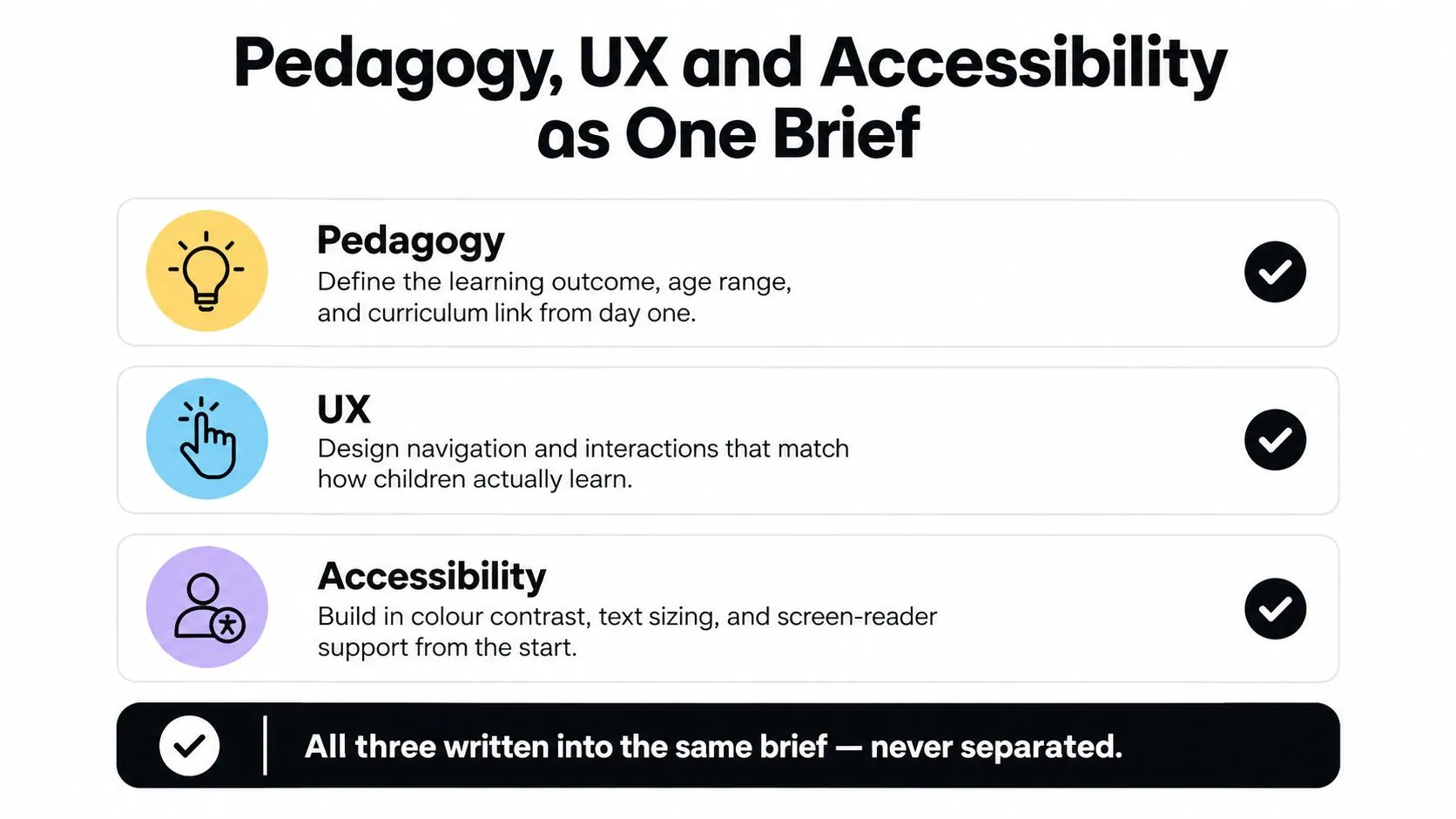
Pedagogy, UX and Accessibility as One Brief
A school app usually breaks at the handover point between learning design, interface design, and access needs. That split is the problem. If pedagogy sits in one deck, UX in another, and accessibility in a late QA checklist, you are buying delivery risk, not classroom value.
Design for pupils and staff at the same time
Children are only half the user group. Teachers, support staff, and school leaders live with the admin burden, setup friction, and lesson timing pressures your app creates. Analysts in the Technology in Schools Survey Report 2024 to 2025 found that schools see technology affecting workload in different ways. That should shape procurement. If a product adds clicks, unclear setup, or extra monitoring for staff, the classroom promise will collapse under routine use. Accessibility belongs inside the core interaction model. Build for readable contrast, text resizing, reduced motion, keyboard use, screen reader support, captions where needed, and predictable behaviour on shared devices. Then test those decisions with people who reflect the actual range of needs in school use, including differing attention patterns, device access, and support requirements. Pedagogy has to show up in the screen flow itself. A good supplier can explain what the learner sees first, what gets hidden until it is needed, where feedback appears, and how support is tapered rather than dumped onto every screen. That is how you reduce cognitive load. For a practical reference on crafting interactive learning experiences, look for teams that can connect interaction choices to learning behaviour, not just visual polish.
Ask these questions in the design review
- •How does this screen reduce cognitive load?
- •Where does the teacher regain control?
- •What happens if a pupil needs more time or different input?
- •How will the app behave with low bandwidth or on a shared device?
- •What accessibility checks were done with real users, not just internal QA?
Accessibility is a requirement. If it appears only in the final QA pass, the project was set up badly. You should also ask for one concrete example of a tightly scoped learning task. The Exam Practice for GCSE feature set is a useful reference because it keeps the interaction focused on the job the learner needs to do, rather than burying the task under extra product padding. Insist on seeing the single brief document itself during the pitch, not three separate slide decks.
From Prototype to Pilot to Proof
A proper educational build does not jump from concept to launch. It moves from prototype to pilot to evidence. Anything else is guesswork dressed up as product development.
The sequence that holds up
Start by defining the curriculum-linked outcome and a baseline. If you can't name what changes, you can't evaluate the app. Then prototype the smallest interaction that tests that outcome, not the full feature set. Next, run moderated usability testing with representative pupils and teachers. Watch where they hesitate, where they misread, and where the interface gets in the way. After that, instrument the product so it records completion, error, hint, retention, and accessibility events without turning the app into a surveillance machine. The controlled pilot is where the product earns the right to scale. Run it in multiple schools, compare before and after, and look for signs that the classroom value is real. App analytics alone are not proof of efficacy, especially when UK evidence still shows that only 7% of edtech companies had run randomised controlled trials and that there are more than 500,000 apps labelled educational in major app stores (House of Commons Education Committee report). A good pilot gives you three answers:
- Does the app work in real school conditions?
- Does it improve the intended learning behaviour?
- Does it create extra burden for teachers?
What proof should look like
Proof is not a dashboard screenshot. It's a controlled story about classroom value. The company should be able to show the baseline, the pilot setup, what was changed after user testing, and what happened when the app met different schools or year groups.If the supplier sells engagement as learning, they're asking you to confuse motion with progress.A mature educational app development company will also know when not to scale. If the pilot shows weak comprehension, awkward access, or too much teacher friction, fix the product before expanding it. That's not a delay. It's responsible product work.
Pricing, Timelines and What Really Drives Them
"Apps from £X" is a lazy sales tactic. It hides the variables that matter, namely scope, art reuse, number of learning activities, accessibility requirements, platform range, and the amount of evidence work you want before launch. A supplier that quotes without unpacking those variables is not helping you budget, they're compressing the truth.Budget follows delivery shape
The project shape changes the commercial model. A small curriculum micro-app is not priced like an animated explainer series, and neither is priced like a VR learning experience. Once you add pilots, accessibility testing, teacher review, and iteration, the price should reflect the evidence work, not just the build. UK animation production shows how much financing shape matters. In 2021, 30 animation programmes began principal photography in the UK, with total spend of £73 million, split 67% domestic, 25% inward investment, and 8% co-production (BFI / Motion Pictures Association report). That's useful because it shows how rights, scale, and funding structure change what gets made and how it gets delivered. For education products, the same logic applies. A curriculum app with original characters, voice, and animation will move differently from a lightweight learning tool built from existing assets. If the project also needs broadcaster-style delivery discipline, the final export process matters. BBC publicity clip specs require 1920 × 1080, 16:9, 25 fps, 4:2:2, BT.709, H.264, and audio at 48 kHz and 24-bit (BBC delivery specifications). Those specs aren't academic trivia, they're a reminder that delivery requirements can shape the schedule late in production.What buyers forget to cost in
- •Accessibility review: not a bolt-on, an actual production task.
- •Teacher feedback cycles: time to review, revise, and retest.
- •Data governance work: DPIA, deletion logic, and consent handling.
- •Pilot overhead: classroom setup, support, and analysis.
- •Platform export costs: especially if the product must play well across devices or formats.
A supplier who prices only the build is giving you a shallow estimate. The right company prices the product, the evidence, and the handover together.
The Interview Checklist, Red Flags and KPI Scorecard
A good shortlist is built on uncomfortable questions. If a vendor can't answer them clearly, they're not the right fit. The educational market is too sensitive to let charm substitute for process.
Questions to ask every supplier
Ask how they map child and school data flows. Ask how they handle DPIAs, deletion, age-appropriate design, and role-based permissions. Ask how they test accessibility with real users, not just internal QA. Then ask how they prove learning. Not engagement, learning. What baseline do they use, how do they compare pre- and post-use outcomes, and how do they separate a novelty effect from a real classroom gain? Ask what happens when safeguarding concerns arise, and who owns the escalation. For credibility, ask who owns SEND, privacy, and safeguarding decisions inside the team. If nobody can name those responsibilities, the risk gets pushed onto the buyer. Schools should never inherit a supplier's missing process.
Red flags that should end the conversation
- •Spec by spec followed by spec work: they won't commit to a proper discovery process.
- •No evaluation method: they can't explain how they'll measure outcomes.
- •No named safeguarding lead: the responsibility is vague or outsourced.
- •No accessibility evidence: testing is talked about, not shown.
- •Portfolio only, no classroom proof: the demo is doing all the work.
Use a simple KPI scorecard
Score each supplier on these five areas:
- •Curriculum relevance: does the product map cleanly to the learning goal?
- •Teacher workload impact: does it save time, or at least stay neutral?
- •Attainment evidence: can they show a defensible learning result?
- •Accessibility coverage: does it work for a broad range of pupils?
- •Safeguarding closure rate: are issues resolved with evidence, not promises?
A supplier doesn't need to be flashy to be right. It needs to be rigorous, responsive, and honest about what the product can prove. --- Studio Liddell develops educational apps, interactive learning experiences, animation and XR work with the kind of production discipline schools need, from scoping and user testing through to launch and support. If you're choosing an educational app development company, visit Studio Liddell to discuss a classroom-ready build that's designed around evidence, safeguarding, and real-world use.