CGI 3D Animation Short Film: 7 Breakdowns for 2026
A small team has four weeks, one character, and a shot list that keeps growing. The model looks good in a still, but the team hasn't tested how it moves, how its hair behaves in a close-up, or how long a final render takes. Studying a finished CGI 3D animation short film can help turn those unknowns into production decisions. You can see which departments shaped the schedule, which tools supported the look, and which story choices kept a few minutes of animation engaging. The seven films below offer different lessons, from a lamp's readable silhouette to detailed water and hair. Treat each as a production case study, not a template to copy shot for shot. The practical question is what you can adapt to your budget, pipeline, and story.
1. Luxo Jr. (1986)
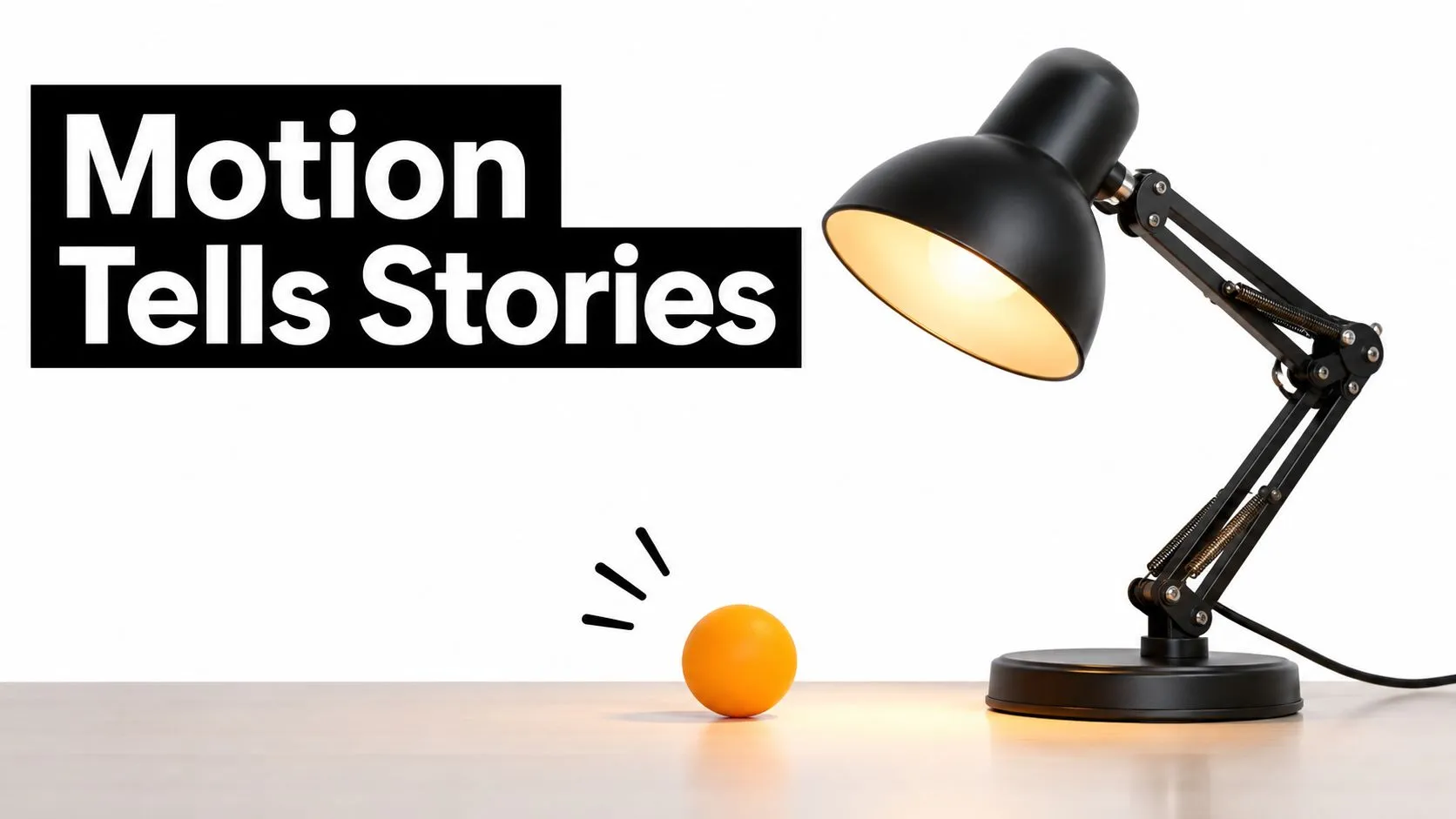
Pixar's Luxo Jr., directed by John Lasseter, makes a parent desk lamp and its young offspring feel like characters through movement alone. A ball becomes the focus of their play, giving the audience a clear, simple action to follow. The short was nominated for the Academy Award for Best Animated Short Film and became an early proof point for computer animation as a storytelling medium, not just a technical display. The design does much of the performance work. The lamps have clean silhouettes, and their pivots and pauses make their intentions easy to read. There's no dialogue to explain a mood. The younger lamp's eager movements and the older lamp's reactions establish a relationship through timing and staging.
What to borrow from its production logic
Start with the silhouette and the emotional beat. Block the character in a few poses, then check whether a viewer can read the action before adding surface detail. Plan the camera around the relationship between the characters and the ball, rather than adding angles for variety. For a product film, the same approach can make an object feel purposeful without giving it a face. A lamp that turns towards a switch, or a toy that hesitates before rolling, can communicate a clear idea with carefully staged movement.
Practical rule: If a character's intent isn't clear in a simple block-out, extra modelling won't solve the storytelling problem.
For a broader look at how filmmakers use 3D, see this guide to 3D animation in films.
2. Geri's Game (1997)
One character is enough to carry Geri's Game. In Jan Pinkava's Pixar short, an elderly man plays chess against himself in a park, shifting between two personas at the board. The premise gives the film a comic engine, while Geri's small changes in expression and posture let the audience follow each turn in the game. The short won the Academy Award for Best Animated Short Film at the 70th Academy Awards. Its enduring production lesson is less about the trophy than the performance: when the story rests on one character, facial controls and body mechanics need to support a wide range of readable reactions.
Build performance into the rig
A face can't rely on a single default smile and a few broad expressions. Plan the controls around the shots the story needs: eye direction, brows, cheeks, mouth shapes, and subtle asymmetry. Test those controls in a dialogue-free acting pass before polishing the chess moves. The pauses are part of the action. Geri's glance, a held pose, or a shift in confidence gives viewers time to understand the joke and anticipate what happens next. Cutting those beats to make the short feel faster can flatten the rhythm.
- •For a character-led explainer: Use a small set of clear facial poses to direct attention between a product and the character's response.
- •For a comedy short: Keep reaction shots in the animatic. They often carry the punchline as much as the main action.
A typical use case is a single digital presenter delivering a sequence of demonstrations. Give that character enough facial range to react naturally, and reserve time for blocking and retiming before final renders.
3. Big Buck Bunny (2008)
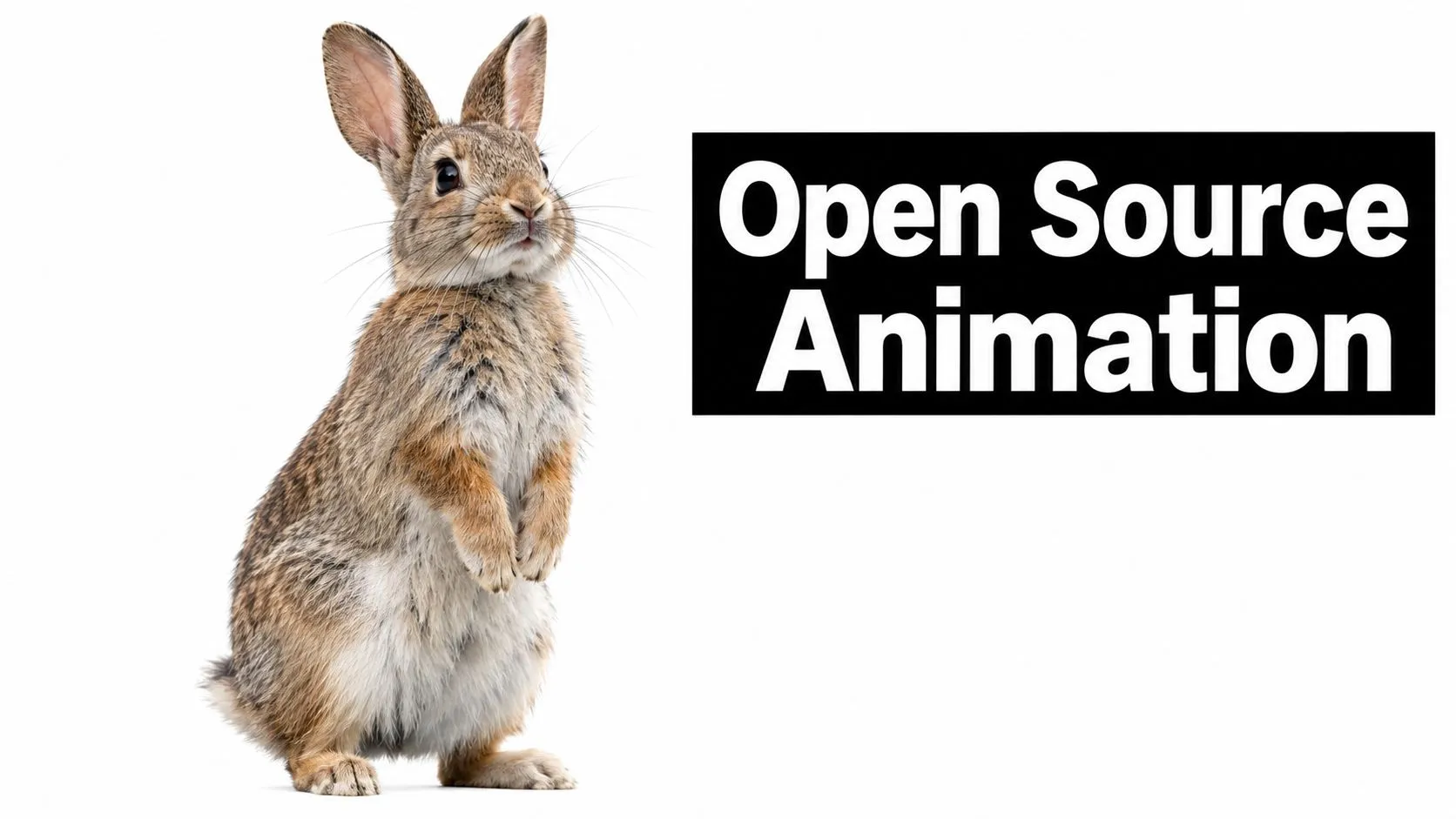
The Blender Foundation's Big Buck Bunny, directed by Sacha Goedegebure, follows a gentle giant bunny who is harassed by three rodent-like bullies. Its open-movie production makes it a useful reference for teams learning how a full 3D pipeline connects, from modelling and rigging through lighting, rendering, and compositing. The short was made with Blender and released under a Creative Commons licence. That makes it more than a finished film to study: it can also help artists and students examine how assets and shots move through an open production workflow.
Make handoffs visible
A department's work affects the next team's choices. Modellers need to know what the rig requires; riggers need to understand the animation range; lighting artists need stable materials and scene versions. Document naming, file structure, asset status, and shot ownership from the start, rather than letting each department invent its own conventions. Blender can support modelling, rigging, animation, lighting, rendering, and compositing in one suite. That doesn't remove production coordination. A shared toolset still needs clear handoffs and review points.
Before final quality, render representative shots. A camera test with final materials can expose lighting, texture, and framing problems while changes are still manageable.
For a studio team, the practical application is to render a difficult shot early, not just the easiest one. A close-up of fur, a moving camera, or a complex background will reveal pipeline issues that a simple test may miss. For more context on the medium, see this guide to CGI animation.
4. Sintel (2010)
Big Buck Bunny aims for comic clarity; the Blender Foundation's Sintel, directed by Colin Levy, takes a darker route. A young woman searches for a baby dragon she befriended, and the creature relationship gives the film its emotional centre. Its open-source production demonstrates that a stylised, dramatic short can be built with Blender, rather than relying on a proprietary toolchain to carry the story. Light and colour help set the tone. They can guide the viewer through changing environments, isolate a character within a frame, or make a familiar space feel threatening. The creature also has to feel like a participant in the story. If its movement doesn't connect with the human character's attention and touch, the relationship won't land.
Plan the relationship, not just the creature
Creature shots take iteration because animation, rigging, and contact points have to work together. Decide early how the character moves, what it can touch, and how the camera will show those interactions. Block the human and creature performances together before polishing either one in isolation. A useful test is a quiet two-character scene. Give the human a clear action, such as reaching towards the creature, and check whether both performances read in silhouette. Then test the lighting direction and colour against the emotional turn in the scene. For a museum film featuring a digital animal, this means designing the creature's behaviour around what visitors need to understand. A convincing model won't help if the key gesture disappears in shadow or falls outside the frame. Keep the lighting expressive, but preserve the information the audience needs to see.
5. Piper (2016)
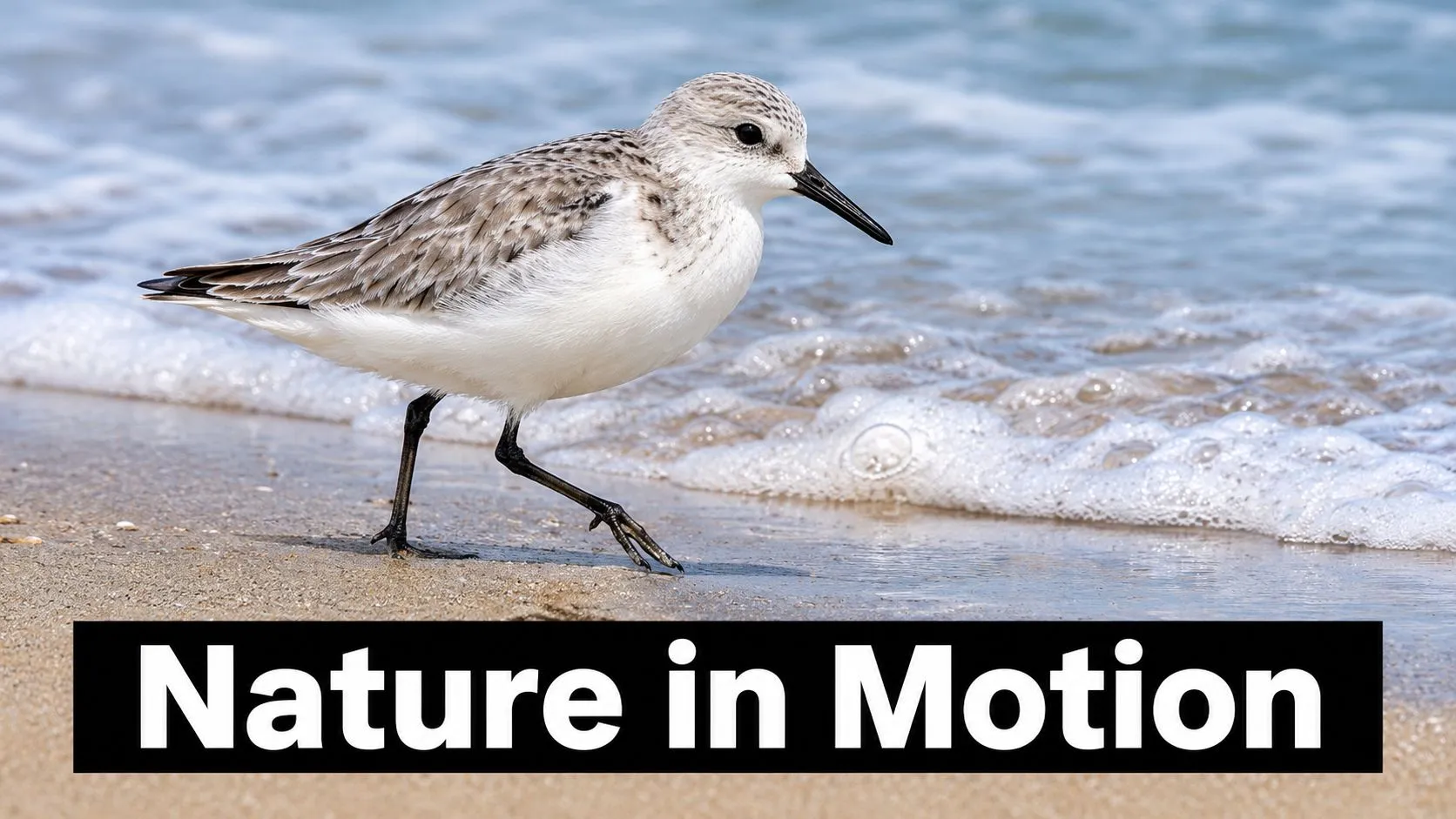
Alan Barillaro's Pixar short Piper follows a young sandpiper learning to find food on a beach as waves sweep across the sand. The film won the Academy Award for Best Animated Short Film at the 89th Academy Awards. Its fine feather detail, water, and sand help place the character in a tangible environment, but the story remains focused on the bird's experience of fear and discovery. The craft is most useful as a lesson in managing dependencies. Grooming and simulation shape the look, but they also affect animation, lighting, and render tests. If the team waits until late production to see how feathers react in motion or how water meets the character, those choices can force changes across multiple shots.
Test the hard parts early
Build a representative close-up and a wave interaction before approving every shot. Check feather breakup at the intended camera distance, then test how the bird's movement reads against the water. A simulation can be technically detailed and still distract if it obscures the character's decision. Keep the camera tied to the emotional beat. A low angle near the sand can make the wave feel large from a small bird's perspective. A calmer frame after the wave recedes can give the audience room to register the character's changed behaviour. For a natural-history short or a food brand film, use the same approach: identify the simulation or grooming shot most likely to set the schedule, and test it while the storyboard can still change. This craft breakdown of 3D animated films offers further examples of how technical choices can serve a scene.
6. Bao (2018)
Domee Shi's Bao starts with a small domestic moment: a Chinese-Canadian mother discovers that one of her dumplings has come to life. The short uses that surreal premise to explore family, love, and the experience of an empty nest. It won the Academy Award for Best Animated Short Film at the 91st Academy Awards and screened ahead of Incredibles 2. The production takeaway is how a specific visual idea can carry both comedy and emotional weight. The dumpling is a character, not just a visual gag. Its proportions, movement, and reactions need to support the story's shifts in tone, while the film's broader design keeps the world coherent.
Lock the look across the emotional range
Test the style in different lighting and action conditions before committing to detailed production. A character that reads well in a warm kitchen close-up also needs to hold up in broader movement and more dramatic scenes. Establish material response, colour, and motion rules so the look doesn't drift between shots. The short's connection to a larger release also shows how a standalone story can introduce an audience to a broader world. That doesn't mean every short needs a franchise plan. It does mean a short can work as a focused pilot for a character or setting when the rights and creative strategy allow it. A practical example is a family-focused brand commissioning a character short. Give the character a complete emotional arc first, then consider whether its design and setting could support further stories. Don't add sequel hooks at the cost of making the short feel unfinished.
7. Hair Love (2019)
Matthew A. Cherry's Hair Love, produced by Sony Pictures Animation, centres on a father learning to style his daughter's hair for an important occasion. The film was widely shared online before its awards success and won the Academy Award for Best Animated Short Film at the 92nd Academy Awards. Its story places Black family life and the detail of natural hair at the centre of the film, rather than treating them as incidental design elements. Hair affects the whole character pipeline. Grooming choices influence silhouette, movement, lighting, and the way the character reads in close-up. The story's emotional focus also depends on the father's hands and the daughter's reactions feeling attentive and specific.
Treat detail as part of performance
Plan hair tests alongside character blocking. Check how curls hold their shape in motion, how they respond to light, and whether the father's hands can interact with them clearly. If grooming is postponed, later changes to the hairstyle can affect rigging, animation, and render work. The short's online reach also makes it a useful reference for planning how a film lives beyond its main release. A production team can identify moments that work as standalone social clips, provided each cut-down preserves context and doesn't reduce the story to a disconnected visual. For a family brand or an education campaign, pick a scene with a clear action and emotional beat, then test whether it makes sense without the full film. Keep the complete short as the primary work. Use shorter edits to direct viewers towards it, not to replace its story.
How the seven CGI short films compare on recognition, technique, and lessons
| Item | Year | Recognition | Key Technique | Best Lesson |
|---|---|---|---|---|
| Luxo Jr. | 1986 | Academy Award nomination for Best Animated Short Film | Expressive 3D motion and simple character design | Clear silhouettes and purposeful movement can convey emotion without dialogue. |
| Geri's Game | 1997 | Academy Award winner for Best Animated Short Film | Detailed facial animation and body language | Reactions and pauses can carry a story. |
| Big Buck Bunny | 2008 | Open-source short widely used to teach the Blender pipeline | End-to-end production with open-source 3D tools | Plan and document production handoffs early. |
| Sintel | 2010 | Open movie showcasing Blender's capabilities | Atmospheric lighting and creature animation | Use light and colour to guide the audience's emotions. |
| Piper | 2016 | Academy Award winner for Best Animated Short Film | Photorealistic feather, water, and sand simulation | Test complex simulations early so craft supports the story. |
| Bao | 2018 | Academy Award winner for Best Animated Short Film | Distinctive hybrid hand-drawn and CGI style | Establish a consistent visual style early. |
| Hair Love | 2019 | Academy Award winner for Best Animated Short Film | Detailed hair grooming and simulation | Plan technically demanding character elements early. |
Turning Seven Shorts Into a Production Plan for Your Next Film
These films differ in style and scale, but they share a practical lesson: settle the visual and storytelling decisions that affect multiple departments before polishing individual shots. Decide how much detail the character needs, how the hair or feathers should behave, and which actions must read clearly on camera. Then test those choices in a representative scene. Build the production plan around dependencies. A creature interaction needs rigging, animation, and contact tests. A water-heavy sequence needs simulation and lighting checks. A close-up character performance needs facial controls that support the intended emotion. Keep handoffs documented, assign clear ownership to assets and shots, and review work in context rather than judging each department's output in isolation. Don't wait for final renders to discover that the camera hides the character's expression or that a material doesn't hold up in motion. Use previs and rough renders to make decisions early. Save final-quality rendering for shots whose framing, performance, and look have been approved. That gives the team a clearer basis for scheduling revisions and managing technical risk. Short films can also test an idea beyond the screen. A well-designed character, environment, or scene can inform future animation, games, or immersive work, as long as the production plans for reusable assets and the rights support that use. Sound can help establish tone, too. If you're exploring music for short-form edits, you can generate soundtracks for short videos. Studio Liddell is a UK animation studio working with clients around the world. Its work includes Aurora, a multi-award-winning production and Ireland's first VR short film. If you're developing a character-led short, a CGI proof of concept, or a film that needs a clearly managed pipeline, share your brief for a scoping conversation. --- Studio Liddell creates 2D and 3D animation, including character-led work, motion graphics, and immersive experiences. Visit Studio Liddell to discuss your short film's story, visual scope, and production needs.