7 Interactive Learning Games for Toddlers Parents Rate
Which apps help little ones learn, and which are just digital babysitters with an educational label? For a UK parent choosing interactive learning games for toddlers, that's more useful than asking which app has the most games or the brightest characters. The important distinction is what your child does. Matching objects, predicting what happens next and talking about a character's choices are different experiences from repeatedly tapping for a reward. A game can be enjoyable without providing a structured lesson, but it helps to know which you're buying. These seven options cover structured early skills, open-ended exploration and simple tap-to-learn activities. They're compared on age suitability, learning opportunities, cost and practicalities such as offline play, rather than ranked by popularity or presented as proven learning interventions. Use the comparison table to narrow your options, then match the learning style to your toddler. Start with something they can understand with a little help, not the app with the longest content list.
1. CBeebies Learn
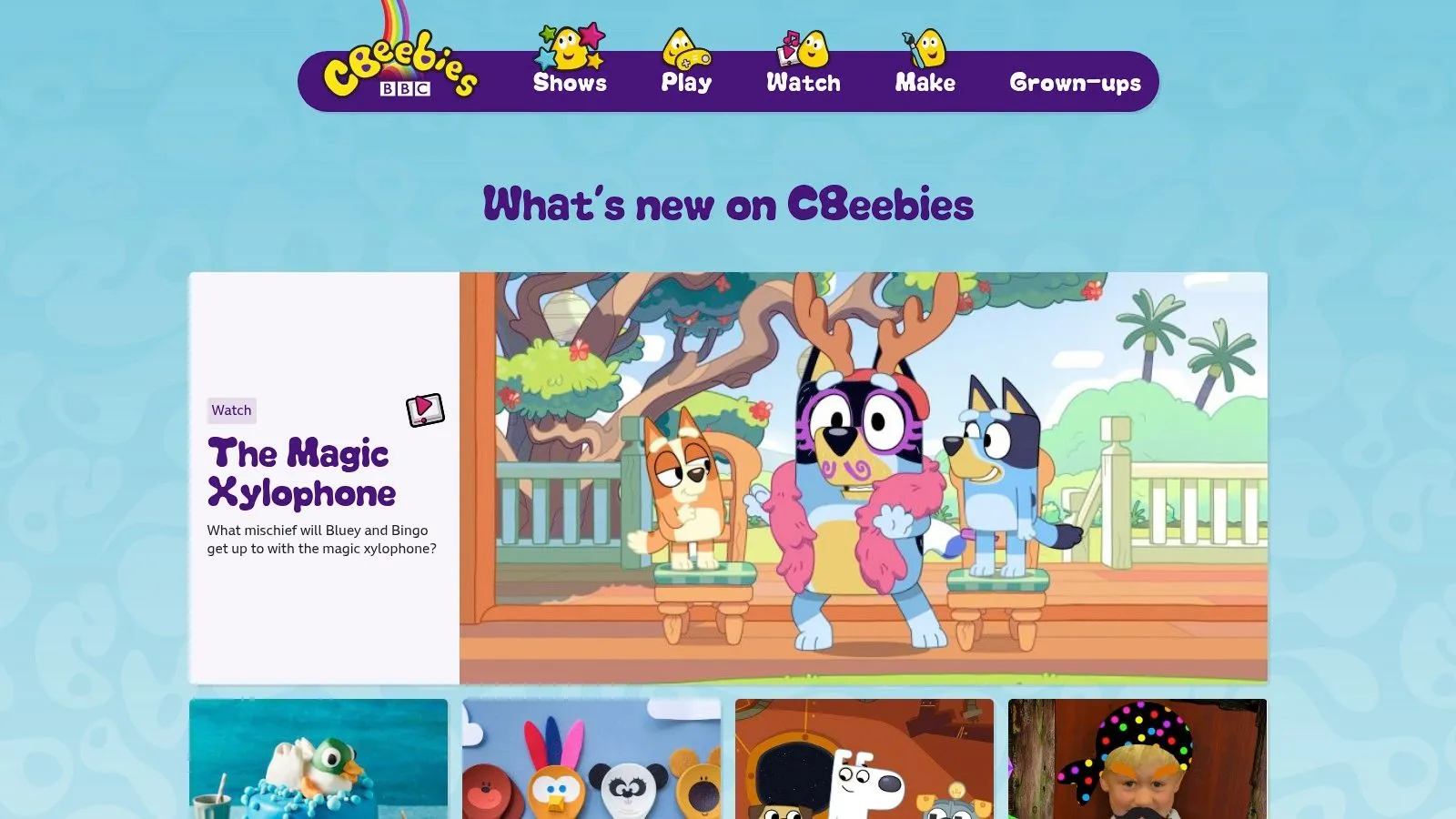
Best for structured early skills with a familiar UK setting. CBeebies Learn is free, has no in-app purchases and is particularly suited to children aged 2, 4, with activities based on the Early Years Foundation Stage. Its combination of familiar characters, games and videos makes it an approachable starting point. Activities cover early maths, phonics, shapes, colours and communication, so you can choose a skill instead of opening whatever looks busiest. The practical advantage is breadth without a subscription decision. Downloadable games also make it useful away from Wi-Fi, although it's sensible to open the activities before leaving home.
Where it works best
Choose an activity connected to something your toddler already recognises. After a shape game, look for circles on a plate or rectangular windows around the room. That gives you a practical way to explore whether they understand the idea beyond the screen.
- •Strength: A useful range of UK preschool learning activities without paid upgrades.
- •Trade-off: Videos sit alongside games, so not every activity asks your child to participate.
- •Growing room: Older or more confident children may want more challenging tasks.
The distinction between watching and doing matters. This guide to crafting engaging interactive learning experiences provides useful context for thinking about purposeful interaction. I'd start here if you want a straightforward, free introduction. Sit beside your toddler, let them attempt the task and offer a small verbal prompt before taking over the controls.
2. CBeebies Playtime Island
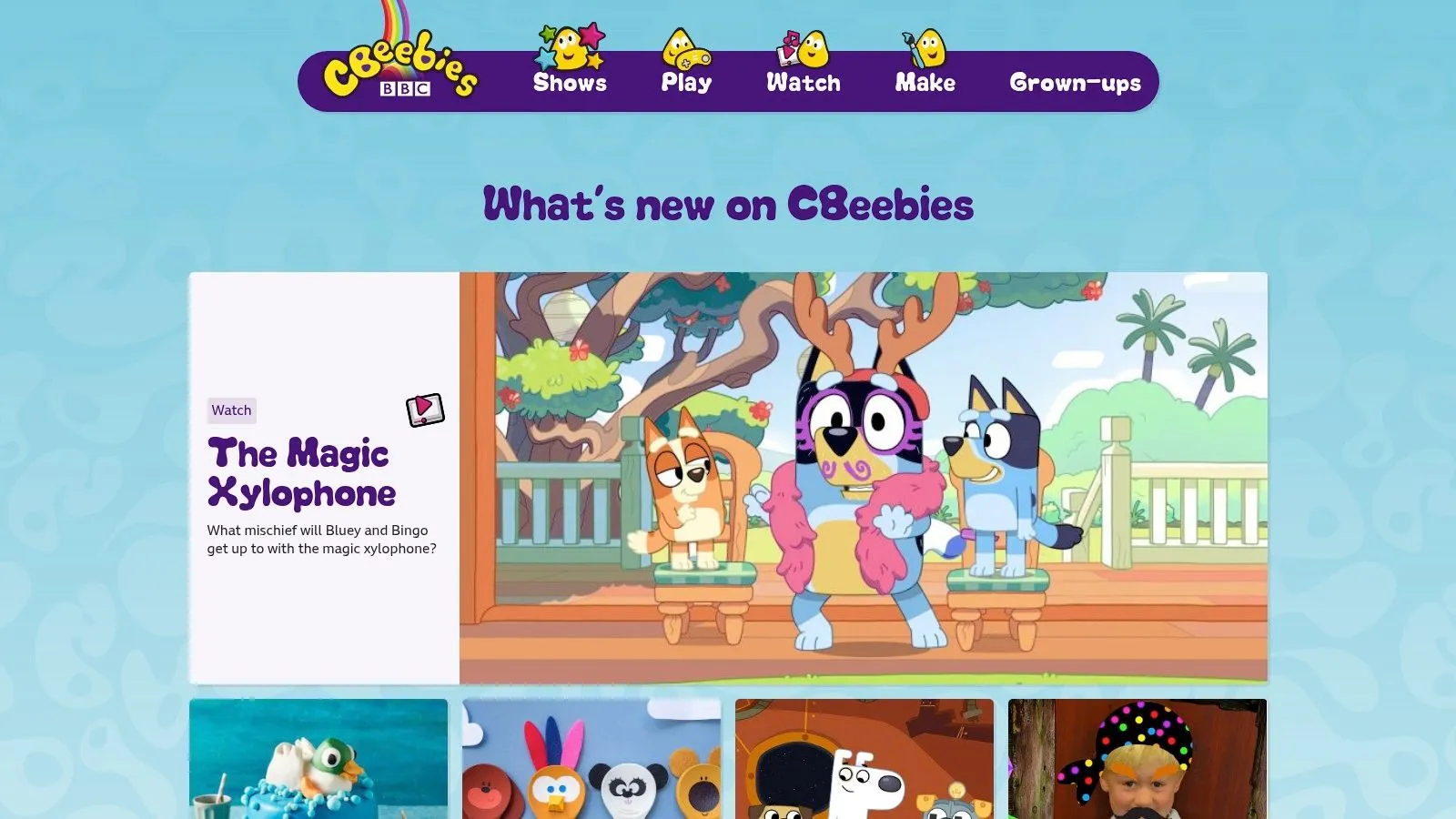
A toddler who wants to explore a favourite character's world may prefer this to a lesson-led app. CBeebies Playtime Island offers more than 40 games, with downloadable activities for offline play and new additions advertised through its app listing. It's free with no in-app purchases, which removes the need to judge whether another content pack is worth buying. Familiar characters can also give you something to talk about before your child has understood the game's instructions. The trade-off is structure. This is a varied game collection, not a carefully sequenced programme that moves your toddler through early learning objectives. Its appeal may depend heavily on which CBeebies shows they enjoy.
A familiar character can encourage a child to begin. What they do after opening the game matters more than recognising the character.
Make exploration more purposeful
Choose a game together rather than letting your toddler repeatedly switch between activities. Ask them to show you what happens, name an object or predict what a character might do next. For travel, download your chosen games and test them without an internet connection beforehand. That avoids discovering an unfinished download when you're already on the train. Choose Playtime Island for variety and character-led exploration. Choose CBeebies Learn when you want a clearer connection to a particular early skill. Neither needs to replace pretend play with toys, drawing or a conversation about what your child has just enjoyed.
3. Khan Academy Kids
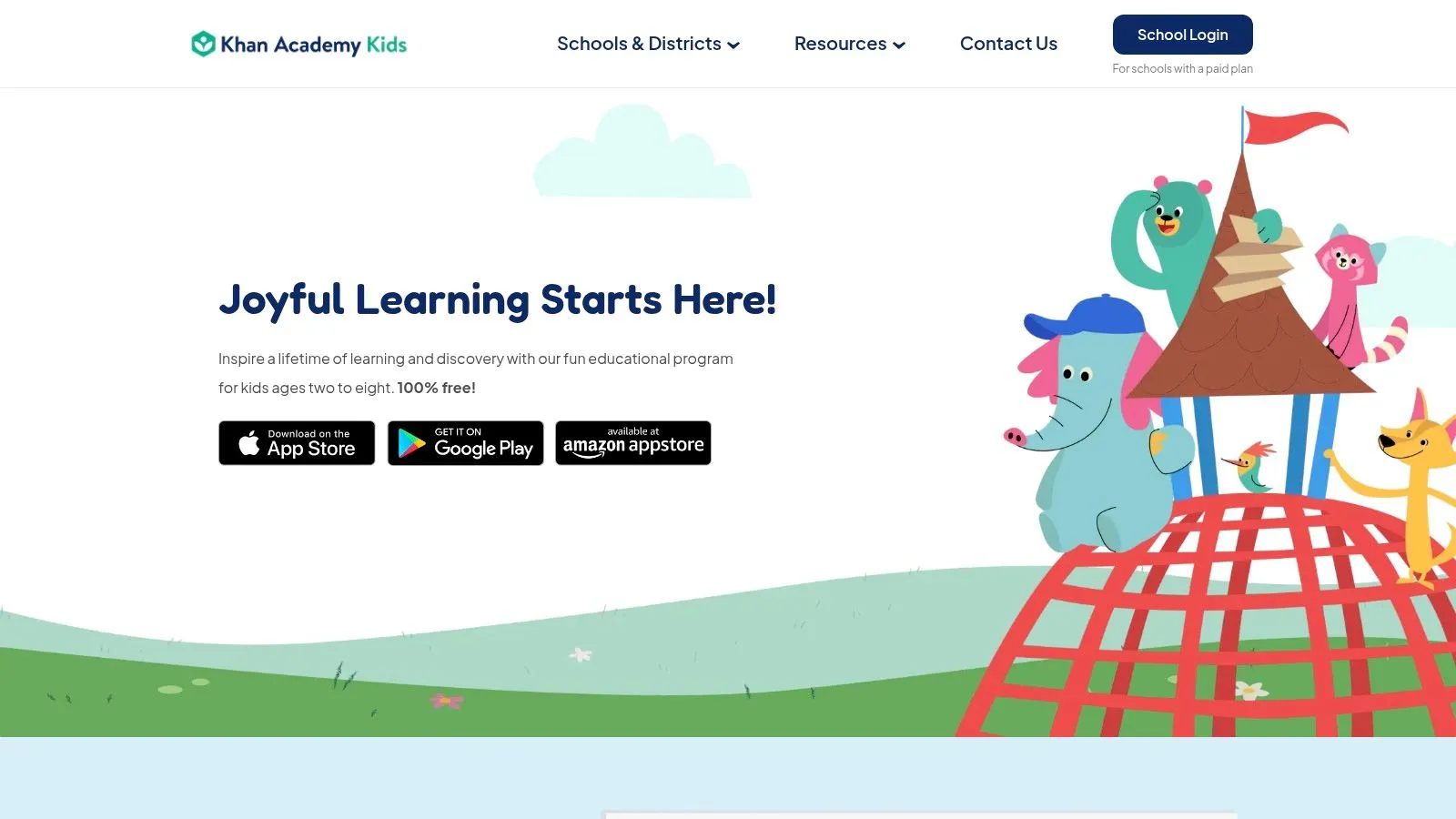
Khan Academy Kids is the stronger fit when you want learning content that can remain useful beyond toddlerhood. Khan Academy Kids is designed for children aged 2, 8, combining early maths, literacy, phonics, interactive storybooks and creative activities. It's free, with no adverts or in-app purchases, and available for iOS and Android. That makes it an appealing alternative to subscribing before you know whether your child enjoys guided learning. The broad age range is also its main limitation for toddlers. Access to a large library doesn't mean every activity will suit your child's language, attention or touchscreen skills. Start with simple tasks and shared stories rather than treating progression as something to hurry.
Guided learning without pushing ahead
The content is US-designed rather than specifically aligned with the UK curriculum. For UK families, it's best treated as a source of useful practice and stories, not a substitute for the language and phonics approach used by their nursery.
- •Good match: A toddler who enjoys listening, answering and attempting a clear task.
- •Less suitable: A child who becomes frustrated by spoken instructions or wants unrestricted exploration.
- •Adult contribution: Repeat an instruction plainly, then allow time for a response.
Understanding what interactive learning is and how it works helps distinguish participation from completing screens. Don't judge a session by how far your child gets. Naming something from the story, making a deliberate choice or explaining an answer through gesture can be a more useful observation than finishing another activity.
4. Lingokids
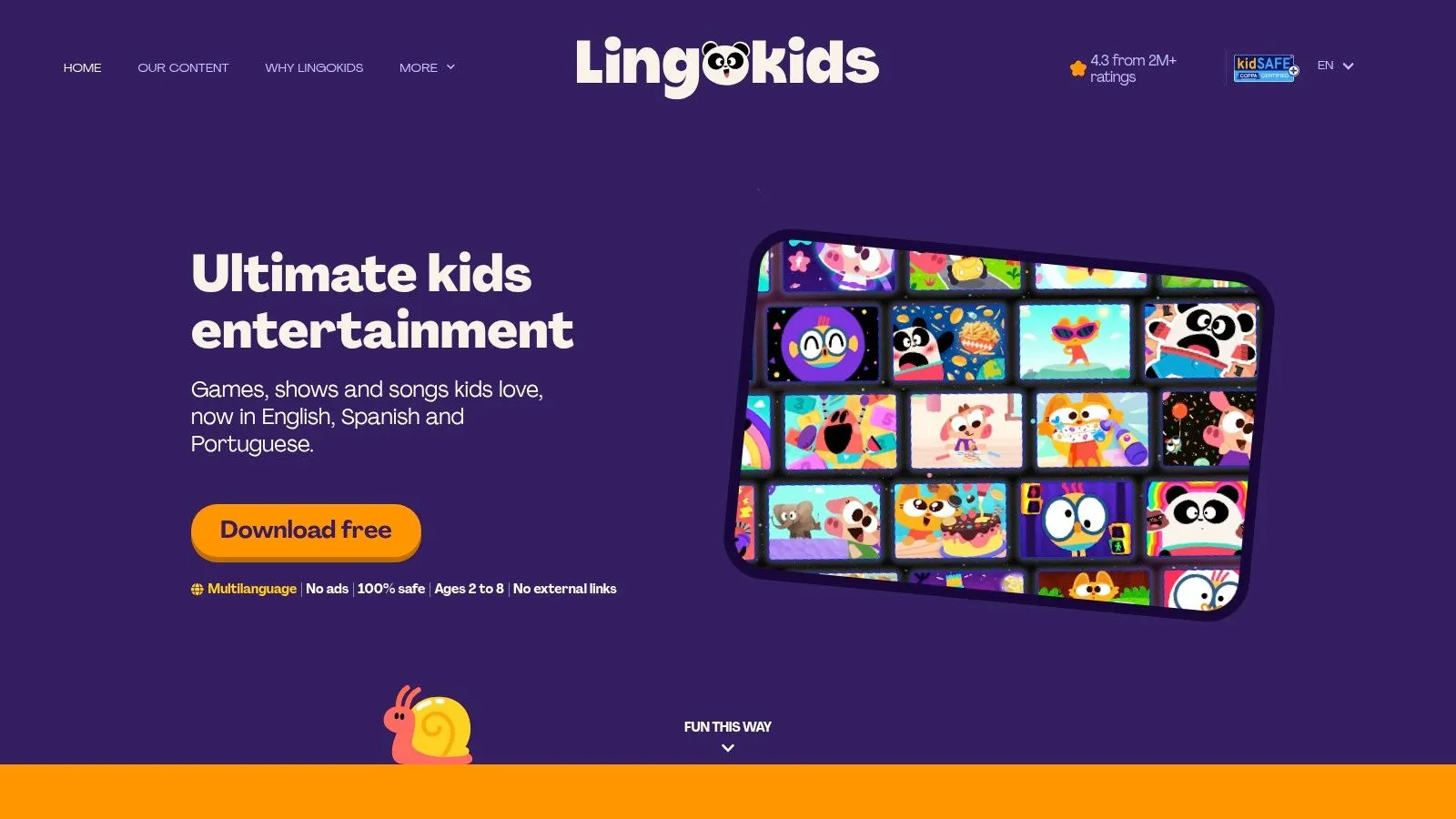
Some children want a song, then a puzzle, then a story. Lingokids accommodates that variety with games, songs, shows and other activities for children aged 2, 8, including content matched to a child's age. Its library covers early language, literacy, maths and everyday knowledge. Some activities feature recognised characters and partners, while certain plans include parent-facing progress features and multiple child profiles. There's a free tier, but full access requires a subscription. UK prices vary by plan and offer, so assess the available content and renewal terms before committing. The company describes the app as ad-free.
Variety versus distraction
The appeal is having different activity types in the same place. The drawback is that a very young toddler may need help choosing, particularly when several attractive options compete for attention. I'd select an activity before handing over the device. If your aim is practising vocabulary, stay with a naming game or song and talk about its objects afterwards, rather than moving immediately into unrelated content.
Subscription test: Pay for activities your child returns to meaningfully, not for the size of a library you might use later.
Parent-facing progress information can help you find content to revisit, but don't treat completion as proof that your child has mastered a skill. Ask them to use the same idea during ordinary play. The principles behind gamification in education are useful here: rewards should support the activity, not become the only reason your child continues.
5. Pok Pok
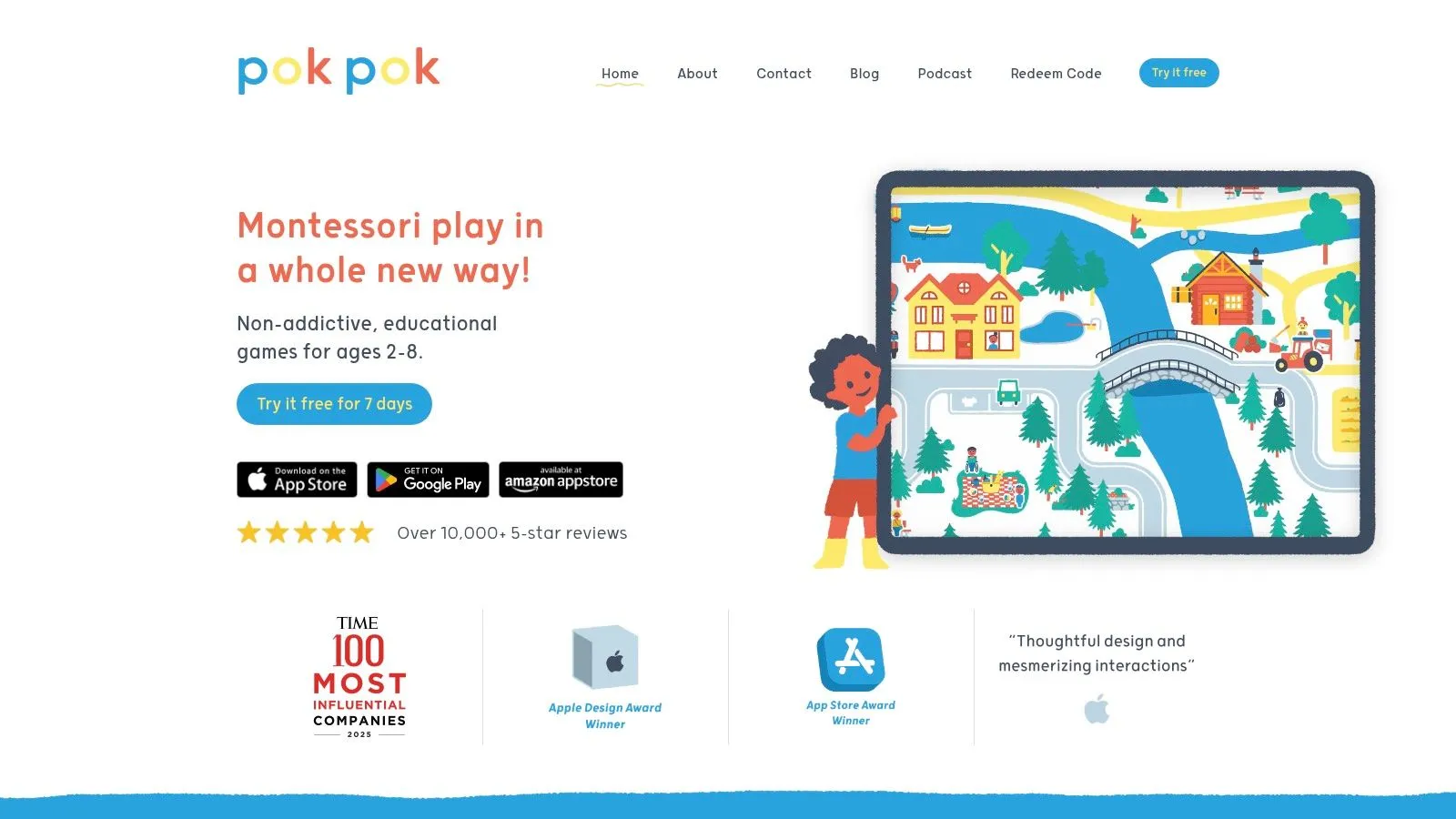
No levels, scores, winning or losing. That's the central distinction of Pok Pok, a Montessori-inspired digital playroom for children aged 2, 8. Rather than asking for the correct answer, its open-ended activities invite drawing, building and exploration. Children can experiment at their own pace, with opportunities to investigate relationships, make choices and try different approaches. Pok Pok works offline, and the developer describes it as ad-free. Full access requires a subscription after the free trial, so use that trial to check whether your child enjoys freedom without constant instructions.
When fewer instructions help
Consider a toddler who becomes annoyed when an app repeatedly rejects an answer. An exploratory activity may be a better fit because they can investigate what happens without having to satisfy a fixed sequence. That doesn't make it a direct replacement for early maths or phonics practice. Pok Pok doesn't teach a specific UK curriculum, and you won't necessarily see a neat record of skills completed.
- •Choose it for: Child-led exploration, creativity and experimenting with cause and effect.
- •Think twice if: Your child consistently asks what to do and prefers a clear objective.
- •Play alongside: Describe what your toddler changes without directing every action.
Let your child lead before introducing questions. A running commentary can become another set of instructions if you fill every pause. I'd choose Pok Pok over a reward-heavy game for a toddler who enjoys investigating. I wouldn't choose it solely to practise a particular letter sound or check whether number recognition is improving.
6. Sago Mini World
Pretend play is the main reason to consider Sago Mini World. Sago Mini describes a collection for children aged 2, 6, with more than 20 games and activities advertised in its UK App Store listing. Children create characters, explore settings and play out scenarios rather than follow a formal phonics or number sequence. If your toddler already enjoys inventing situations with figures or soft toys, that style may feel more inviting than answering questions. Downloadable games support offline play, while full access requires a subscription. The developer also describes COPPA and kidSAFE certifications, although those shouldn't replace a parent's own review of permissions, account settings and subscription controls.
Give the characters something to do
Say your child puts a character into a vehicle. You could ask where they're going or who needs to come along, then accept a gesture or a simple word as the answer. That's a conversational opportunity, not a reason to turn every scene into a test. Leave room for your toddler's unusual choices and repeated scenarios.
Let the child invent the story. Your job is to make space for communication, not supply the correct plot.
The main trade-off is breadth versus explicit teaching. Sago Mini World offers imaginative activity, but it's less focused on practising formal literacy or numeracy. UK App Store reviews are mixed, so explore the available access before subscribing. Pay particular attention to whether your child creates scenarios or mainly moves between screens looking for something else.
7. Bimi Boo Toddler Games
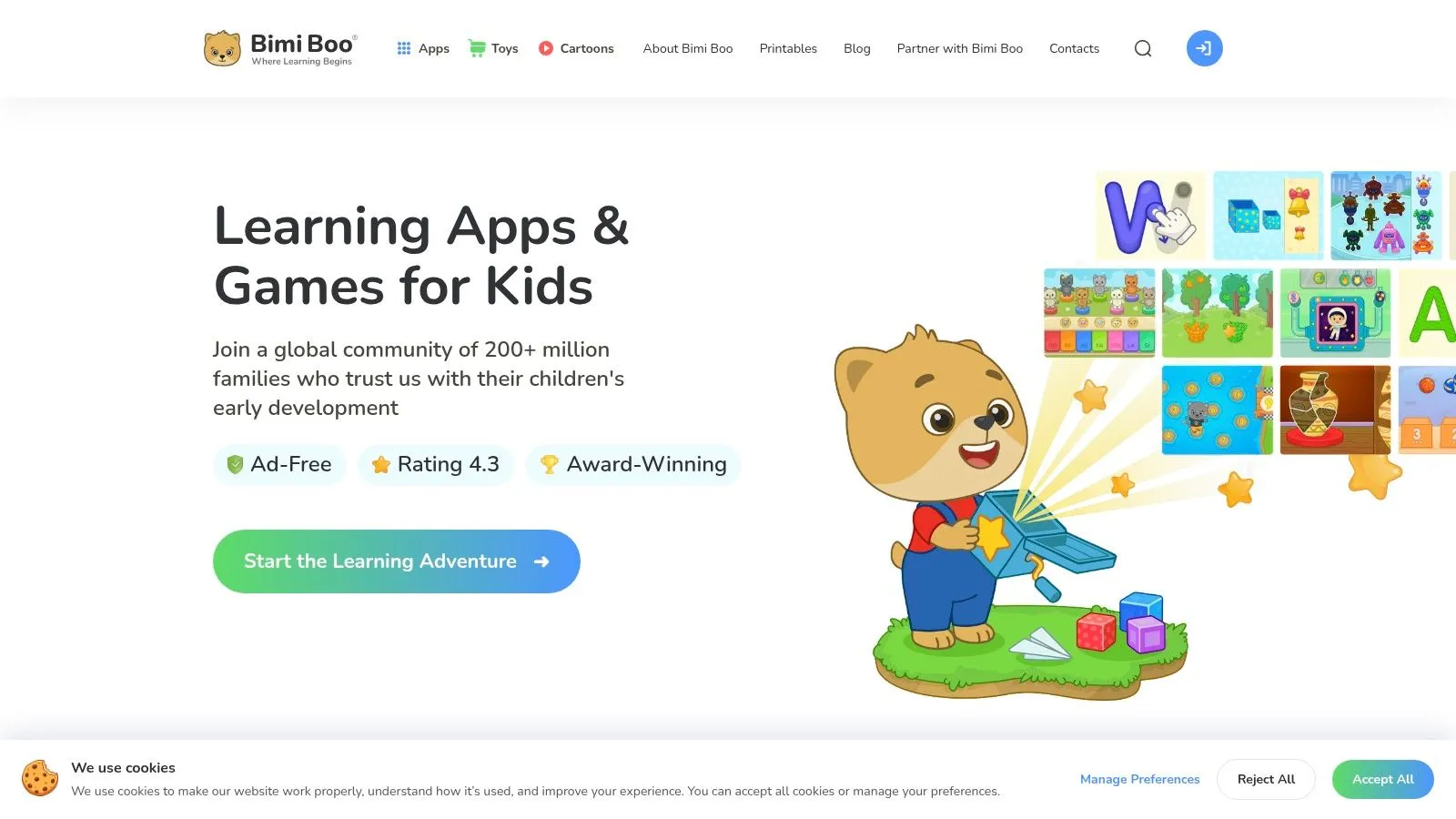
Dragging an object into a matching space is a smaller demand than following a narrated lesson. That makes Bimi Boo worth considering for first matching, sorting and puzzle activities. Bimi Boo offers several toddler and preschool apps, with some titles designed for children aged 2, 6. Depending on the app, activities cover shapes, colours, numbers, visual memory and early problem-solving. The important purchasing detail is that Bimi Boo is a range, not a single identical package. Features, prices and access arrangements differ between titles, and some content requires in-app purchases or a subscription.
Check what the child is matching
A toddler may succeed by matching silhouettes or following a visual hint without recognising the named shape or colour. That's still practice with the interface, but it isn't automatically evidence of vocabulary learning.
- •For matching: Let your toddler inspect the available choices before you point.
- •For language: Name the object or colour yourself if the activity doesn't.
- •For understanding: Try a related task with blocks, socks or toy animals afterwards.
Choose the specific app by looking at its activities and purchase screen, not just the Bimi Boo branding. A child who enjoys sorting may prefer a focused collection over a larger mixture of unrelated tasks. I'd use these games as a simple starting point, especially when a more elaborate app overwhelms your toddler. Once they're completing activities through familiar visual cues alone, change the objects or move the same sorting idea into hands-on play.
7 Toddler Learning Games at a Glance
| Game | Age range | Cost | Best for |
|---|---|---|---|
| CBeebies Learn | Ages 2, 4 | Free | UK preschool learning and early skills |
| CBeebies Playtime Island | Toddlers | Free | Character-led games and varied activities |
| Khan Academy Kids | Ages 2, 8 | Free | Broad early-learning activities |
| Lingokids | Ages 2, 8 | Free tier; subscription for full access | A varied library of learning activities |
| Pok Pok | Ages 2, 8 | Subscription after free trial | Open-ended, Montessori-inspired play |
| Sago Mini World | Ages 2, 6 | Subscription for full access | Imaginative and pretend play |
| Bimi Boo Toddler Games | Some titles: ages 2, 6 | Varies by app; some purchases or subscriptions | Simple matching, sorting, and puzzles |
Matching the Game to Your Toddler and What Comes Next
Choose CBeebies Learn or Khan Academy Kids for structured early skills, Pok Pok or Sago Mini World for open-ended play, and Bimi Boo for first matching and sorting. Playtime Island suits character-led variety, while Lingokids offers a broader mixture of guided activities, songs and stories. Start with the free options before adding subscriptions. Download suitable games before travelling, then test them offline rather than assuming everything in the app will remain available. For the first sessions, sit alongside your toddler. In the Department for Education's follow-up survey of parents, 75% of children aged 0, 2 typically used learning apps with an adult.
- •Watch the interaction: Is your child making a choice or tapping until something happens?
- •Add conversation: Name an object, take turns or invite a prediction without interrupting constantly.
- •Continue off-screen: Revisit sorting with toys, shapes around the house or a story invented together.
Quality matters alongside duration. UK parliamentary evidence on early screen use emphasises age-appropriate content and caregiver co-viewing, without establishing equivalent benefits across language, fine-motor and gross-motor development. For ideas beyond apps, the Playz guide to toddler learning games offers another starting point. Keep digital activities alongside books, movement, conversation and physical play. When parents, broadcasters or brands want to create their own interactive learning games for toddlers, the connection between characters and meaningful activities deserves careful planning. Studio Liddell's animation credits include Fifi and the Flowertots, Cloudbabies and Ranger Rob; its BooSnoo series is part of the Sky Kids line-up, and the studio designed and developed the accompanying Cloudbabies app to complement the television series. Those connections matter because adapting a children's world requires more than placing familiar characters around a puzzle. The interaction itself must make sense for the child. --- We create animation, apps and interactive experiences, including child-focused work connecting television characters with digital play. Visit Studio Liddell to explore our productions and discuss an interactive learning game built around your audience, characters and learning aims.