10 Best AI Video Generator Free Tools for 2026
Create Video Instantly, Without the Cost You need a video for a marketing campaign, a social media post, or a pitch deck. The deadline is tight, the budget is non-existent, and you don't have professional video editing skills. AI video generators become essential. These tools can turn a simple prompt into a short clip fast enough to keep an idea moving. The problem is that “free” rarely means the same thing twice. Some tools give you a proper recurring allowance. Others offer a one-off trial, watermark every export, or cut off the moment you need a second round of edits. If you're trying to find the best AI video generator free option for actual work, that distinction matters more than the headline feature list. This guide gets straight to the useful part. It sorts the strongest options by how their free model works, where they fit in a real workflow, and where they stop being practical. For broader strategies for AI video content, it also helps to think in terms of ideation versus delivery. One practical framing helps. In the UK, free AI video tools are already part of early-stage production for many teams. The Digital Britain Council reports that 68% of creative SMEs in the United Kingdom have adopted free-tier AI video tools for initial prototyping, with a 42% reduction in pre-production costs, while Ofcom found that 73% of UK independent creators rate free AI generators as highly effective for non-commercial storytelling, but only 31% feel confident using them for final broadcast because of resolution limits, according to the market data cited in this AI video market overview.
1. Runway
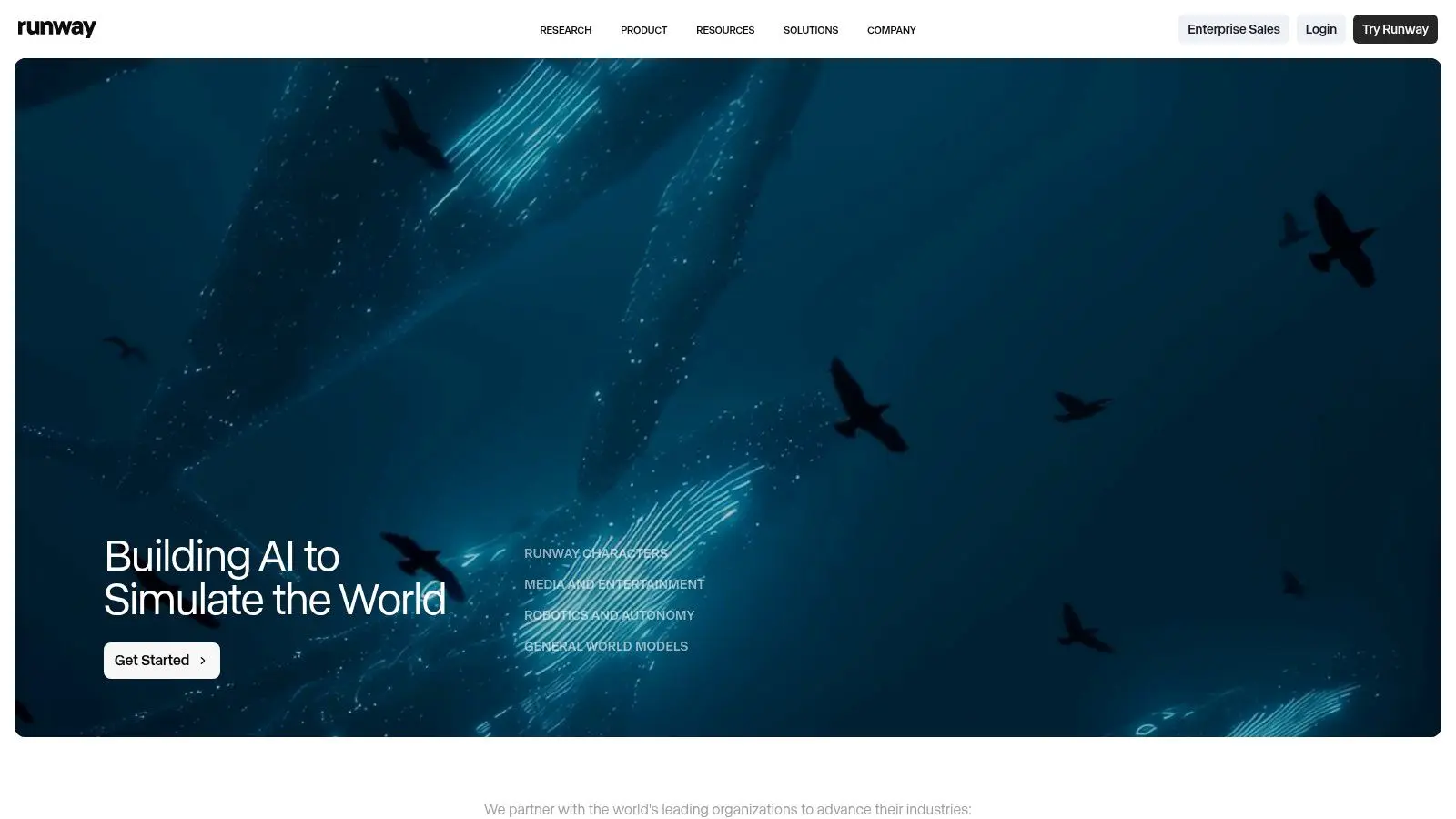
Runway is the tool I'd put in front of a team that wants one interface for generation, editing, lip-sync, upscaling, and model testing. It's less about “completely free” and more about controlled experimentation. That's useful if you need to compare outputs without juggling several dashboards. The free tier is limited. You get a one-off credit allocation, and free outputs are watermarked. That means it's good for pitch visuals, storyboard motion, and internal review clips, but not where clean client delivery is the main requirement.
Where Runway earns its place
Runway's strength is workflow density. You can move from text-to-video to image-to-video, then into edits and voice work without exporting into three other apps. For creative leads, producers, and motion teams, that reduces friction.
- •Best fit: Concepting, previz, look development, internal animatics.
- •Less ideal: Ongoing free production at volume, especially once higher-quality models start eating through credits.
- •Useful edge: Predictable credit logic across models makes budgeting easier than tools that feel opaque.
If you're planning AI-assisted production rather than one-off social clips, Studio Liddell's AI services page is a better next step than trying to force a free account into a broadcast workflow.
Practical rule: Use Runway when the team needs fast iteration and side-by-side comparison. Don't use it as your long-term free render engine.
For an adjacent view focused on editing workflows, TimeSkip's AI video tool guide is worth a look.
2. Pika
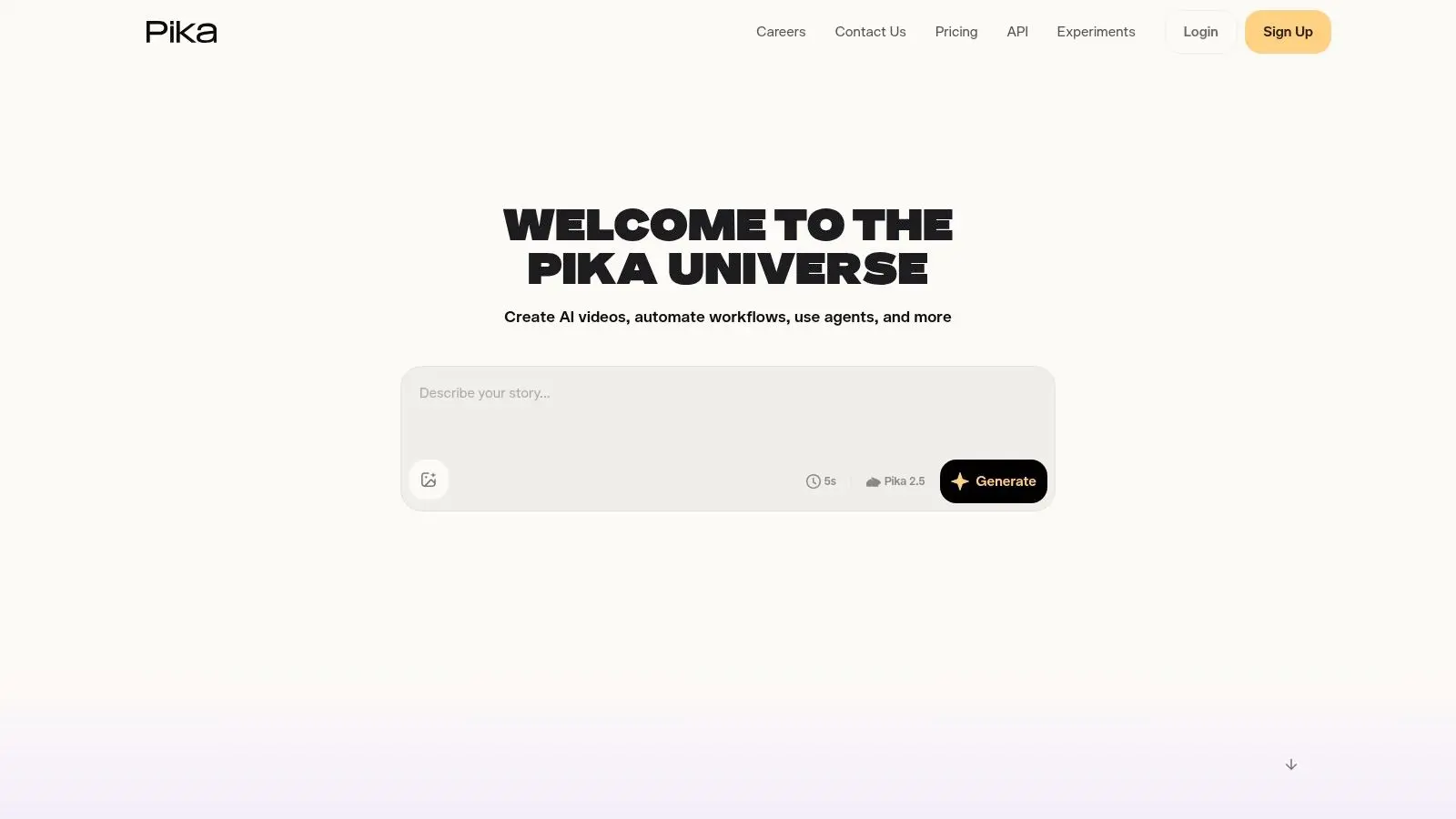
Pika is one of the better answers if you want the best AI video generator free option for stylised short-form work. It moves quickly, adds features often, and keeps the creative controls playful enough that non-specialists will make use of them. Its appeal is simple. You can generate from text, image, or frame-based inputs, then push into effects-driven modes like scene alterations and visual twists. For social content, music-led edits, and visual experiments, that matters more than cinematic realism.
Best used for short-form ideas
Pika is strongest when you treat it like an effects lab, not a film studio. It's good at making a concept feel alive. It's weaker when you need longer continuity, higher-end polish, or a lot of output at higher settings without spending credits quickly. A few practical trade-offs stand out:
- •Good for: Animatics, stylised promos, meme-adjacent content, visual pitch clips.
- •Watch for: Higher resolutions and longer durations can burn through allowances fast.
- •Nice surprise: The free plan is recurring rather than just a single trial, which makes it more usable than many headline competitors.
If your team is still working out what AI-generated motion can and can't do inside a commercial pipeline, this guide for UK creative businesses using AI art generators gives the broader context. Pika is rarely the last stop. It's often the fastest way to get from “this might work” to “yes, let's develop that”.
3. CapCut
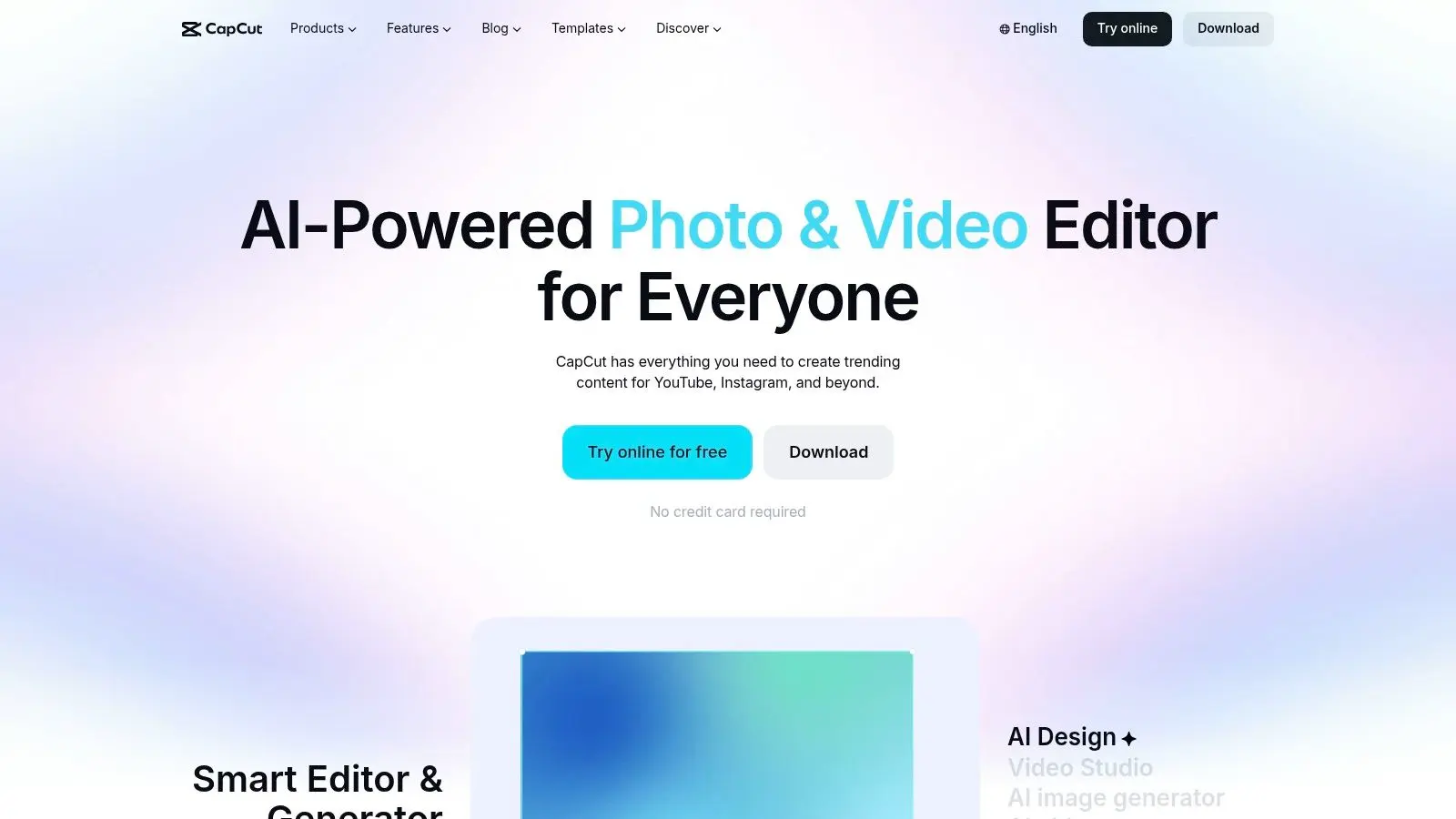
If your main job is turning rough ideas into publishable social content quickly, CapCut is difficult to ignore. It's not the most cinematic tool in this list, but it may be the most practical for day-to-day content teams. CapCut combines AI video generation with templates, auto-captions, background removal, voice tools, and distribution-friendly workflows. That makes it especially useful for vertical video, UGC-style ads, event snippets, and platform-native edits where speed matters more than shot purity.
Why social teams keep using it
CapCut doesn't ask much of the user. A marketer, producer, or founder can get something serviceable out of it without specialist training. That's a real advantage when approvals are moving faster than production polish. There are caveats. Regulated sectors and larger brands should review template usage, platform governance, and asset licensing carefully. If you're operating in the UK, data handling deserves the same attention. The Information Commissioner's Office says 42% of UK small businesses using free AI tools unknowingly host sensitive creative data on non-UK servers, a risk highlighted in this best free AI video generators analysis. That issue matters more than any flashy feature if client material is involved.
Free is only useful when the workflow is safe enough to use.
For a broader commercial view of where quick-turn content fits, Studio Liddell's video content production guide for UK business is a practical companion.
4. VEED
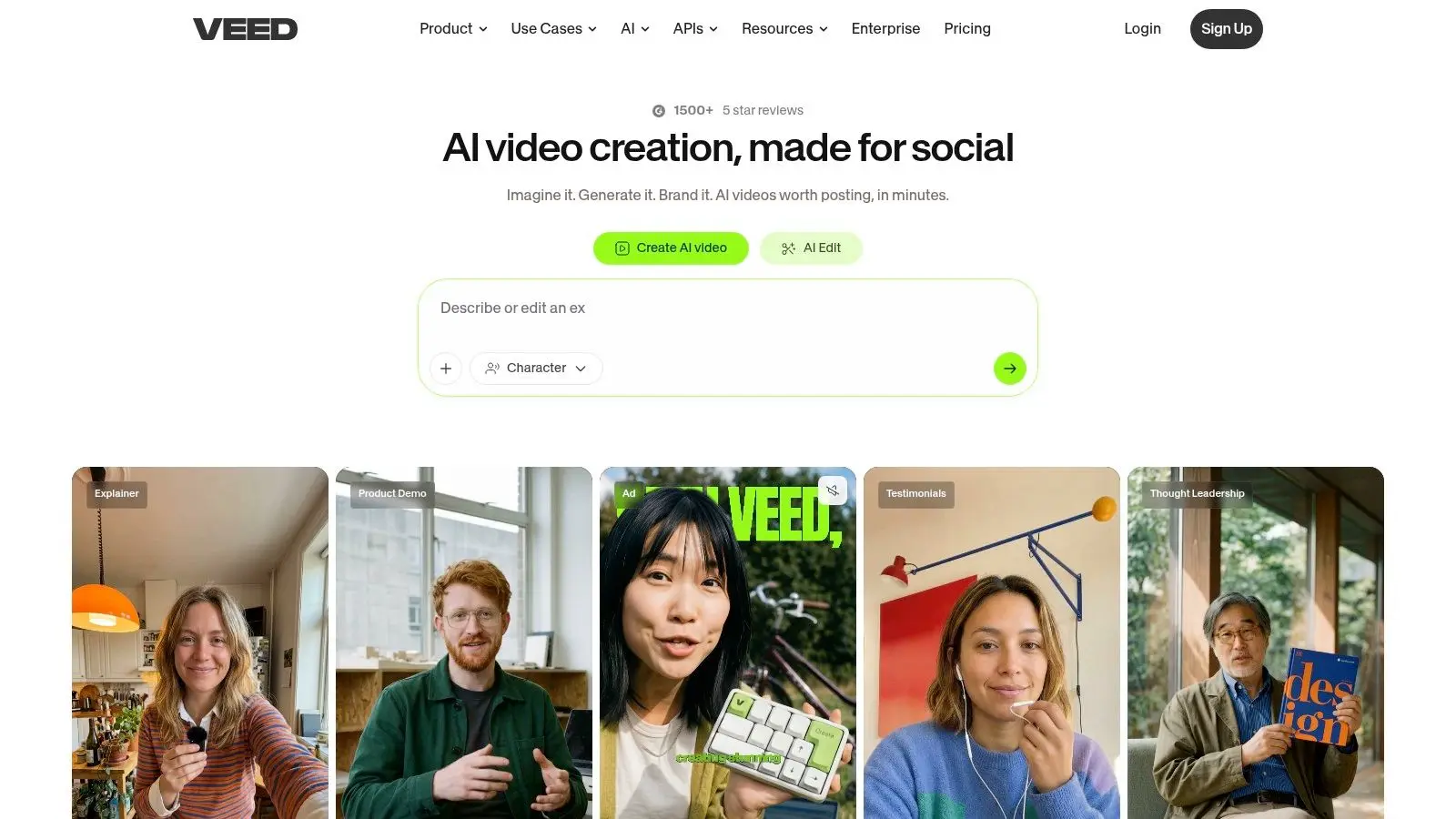
VEED works best when generation is only one part of the job. If you also need captions, cleanup, repurposing, dubbing, and fast edits in the same browser session, VEED is efficient in a way single-purpose generators aren't. Its AI Playground is the interesting part. You can trial multiple underlying video models from one interface, then stay inside the editor for the rest of the content workflow. That's a good fit for agencies and in-house teams producing localisation-heavy material.
Strong editor, limited free headroom
VEED's free credits are enough to test whether a model or workflow suits you. They're not enough for sustained output, and some of the “AI video” experience leans on stock-driven assembly rather than native generated scenes. That doesn't make it weak. It makes it specific.
- •Use VEED for: Marketing explainers, repurposed webinar content, translated social clips, subtitle-heavy edits.
- •Skip VEED for: Long runs of experimental generation where you need broad free rendering capacity.
- •Best value: Teams that want fewer tool handoffs.
In practice, VEED is often less exciting than the flashy generators. It's also often more useful.
5. InVideo AI
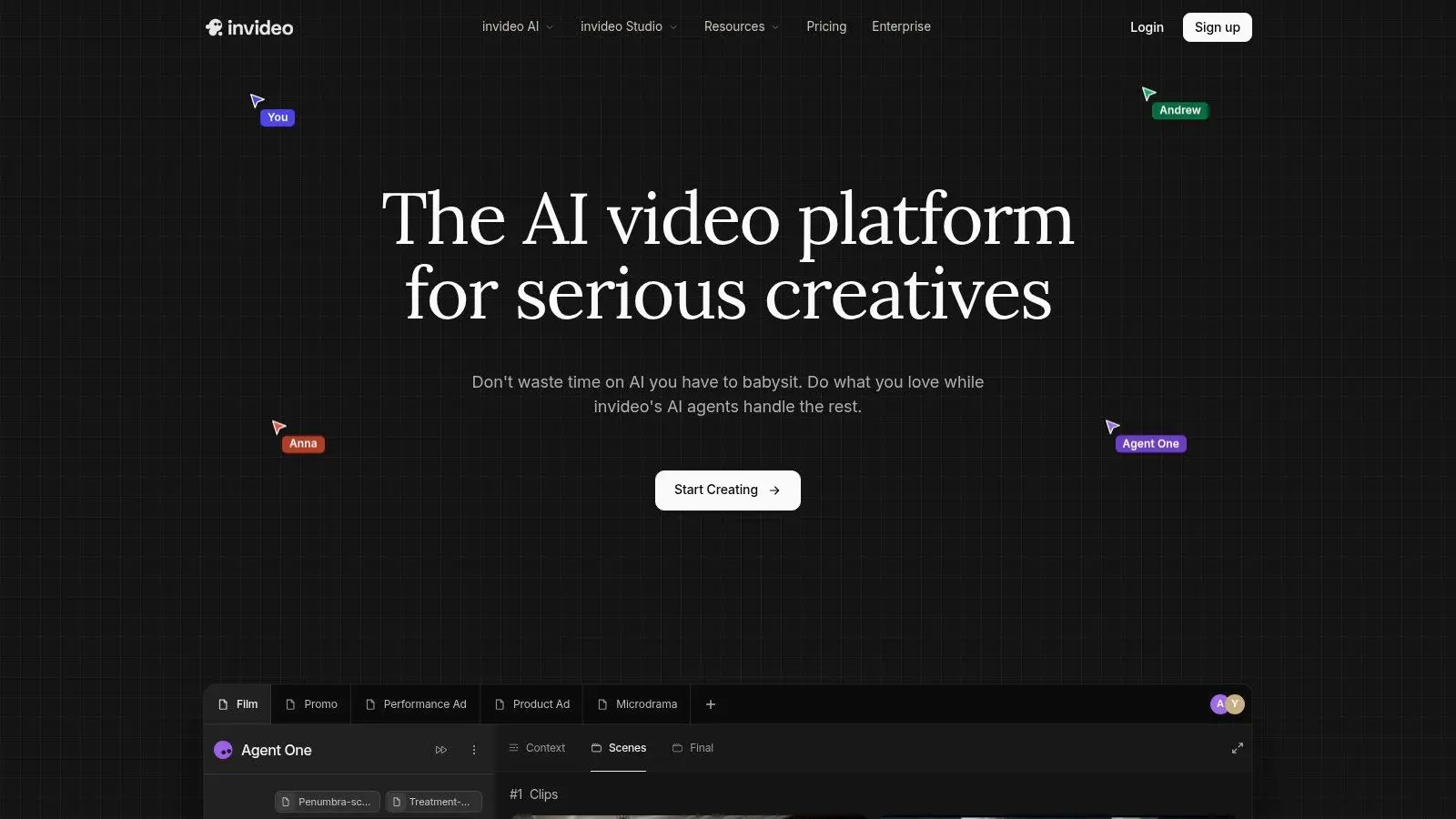
InVideo AI is built for people who start with a message, not a shot list. Give it a prompt or script, and it pushes quickly toward an explainer, promo, ad draft, or educational clip. That's why small teams tend to get value from it fast. The weekly-reset model is useful because it supports regular light usage instead of one burst followed by a paywall wall. If you're posting on a content calendar, running classroom materials, or building first-draft ad variants, that rhythm makes sense.
Where it works and where it doesn't
InVideo AI is a drafting tool first. It's very good at taking a script and making it tangible. It's less convincing when you need highly bespoke visual language, detailed motion direction, or polished scene choreography. The practical upside is speed. The practical downside is sameness. Template-driven systems can flatten a brand voice if nobody art-directs the output after generation. In UK production terms, that distinction matters. Broadcast and commercial 3D animation projects typically run on an 8 to 14 week timeline from brief finalisation to delivery, with rigging and previz taking 20 to 30% of the schedule, according to the benchmark cited in this free AI video generator roundup. A tool like InVideo AI can help at the previz and messaging stage. It won't replace the production stages that come next.
6. HeyGen
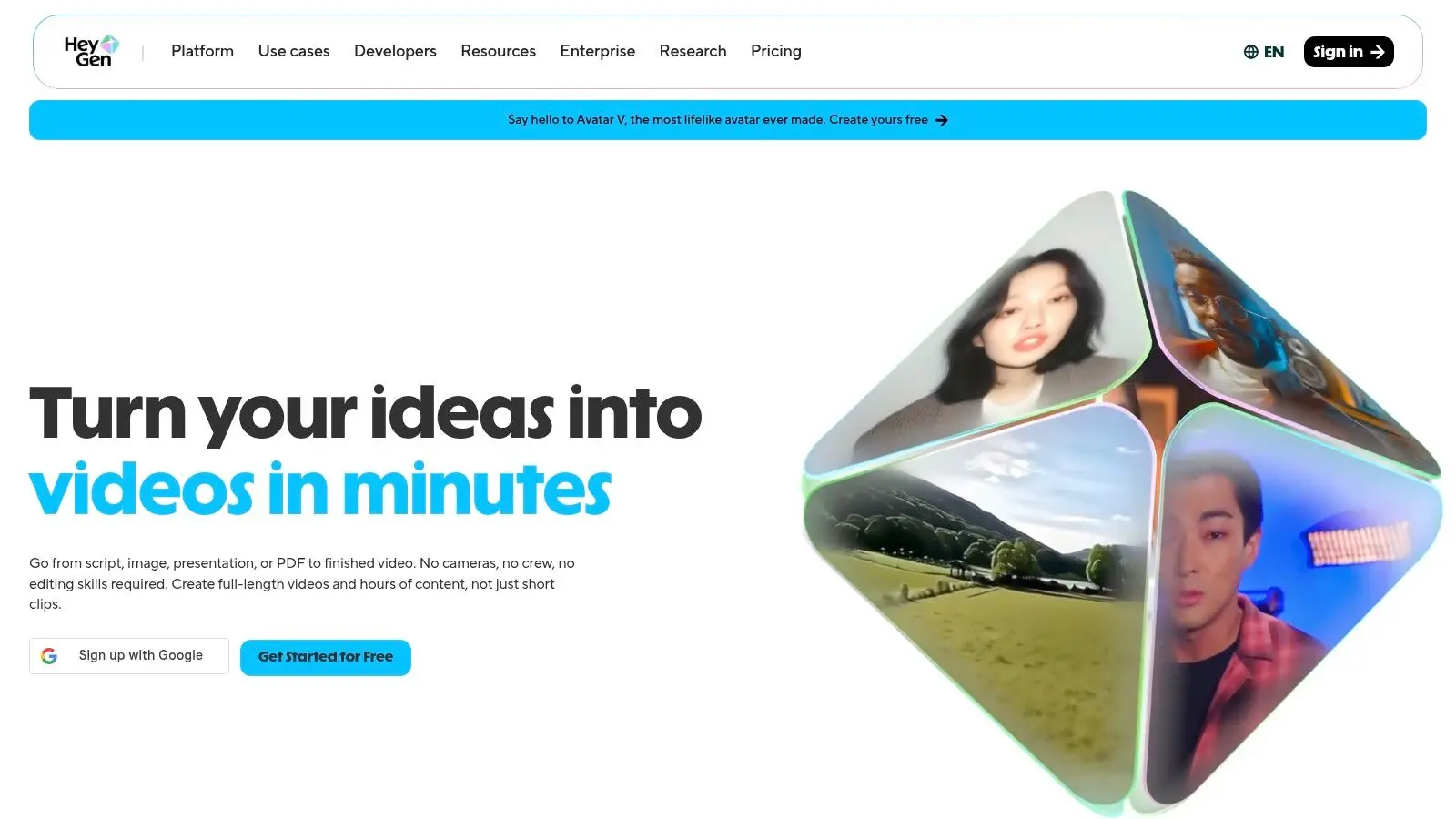
HeyGen isn't trying to be a cinematic text-to-video platform. It's an avatar and presenter system, and it should be judged on that basis. For training, onboarding, product walkthroughs, internal comms, and multilingual business updates, that narrower focus is often an advantage. The free plan gives you enough room to test whether avatar-led communication fits your use case. If your team needs a human-presented format without booking shoots, studios, or talent, HeyGen can remove a lot of friction.
Best for communication, not visual storytelling
HeyGen scales well when the challenge is operational. Need localisation, repeatable presenter content, or API-driven business use? It fits. Need cinematic scenes, imaginative camera direction, or animated worldbuilding? It's the wrong tool. That's not a criticism. It's a category issue. One more caution matters in UK work. The same data-sovereignty concerns that affect other free tools apply here too, especially for internal training, HR content, and client-sensitive material. If privacy requirements are strict, confirm data handling before uploading source assets or voice material.
Don't choose HeyGen because it's an AI video tool. Choose it because you need avatar-led communication at speed.
7. D-ID Creative Reality Studio
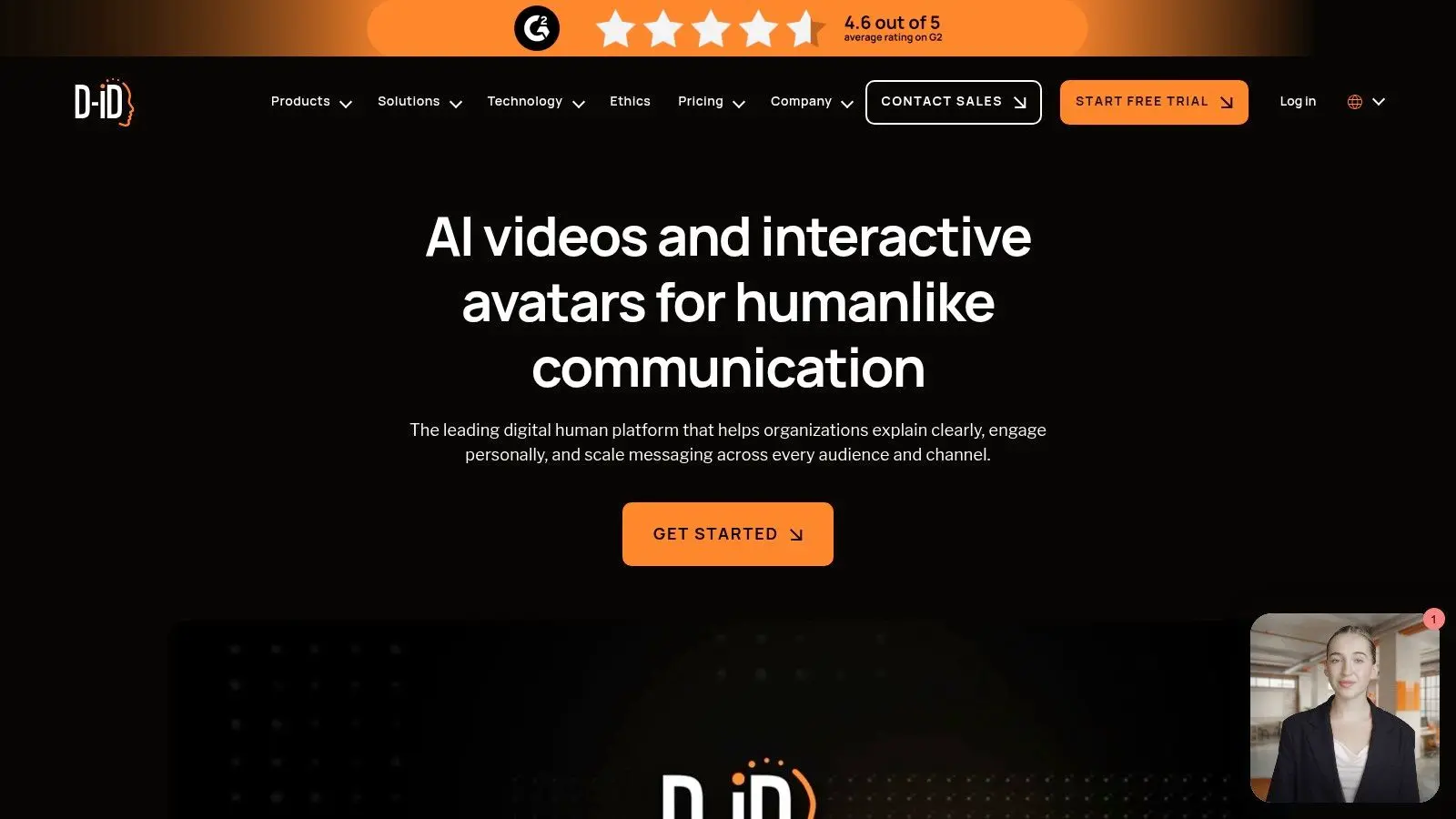
D-ID Creative Reality Studio does one thing very clearly. It turns a still image and a script into a talking-head style video. If that's your need, it's efficient. If you want scene generation, it's the wrong lane entirely. This makes D-ID useful for spokesperson updates, internal announcements, quick explainers, and lightweight presentations where a full shoot isn't practical. It's also one of the simplest tools to evaluate quickly because the output style is so defined.
The free limitation is the point
Free and trial usage are restricted, and outputs are watermarked. That means you should treat D-ID as a test bed for format validation. If stakeholders respond well to the talking-head approach, then decide whether to scale it. A few honest use cases:
- •Works well for: Corporate updates, multilingual presenter clips, quick-turn announcements.
- •Not built for: Ad-style visual storytelling, cinematic campaigns, animated product worlds.
- •Real consideration: The format can feel generic if you don't control script tone and visual identity carefully.
D-ID isn't broad. It is specific, and that specificity is what makes it useful.
8. Kapwing
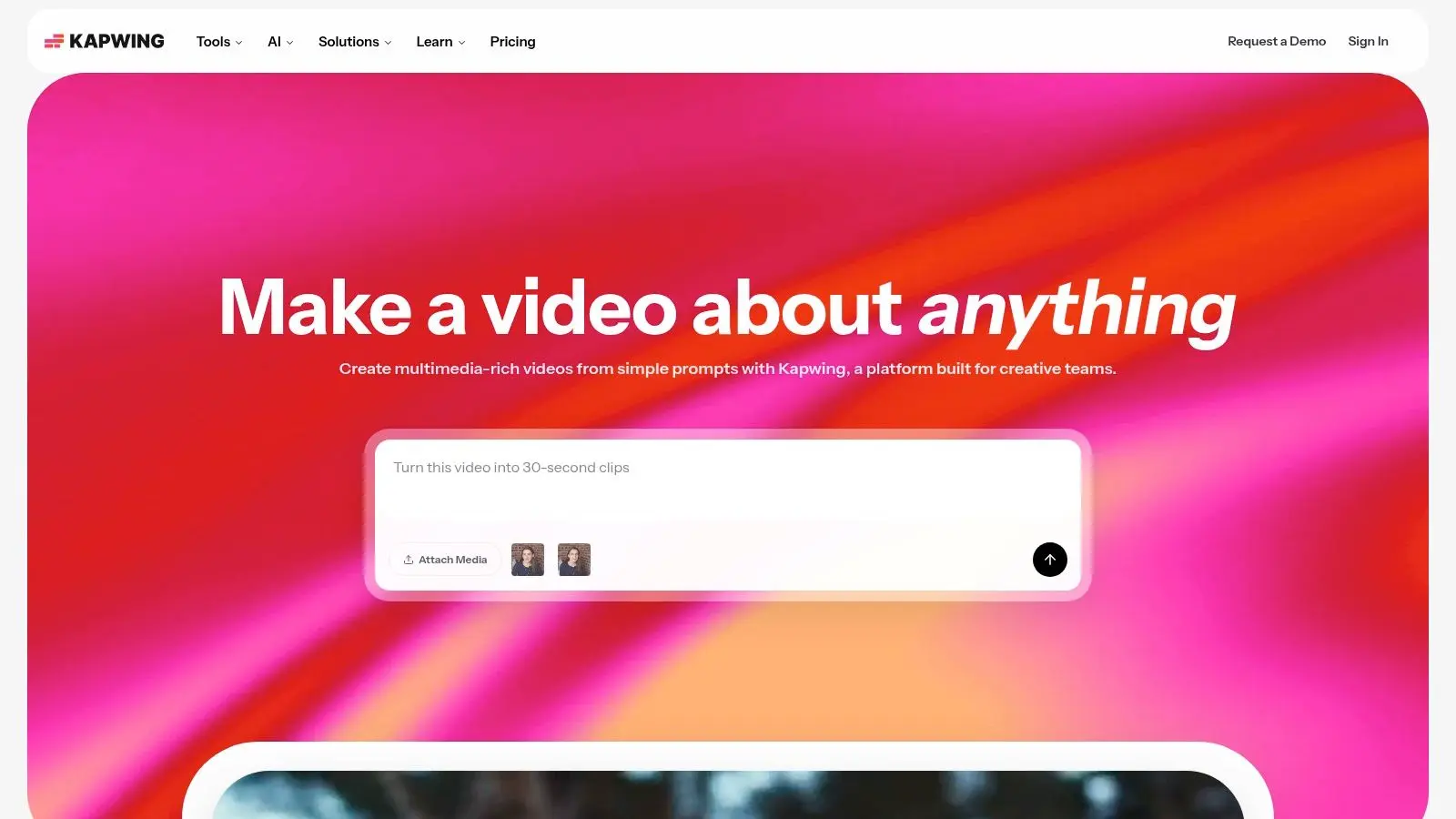
Kapwing makes sense when the job is less about generating a single polished film and more about getting a lot of usable video assets out the door fast. A typical case is a team cutting a webinar into shorts, adding captions, resizing for different platforms, and passing revisions between marketing, social, and approval stakeholders in one workspace. Its free model matters here. Kapwing is not free in the unlimited sense. It gives you starter access, then puts clear limits on credits and export conditions. That makes it better for previz, internal review, content testing, and versioning than for finished campaign delivery.
Built for throughput, not final animation craft
Kapwing is strongest as an AI-assisted editing and repurposing system. Subtitle generation, clipping, translation, and collaborative editing are its primary appeal. The generation layer helps, but the day-to-day value is operational. Teams with a constant flow of social, education, or internal comms content will get more from it than a brand trying to produce a broadcast-grade hero spot. That trade-off is common across free AI video tools. They are useful for speed and exploration, but output quality often falls short for high-end commercial work, including findings referenced directly in this Kapwing AI video generator page, which notes that 65% of UK users find free AI video generators easy to use, but only 28% are satisfied with output quality for commercial projects. That is why I'd place Kapwing firmly in the production support category. Use it to test structure, messaging, pacing, hooks, and distribution variants. If the brief calls for original character animation, precise art direction, or broadcast-ready finishing, this is usually the point where a professional studio such as Studio Liddell becomes the better fit. If you want to compare free text to video AI options, compare free text to video AI options.
9. Adobe Express
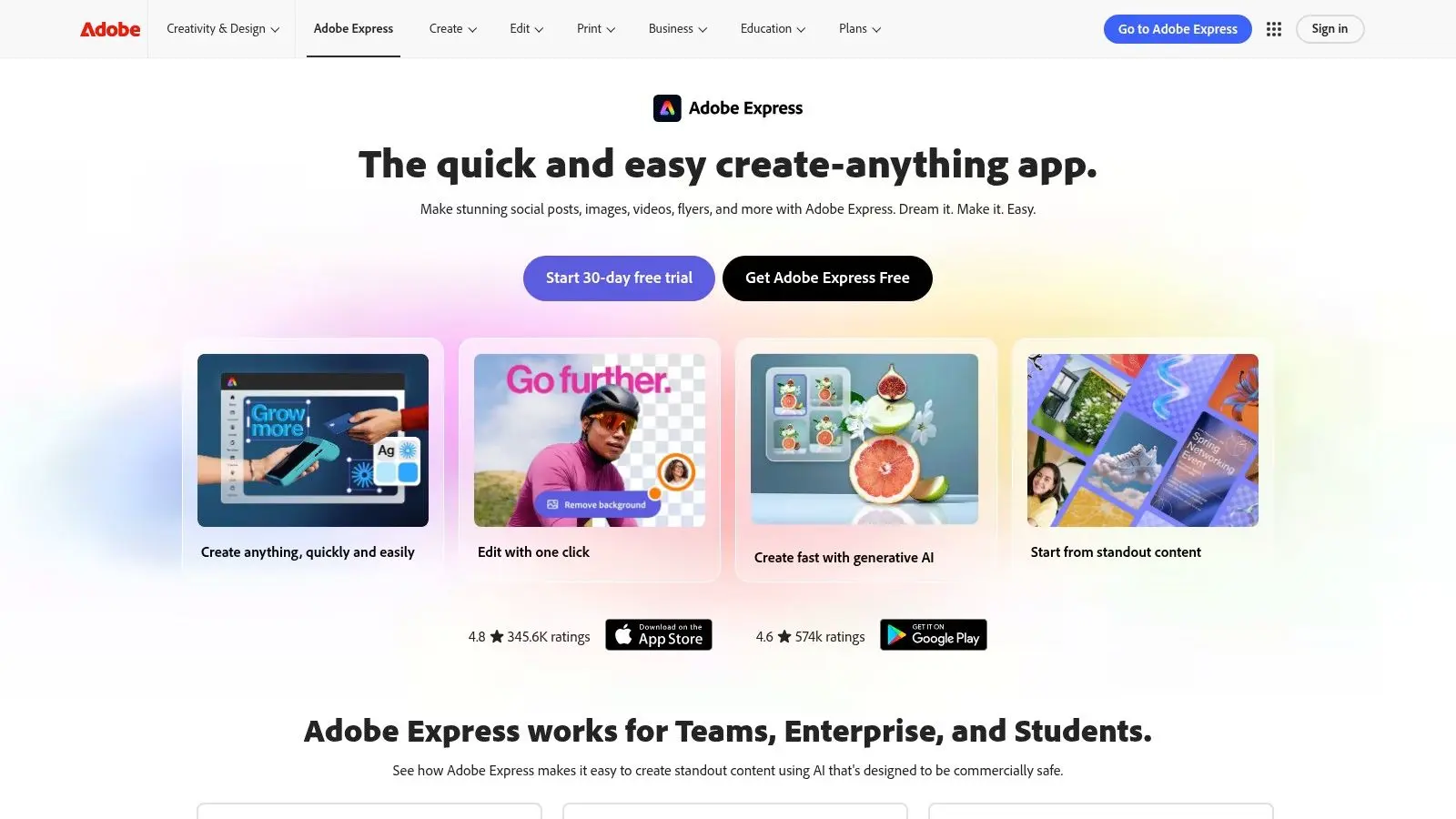
Adobe Express is the sensible choice for teams already living in Adobe's ecosystem. Its text-to-video capability through Firefly is limited on the free plan, but the surrounding environment is familiar, organised, and easier to govern in business settings than many fast-moving AI startups. That governance piece is why Adobe stays relevant. Not every buyer wants the most experimental generator. Plenty want a tool procurement will approve and brand teams will understand.
Better for brand-safe workflows than deep experimentation
Adobe Express is useful when AI video generation is one component inside a broader branded content workflow. Short generated clips, templated edits, stock integration, and Creative Cloud adjacency make it practical for marketing departments and enterprise teams. It's not the best playground for cinematic control. It is a reliable bridge between design operations and lightweight video generation. For readers comparing adjacent options, this guide to free text to video AI options gives a broader snapshot of the category.
10. FlexClip
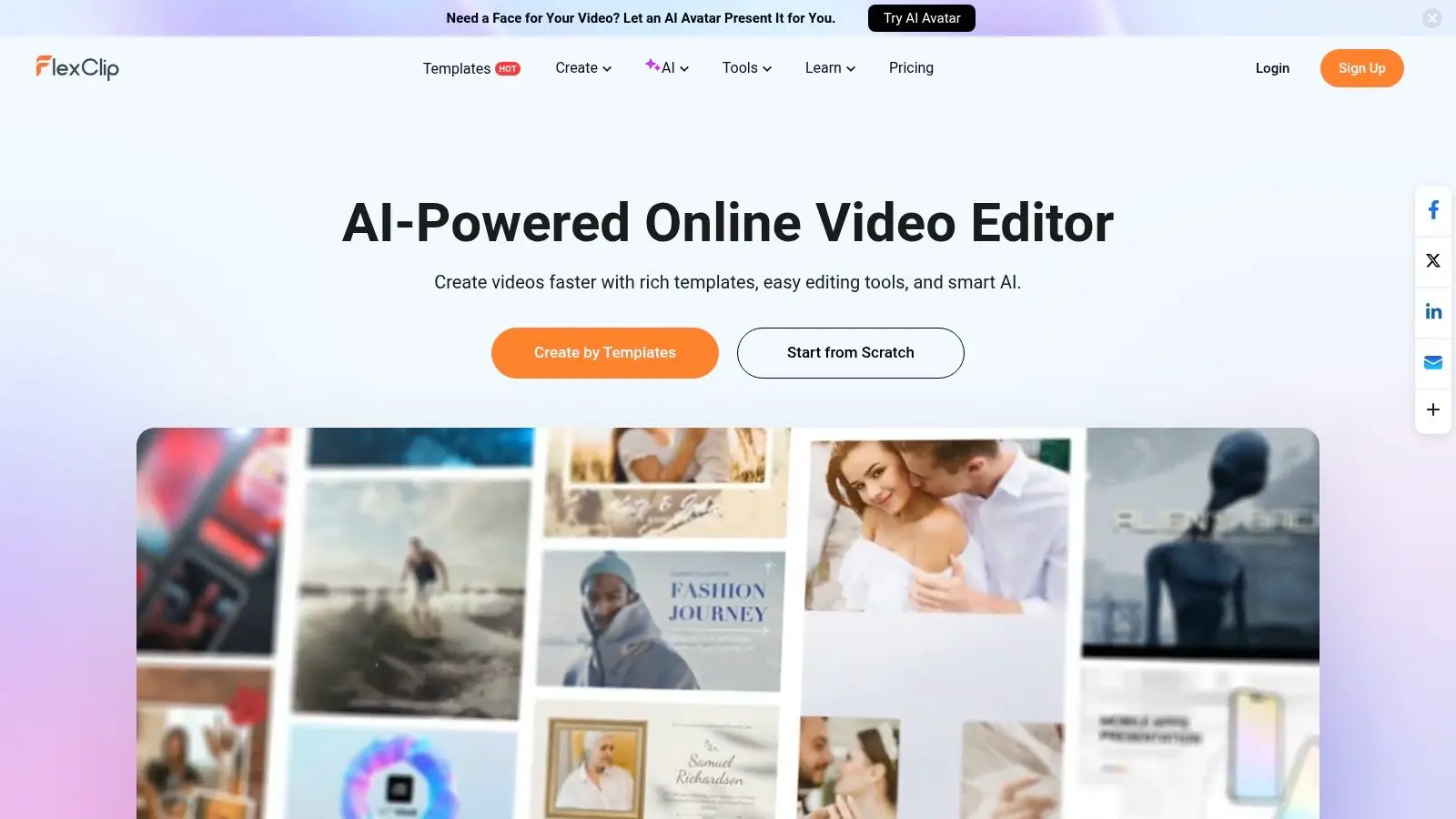
FlexClip is one of the easier tools for non-technical users to pick up and use immediately. It doesn't try to impress with advanced model jargon. It aims to help small teams make straightforward marketing videos, social posts, and explainers quickly. For that job, it works. The interface is simple, the templates are accessible, and the AI features cover the usual needs such as text-to-video, script generation, voice, and image support.
Best for simple volume output
FlexClip is a decent answer when a business needs regular lightweight content rather than standout hero work. Think local campaigns, internal updates, product snippets, and recurring social series. The limits are clear. Free exports are watermarked and capped at 720p, so the ceiling arrives quickly if your standards rise. One final reality check comes from UK production. Motion graphics services for brand identity assets such as logo stings and title sequences regularly fall within a £2,500 to £8,000 production band per asset in the UK, with delivery specs often requiring 4K ProRes 422 HQ and H.264 social transcodes, according to the pricing survey cited in this Adobe Firefly feature page reference. FlexClip can help shape the idea. It won't replace that level of finished delivery.
Top 10 Free AI Video Generators, Quick Feature Comparison
| Tool | Core features ✨ | Quality ★ / Strengths 🏆 | Pricing & Value 💰 | Best fit 👥 |
|---|---|---|---|---|
| Runway | ✨ Multi-model text/image→video, in-browser editor, upscaler, lip‑sync, automations | ★★★★☆, 🏆 Model variety & predictable credit economics | 💰 Credit-based; clear per-model costs; free 125 credits (watermarked) | 👥 Production teams, previs, pitches, studios |
| Pika | ✨ Fast text/image→video, Pikascenes/Pikaswaps, effects library | ★★★☆☆, 🏆 Speedy ideation for short clips | 💰 Transparent credit pricing; genuine monthly free credits | 👥 Short-form creators, animatics, social teams |
| CapCut | ✨ Free AI generator, templates, auto-captions, BG removal; mobile+web | ★★★☆☆, 🏆 Template ecosystem & TikTok workflows | 💰 Robust free tier; some templates/assets limited or watermarked | 👥 Social creators, UGC, quick promos |
| VEED | ✨ Browser editor with model picker, AI captions, repurposing, AI Playground | ★★★☆☆, 🏆 All‑in‑one editor for localization & repurposing | 💰 Free credits to trial; paid for longer/higher-quality outputs | 👥 Marketing teams, localization, accessibility |
| InVideo AI | ✨ Script→video, agents/models hub, templates & stock integration | ★★★☆☆, 🏆 Rapid script-to-visual drafts for ads | 💰 Weekly-reset free credits; paid tiers remove watermarks & unlock quality | 👥 Small teams, educators, lightweight content calendars |
| HeyGen | ✨ 500+ avatars, custom Digital Twins, AI dubbing (30+ languages), API | ★★★☆☆, 🏆 Avatar & localization leader for comms | 💰 Free quota for evaluation; scalable business plans & API | 👥 L&D, onboarding, internal comms, sales enablement |
| D‑ID Creative Reality Studio | ✨ Photoreal talking‑heads from stills, multi‑language TTS, web studio | ★★★☆☆, 🏆 Fast spokesperson/explainer production | 💰 Trial/lite plans (watermarked); paid for production use | 👥 Spokesperson videos, PR & comms teams |
| Kapwing | ✨ Collaborative editor + AI co‑pilot, auto-subtitles, dubbing, repurposing | ★★☆☆☆, 🏆 Collaboration & quick draft workflows | 💰 Free plan with watermarked exports; Pro for heavy AI & longer exports | 👥 Content ops, social teams, collaborative edits |
| Adobe Express (Firefly) | ✨ Text→video via Firefly, templates, stock, Creative Cloud integration | ★★★☆☆, 🏆 Enterprise-friendly, strong rights & governance | 💰 Limited free (short clips); expands under Creative Cloud paid plans | 👥 Enterprise teams, brand-safe pipelines, designers |
| FlexClip | ✨ Simple AI text→video, script tools, TTS, templates | ★★☆☆☆, 🏆 Fast, simple marketing outputs | 💰 Real free plan with AI allowances; watermarked 720p exports | 👥 SMEs, social teams needing volume outputs |
Your Next Frame Starts Here
The free AI video market is useful now because it solves a real bottleneck. You can move from blank page to moving image without a crew, edit suite, or production budget. That changes how pitches get sold, how social teams test ideas, and how educators and internal comms teams make material faster. But the useful question isn't “which tool is best?” It's “best for what stage?” That's where most comparison lists fall short. If you need recurring free usage for stylised short-form experimentation, Pika is a strong choice. If you need a practical editor for everyday social output, CapCut is hard to beat. If you need collaborative repurposing and subtitle-heavy workflows, Kapwing and VEED make more sense than pure generation tools. If you need avatar-led explainers, HeyGen and D-ID are solving a different problem and should be judged accordingly. If you need structured script-to-video drafting, InVideo AI is often faster than starting from scratch in a cinematic tool. The bigger strategic divide is this. Free tools are excellent for ideation, previz, stakeholder alignment, and low-risk publishing. They are less reliable when continuity, finishing quality, rights confidence, delivery specs, privacy requirements, and brand control are essential. That gap is especially obvious in UK commercial and broadcast work, where timelines, technical standards, and approval chains are tighter than most free tools are built to handle. That's why the smartest workflow is often hybrid. Use the best AI video generator free option to pressure-test direction, script, pacing, and rough visual tone. Once the concept is approved, move into a professional production pipeline for final animation, motion design, finishing, and delivery. For businesses that need that next step, Studio Liddell is one option with animation, XR, and AI-enhanced production capabilities for commercial and entertainment projects. The tools are getting better quickly. What still matters most is knowing where the free tier helps, where it slows you down, and when a rough AI draft should stay a draft.
If you've got a concept that's moved beyond rough AI tests, Studio Liddell can help scope the right production route, from early visual development through animation, motion graphics, XR, and delivery-ready content.