The 10 Best Apps for Gaming
What defines your gaming experience now. The game itself, or the layer of apps that decides how you buy it, launch it, stream it, patch it, chat about it, and keep playing it across devices? That's the gap most roundups miss. They treat games as isolated products when modern play is really an ecosystem. For a PC player, that often means a storefront, a launcher, a cloud sync layer, and a community app. For a console household, it means subscriptions, family settings, cloud saves, and a mobile companion. For mobile players in the UK, it also means choosing around storage, battery, in-app purchase pressure, and safety controls, which matters because Ofcom reported that 49% of UK adults played games on a mobile phone in 2024 in the verified brief provided for this article. That wider context matters commercially too. The UK mobile games market reached £1.5 billion in 2023, according to the verified data supplied here, which is one reason mobile remains central to any serious conversation about the best apps for gaming in Britain. App discovery, retention, and monetisation increasingly live inside these surrounding platforms. For players, the right app stack removes friction. For studios, it shapes design decisions long before launch. If your audience lives inside Steam wishlists, Game Pass discovery, Apple Arcade curation, Discord communities, or cloud streaming, you build differently.
1. Steam
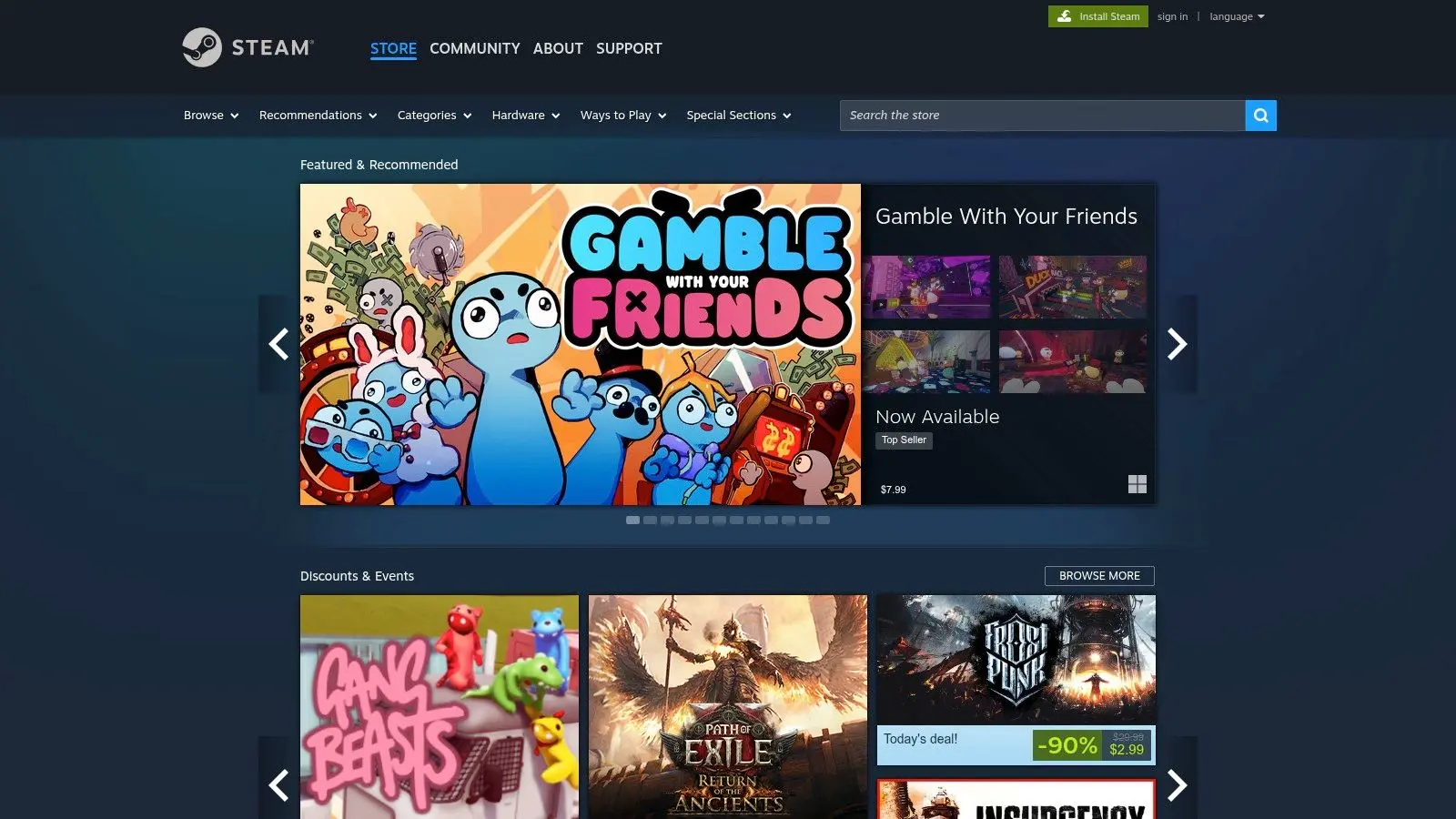
Steam is still the default answer for PC gaming because it solves more problems than just buying games. It's a storefront, patcher, social layer, mod hub, cloud save service, and community archive in one client. That breadth is why it stays at the centre of so many PC setups. From a player standpoint, the value is obvious. You get a huge catalogue, mature community features, achievements, cloud saves, and a familiar update pipeline. From a studio standpoint, Steam shapes production decisions. Teams think about wishlist momentum, review hygiene, Workshop support, controller setup, deck compatibility, and post-launch patch cadence because the platform makes those behaviours visible.
Where Steam works best
Steam is strongest when you want one place to manage a serious PC library over time. Its overlay remains useful for chat, browsing guides, and checking performance without constantly tabbing out. Steam Workshop is still one of the cleanest examples of mod distribution done at scale, especially for games that benefit from long-tail community creativity.
Practical rule: If your game has systems players want to extend, Steam Workshop can turn a finished release into a longer-lived platform.
There are trade-offs. The client can feel heavy on older machines, discovery is competitive, and some games still run into regional complications. For players, that means clutter. For developers, it means launch visibility doesn't come from showing up. It comes from a store page, capsule art, demos, community management, and a clear retention loop. For teams building PC-first products, Steam also rewards polished technical delivery. If you're working in real-time pipelines, Studio Liddell's piece on game development with Unreal Engine is a useful companion to understanding what sits behind a modern PC release.
- •Best for large libraries: Steam handles ownership, updates, cloud sync, and community tools better than most all-in-one alternatives.
- •Best for moddable games: Workshop lowers the friction between creators and players.
- •Less ideal for lightweight rigs: The client isn't the leanest option if your machine is already struggling.
2. Epic Games Store
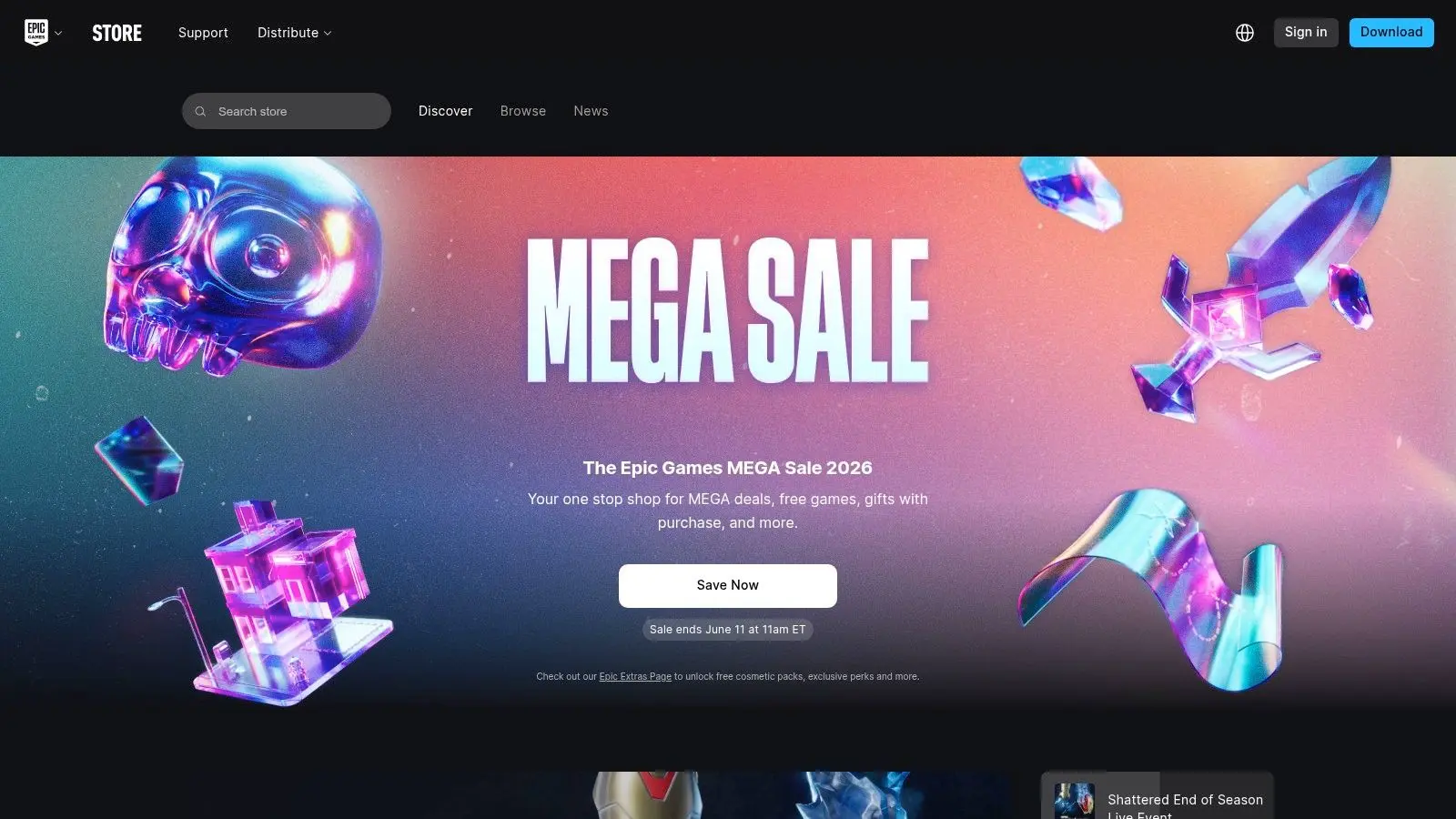
Epic Games Store isn't trying to be Steam in every respect. That's partly why it works. The client is simpler, the store is less noisy, and the free-game rhythm has trained many players to check in regularly even when they aren't planning a purchase. That gives Epic a distinct role in a gaming app stack. It's often the secondary launcher that becomes a primary buying destination for selected releases, especially when store promotions line up with your wishlist. Players who don't care much about badges, guides, marketplace theatrics, or sprawling profile customisation often prefer its cleaner feel.
The producer view
Epic matters beyond the consumer layer because it sits close to the Unreal ecosystem. For studios working in Unreal, there's a strategic neatness to launching into an environment where engine familiarity, account identity, and platform relationships already overlap. That doesn't guarantee success, but it can simplify internal thinking around storefront presence and technical support. What it still lacks, compared with Steam, is social depth. Community features are improving, but the ecosystem isn't as mature for user guides, mods, forum culture, or long-tail community infrastructure. If you want a storefront first and community elsewhere, Epic is fine. If you want everything under one roof, it still feels narrower.
Epic is strongest when you know what you want to play and don't need the launcher to be your whole gaming identity.
The practical trade-off is simple. Epic is excellent for claim-and-collect habits, selected exclusives, and straightforward library management. It's weaker as a daily social hub. Many players don't choose between Steam and Epic anyway. They use both, then let Discord handle the conversation layer.
3. GOG Galaxy
If your real problem isn't buying games but remembering where they all are, GOG Galaxy is one of the most useful apps in this list. Its best feature is organisational clarity. It pulls scattered ownership into one interface and makes your wider library feel less fragmented. That's more valuable than it sounds. A lot of players now own games across Steam, Epic, Xbox, PlayStation, and GOG itself. At that point, library management becomes a genuine usability issue. Galaxy helps by turning disconnected purchases into a single browsable collection with cleaner metadata and custom sorting.
Why ownership-minded players like it
GOG's identity still rests on DRM-free purchases through its own store, and that matters for players who care about long-term access and archiving. In practical terms, it gives you more confidence that part of your library isn't tied entirely to one live service assumption. The catch is integrations. Some connections aren't official, and those can break when a platform changes its API or account behaviour. So Galaxy is excellent as a convenience layer, but it's not always something you should treat as your sole source of truth for every connected service.
- •Best for multi-platform collectors: Galaxy makes scattered ownership easier to browse and manage.
- •Best for preservation-minded buyers: DRM-free purchasing remains a meaningful differentiator.
- •Weak point: Connected platforms can become unreliable after third-party changes.
From a studio perspective, Galaxy is a reminder that players don't experience your game only in your chosen store. They increasingly view it as one item inside a wider personal catalogue. That changes how important box art, naming, update messaging, and account continuity become.
4. Xbox Game Pass
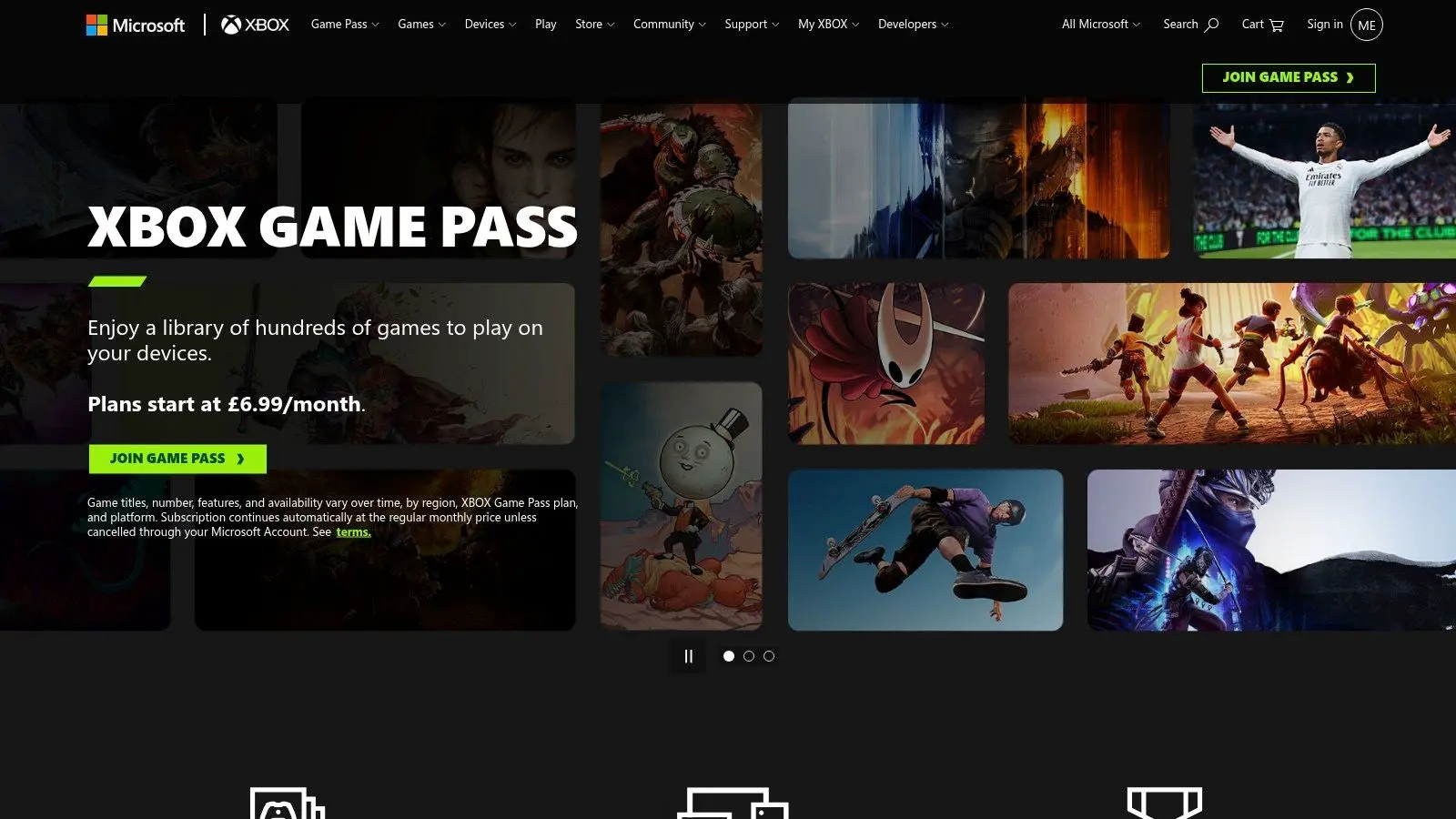
How much of your gaming budget goes to games you only touch for two hours? Xbox Game Pass answers that problem with access over ownership. Its core use case is discovery. You pay for a rotating catalogue, test more genres with less risk, and on supported tiers you can move between console, PC, and cloud play without buying each title separately. That makes it a strong fit for players who sample widely rather than replay the same handful of games for years. It also works well in households where one person wants a big RPG, another wants a sports title, and someone else just wants to try whatever was added this week. From a studio perspective, Game Pass changes the shape of competition. Your game is not only competing with other games at the point of sale. It is competing for attention inside a subscription catalogue where the cost of switching is close to zero. That pushes onboarding, menu clarity, load times, and early retention much higher up the priority list. A weak first 20 minutes gets punished fast. That does not mean every successful Game Pass title needs to be simple or short. It means the path to the core fantasy has to be readable. If a combat system is deep, players need to feel its appeal early. If a game is narrative-heavy, the opening has to earn trust quickly. Subscription access changes player patience, and good teams account for that in pacing, tutorial design, and performance targets.
Studio note: In subscription catalogues, early confusion usually costs more players than early challenge.
The trade-off is straightforward. Game Pass is excellent for breadth, but less dependable for long-term access because the catalogue changes over time. If you mainly want to explore, it is one of the strongest apps in this category. If you care about permanent ownership, modding flexibility, or returning to the same game years later, it works better as a discovery layer than a final library.
5. PlayStation Plus
What does a gaming app look like when its main job is to keep players inside one hardware ecosystem for years? PlayStation Plus answers that clearly. It is a console service built around recurring use. Online multiplayer, cloud saves, monthly games, and catalogue access give PlayStation owners more reasons to stay active on the platform between big releases. Its best use case is not broad library management across devices. It is sustained console access inside Sony's ecosystem. That difference matters. If Steam and GOG are built for ownership and organisation, PlayStation Plus is built for convenience, retention, and controlled discovery on a single family of devices. The value depends heavily on tier fit. Essential works for players who mainly need online access and a steady drip of monthly claims. Extra starts to make more sense if you sample a lot of games and do not mind that catalogue availability can change. Premium has a narrower audience, usually players who care about classic titles or streaming support enough to pay for it. From a studio perspective, PlayStation Plus affects design and distribution in a more curated environment than PC subscriptions do. Placement is tighter, platform merchandising matters more, and players often arrive with higher expectations around production quality. That raises the importance of performance consistency, certification readiness, save reliability, and store presentation. A weak trailer or unstable launch build can cost visibility fast on a platform where the storefront is more managed. There is also a clear audience signal here. PlayStation players often respond well to polished single-player campaigns, strong presentation, and recognizable franchise value. Studios do not build solely around that assumption, but it influences pitching, platform strategy, and how a game's first hour is framed for this audience. For households, the appeal is simple. One subscription can cover online play, backup features, and a rotating pool of games without asking anyone to manage multiple storefronts or a PC-style setup. As noted earlier, gaming now spans age groups and devices, which makes services with clear family relevance easier to justify. The trade-off is control. PlayStation Plus is strongest if PlayStation is already your main place to play. If you want mod support, permanent ownership across changing hardware, or one unified library that travels cleanly between devices, this is a narrower tool. If your priority is getting more value out of a PlayStation console you use every week, it does that job well.
6. Nintendo Switch Online
Nintendo Switch Online is the least flashy service here, but it knows exactly what it is. It's a practical add-on for online play, cloud saves in supported titles, and access to classic libraries that reinforce Nintendo's family-friendly, nostalgia-heavy appeal. That focus is also its limitation. If you compare feature for feature with some rival services, it can feel thin. Voice chat and online infrastructure don't feel as strong or modern as what many PC and console players expect elsewhere. But that comparison only tells part of the story.
Why it still earns a place
For many households, Switch isn't the machine for deepest social infrastructure. It's the machine for accessible multiplayer, shared family use, portable sessions, and evergreen first-party games. Nintendo Switch Online complements that pattern rather than trying to become an all-purpose platform utility layer.
- •Best for family play: The service maps well to local multiplayer habits and shared-console homes.
- •Best for classic catalogue access: Retro libraries add genuine value if you'll use them.
- •Not ideal for advanced online social features: Players used to Discord, Steam, or Xbox party systems may find it limited.
From a studio perspective, Nintendo's ecosystem rewards clarity and restraint. Games that load quickly, explain themselves cleanly, and support short sessions tend to fit the platform well. That lines up with a wider UK pattern in the verified brief: strong gaming apps often combine easy access, short-session play, and broad device compatibility rather than assuming one dominant channel.
7. NVIDIA GeForce NOW
NVIDIA GeForce NOW is one of the smartest gaming apps for people whose hardware doesn't match their taste. If you own demanding PC games but your laptop, Mac, handheld, or ageing desktop can't run them well, GeForce NOW can bridge that gap by streaming supported titles from stores you already use. That makes it different from subscription-first cloud services. It's more like renting the machine, not renting the game. For many players, that's the more appealing model because ownership stays tied to their existing library.
Cloud play with real practical limits
When GeForce NOW works, it feels like hardware arbitrage. You avoid long installs, skip some upgrade pressure, and play on devices that would otherwise be excluded from modern PC releases. But the conditions matter. You need a stable connection, the right tier for the experience you want, and publisher support for the titles in your library.
Cloud gaming is never just about server power. It lives or dies on connection quality, controller feel, and whether the game was designed to tolerate tiny delays.
That last point matters to developers. Some genres survive streaming friction better than others. Turn-based tactics, slower RPGs, card games, and many single-player adventures adapt more easily than timing-sensitive competitive games. Studios thinking about streaming distribution need to test around input expectation, UI readability on smaller displays, and session resumability. If your interest extends into immersive and streamed experiences more broadly, Studio Liddell's producer's guide to virtual reality game development is worth reading alongside cloud delivery trends. Different medium, same core issue: the platform changes the design constraints.
8. Apple Arcade
Apple Arcade is one of the cleanest subscriptions in gaming because it removes two of mobile's biggest friction points. No ads. No in-app purchases inside the service. That changes how the catalogue feels immediately. For parents, schools, and players who are tired of monetisation pressure, that matters more than raw library size. It turns mobile and tablet gaming into something closer to a curated premium shelf. You browse for quality and mood, not for tolerance of pop-ups and purchase funnels.
A better fit for some households than others
Apple Arcade is strongest in Apple-first homes where one subscription can flow across iPhone, iPad, Mac, Apple TV, and compatible controllers. It's weaker if your gaming identity is built around big multiplayer communities or AAA console-style spectacle. You're buying curation and convenience, not breadth across every segment. The UK context makes this category especially relevant. The verified brief notes that mobile gaming is mainstream rather than niche, and that practical concerns such as spending controls, storage, and household safety are often underserved in typical best apps for gaming coverage. Apple Arcade addresses that problem directly by removing a lot of monetisation friction from the start. For studios, Arcade changes the design brief. Retention still matters, but not through the same mechanics as ad-driven or whale-driven mobile games. Attention shifts to craft, usability, family suitability, and cross-device consistency. Studio Liddell's article on advertising mobile games and monetization is useful context for understanding how different mobile business models shape design choices.
9. Google Play Games for PC
Google Play Games for PC matters because it formalises something players have wanted for years. A supported way to run selected Android games on Windows without relying on a rougher emulator setup. That sounds narrow, but it has real use. Mobile strategy games, idle games, RPGs, and grind-heavy titles often feel better with a larger screen, keyboard input, and a desktop session. If you split your time between phone and PC, syncing progress into one account layer is convenient in exactly the boring, practical way good platform design should be.
Why creators should pay attention
The verified brief highlights that data.ai's Game IQ Top Games dashboards surface download, revenue, usage, and engagement estimates for high-performing gaming apps, which makes them useful in market sizing and pre-production benchmarking. That's relevant here because Google Play Games for PC pushes mobile titles into a more desktop-adjacent discovery space. Once mobile games start behaving more like cross-device products, teams need to benchmark beyond app-store chart position alone. The downside is curation. Not every Android game is available, and some players will still find the PC catalogue too limited compared with the full mobile store. But as an official route into desktop-scale mobile play, it's cleaner than the old emulator patchwork. There's also a wider strategic point. UK mobile gaming doesn't sit in isolation from the global market. The verified brief includes a projection that mobile gaming revenue was expected to exceed $100 billion globally in 2020, which helps explain why cross-device distribution keeps attracting platform investment.
10. Discord
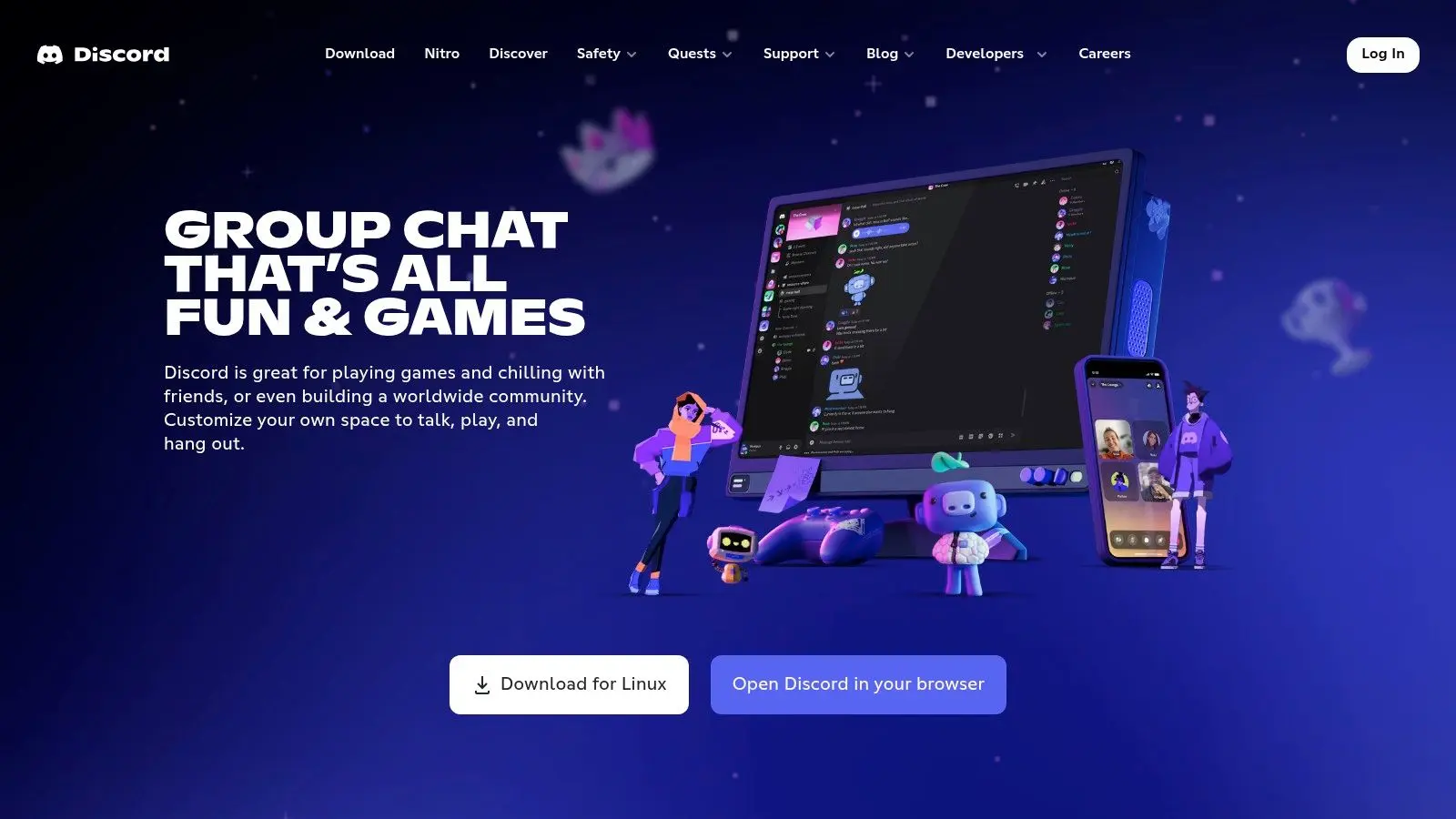
Discord is the app that makes all the others stick. You might buy on Steam, claim on Epic, subscribe through Game Pass, stream via GeForce NOW, and play on mobile. But the social layer often runs through Discord. That's why it belongs in any serious list of the best apps for gaming. It isn't a storefront or subscription. It's the operating system for gaming communities. Voice chat, text channels, event planning, moderation tools, screen sharing, bot integrations, patch-note broadcasts, and community support can all live in one place.
The app players use before and after play
For players, Discord is where multiplayer sessions get organised and friendships persist beyond any single title. For creators, it's where community management becomes visible in real time. You see confusion, bug reports, balance reactions, mod enthusiasm, and meme culture almost as they happen.
A good Discord server doesn't just market a game. It teaches players how to stay with it.
That power comes with work. Poorly moderated servers become noisy fast. Overbuilt servers become intimidating. The best ones are structured around what players need: clear channels, sensible roles, searchable updates, bug reporting, and a social tone that fits the game. The accessibility angle matters too. The verified brief points out an underserved gap in gaming coverage around inclusion, and notes that the RNIB estimates around 2 million people in the UK live with sight loss. Community apps can help here when server admins use readable layouts, alt-text-aware habits, concise formatting, and less cluttered channel design.
Top 10 Gaming Apps: Feature Comparison
| Platform | Core features ✨ | Quality / UX ★ | Value / Price 💰 | Target audience 👥 | Unique selling point 🏆 |
|---|---|---|---|---|---|
| Steam | Huge catalogue; Steam Workshop; cloud saves; overlay | 4★, feature‑rich; mature community; heavier client | 💰 Pay‑per‑game; huge sale discounts | 👥 PC gamers, modders, indies → broad appeal | 🏆 Massive library + mod ecosystem |
| Epic Games Store | Weekly free games; fast client; Unreal support | 3.5★, simple, improving features | 💰 Free giveaways; strong exclusives/developer deals | 👥 Players chasing freebies & Unreal titles | 🏆 Weekly free games & dev‑friendly revenue split |
| GOG Galaxy | DRM‑free purchases; unified library; platform integrations | 4★, excellent library tools; some integration fragility | 💰 One‑off purchases; archival/ownership value | 👥 Preservationists, DRM‑averse collectors | 🏆 DRM‑free catalogue + superb library management |
| Xbox Game Pass | Large rotating library; first‑party additions; cloud play | 4.5★, cross‑device, easy discovery | 💰 Subscription (high value if you play a lot) | 👥 Value seekers; multi‑genre players; Xbox/PC users | 🏆 Breadth of catalogue + day‑one first‑party titles |
| PlayStation Plus | Tiered membership; online play; downloadable/streaming catalogue | 4★, strong console UX; tier‑dependent value | 💰 Tiered pricing (Essential/Extra/Premium) | 👥 PS4/PS5 owners wanting online & exclusives | 🏆 Console exclusives + curated PlayStation catalogue |
| Nintendo Switch Online | Online multiplayer; classic libraries; cloud saves; Expansion Pack | 3.5★, family‑friendly; limited voice/chat | 💰 Low‑cost subscription; Expansion Pack adds value | 👥 Switch owners, families, casual players | 🏆 Classic Nintendo libraries + affordable multiplayer |
| NVIDIA GeForce NOW | Cloud PC streaming; RTX cloud performance; BYO games | 4★, great for low‑spec devices; net dependent | 💰 Free/Priority/Ultimate tiers; pay for best perf | 👥 Mac/low‑spec PC users; mobile gamers wanting AAA | 🏆 RTX‑class cloud streaming of owned games |
| Apple Arcade | Curated ad‑free library; cross‑device; controller support | 4★, clean family UX; no IAPs | 💰 Subscription, family friendly, simple value | 👥 Apple families, classrooms, casual gamers | 🏆 Ad‑free, no microtransactions; cross‑device access |
| Google Play Games (PC) | Android games on Windows; keyboard/mouse; sync | 3.5★, official Android‑on‑PC; smaller PC library | 💰 Free client; games via Play Store purchases | 👥 Mobile gamers wanting PC experience; devs | 🏆 Official Google Android→PC support |
| Discord | Voice/video/text; servers; roles; integrations | 4.5★, ubiquitous; low‑latency comms; moderation varies | 💰 Free core; Nitro for enhanced features | 👥 Gamers, creators, communities & teams | 🏆 Large community ecosystem + real‑time coordination |
Building Your Perfect Gaming App Ecosystem
There isn't one universal winner here, because “best” depends on what kind of player you are and what kind of friction you want removed. If you're PC-first and care about ownership, mods, and community depth, Steam remains the backbone. Add Discord and you've covered both library management and social coordination in a way that works for most players day to day. If you play broadly and don't want to commit to individual purchases every month, Xbox Game Pass makes more sense. If you're more console-loyal and live mainly inside the PlayStation ecosystem, PlayStation Plus is the more coherent fit. If your home revolves around Nintendo's style of shared play, Switch Online does enough without overcomplicating the experience. For cross-device flexibility, GeForce NOW and Google Play Games for PC solve different but related problems. One lets you bring demanding games to weaker hardware. The other brings selected mobile games into a more comfortable desktop environment. Those apps matter because they show how distribution is shifting. The game no longer belongs to one screen by default. Apple Arcade deserves separate consideration because it solves a different problem from most of the list. It's less about maximising volume and more about reducing mobile friction. If you care about family-safe play, cleaner monetisation design, and curation over sprawl, it's one of the strongest options available. From a studio perspective, these apps aren't just delivery channels. They influence design from the start. Storefronts change how games are discovered. Subscription models change onboarding priorities. Cloud services change assumptions about hardware. Community apps change post-launch support. Mobile and cross-device platforms change UI, control schemes, and retention planning. That's why understanding the best apps for gaming matters to creators as much as players. Studios don't ship into a vacuum. They ship into ecosystems with specific habits, expectations, and technical constraints. The better a team understands those surrounding platforms, the better they can shape the product itself. If you're looking at the developer side of that equation, it also helps to understand how games and interactive products get built for modern distribution. Studio Liddell works across games, apps, animation, and XR, which makes it a relevant option for teams exploring connected interactive experiences. For founders and non-technical teams evaluating lighter production routes, this guide on how to build game apps without coding is another useful perspective. The best setup usually isn't one app. It's a stack. Choose the one that manages your library well, the one that broadens access, and the one that keeps you connected to the people you play with.
If you're planning a game, app, or interactive experience for modern platforms, Studio Liddell can help you scope the production, platform fit, and delivery approach across games, apps, animation, and XR.