A Producer’s Guide to Creating an Augmented Reality Game
An augmented reality game is what happens when you overlay interactive digital fun onto your real-world view, turning everyday spaces into incredible playgrounds. Think of a fantasy quest unfolding on your city streets or a strategy game played out across your living room floor, all seen through your smartphone.
Understanding the Foundations of AR Gaming
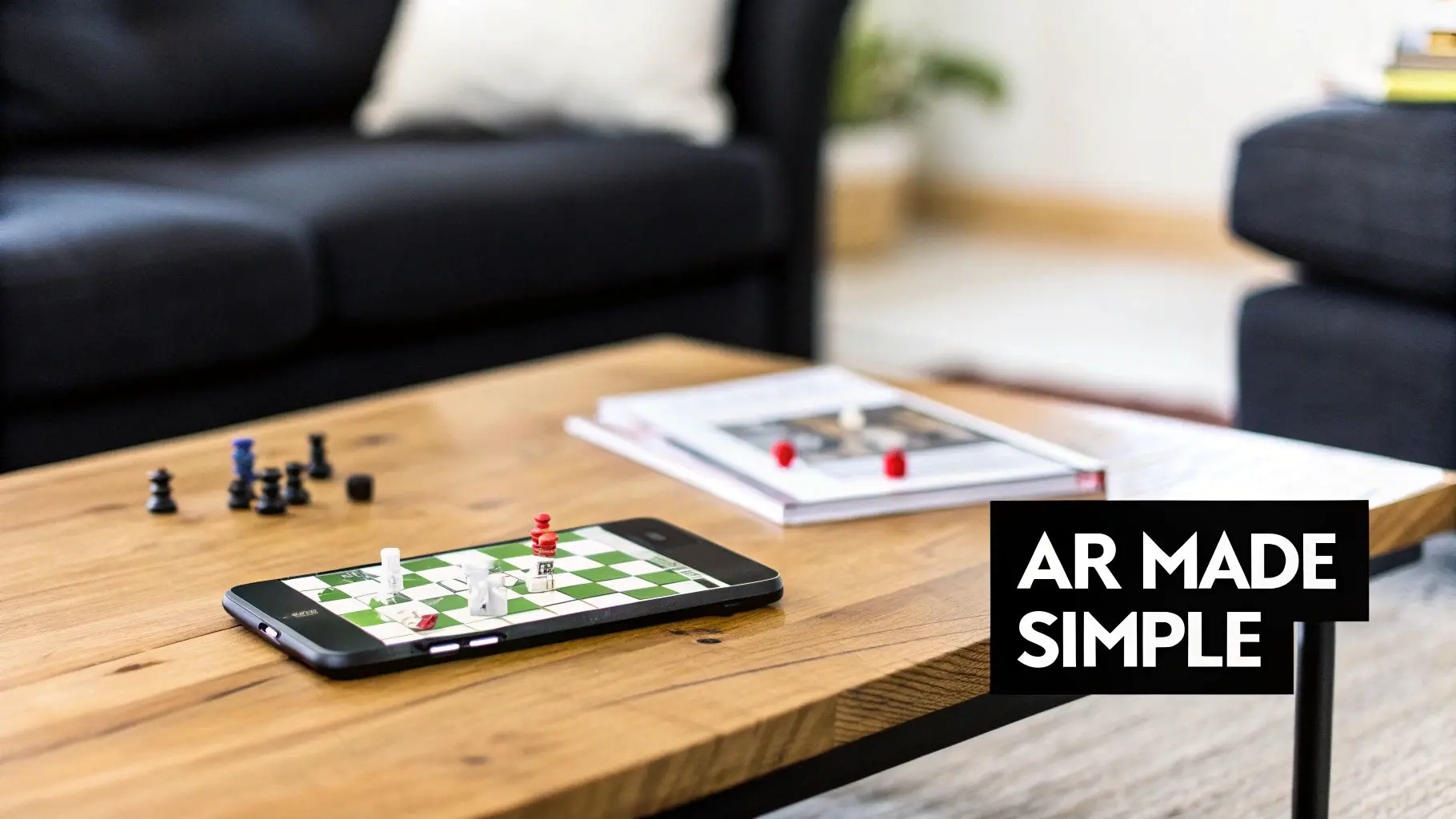
At its heart, an augmented reality game is an experience that blends computer-generated content with your physical surroundings in real-time. Unlike virtual reality (VR), which throws you into a completely artificial world, AR simply adds to the world you can already see. This magic happens by using the camera, gyroscope, and accelerometers in your phone or tablet to understand and track your environment. The result is a game that knows where it is, letting digital objects realistically interact with physical surfaces and spaces. The real power of an AR game is its ability to make the digital feel tangible. By anchoring virtual content to the real world, it creates a sense of presence and immediacy that you just can't get from a traditional screen-based game. This has cracked open a huge commercial and creative opportunity for brands and developers alike.
Differentiating AR Approaches
For any producer or brand manager looking to get into this space, it’s vital to understand the two main types of AR technology. Each one serves a very different strategic goal, and your choice will directly shape the user experience and the project’s technical demands.
- •Marker-Based AR: This approach uses a specific physical image as a trigger , think a QR code, your product’s packaging, or a printed poster. When the device's camera recognises this 'marker', it overlays the digital content right on top of it. It’s incredibly reliable and precise, making it perfect for experiences tied to specific products or locations, like bringing a movie poster to life or revealing extra info on a cereal box.
- •Markerless AR: This is the more advanced of the two, as it doesn't need a pre-defined trigger. Instead, it uses clever algorithms to detect flat surfaces like floors, walls, and tabletops on its own. This gives users the freedom to place and interact with virtual objects anywhere they like, opening the door to much more expansive, room-scale experiences.
The Growing Commercial Importance
This distinction is more than just a technical footnote; it fundamentally defines the scope of what you can create. A marker-based game is a fantastic fit for a targeted marketing campaign, whereas a markerless AR game can build a deeply immersive world for training, education, or pure entertainment. Getting this difference is the first, most crucial step in developing a winning AR strategy. The UK market is a perfect example of this booming potential. In 2024, the UK augmented reality market pulled in an estimated £3.25 billion in revenue. But that's just the start. Forecasts project this figure will absolutely skyrocket to over £20 billion by 2030, all driven by the growing hunger for immersive AR games and applications. You can dig into the full AR market forecast to see the drivers behind this explosive growth. This rapid expansion isn’t just noise; it’s a clear signal that AR is becoming a mainstream platform for engagement. For brands looking to connect with their audience in a new way, there's never been a better time to jump in.
How AR Games Drive Business and Training Results
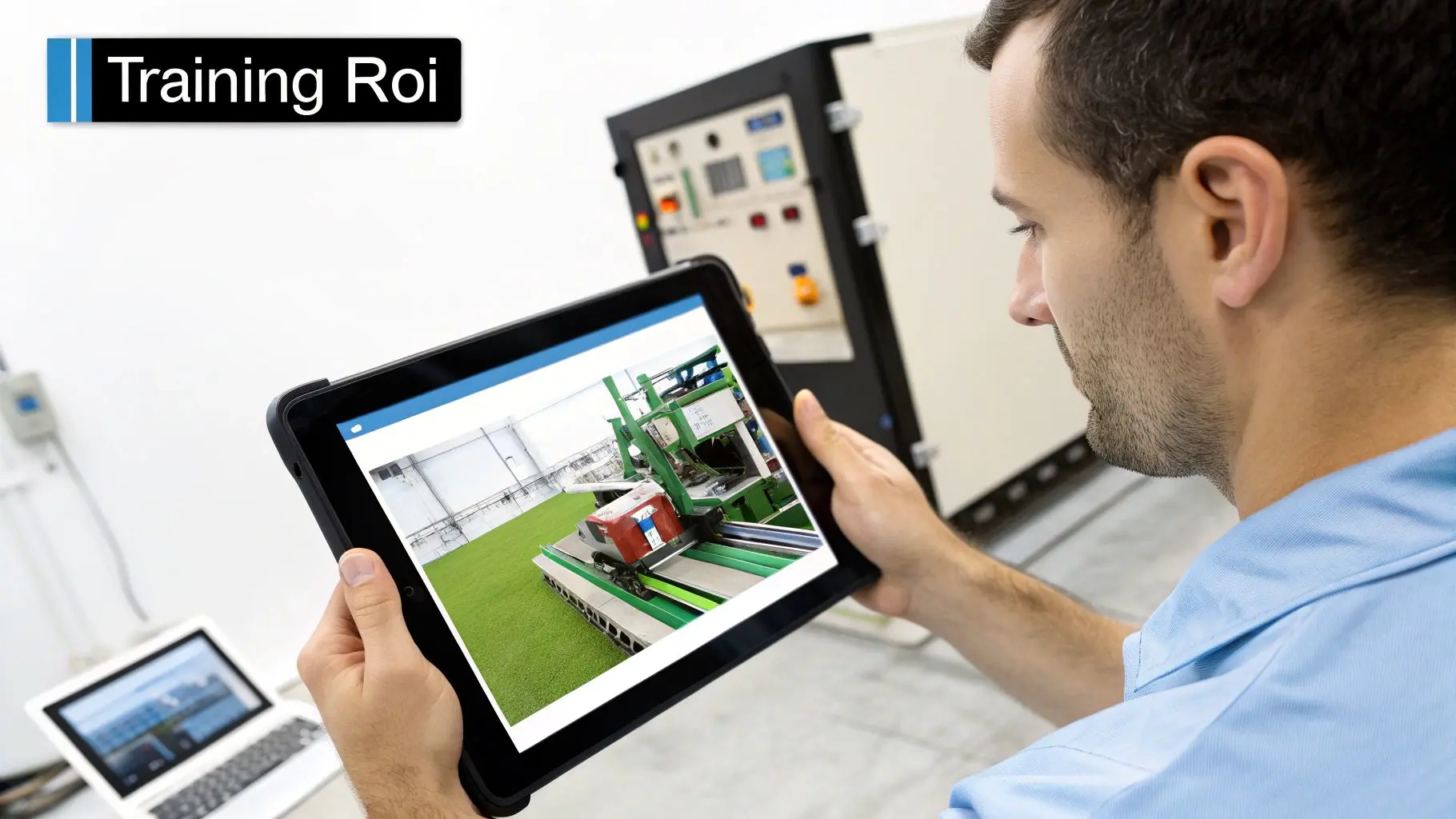
Beyond just being fun, the mechanics that make an augmented reality game so addictive are surprisingly powerful tools for hitting real-world business goals. By layering interactive digital information over our physical world, companies are completely changing how they sell products, train staff, and connect with customers. It's about turning abstract ideas into tangible, hands-on experiences. This is where AR truly shines, it closes the gap between seeing something on a screen and understanding it in a real-world context. For a customer, that might mean seeing how a new sofa actually fits in their living room before they click "buy." For a technician, it means practising a tricky repair on a virtual engine without the risk of breaking expensive kit. This direct interaction makes information stick.
Driving Sales and Customer Engagement
In a commercial setting, AR game mechanics can seriously shorten the sales cycle and build a much deeper connection to a brand. Instead of just showing off static photos or videos, businesses can offer interactive product demos that put customers in control and give them the confidence to make a purchase. This is a game-changer for retail and e-commerce, where "I'm not sure" is the biggest hurdle to a sale. Think about these real-world applications:
- •AR Product Configurators: A car brand could let you place a virtual model of its latest SUV right on your driveway. You could walk around it, change the colour, and even peek inside, a powerful, personalised experience that a simple webpage just can't replicate.
- •Gamified Retail Experiences: Imagine a clothing store creating an in-store scavenger hunt. Customers use their phones to find virtual items hidden around the shop, unlocking real discounts as they go. It drives footfall and turns a normal shopping trip into a memorable brand event.
- •Exhibition Stand Engagement: At a busy trade show, an AR experience can make your booth the one everyone talks about. Visitors point their device at a product to see it come to life, revealing its inner workings. This simple trick dramatically increases how long people stick around. It’s no surprise that 71% of shoppers say they would visit a retailer more often if they offered AR.
AR empowers customers to visualise products in their own space, which significantly reduces purchase uncertainty. When a buyer can see, configure, and interact with an item virtually, they are not just browsing; they are building a connection and validating their decision before committing.
Revolutionising Training and Education
The training and education sectors are where AR is making perhaps its most profound impact. Gamified learning taps into our natural desire for achievement and feedback, making complex or even hazardous training safer, more effective, and a lot more engaging. By simulating real-world scenarios, AR creates a safe space for learners to practice, make mistakes, and eventually master skills without any real-world consequences. This isn’t just about making learning fun; it’s about creating muscle memory and a deep understanding that translates directly into better on-the-job performance.
Practical Training Use Cases
- •Complex Machinery Operation: An engineering firm can use an AR app to walk a new technician through a multi-step maintenance procedure. Digital arrows and instructions appear overlaid directly onto the physical machine, cutting down on errors and accelerating the learning curve.
- •Medical and Surgical Simulation: Medical students can perform virtual dissections or practice surgical techniques on a digital overlay of an anatomical model. This provides priceless hands-on experience without needing cadavers or high-risk live practice.
- •Safety and Emergency Drills: Employees can run through a realistic fire drill in their actual workplace. An AR game can simulate hazards like smoke or blocked exits, testing their response in a controlled yet incredibly immersive environment.
By gamifying these critical processes, organisations are seeing a clear return on investment through fewer mistakes, faster onboarding, and much-improved safety compliance.
Choosing Your AR Game Development Technology
Picking the right technology stack is the foundation of any successful augmented reality game. For producers and technical buyers, this decision is a big one. It dictates everything from visual quality and performance to your budget and production schedule. Making the right call means understanding the key components that bring an AR experience to life, starting with the game engine itself. The world of real-time development is dominated by two heavyweights: Unity and Unreal Engine. Both are phenomenal platforms for building AR games, but they bring very different strengths to the workshop. Unity has long been the darling of mobile development, thanks to its massive developer community, a sprawling asset store, and a lighter touch that helps games run smoothly across a huge range of smartphones. Unreal Engine, on the other hand, is a visual powerhouse. It’s famous for its jaw-dropping graphics and photorealistic fidelity, pushing the boundaries of what’s possible in AR. While it traditionally needed more horsepower, recent optimisations have made it a seriously strong contender for high-end mobile AR projects where stunning visuals are the top priority.
Comparing the Core Engines
So, which one is right for you? It all comes down to what you’re trying to achieve.
- •Unity: Perfect for rapid prototyping and projects that need to work on almost any device. If you're targeting a broad audience on both iOS and Android, and performance on mid-range phones is a must, Unity is usually your best bet.
- •Unreal Engine: The engine of choice when cinematic-quality visuals are non-negotiable. Think high-fidelity product showcases or brand experiences where you need to make an unforgettable first impression.
For producers really digging into the details, our deeper dive on Unreal vs Unity for real-time animation offers crucial insights into how each engine’s pipeline can affect your timelines and team.
The Foundational AR Software Development Kits
Beneath the game engine, there's another crucial layer of tech: the AR Software Development Kit (SDK). Think of these as the brains of the operation, the frameworks that let an app actually understand and interact with the real world. They do the heavy lifting of spatial tracking, finding surfaces, and recognising objects, the absolute essentials for any AR experience. The two main SDKs are tied to their specific platforms:
- ARKit (Apple): This is the native AR toolkit for iOS devices like iPhones and iPads. Being baked directly into the Apple ecosystem gives it incredibly robust tracking, slick performance, and advanced features like people occlusion (where virtual objects realistically pop behind people).
- ARCore (Google): This is Google's answer for the diverse world of Android. It’s built to work across a wide array of devices from different manufacturers, providing powerful tools for motion tracking, environmental understanding, and light estimation to make virtual objects feel like they truly belong in the scene.
Choosing Your AR Development Engine and SDK
A comparison of the primary tools for building augmented reality games, focusing on key factors for producers and developers.| Technology | Best For | Key Strengths | Considerations |
|---|---|---|---|
| Unity | Cross-platform mobile games, rapid prototyping, broad device support. | Huge asset store, massive developer community, excellent documentation, lightweight performance. | Visuals may require more optimisation to match Unreal's out-of-the-box quality. |
| Unreal Engine | High-fidelity visuals, cinematic experiences, architectural visualisation. | Stunning photorealism, powerful rendering pipeline (Lumen/Nanite), Blueprint visual scripting. | Can be more demanding on hardware; steeper learning curve for some developers. |
| Apple ARKit | iOS-exclusive experiences, apps needing tight hardware integration. | Highly accurate and stable tracking, advanced features like LiDAR scanning and People Occlusion. | Locked to the Apple ecosystem, limiting your audience to iPhone/iPad users. |
| Google ARCore | Android-focused apps, projects targeting a wide range of devices. | Broad device compatibility, strong environmental understanding, cross-platform with Unity. | Performance and feature availability can vary significantly across different Android devices. |
The Accelerating Role of AI
AI isn't some far-off concept in AR development anymore; it’s a hands-on tool that’s actively making workflows smarter and gameplay more dynamic. From creating assets to shaping user interaction, artificial intelligence is helping teams build bigger, better experiences, faster than ever.AI-enhanced workflows are becoming a massive competitive advantage in AR production. By automating tedious tasks and unlocking new creative avenues, AI frees up developers to focus on what really matters: crafting fun, intuitive, and memorable experiences for players.Generative AI tools can now churn out concept art, textures, and even basic 3D models in a fraction of the time it would take a human artist, putting projects on the fast track right from the get-go. Better yet, machine learning models can be trained to recognise specific real-world objects or scenes, paving the way for gameplay that’s context-aware and responsive. This creates far more intelligent interactions, making that digital layer feel truly connected to your physical world.
Designing a User Experience That Feels Real
A truly great augmented reality game feels less like a piece of tech and more like magic. It’s not just about plopping a digital object into a room; it’s about making that object feel like it belongs there. This seamless blend of the digital and physical is the absolute heart of a great User Experience (UX) and User Interface (UI) for AR. It's what separates a clunky novelty from a genuinely immersive world that keeps players coming back. Unlike games that live entirely on a screen, AR gameplay happens right here in the real world, a space that’s dynamic, unpredictable, and deeply personal to the player. This means the design has to be intuitive above everything else. A cluttered interface that blocks the player’s view of their own living room is an instant immersion-killer. The best AR UIs are minimal and smart, giving you just what you need, right when you need it, without yanking you out of the moment.Crafting an Intuitive Onboarding Flow
Those first few moments in an AR game are critical. This is where players learn a whole new set of rules for interacting with 3D space, which can feel a bit alien at first. A good onboarding experience doesn't just tell players what to do; it shows them, gently guiding them through the physical movements the game requires. Key principles for a smooth start include:- •Environmental Scanning: Gently prompt users to move their device around, almost like they're exploring the space. This helps the AR system map the area and should feel like a natural part of discovering the game world, not a chore.
- •Object Placement: A simple, visual cue on how to tap and place an object on a surface is fundamental. This first interaction has to feel solid, satisfying, and responsive.
- •Core Mechanics Tutorial: Introduce the main gameplay loop with one clear, simple objective. Maybe it's guiding the player to interact with their first virtual creature or solving a single, straightforward puzzle.
The goal is to build a player's confidence quickly. You want them to understand how their physical actions create in-game results without burying them under a mountain of text instructions. For a deeper dive, our guide to augmented reality experiences is a great resource for creating engaging user journeys from start to finish.
Prioritising Player Safety in Location-Based Games
When your AR game encourages players to get up and move around in the real world, safety has to be a top design priority. As developers, we have a responsibility to create experiences that minimise physical risks. This goes way beyond a simple warning screen at the start; it means building safety right into the core mechanics of the game.
An immersive AR experience should enhance a player’s awareness of their surroundings, not detract from it. Smart design choices, such as audio cues and non-intrusive visual alerts, can guide players safely without breaking the magic of the game.
For instance, games should never place interactive elements in obviously hazardous areas like busy roads or private property. Using geofencing can create safe "play zones", while simple in-game alerts can warn players if they're moving too fast or getting close to a known obstacle. These kinds of thoughtful touches ensure the experience stays fun and responsible. The expanding UK gaming market shows just how big the audience for these experiences is. In 2024, the total revenue of the UK gaming sector hit around £4.6 billion. With the online gamer population set to grow from 10.84 million in 2023 to 11.56 million by 2027, the demand for high-quality, safe, and truly engaging AR games is only going to climb. You can explore more on the UK's gaming industry trends for deeper insights.
Navigating the AR Game Production Pipeline
Turning a brilliant idea for an augmented reality game into a polished, market-ready product is a structured journey. For anyone involved in the project, from stakeholders to producers, understanding this end-to-end pipeline is the key to managing expectations, budgets, and timelines. It’s a multi-stage process that moves methodically from a high-level vision to a tangible, interactive experience in the hands of users. Each phase has its own distinct goals, deliverables, and team roles, ensuring creative ambition stays perfectly aligned with technical execution. Think of it as building a house: you need a solid blueprint before you start laying bricks and a clear plan for every step that follows. This structured approach is what prevents costly revisions and keeps the entire project on track from kickoff to launch.
Stage 1: Concept and Design
This is where it all begins. The concept and design phase is all about defining the very core of the game, what is it, who is it for, and why will they love it? Forget about code for a moment; this is about pure creativity and strategy. The team will focus on locking down the fundamental game mechanics, narrative arcs, and the overall artistic direction. Key deliverables from this stage usually include:
- •Game Design Document (GDD): The project bible. This comprehensive document outlines the game's concept, target audience, core loop, monetisation strategy, and technical requirements.
- •Concept Art and Mood Boards: Visual explorations that establish the look and feel of the game, from character designs to environmental aesthetics.
- •User Flow Diagrams: Maps of the player's journey, detailing how they will navigate menus, onboarding, and the core gameplay itself.
Stage 2: Pre-Production and Prototyping
With a clear concept in hand, we move into pre-production to test our assumptions and prove the idea is feasible. The main goal here is to build a simple, playable prototype that validates the core game mechanics. Is the central gameplay loop actually fun? Does the AR interaction feel natural and intuitive? This is the time to answer those critical questions before committing to full-scale development. Technical scoping is also a huge part of this stage. The development team investigates the chosen technology stack, deciding between engines like Unity or Unreal Engine and AR SDKs like ARKit or ARCore, to make sure the game’s vision can actually be built on target devices. This phase is all about de-risking the project by flagging potential technical hurdles early on.
Stage 3: Asset Production
Once the prototype gets the green light and the technical plan is set, the asset production teams get to work creating all the visual and auditory components of the game. This is a highly collaborative phase where artists, animators, and sound designers build the world that players will eventually inhabit. This process involves creating everything the player sees and hears, from 2D interface elements to complex 3D models and animations. The sheer scale of this phase is a major factor in the overall project budget and timeline, and the quality of these assets is what ultimately makes an AR game feel believable and immersive.
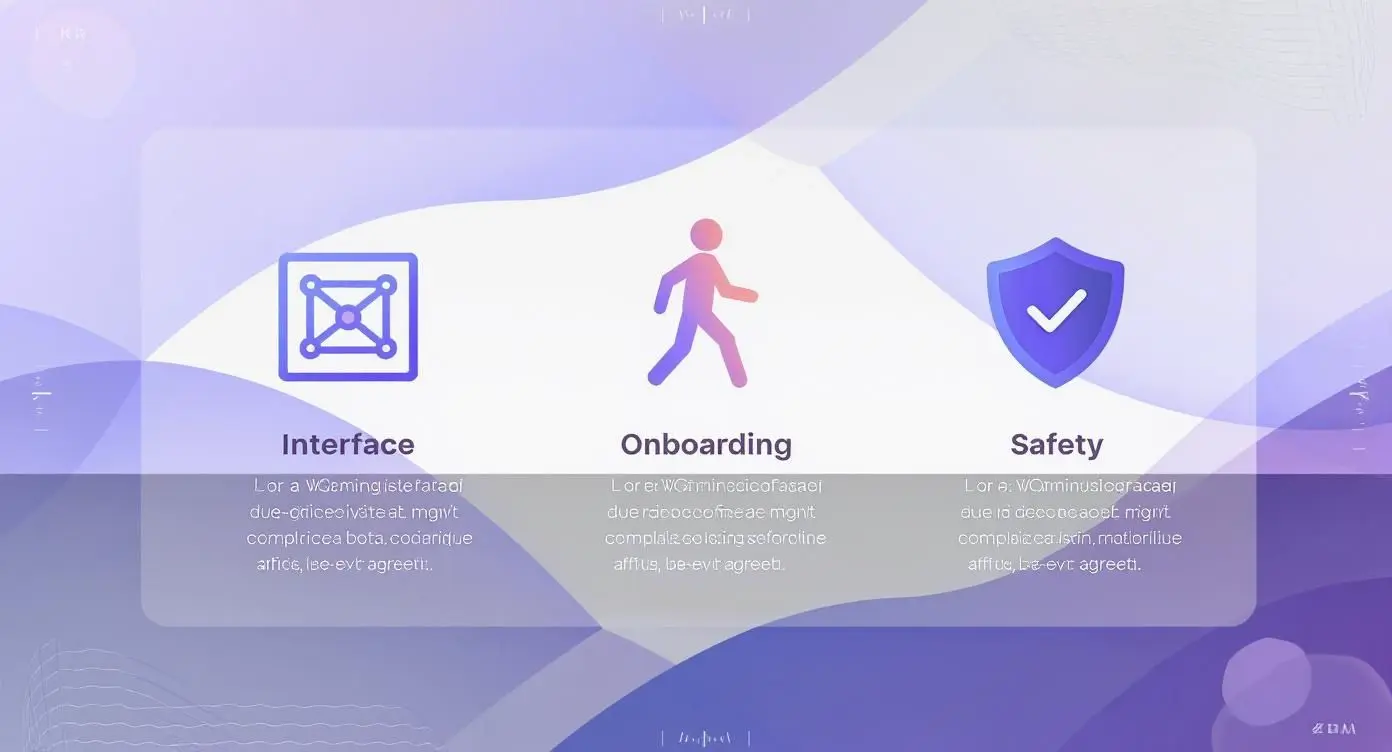
As you can see, the entire pipeline is built around a great user experience. A successful AR game depends on a carefully structured journey that prioritises clarity, intuitive design, and safety from the very beginning.
Stage 4: Development and Integration
The development phase is where all the individual pieces finally come together. Programmers take the assets created in the previous stage and integrate them into the game engine. They write the code that governs gameplay logic, user interactions, and performance. Without a doubt, this is the longest and most technically intensive part of the production pipeline. Developers typically work in sprints, building out features, implementing game mechanics, and connecting to any necessary backend services. Constant, clear communication between the development and art teams is absolutely essential to ensure that assets are integrated correctly and perform optimally within the game.
Stage 5: Testing and Deployment
Before any game can see the light of day, it must undergo rigorous testing. A dedicated Quality Assurance (QA) team tests the game on a wide range of target devices, hunting for bugs, performance issues, and usability problems. This crucial phase ensures the final product is stable, polished, and delivers a consistent experience for every single player. Once the game passes QA, it's time for deployment. This involves preparing the app for submission to the Apple App Store and Google Play Store, which includes creating store listings, marketing assets, and ensuring compliance with all platform guidelines. But the work doesn't stop at launch; it continues with post-launch support, updates, and community management to keep players engaged and the experience fresh. This entire pipeline reflects the growing maturity and commercial viability of the AR gaming sector. A recent milestone that illustrates this is the $3.5 billion acquisition of Niantic’s AR games division in 2025, a company that generated over $1 billion in annual revenue from its AR titles. You can discover more insights about the growth of augmented reality to see just how big this market has become.
Monetisation Strategies and Measuring Success
So, you’ve built a captivating augmented reality game. That’s a huge achievement, but it’s only half the battle. The next challenge is turning it into a profitable and measurable success. This is where a smart monetisation strategy comes in, alongside a clear analytics framework to prove the project's value to anyone holding the purse strings. It means looking beyond the usual mobile game tactics and finding models that really play to AR's unique strengths. The most successful approaches weave monetisation directly into the immersive experience itself. This feels so much more natural, and is far more effective, than just slapping disruptive ads into the gameplay. When the revenue model is a seamless part of the game world, you keep players engaged while still hitting your commercial targets.
Beyond Standard In-App Purchases
While traditional in-app purchases for virtual goodies or currency still have their place, an augmented reality game unlocks far more creative and powerful ways to generate revenue. These models are special because they often connect the digital experience to real-world actions and places, creating value in a way screen-only games simply can't. Think about these AR-specific strategies:
- •Sponsored Real-World Locations: Imagine businesses paying to have their physical shops or venues become key in-game locations, like a quest hub or a rare resource point. This drives real-world foot traffic, making it an incredibly powerful model for retail and hospitality brands.
- •Premium Branded Content: For commercial apps, companies can offer premium AR features. A furniture retailer, for instance, might let you visualise their standard product line for free but charge a small fee to unlock custom fabrics or exclusive designer collections.
- •Physical Product Integration: You can link the game directly to real-world merchandise. A simple QR code on a toy or a food product could unlock exclusive in-game characters or levels, directly tying physical sales to digital engagement.
Figuring out the right mix of these is crucial. For a deeper dive into structuring your revenue plan, exploring a list of proven mobile app monetisation models can spark some great ideas.
Measuring What Truly Matters in AR
Proving the return on investment (ROI) for an AR game requires looking at metrics that go far beyond simple download counts. Success in AR is really measured by how people engage within a physical space and interact with virtual objects. These Key Performance Indicators (KPIs) paint a much clearer picture of your project's impact.
The real value of an AR application shines through when it influences real-world behaviour. Metrics like physical dwell time and interaction rates with virtual products offer the kind of concrete evidence of engagement that stakeholders can easily get behind.
Here are the key metrics you should be tracking:
- •User Retention Rate: How many players come back after their first session? A high retention rate is the clearest sign you’ve designed an engaging core loop.
- •Interaction Rate: What percentage of users are actively interacting with your virtual objects, not just observing them? This KPI measures just how compelling and intuitive your AR elements are.
- •Dwell Time (for commercial apps): In a retail or exhibition setting, how long are users spending with the AR experience at a specific physical location? This is a direct measure of increased customer engagement.
- •Session Length: How long do players spend in the game each time they open it? Longer sessions usually point to a more immersive and captivating experience.
For many indie developers, getting that initial funding is the biggest hurdle, and a solid guide to crowdfunding for games can be a lifesaver. By focusing on these specific KPIs, you can build a powerful case for your game's success, whether your main goal is direct revenue, boosting a brand, or improving training outcomes.
Common Questions About AR Game Development
When you're thinking about creating an augmented reality game, it’s natural to have questions about the practical side of things , budgets, timelines, and the tech involved. Getting these details ironed out early on helps paint a clear picture of the investment and what to expect from the project.
How Much Does an Augmented Reality Game Cost?
This is a classic "how long is a piece of string?" question. Costs can swing wildly depending on what you're aiming for. A simple, marker-based experience might only be a few thousand pounds to get off the ground. On the other end of the scale, a complex, location-based game packed with custom 3D models and a solid backend server can easily run into six figures. The biggest factors driving the price are the quality of the visuals, which platforms you need to support (iOS and Android), and just how deep the game mechanics go.
How Long Does Building an AR Game Take?
From the first concept sketches to a full launch, a typical AR game project takes anywhere from 3 to 9 months. We can often knock out a simple prototype in about 4-6 weeks to test an idea. However, a full-blown game with multiplayer features and heaps of content could take over a year to complete. The timeline really gets locked in during those crucial first stages of planning and pre-production, where we map out the entire scope of the project.
What Devices Will My AR Game Run On?
You're in good hands here. Most modern smartphones and tablets running iOS (with ARKit) and Android (with ARCore) are more than capable of handling AR games. We always develop and test our work to make sure it runs smoothly on as many devices as possible. And if you're looking at more specialised business applications, we can also build for dedicated AR hardware like the Meta Quest 3 or Magic Leap headsets. Ready to see what an augmented reality game could do for your brand? Studio Liddell has been crafting award-winning immersive experiences since 2019. Book a production scoping call with us today and let's start bringing your vision to life.