Best Free 3D Modeling Software
Production Power Without the Price Tag You need a 3D tool that won't blow the budget, but you also can't afford to waste a week discovering that “free” really means “fine for a classroom demo, useless in production”. That's the core challenge with the best free 3d modeling software. There are plenty of options, but only a few fit actual working pipelines. For studios, freelancers, schools, and in-house teams, the free ecosystem is much stronger than it used to be. Blender is free under the GPL and available for Windows, macOS, and Linux, which is a big reason it became the baseline reference point for modern free 3D work in the UK. Browser-first tools changed the market too. SketchUp Free is described by Trimble as “the simplest free 3D modeling software on the web” and runs online without local install, which lowered the barrier for classrooms, early-stage design teams, and smaller businesses. That doesn't mean every free tool belongs in every workflow. Some are strong for animation. Some are strong for parametric CAD. Some are only useful as supporting utilities. If you're weighing creative production against practical business constraints, it also helps to look beyond software itself and think about where 3D fits commercially. Bed brands, retail teams, and product marketers often need assets that move from concept to campaign fast, which is why this piece on insights for mattress marketing with 3D is a useful reminder that the tool choice affects the whole content pipeline, not just the modelling stage.
1. Blender The Open-Source Production Suite
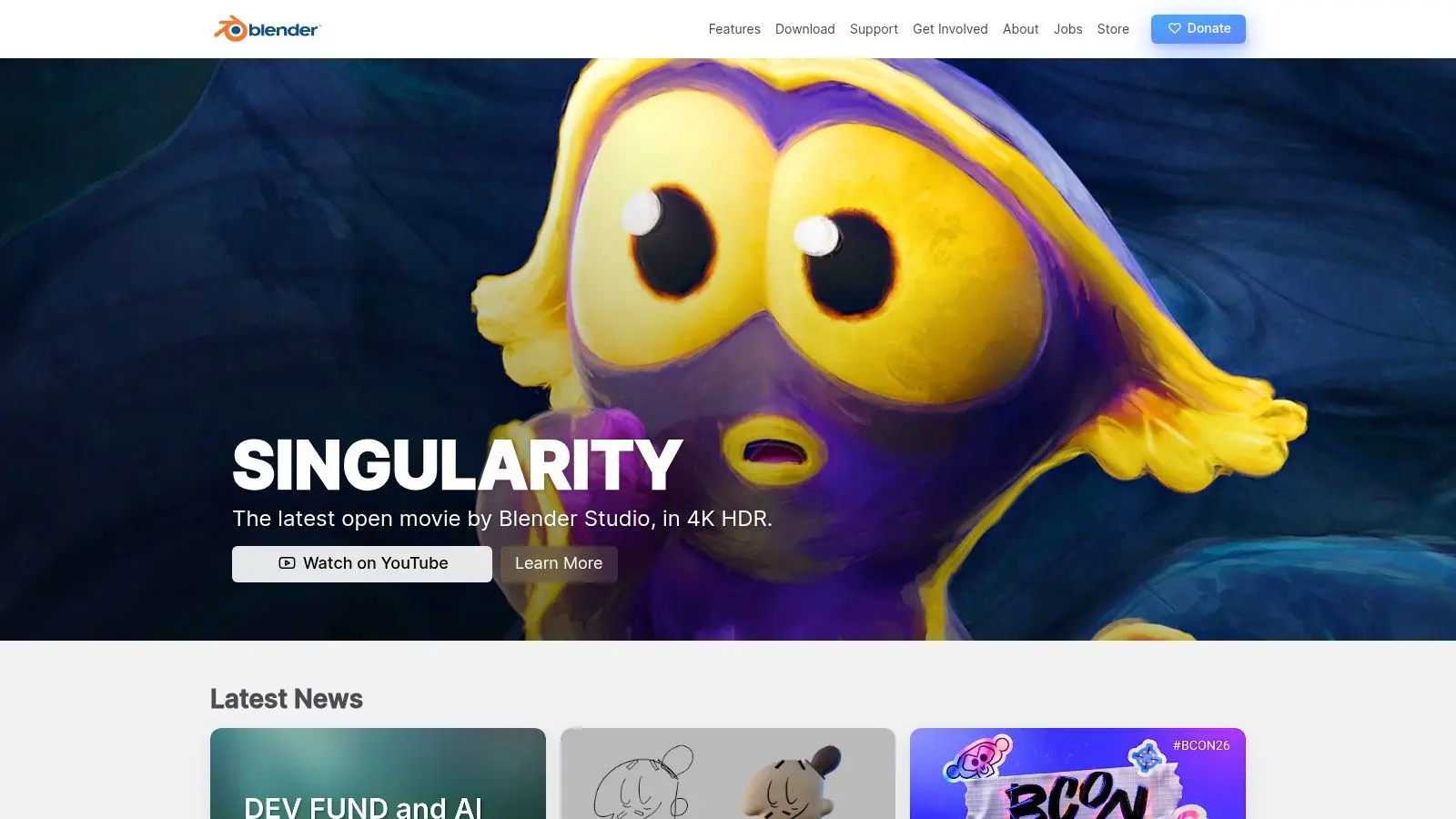
Blender sits at the top because it's the closest thing free software has to a full production environment. Modelling, sculpting, rigging, animation, rendering, compositing, and edit support all live in one application. That matters when a team needs fewer handoffs and fewer format headaches. In practice, Blender is the default answer when someone asks for the best free 3d modeling software for film, games, or XR. It's open-source, cross-platform, and free to use under the GPL, which is exactly why it has become such a foundational choice in the UK across studios, schools, and indie teams, as noted earlier.
Where Blender earns its place
For character work, previs, stylised animation, environment art, and generalist production, Blender does more than any other tool on this list. If you need one package that can take an asset from blockout to final render, this is it. Studio teams also benefit from the fact that artists can move between modelling, shading, lighting, and layout without jumping software every hour. That said, “all-in-one” is also the trap. Blender can do many things well, but it isn't automatically the best choice for every precise manufacturing or engineering job. If you need strict parametric history, you'll feel that limitation quickly.
Practical rule: Use Blender when visual output is the priority. Use something else first if dimensional control is the priority.
For anyone building a broader creative pipeline, Studio Liddell's guide to 3D computer graphics production fundamentals is a useful companion read because Blender makes the most sense when you understand how modelling, lighting, rendering, and delivery connect.
2. FreeCAD The Engineer's Parametric Modeler
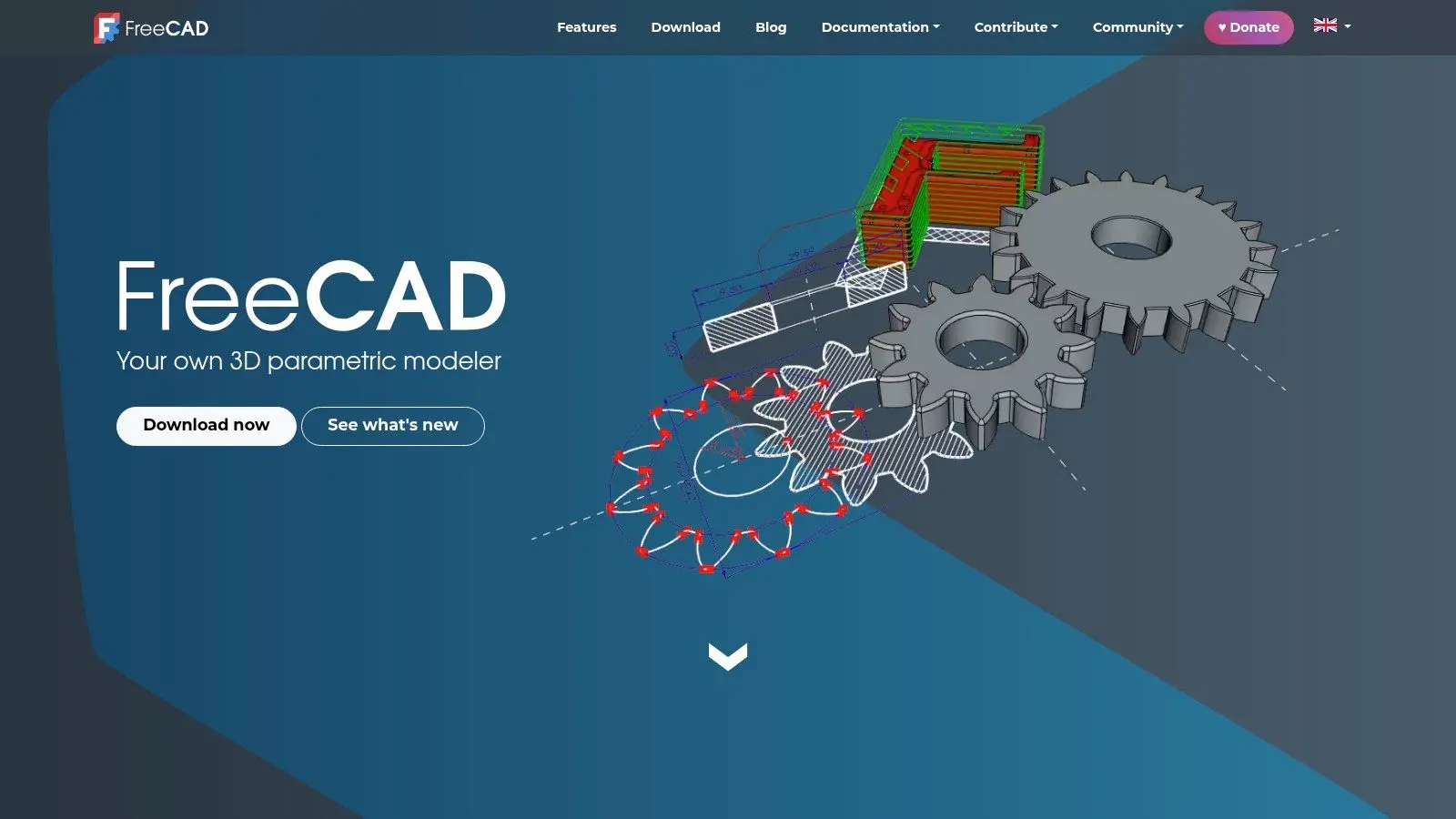
FreeCAD is the tool I'd point to when the work needs to be correct, not just convincing. If you're building mechanical parts, product concepts, fixtures, or technical assemblies, parametric modelling beats freeform modelling every time. It also fills a gap Blender doesn't. You can revise dimensions, rebuild features, and keep a more engineering-led chain of logic behind the model. That's useful for fabrication, prototyping, and any workflow where changes arrive late and still need to be clean.
Best fit and real trade-offs
FreeCAD works well for:
- •Mechanical design: Parts, enclosures, brackets, and functional geometry.
- •Education: Teaching CAD thinking without licence spend.
- •Technical handoff: Models that may end up in machining, print prep, or documentation.
Its biggest weakness is client-facing polish. The verified brief highlights a real blind spot in many free-software roundups. FreeCAD's lack of native real-time rendering makes it less suited to XR or VR preview pipelines where stakeholders want immediate visual review in a more presentable environment. That doesn't make it poor software. It just means it's often a first-stage tool, not the entire pipeline. If your work sits between design and manufacture, FreeCAD is one of the strongest free options available. If your work sits between design and pitch deck, you'll probably pair it with another visual tool before anything reaches a client.
3. Autodesk Fusion Personal Use The Maker's All-in-One
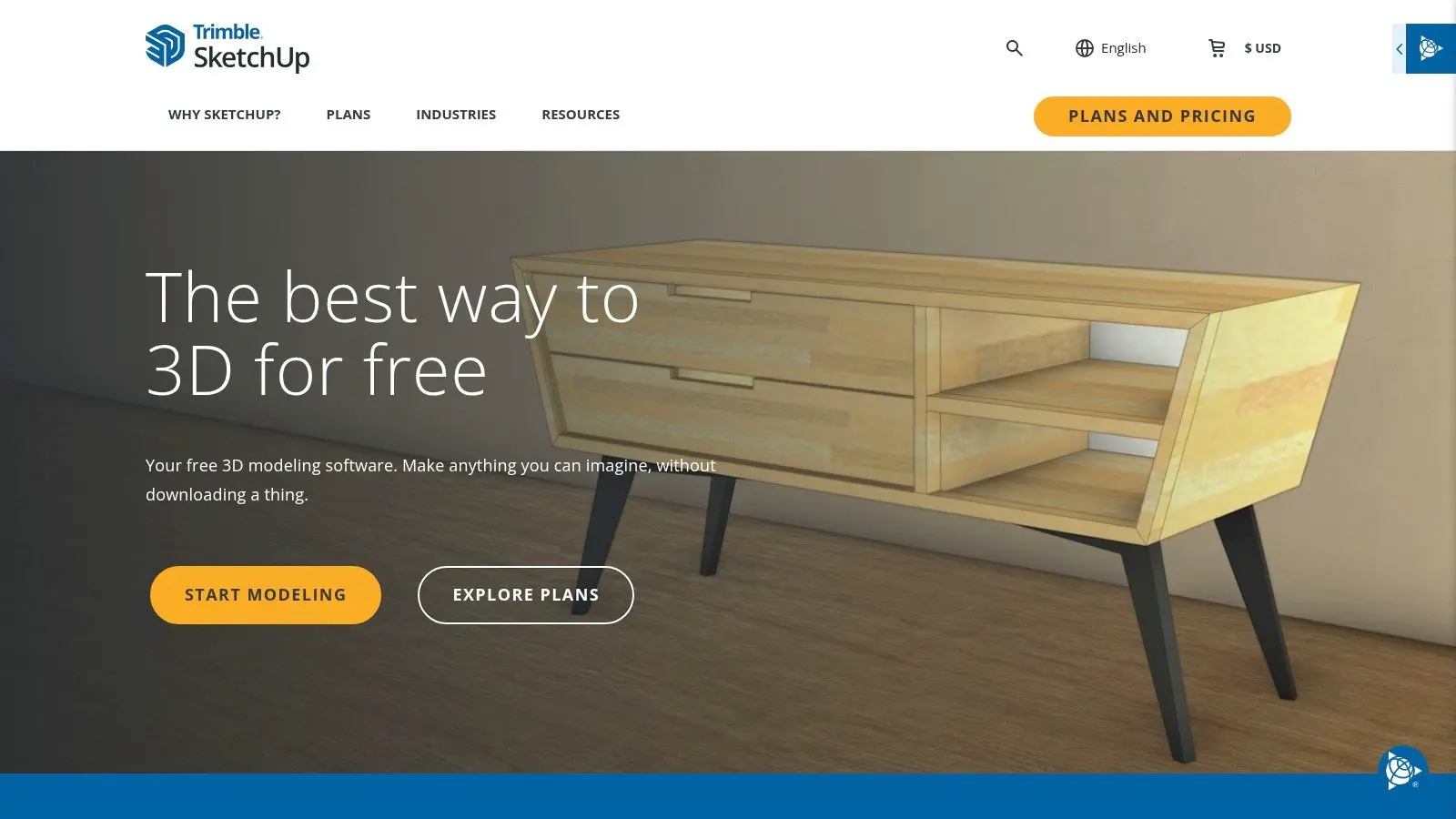
Fusion's personal-use tier is attractive because it brings CAD, CAM, and broader product-development thinking into one environment. For hobby fabrication, prototype parts, workshop projects, and maker workflows, that combination is hard to ignore. The important phrase is “personal use”. A lot of free-tool recommendations become sloppy on this point. The verified brief specifically flags a licensing risk around Fusion 360 eligibility for commercial studios in UK market contexts, especially once revenue thresholds come into play. That means you can't treat it as a casual free pick for agency or studio production.
Who should use it
Fusion is a good fit if you're:
- •Building for yourself: Hobby product design, CNC prep, print-ready parts.
- •Learning integrated fabrication workflows: Design plus manufacture in one place.
- •Working outside commercial studio use: The licence terms matter here.
What works well is the integrated mentality. You don't have to think only like a modeller. You can think like someone who intends to make the part. What doesn't work is assuming that a free entry point stays free as your business changes. That's the recurring lesson with “free” software in production. The headline cost may be zero. The compliance and usage conditions still need attention.
4. Houdini Apprentice The Procedural VFX Trainer
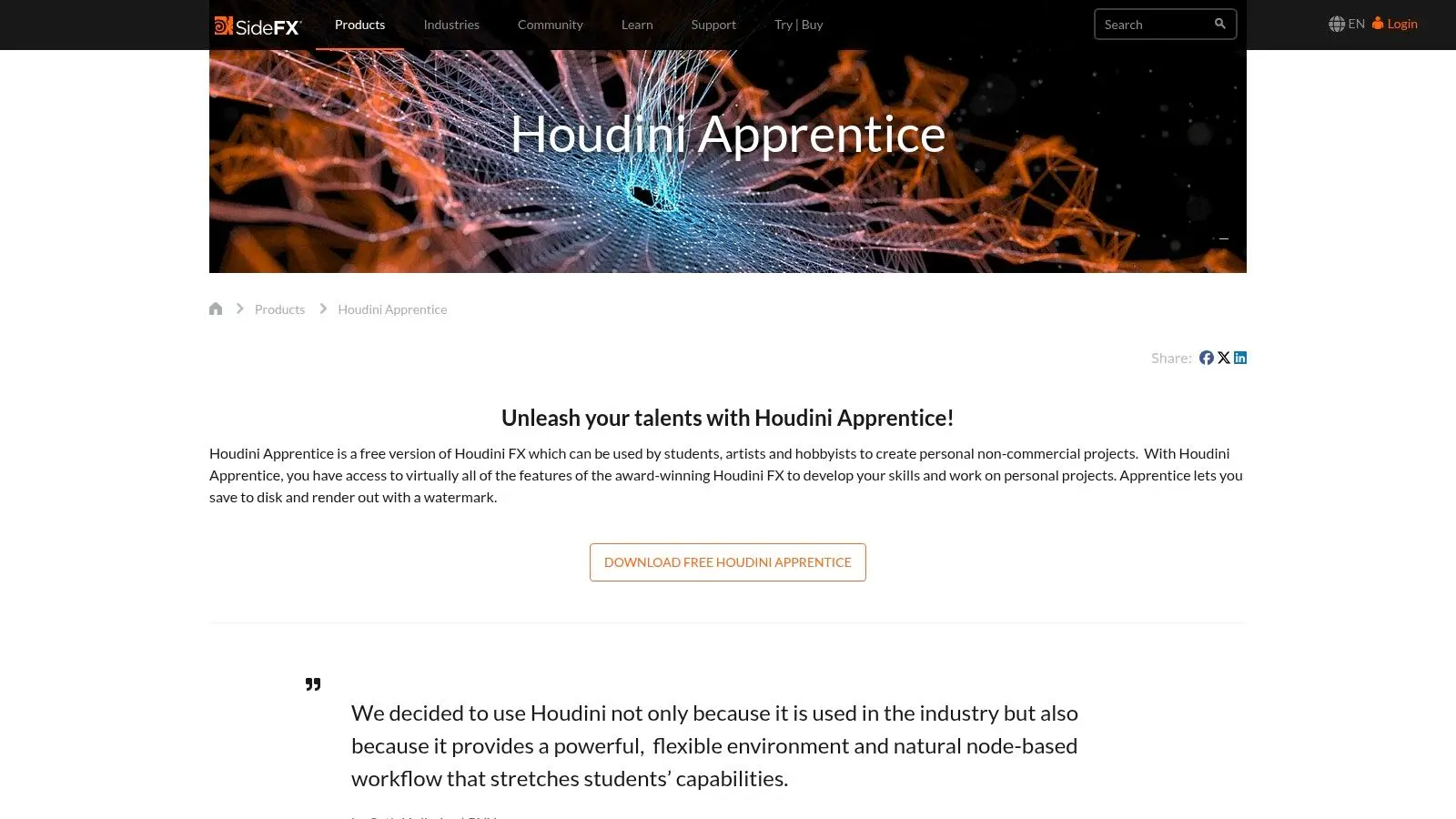
Houdini Apprentice isn't the first tool I'd hand to a beginner who just wants to model a prop. It is the first free tool I'd recommend to someone who wants to understand procedural thinking properly. That includes effects artists, technical artists, and modellers who need reusable systems instead of one-off meshes. Its modelling side is often underrated because Houdini is known mainly for simulation and VFX. But procedural asset building is exactly why it matters in larger pipelines. If you need repeatable environment generation, structured variations, or tool-driven setup, Apprentice is a serious training ground.
Why studios still care about Houdini thinking
This is less about “free modeller” and more about production literacy. Teams working in characters, creatures, and simulation-heavy environments benefit when artists understand procedural workflows, even if final delivery happens elsewhere. Studio Liddell's piece on bringing 3D characters to life through stronger performance and setup pairs well with Houdini because character work gets stronger when the underlying rig, deformation logic, and asset structure are reliable.
Procedural modelling pays off when revisions keep coming. You change the system once instead of repairing ten separate assets by hand.
If your interest leans toward stylised or transformative character concepts, this look at using Glima AI for character transformations also reflects the broader shift toward hybrid creative workflows where procedural logic, AI tooling, and traditional craft increasingly overlap. The drawback is obvious. Apprentice isn't a frictionless production app for generalists. It's best used by people who want to learn how high-end pipelines are built.
5. SketchUp Free The Architect's Digital Sketchpad
SketchUp Free earns its place because speed matters. Not every job starts with a perfect brief, and not every team has the hardware or IT setup for desktop-heavy software. A browser-based tool changes that. Trimble describes SketchUp Free as “the simplest free 3D modeling software on the web”, and the practical value of that is straightforward. A user can start online without local install, which makes it useful for education, architecture, interiors, and early-stage concept work on ordinary office or school machines.
Where it works best
SketchUp Free is strong when you need massing, layout, set concepts, room plans, exhibition spaces, or rough spatial visualisation. It's much weaker when topology, deformation, or advanced animation enters the conversation. The browser-first model also matters for distributed teams. The verified brief notes SketchUp Free's web-native setup and 10GB Trimble Connect cloud storage in the context of remote collaboration. That sort of lightweight access makes it relevant for producers and designers who need quick review cycles rather than a deep DCC pipeline. For XR and interactive environment planning, Studio Liddell's producer's guide to virtual reality application development is a useful next step because SketchUp often serves best as a fast concepting layer before a project moves into a real-time engine workflow.
6. Onshape Free Professional CAD in the Cloud
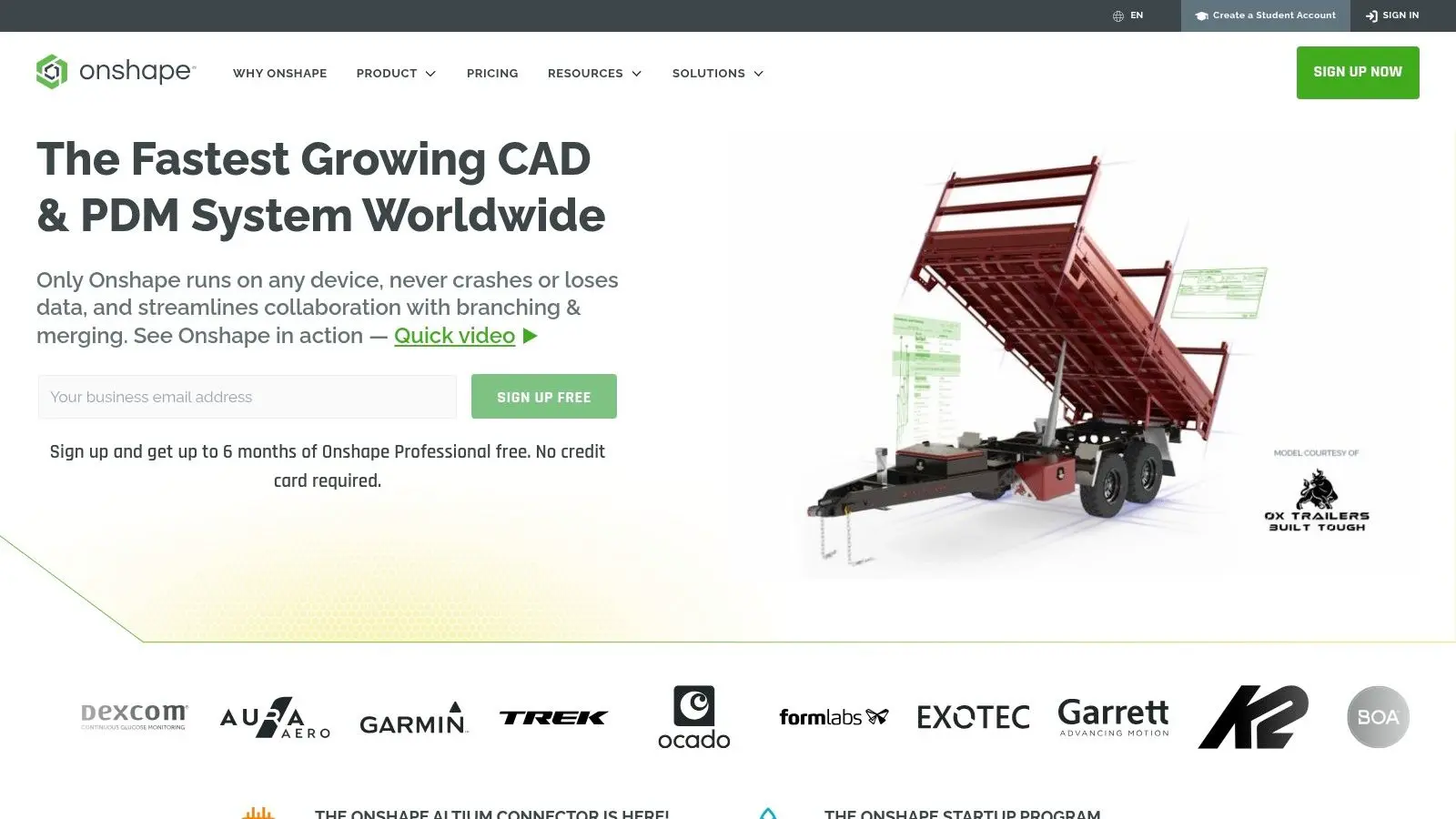
Onshape Free is one of the clearest examples of how much serious CAD has moved into the browser. If your instinct is still that cloud CAD must be compromised, Onshape usually changes that view quickly. The appeal isn't just that it runs online. It's the collaboration model. Versioning, shared access, and browser-native work make it practical for teams that don't want to manage a traditional desktop CAD estate.
The catch matters more than the feature list
Onshape Free makes most sense for hobby users, open projects, and learning. If you're handling sensitive commercial IP, the public-document requirement on the free plan is the first thing to check, not the last. That's why I wouldn't recommend it casually for agency client work. For non-confidential collaboration, it's excellent. For proprietary product design, the free tier can become a liability. Use it when browser access and collaborative CAD are the priority. Don't use it when privacy is essential.
7. MeshLab The 3D Scan Cleanup Crew
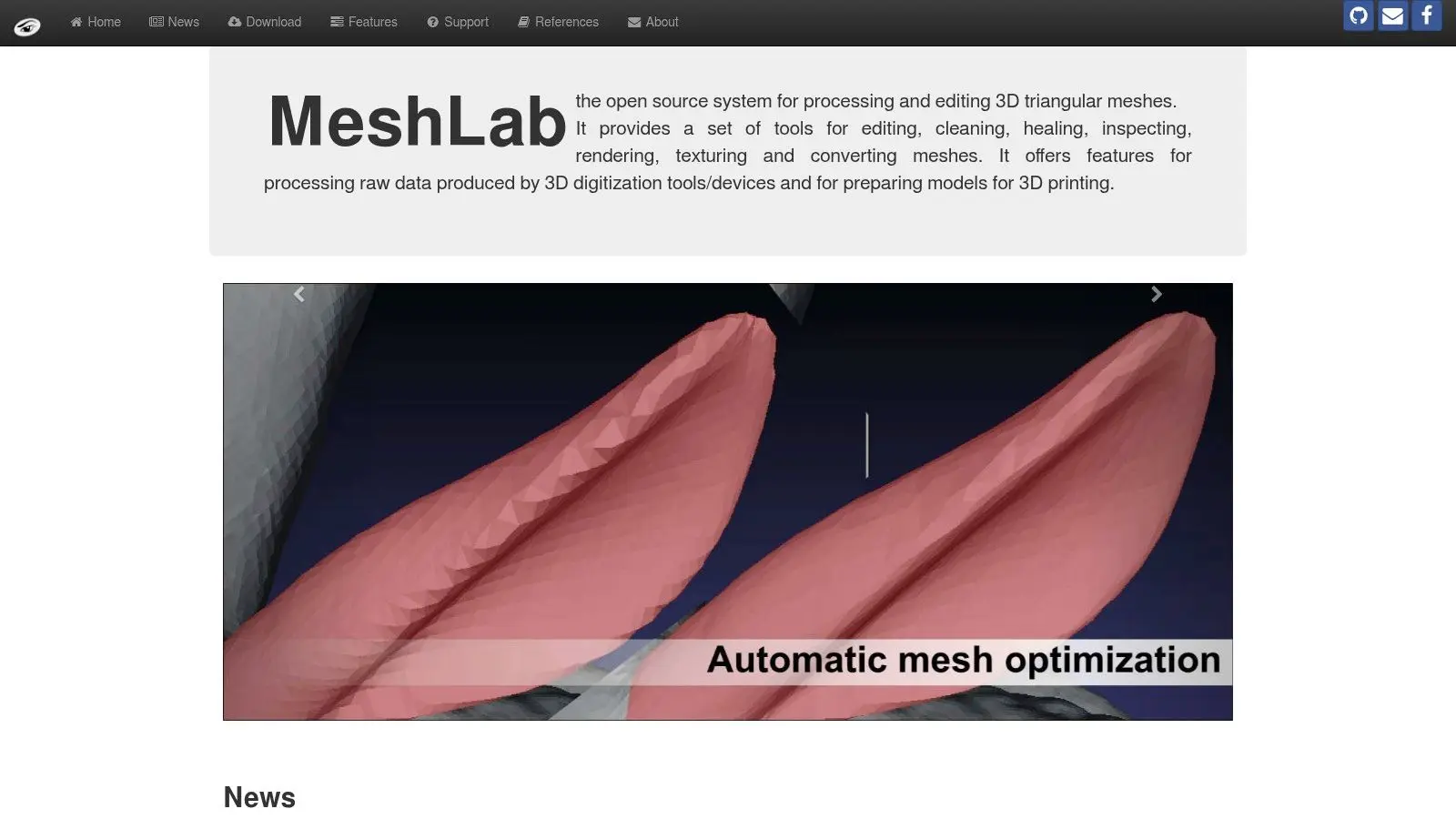
MeshLab doesn't try to be a full creative suite, which is exactly why it's useful. In scan-based workflows, you often don't need a prettier modeller. You need a cleanup station. Photogrammetry outputs and scan meshes usually arrive messy. They're dense, inconsistent, and rarely ready for game engines, interactive experiences, or decent rendering. MeshLab is where you repair, inspect, simplify, and convert before handing the asset downstream.
Best used as a support tool
MeshLab is good for:
- •Scan cleanup: Reducing noise and preparing rough capture data.
- •Decimation: Making heavy meshes more manageable.
- •Conversion: Bridging awkward scan outputs into usable formats.
Studio note: MeshLab is rarely the hero tool in a pipeline. It's the quiet utility that saves hours before the real asset work begins.
If you're building XR, heritage, museum, or location-based experiences, that supporting role matters a lot. Clean source geometry reduces problems later in texturing, optimisation, and engine import. For those jobs, MeshLab earns its spot by doing a narrow job well.
8. Tinkercad The Absolute Beginner's 3D Block
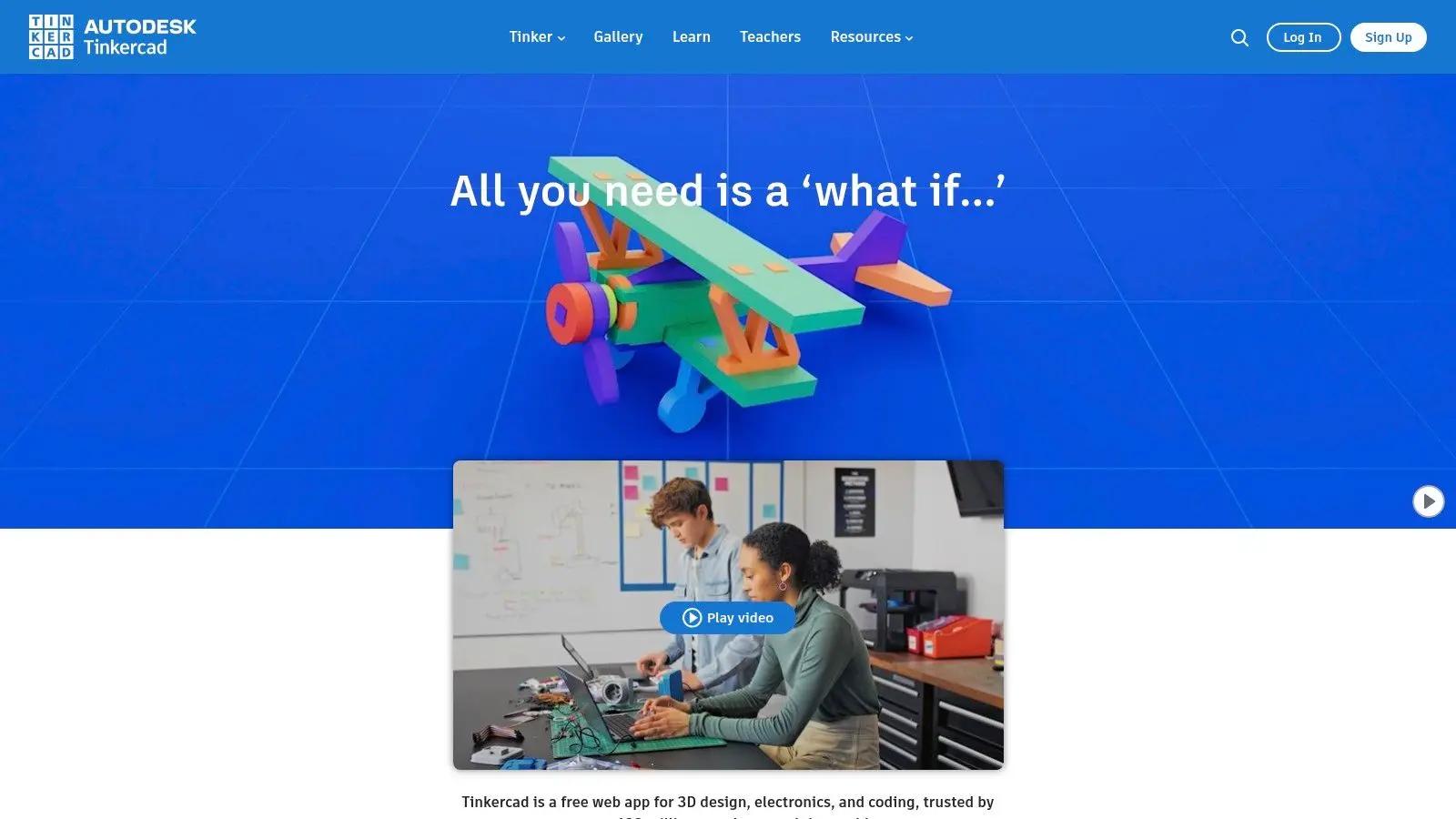
Tinkercad is not trying to impress experienced modellers. It's trying to remove fear from the first hour of 3D, and it does that very well. For schools, workshops, STEM programmes, and people who need a printable concept before lunch, Tinkercad is one of the strongest entry points available. The verified brief specifically highlights it as a beginner-friendly browser CAD tool, and that's the right framing. You use it to start, not to finish complex production work.
Why it stays relevant
A lot of beginners quit 3D because the first tool they open is built for experts. Tinkercad avoids that. Primitive-based modelling, simple boolean logic, and browser access make it suitable for classrooms and quick ideation. It also has value inside professional teams, just not as the final modelling environment. Producers, educators, and non-specialists can use it to communicate shape and intent quickly before a specialist rebuilds the idea properly in Blender, FreeCAD, or another production tool. If the job is “teach 3D thinking fast”, Tinkercad is hard to beat.
9. OpenSCAD The Programmer's 3D Modeler
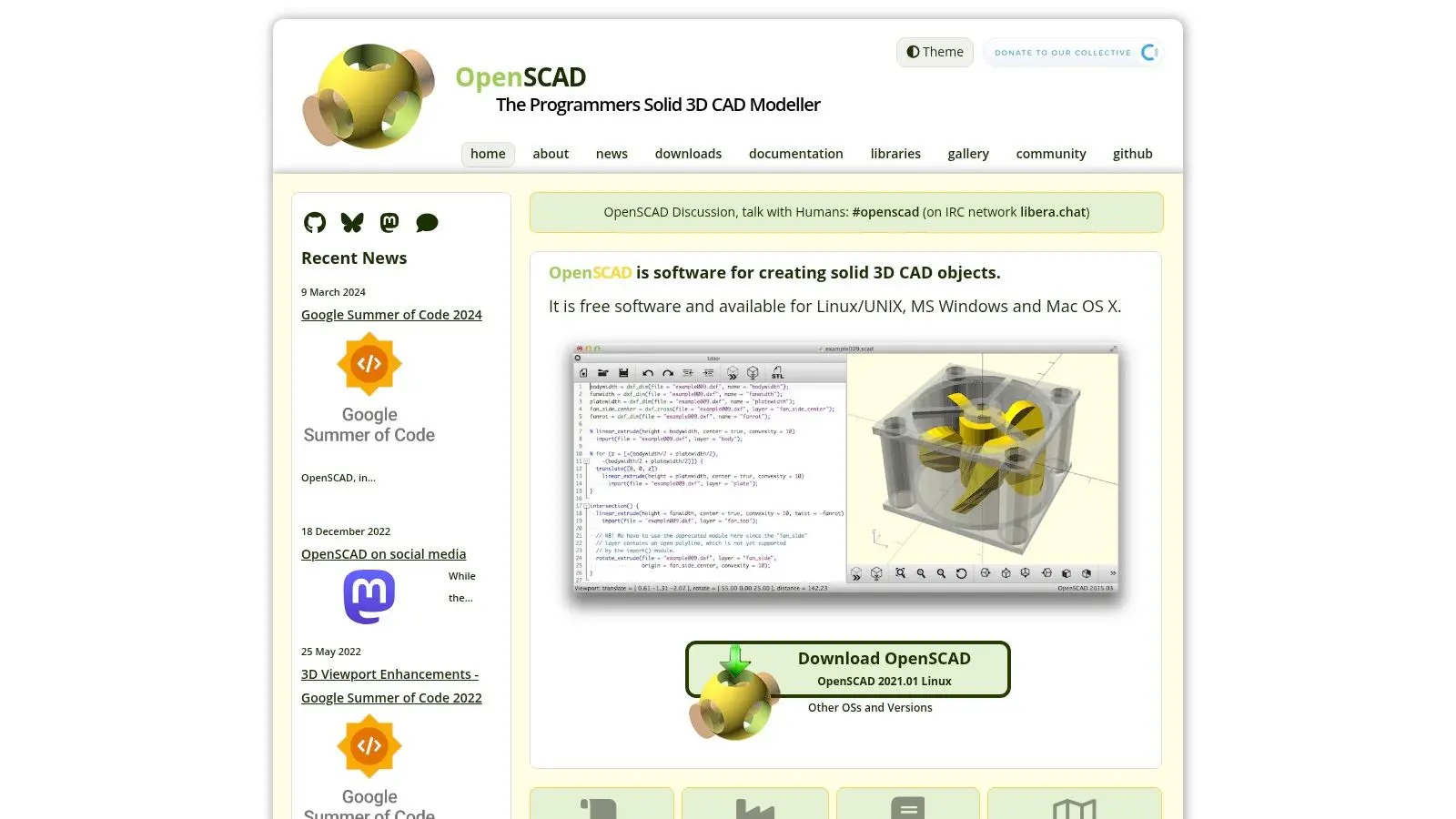
OpenSCAD is a proper fork-in-the-road tool. Some people open it and immediately understand why code-driven modelling is powerful. Others bounce off it in ten minutes. If you think in parameters, repeatability, and rules, it's excellent. If you think in sculpting, pushing verts, and visual experimentation, it's the wrong tool. That isn't a weakness. It's specialisation.
When code beats direct manipulation
OpenSCAD is best when reproducibility matters more than visual spontaneity.
- •Parametric parts: Fast revisions through code, not manual remodeling.
- •Version control: Models behave more like software assets.
- •3D printing workflows: Functional parts with explicit logic behind them.
What doesn't work is aesthetic exploration. OpenSCAD is not for expressive modelling sessions. It's for deterministic output. In technical environments, that can be exactly the advantage.
10. Wings 3D The Focused Subdivision Modeler
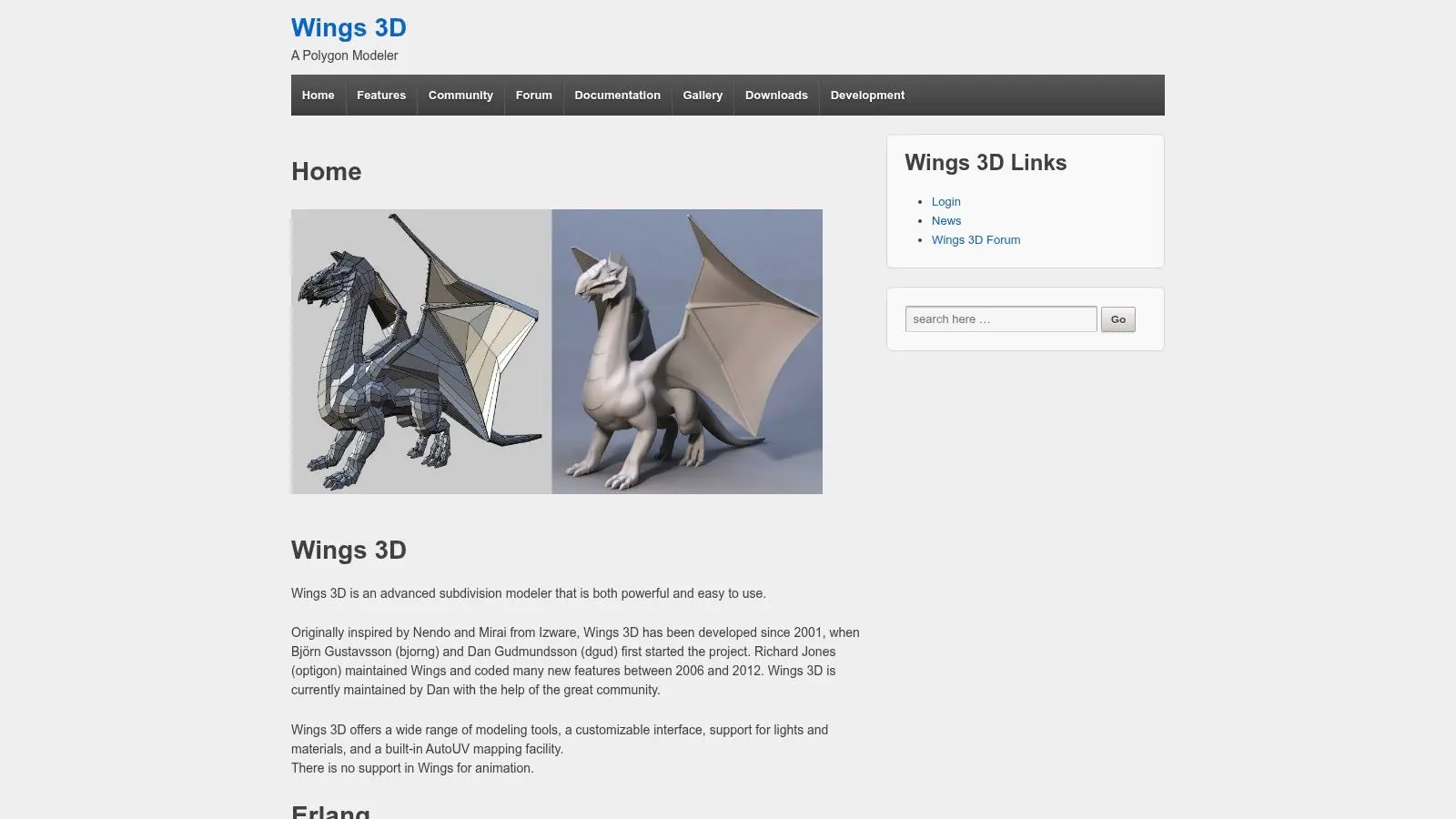
Wings 3D feels old-school in the best sense. It doesn't pretend to be an all-in-one studio platform, and that focus helps. For straightforward polygon work, subdivision modelling, and low-poly asset creation, it stays refreshingly direct. A lot of modern software piles every discipline into one interface. Wings doesn't. You model, export, and move on. That makes it useful for learning core form, topology discipline, and mesh editing without the noise of a giant production suite.
Why it still deserves attention
Wings 3D is a strong option for students, asset blockouts, and artists who want a lighter tool for mesh creation. It's also a sensible companion app if Blender feels excessive for a specific job.
Clean modelling habits matter more than software prestige. A focused tool can teach better discipline than a giant suite full of distractions.
Its limitations are obvious. You won't stay in Wings for rigging, rendering, animation, or serious look development. But for focused modelling, that's not the point. It does one job cleanly, and there's value in that.
Top 10 Free 3D Modeling Tools, Quick Comparison
| Tool | Core Focus | UX & Learning ★ | Pricing & Value 💰 | Target Audience 👥 | Pipeline Fit & USP ✨🏆 |
|---|---|---|---|---|---|
| Blender | End-to-end 3D DCC: modeling, animation, render | ★★★★ Large community; many tutorials | Free, open-source 💰 High value | Animators, VFX, game devs, generalists | ✨Complete pipeline; FBX/OBJ/USD; engine-ready 🏆 |
| FreeCAD | Parametric CAD, assemblies, CAM & BIM | ★★★ Functional docs; some polish gaps | Free, OSS 💰 Great for precision | Mechanical engineers, product designers, architects | ✨Parametric precision; STEP/IGES export for manufacturing |
| Autodesk Fusion (Personal) | Cloud CAD/CAM/CAE unified maker tool | ★★★★ Modern UI; strong tutorials | Free (non-commercial) 💰 Feature-limited | Makers, hobbyists, students | ✨Integrated CAM/toolpaths; cloud collaboration |
| Houdini Apprentice | Procedural VFX, simulation & node-based tools | ★★★★ Steep; industry-standard learning path | Free non-commercial (watermark, 1080p) 💰 | VFX students, technical artists, TDs | ✨Procedural assets & simulation workflows 🏆 |
| SketchUp Free | Browser-based concepting (push/pull modeling) | ★★★ Very easy for concepting | Free (limited features) 💰 Quick access | Architects, interior designers, students | ✨Fast massing/concepts; limited pro exports |
| Onshape Free | Cloud-native parametric CAD with PDM/versioning | ★★★★ Professional UX; learning center | Free (public docs) 💰 Good for open projects | Makers, open-hardware devs, students | ✨Real-time collaboration; STEP/IGES export |
| MeshLab | 3D scan cleanup, repair, decimation & analysis | ★★★ Powerful but utilitarian UI | Free, OSS 💰 Essential scan toolkit | XR devs, scanning techs, heritage researchers | ✨Scan->engine bridge; high-poly cleanup tools |
| Tinkercad | Block-based beginner 3D + basic electronics | ★★★★ Extremely easy; classroom-ready | Free 💰 Ideal for education | Kids, K-12 educators, absolute beginners | ✨Fast 3D-print workflow; integrated lessons |
| OpenSCAD | Script-based parametric solid modeller (code-first) | ★★★ Code-driven; reproducible, non-interactive | Free, lightweight 💰 Great for versioning | Engineers, programmers, computational designers | ✨Parametric via code; ideal for variant generation |
| Wings 3D | Focused subdivision & polygon modelling tool | ★★★ Clean, focused toolset; easy to learn | Free 💰 Lightweight modelling utility | Hobbyist modelers, game artists, students | ✨Fast low-poly/hard-surface modelling; OBJ/FBX export |
From Free Tools to Professional Production
Free tools are no longer just training wheels. They're part of real pipelines now. Blender can carry an enormous amount of visual production on its own. FreeCAD handles technical precision well. SketchUp Free and Tinkercad lower the barrier for concept development, and utilities like MeshLab solve problems that larger apps often don't handle as neatly. The actual decision isn't “which tool is best?” It's “which tool fits the job?” That sounds obvious, but it's where teams waste the most time. A generalist animation team can lose days forcing CAD software into a visual storytelling job. A product designer can lose just as much time trying to fake precision inside a mesh modeller. The other thing worth saying plainly is that free doesn't always mean simple. The verified brief identifies an important gap in most roundups. Licensing risk, compliance overhead, and integration demands often get ignored. Blender's GPL context can matter when proprietary pipelines are involved. Fusion eligibility needs checking before commercial use. FreeCAD may still need a second tool if client-facing real-time review is part of the job. In studio reality, software choices stack up. Teams often need multiple licences and tools active at once, even when some parts of the chain are free. That's also why market direction matters. The verified brief notes that the global 3D modelling software market passed $12 billion in 2026 and that AI-driven modelling tool adoption grew globally, while open-source and free ecosystems continued gaining traction in production contexts. Another verified source points to regional expansion in European 3D CAD during 2026 to 2035, tied to digital transformation and industrial uptake. For UK studios and production companies, that signals two things. Free tools are no longer peripheral, and technical talent around these workflows is only becoming more relevant. For a working studio, the best setup is usually hybrid. Use free tools where they reduce cost and friction. Bring in paid software where licensing, collaboration controls, specialist features, or client expectations require it. Build the pipeline around delivery, not ideology. That's where experienced production teams still make the difference. Software can model, render, simulate, and export. It can't run stakeholder communication, creative triage, schedule control, asset governance, or final delivery standards on its own. Once a project involves multiple departments, external review, platform constraints, or broadcast-level finish, the pipeline matters as much as the tool.
If you need more than software advice and want a team that can turn concepts into finished animation, XR, interactive content, or broadcast-ready visuals, talk to Studio Liddell. They combine proven production workflows with practical tool choice, so projects move from brief to delivery without the usual pipeline confusion.