8 App Development Projects: Goals, Features and Outcomes
A firm launch deadline, a reduced budget, and an idea the team believes in can put an app project under pressure before development begins. The early choices about purpose, platform and constraints shape whether the first build meets its goal or needs reworking later. The eight examples in this article use the same decision lens: what the project needed to achieve, which platform or engine it targeted, what constraint shaped the build, and what tactic can inform your own brief. That makes the reasoning useful beyond any one finished project. The examples span VR, AR, location-based games, clinical simulation, children's content, mixed reality, a VR short film and engine selection. They are not all presented as Studio Liddell projects. The transferable value lies in examining how each project's goal, platform and constraints shaped its build.
1. Immersive Design and What a VR Production Studio Delivers
An immersive app can look polished on a monitor and still fail in a headset. The interaction may be hard to read, or the build may not run smoothly on its target hardware. Set the platform and core interaction early, then use them to guide design and production.
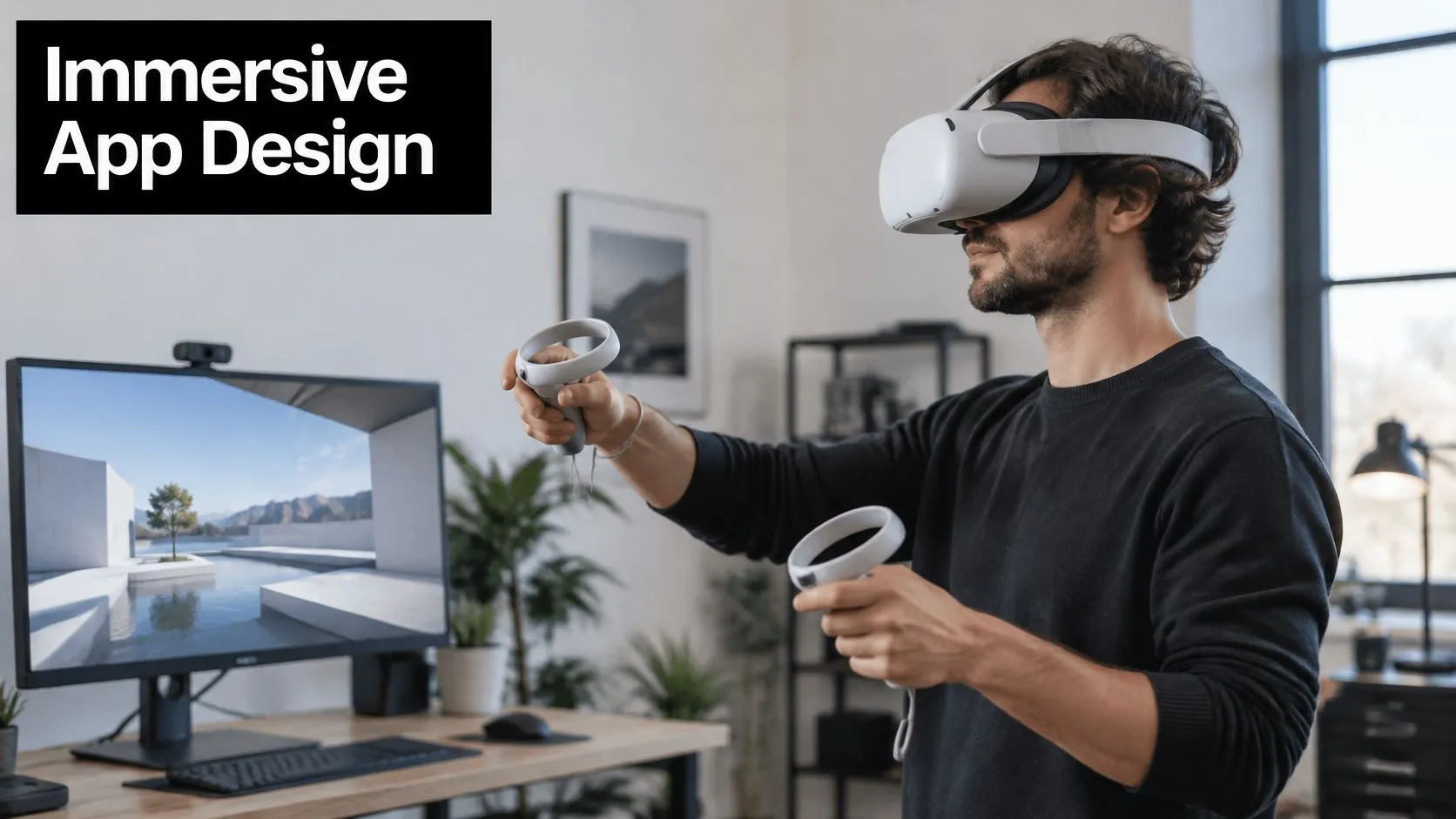
Studio Liddell develops applications for web, mobile and PC, Mac and Linux, including native mobile apps. Its game-engine-based projects use Unity or Unreal. For an immersive brief, start with consultation and a customised roadmap aligned with the client's vision. Then agree on the audience's device, the experience's main interaction and the content the build must support. These decisions shape the work before production begins. The studio's virtual reality projects and design considerations offer a related example of immersive work. Projects also need clear ownership for testing, security and maintenance. A UK Government survey report identified approximately 13,340 UK-based app developers. Its sample of 600 included 420 microbusinesses with 1 to 9 employees, according to the App Developer Survey technical report. When commissioning a small team, assign these responsibilities in writing rather than assuming they are covered. Three choices help keep the brief grounded:
- •Deployment channel: A venue installation, expo build and app-store release have different performance needs and update paths. Choose the channel before defining the build.
- •Target hardware: Name the headset the audience will use. Test the interaction against its performance limits, so late changes do not force a redesign.
- •Content volume: Define the amount of interactive content before previz. The scope sets the work the team needs to design and build.
Studio Liddell's process includes consultation, hands-on development and revision stages, from initial concept development through final delivery. Each stage gives the client a chance to assess whether the experience meets the brief and request changes.
Choose the device and define the core interaction before scaling up content. That keeps the build tied to a testable audience need.
2. AR for Exhibitions and Retail That Increases Stand Dwell Time
At a trade show, a visitor passes stands selling similar industrial sensors. One stand lets them place a full-scale product model on the floor and inspect it from different angles. The demonstration earns attention only if visitors can start it quickly and understand what to do.
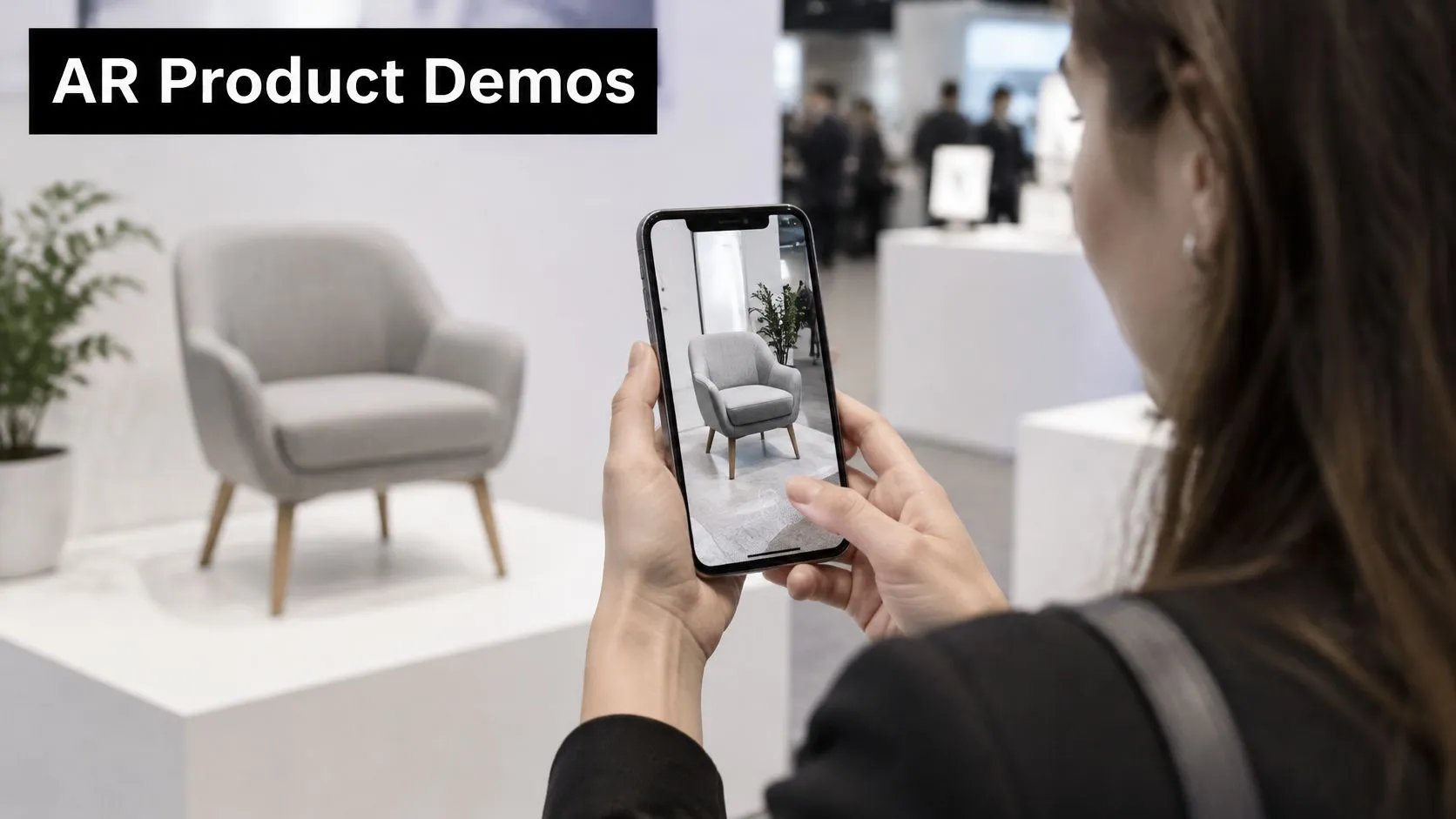
Where AR earns its place
Choose an interaction that answers a real buying question:
- •Product demonstration: placing a model at full scale lets visitors check its size and inspect details from different angles.
- •Configurators: show colourways, materials and add-ons in the space where the buyer is standing.
- •Photo moments: a shareable capture can extend the stand's reach after the show closes.
- •Wayfinding overlays: these can help at large trade shows, but usually add little value in a smaller space.
Build decision: Start with the visitor's goal. If they need to judge size, prioritise accurate scale. If they need to compare finishes, make the options quick to switch.
Tracking and hardware reality
Native ARKit and ARCore builds offer stronger tracking, but require an app install. WebAR accessed through a QR code removes that step, with trade-offs in accuracy and frame stability. Marker-based tracking suits a fixed plinth under controlled lighting, rather than a crowded aisle. Test in the venue's lighting and footfall, not just in a meeting room. Visitors' phones vary in age, storage and AR support. Plan a fallback that still demonstrates the product, such as a wall screen, physical sample or staff-led demo. The right option depends on what the interaction needs to show and how much space the stand allows.
Measurement rule: Agree on dwell time, completed interactions and capture shares before launch. Otherwise, the debrief has no shared basis for judging whether the experience worked.
Set targets against the footprint established by your exhibition booth design. Use this guide to running an augmented reality event to plan the experience and kit.
3. Location-Based VR, Judged on Throughput, Safety and ROI
Six headsets can fill a room and still leave the business short of capacity. If a session lasts nineteen minutes and resetting takes five, each station turns over slowly. At peak, two stations may sit empty if one attendant cannot brief players and sanitise equipment quickly enough.
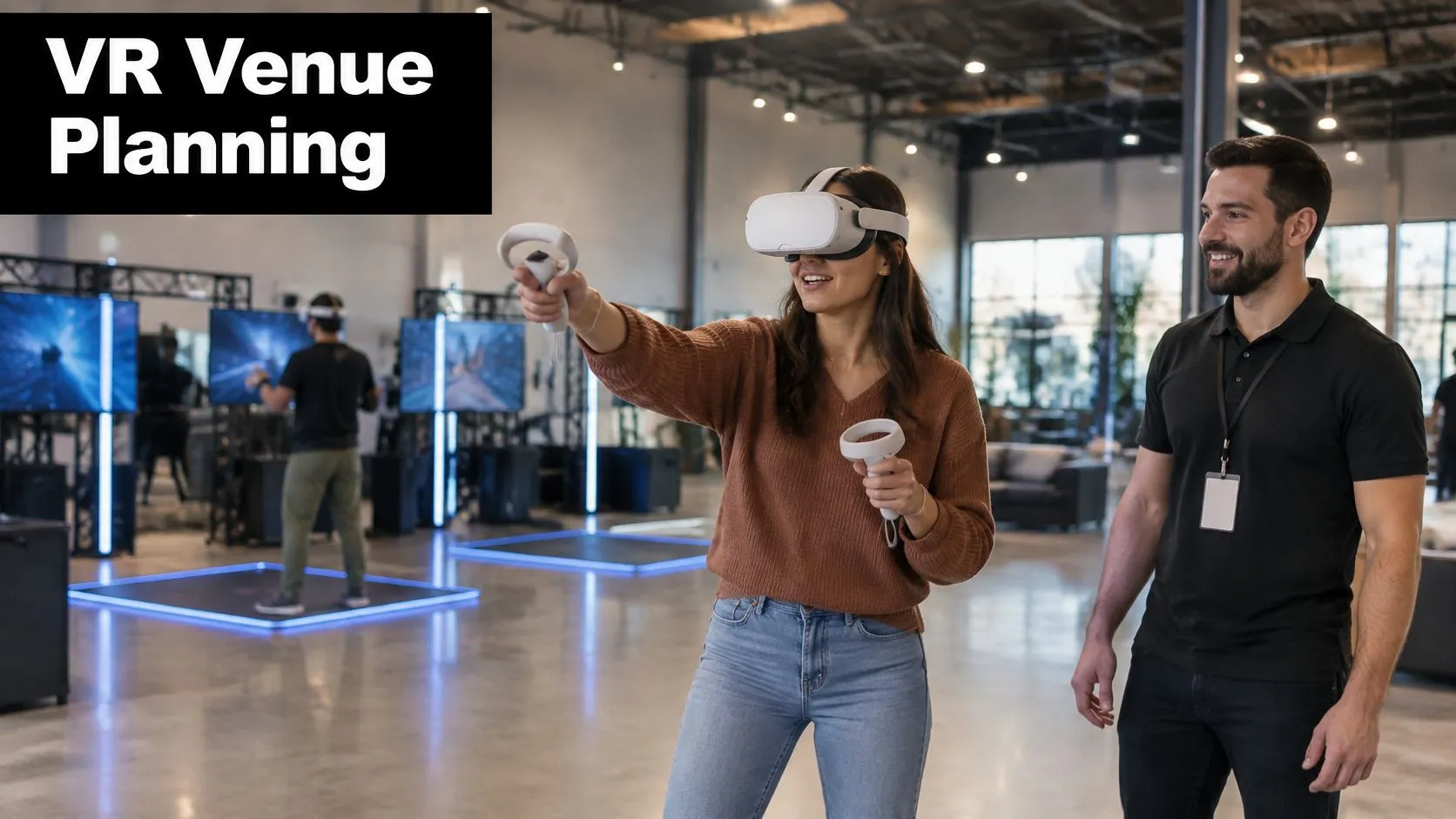
For location-based VR, throughput is a design constraint. Calculate players per station per hour, then multiply by paid stations and opening hours to estimate the revenue ceiling. That calculation should shape session design before the team commits to detailed assets. The choice is between a short, repeatable loop that turns over walk-up players and a longer narrative experience suited to groups willing to book ahead.
Design the loop around the queue
- •Session length: Short loops work for walk-up crowds. Longer narratives fit pre-booked groups prepared to wait.
- •Briefing inside the clock: Keep headset setup and instructions under two minutes, or the delay eats into every later session.
- •Spectator view: Show the player's view on a screen. Waiting visitors can see what the experience offers and decide whether to join the queue.
Design rule: Choose the session format around the booking pattern. A walk-up queue needs fast turnover; pre-booked groups can support a longer experience.
Safety and hygiene are running costs
Check wrist straps during briefing, mark the play boundary clearly, and wipe down equipment between players. Each task takes time, so include it in the reset estimate rather than treating it as separate from operations. Start with one attendant per two stations as a staffing assumption, then adjust when measured reset times show what the venue can handle.
Compare unit economics, not headline revenue
Track cost per play session and compare it with the ticket revenue from that session. Include reset time and staffing in the calculation. This gives operators a clearer basis for pricing and helps reveal whether the limiting factor is the experience length, the reset process, or the number of stations that can run at once.
Feasibility rule: Build the worksheet before the game. Include session length, reset time, staffing ratio, ticket price and weekly footfall, then test how changes to each affect capacity and revenue.
Operators considering how a VR room fits alongside group bookings can review best indoor group activities London as another venue activity option.
4. Medical and Training Simulations in XR, Built for Accuracy and Compliance
A clinical simulation succeeds when it teaches the right decision, not just the right movement. Start with clinical advisers and the assessment criteria. For a trust training nurses on a procedure, define what counts as a pass, which steps are critical, and where hesitation is acceptable before modelling a ward.
Scenario authoring that reflects real practice
Build scenarios around decisions learners must make under pressure. A deteriorating patient, a missing instrument or an interruption mid-procedure can test whether the learner follows the right sequence. Clinical advisers should shape these situations early, so the scenario reflects practice rather than developer assumptions.
Build-decision lesson: agree on the learning goal first, then choose the platform and interaction model that let learners practise the decisions that matter.
The trade-off is fidelity versus scope. Adding detail to a room can increase production demands without improving the assessment. Prioritise the actions and cues tied to the rubric, then add visual detail only where it supports a learning objective.
Assessment has to be defensible
- •Score against the rubric, not the animation. Log each decision, timestamp and retry.
- •Show learners their own trace. Debriefs can then focus on recorded choices rather than memory.
- •Pilot with a small cohort. Revise scenarios that produce unexpected results before wider use.
Replicable tactic: tie each scored action to a rubric criterion, and use pilot results to refine the scenario rather than adding complexity by default.
Data and privacy before the first scenario
A simulation that scores a named learner handles personal data. The UK Government's 2025 AI Playbook recommends completing a data-protection impact assessment before implementing AI, considering whether personal data is needed, and explaining purposes, retention and third-party sharing in plain language (AI Playbook for the UK Government). Map where learner records sit and who can access them before development begins, not after the pilot. That decision affects the assessment design as well as the technical setup.
Build-decision lesson: agree on data needs and access before choosing how the simulation records performance. A simpler record can reduce privacy risk, but it must still support the assessment.
5. Short-Form Companions for Children's Series
Children's series often need companion pieces that fit short viewing windows. The format can work between episodes or during a brief journey, but pacing and story beats must suit the audience and viewing context.
Set the audience and viewing context
Age range shapes pacing, joke density, colour contrast and how much visual detail a scene can carry. Agree on the intended audience and viewing context before approving character poses or storyboards. If either changes during production, revisit the creative choices that depend on it rather than trying to patch them at the end.
Reuse assets, rebuild the story beats
A shared asset library can support both episodes and shorts. Character rigs, environments, props and lighting setups can be versioned for reuse, while each format gets its own edit and story structure. Reusing assets can reduce duplicated production work, but shorts still need a clear beginning, development and payoff.
Reuse the assets where they fit. Rework the beats so each format feels made for its viewing window.
BFI statistics recorded 23 animation programmes entering principal photography in 2019, generating £39 million in UK production spend. Series lengths ranged from 50 episodes of 11 minutes to 54 episodes of seven minutes (BFI high-end TV animation statistics). At that scale, a repeatable asset pipeline matters, but so does planning how different episode lengths translate into shorter pieces. Set a measure for each format before production. Views, completion rates and repeat plays can show which pieces hold attention and help inform decisions about future commissions. The practical brief should connect the goal, intended platforms and production pipeline, then identify what can be reused and what must be reshaped for the short format.
6. Dance! Dance! Dance! and Building a High-Throughput Mixed Reality Event Game
An event game succeeds when people can take part, finish a round and make room for the next player without a queue grinding to a halt. Set throughput goals before choosing the interaction or building the visuals. Players per hour, time to first meaningful action and return rate give the team practical measures for judging whether the experience works beyond its novelty.
Set throughput targets before the first model
Measure players per hour per station at a real event, where footfall and handovers affect capacity. Track time to first meaningful action, from headset handover to the first successful input. Watch the return rate across the day to see whether visitors choose to play again. These measures pull against one another. Shorter rounds can increase capacity, but cutting instructions too far may leave players unsure what to do. A quick first action helps people start, while a reason to return depends on the experience offering more than a one-off novelty. Treat the measures as a set, then adjust the build to the event's priorities.
Instrument it like a product
Plan what to observe before the event. Record where players hesitate, how long handovers take and whether people return. Use those observations to refine pacing and difficulty, rather than making changes based on the loudest comment.
Set the target first: capacity, quick onboarding and repeat play compete for time in the same session. Use event observations to decide which trade-off matters most.
A spectator view can help make waiting time part of the experience, but it should not distract from the player's actions or make the game harder to follow. Keep the central interaction readable from the waiting area, then assess whether spectators stay engaged while the station turns over. Test the setup in the actual venue, where visibility and footfall shape the queue. After each event, compare the measures and feedback. Keep changes tied to a specific issue, such as a slow start or a round that runs too long. This gives the next build a clear purpose without treating every individual comment as a design requirement.
7. Aurora and Crafting an Award-Calibre VR Short Film
A VR short has no frame to hide behind. The viewer can look anywhere, so every beat has to be staged where they'll be looking, and sound has to do the work a cut does in a flat film. Aurora ran through script, direction, performance capture, post and optimisation in that order. The edit was locked only once the piece held frame rate on the target headset.
Stage the beats, don't edit them
If a key reveal happens behind the viewer, they'll miss it. Place story beats on the arc their head naturally travels, then use light and sound to pull attention the last twenty degrees. Blocking in VR is choreography of the neck as much as the body.
Sound leads the eye
Spatial audio mixed early becomes a directing tool. A voice from behind turns the viewer's head, which is the VR equivalent of a cut, and it costs nothing in frame rate. Mix it late and you'll spend post trying to fix attention with lighting you can't afford.
Budget against a real benchmark
Short-form animation has a published shape. The BFI National Lottery Short Form Animation Fund supports production funding between £30,000 and £120,000 for standalone narrative works of no more than 15 minutes, with delivery expected no later than 18 months after the funding agreement is signed (BFI Short Form Animation Fund guidance). Plan a VR short against that envelope and the schedule stops being a guess.
Optimise before the final lock
Test on the headset while the edit is still soft. Cutting five seconds of a heavy scene is easy in week six and painful in week sixteen.
8. Unreal vs Unity for Real-Time Animation in 2025
Choose the engine on three things: the platform you're shipping to, the people you can hire, and the delivery spec you have to hit. Render quality comes fourth, and it's the one everyone argues about first.
Where the two actually differ
- •Render quality: Unreal's defaults get closer to a finished look, which shortens lighting and compositing on cinematic work.
- •Tooling and plugins: Unity's ecosystem is broader for headset and mobile XR deployment. Unreal's is deeper for virtual production and sequencer-driven animation.
- •Team skills: engine choice is a hiring decision. 70% of app developers surveyed in the UK were micro businesses employing fewer than 10 people, according to the Department for Science, Innovation and Technology's 2024 App Developer Survey. You're picking the skills you can staff for two years, not the ones you'd like on the CV.
- •Delivery spec: the BBC requires electronically generated moving graphics to be edited at 50 frames per second for 2160p/50 UHD delivery to avoid judder, and network programmes are delivered as AS-11 DPP files (BBC technical delivery standards). Neither engine removes the conform.
Test on a sample scene
Give both candidates the same two minutes of script and the same constrained scene, one with heavy lighting and one with a crowd. Time the path from asset to approved frame, including the changes a director will ask for. That number, not the demo reel, is what you're buying. The wrong engine costs you a rebuild in year two. The wrong team costs you the launch.
How the eight app development projects compare
| Item | Primary Goal | Deployment | Best For |
|---|---|---|---|
| VR Production Studio in Manchester: Designing Immersive Experiences with Real Impact | Design and build impactful VR experiences | Location-based entertainment, trade expos, or standalone apps | Brands, venues, and events seeking end-to-end VR production |
| AR for Exhibitions and Retail: Increase Stand Dwell Time with Spatial Content | Increase visitor engagement with spatial AR content | Exhibition stands and retail spaces using mobile AR | Brands showcasing products at events or in stores |
| Location-Based VR (LBVR): Throughput, Safety, and ROI, A Producer's Guide | Assess LBVR operations, revenue, and feasibility | Dedicated venues, festivals, or expos | Operators planning or improving location-based VR experiences |
| Medical & Training Simulations in XR: Accuracy, Assessment, and Compliance | Deliver measurable, privacy-aware XR training | Medical and enterprise training programs | Organisations training learners in high-risk or regulated settings |
| BooSnoo for Sky Kids: Scaling a Beloved IP from Series to Digital Shorts | Extend a children's property into digital shorts | Sky Kids series and short-form digital content | Broadcasters and producers scaling children's IP across formats |
| Dance! Dance! Dance!: Building a High-Throughput Mixed Reality Game for Events | Create a mixed reality game for high player throughput | Live events and activations | Event and enterprise clients seeking interactive audience engagement |
| Aurora: Crafting an Award-Calibre VR Short, From Script to Spatial Sound | Tell an immersive story through VR filmmaking | VR headsets with spatial sound | Brands and cultural projects exploring immersive storytelling |
| Unreal vs Unity for Real-Time Animation: What Producers Need to Know in 2025 | Compare engines for production quality, cost, and schedule | Real-time animation and XR pipelines | Producers choosing an engine for a project and team |
Turning These Projects Into Your Own Build Plan
The strongest app development projects share a habit. They fix the goal, the platform and the throughput or engagement target before the first asset is built. Everything else, engine, art direction, session length, is a consequence of those three. Write the note before you brief anyone. One page: the outcome you need to measure, the device or headset it has to run on, and the single constraint that would change the design if it moved. That gives any production team enough to scope a concept sprint, price a realistic timeline and tell you whether the idea is ready. Scale changes the shape of the answer but not the questions. The GOV.UK One Login app had been downloaded more than 5.7 million times by April 2024, with 29 services live on it by the end of that year, built against a cross-department roadmap of shared mobile standards (Roadmap for digital and data 2022 to 2025). That result came from treating the app as one part of a service, with a plan for adoption and integration, rather than as a product that ships and stops. Two practical tests before you commit budget.
- •The measurement test: name the number that will tell you this worked, and who owns reading it after launch. If nobody owns it, the build has no finish line.
- •The fallback test: describe what a user does when the headset is flat, the phone is old or the venue Wi-Fi drops. If the answer is "they can't", the design isn't finished.
Commissioning teams who run those tests early tend to spend their money on the interaction that matters and cut the features nobody asked for. That's the whole discipline. Studio Liddell works this way on native app builds across iOS and Android, from scoping and prototyping through launch and support, which is the stage most projects underestimate; the same thinking applies if you're scaling a loyalty or web app rather than a headset experience, as the BonusQR mobile web loyalty app route shows. --- If you're weighing up an app, VR or real-time animation build, Studio Liddell covers native app development, XR and 3D animation from concept through to delivery and ongoing support. Bring us the one-page brief described above and we'll tell you what's realistically buildable, what to cut, and what the first sprint should prove. Visit Studio Liddell to start the conversation.