10 Creative Applications of Bluetooth in Production and XR
Bluetooth is more than a convenience for wireless audio; it's a foundational technology fuelling the next wave of immersive and interactive digital content. From the precise motion tracking in VR controllers to the synchronised magic of large-scale interactive installations, its applications are changing how creative studios design, build, and deliver memorable experiences. As we move forward, understanding the strategic applications of Bluetooth, including its various protocols like BLE, LE Audio, and Mesh, is no longer optional for producers, developers, and brand managers. It is essential for creating projects with real impact. This guide explores 10 powerful applications of Bluetooth, offering deep strategic analysis and actionable takeaways for your next creative project. We will unpack how this ubiquitous technology can be used for everything from broadcast animation pipelines to location-based entertainment and XR development. The following sections will detail the practical implementation notes, protocol considerations, and security concerns for each use case. You will gain a clear understanding of not just what is possible, but how to implement these ideas effectively, turning technical specifications into tangible, engaging user experiences.
1. Wireless Audio and Headphone Connectivity
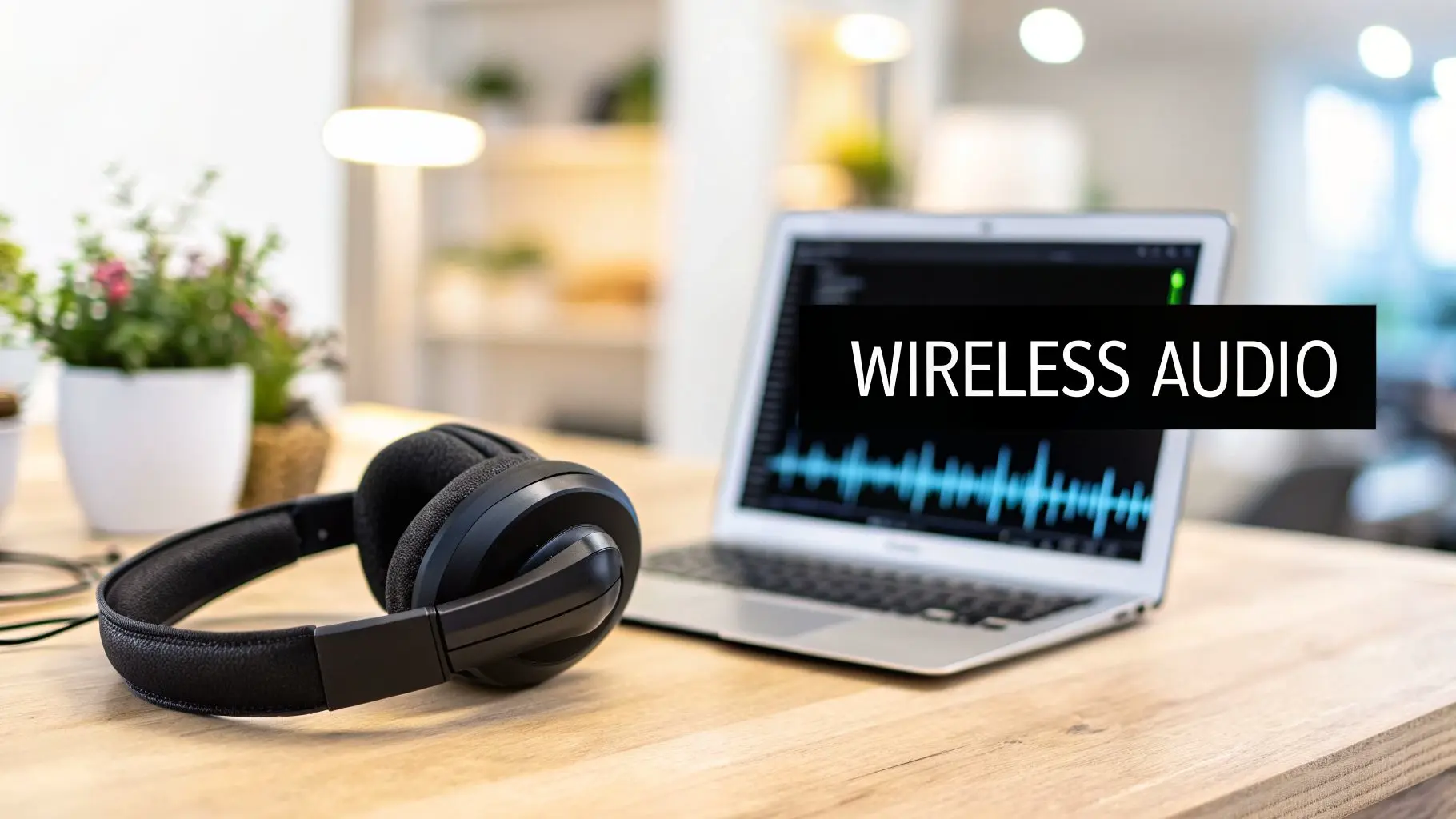
The most recognisable of all applications of Bluetooth is undoubtedly wireless audio. This technology enables the seamless, cable-free connection between source devices like smartphones, laptops, and mixing desks, and audio peripherals such as headphones and speakers. For creative industries, this freedom from physical tethers is not just a convenience but a core component of modern production workflows, especially in sound design, podcasting, and immersive media development.
Strategic Breakdown
In professional settings, like the animation and XR work done at Studio Liddell, wireless audio is fundamental. During VR development, creators must experience spatial audio exactly as the end-user will, moving freely without the risk of tripping over or being restricted by cables. High-fidelity headphones, such as the Sony WH-1000XM5 or Sennheiser Momentum 4, are frequently used for their sound quality and active noise cancellation, allowing developers and sound engineers to isolate and fine-tune audio cues in busy studio environments. The rise of Bluetooth LE Audio and the LC3 codec promises even higher quality at lower data rates, further improving battery life and connection stability for long production sessions.
Actionable Takeaways for Creative Production
To get the most out of wireless audio in a professional workflow, consider these specific tactics:
- •Prioritise Low-Latency Codecs: For real-time monitoring in VR, AR, or gaming, latency is critical. Use headphones and transmitters that support aptX Low Latency (LL) or aptX Adaptive to minimise the delay between on-screen action and audio feedback.
- •Maintain Clear Line-of-Sight: While Bluetooth can work through walls, signal integrity is highest with a clear path. In a studio, try to keep the transmitting device within a 10-metre radius and free from physical obstructions to prevent dropouts.
- •Manage Radio Frequency (RF) Interference: Studios are often crowded with wireless signals. Using devices with Bluetooth 5.2 or newer can help, as they are better at navigating congested 2.4 GHz environments. Scheduling a regular "pairing refresh" by un-pairing and re-pairing devices can also resolve persistent connection issues.
2. VR/XR Controller and Motion Tracking
Another core application of Bluetooth is powering the untethered controllers essential for modern virtual and extended reality (VR/XR). This technology provides the wireless link for hand tracking, button inputs, and motion control, allowing users to interact with digital worlds naturally. For creative studios, this is the foundation for building responsive and believable immersive experiences, from training simulations to interactive entertainment.
Strategic Breakdown
In the XR production work performed at studios like Studio Liddell, reliable controller tracking is non-negotiable. Developers depend on the low-latency connection of devices like the Meta Quest 3 Touch controllers or PlayStation VR2 Sense controllers to fine-tune user interactions and haptic feedback. This untethered freedom is what makes room-scale VR possible, enabling creators to design experiences that feel intuitive and unconstrained. As we explore in our deep dive into Oculus VR technology, the evolution of these controllers has been central to VR's mainstream adoption. The continuous improvements in Bluetooth protocols directly contribute to more accurate tracking and longer battery life for these critical peripherals.
Actionable Takeaways for Creative Production
To ensure smooth and reliable controller performance during XR development and deployment, follow these professional tactics:
- •Calibrate for Accuracy: Before every development or testing session, perform a full controller and play space calibration within the headset's environment. This guarantees the 1:1 tracking accuracy needed for precise interactions.
- •Clear the 2.4 GHz Band: Coordinate with IT to minimise Wi-Fi router interference on the 2.4 GHz frequency band, which Bluetooth shares. In a studio with many wireless devices, setting up a dedicated, low-interference zone for XR testing is ideal.
- •Test Haptic Response: Haptic feedback intensity and type can be perceived differently by users. Test haptic profiles across a varied user group to find a comfortable and effective setting that doesn't cause fatigue or discomfort during long sessions.
3. Smart Device and IoT Communication for Interactive Installations
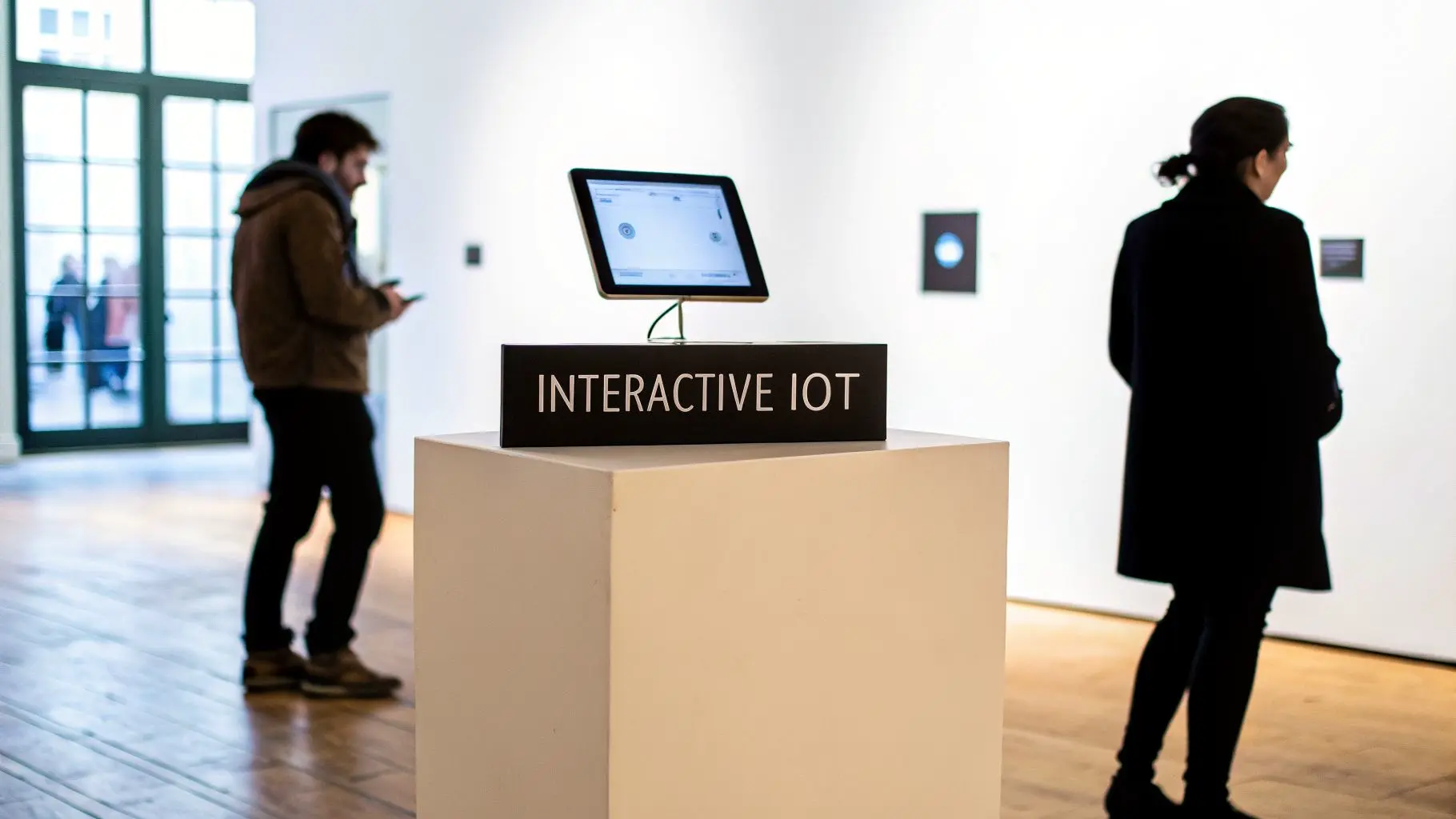
Bluetooth provides the crucial link between multiple smart devices and Internet of Things (IoT) sensors, making it possible to create large-scale, synchronised interactive installations. For creative studios, this opens up opportunities to develop responsive environments that react to a person's presence and actions. This capability is central to building engaging location-based experiences, branded installations, and modern museum exhibits that captivate audiences.
Strategic Breakdown
In the context of experiential marketing and public installations, such as those that Studio Liddell could design, Bluetooth is the backbone for real-time interactivity. Imagine a brand activation where Philips Hue smart lights change colour based on how visitors interact with a product, or a museum exhibit where moving past a sensor triggers a specific video on a nearby screen. These applications of Bluetooth depend on a reliable, low-power network connecting dozens or even hundreds of nodes. LEGO's Powered Up system is another prime example, using Bluetooth to let users control motorised creations from a smart device, turning a physical toy into an interactive digital experience.
Actionable Takeaways for Creative Production
To execute a successful IoT-driven installation, focus on the network's stability and design:
- •Use Bluetooth Mesh for Scale: For any installation involving more than a handful of devices, Bluetooth Mesh is essential. It allows devices to relay messages to one another, creating a robust and self-healing network that can cover large areas without a central hub.
- •Implement Redundant Nodes: In a live environment, a single point of failure can bring down the entire experience. Strategically place extra Bluetooth nodes in key areas to act as backups, ensuring that if one device goes offline, the network can reroute data and maintain connectivity.
- •Test Failover Scenarios: Before deployment, rigorously test what happens when devices disconnect or lose power. A comprehensive failover plan ensures the installation can gracefully handle disruptions without a complete system collapse, preserving the user experience.
4. Mobile App and Game Connectivity
Bluetooth's role in connecting mobile devices to peripherals has profoundly reshaped the gaming and app landscape. This technology allows applications on iOS and Android to interface with external controllers, sensors, and other accessories, moving beyond touch-screen limitations. For app and game developers, including our work at Studio Liddell, this connectivity opens up a world of more immersive game mechanics and richer user experiences.
Strategic Breakdown
Console-quality mobile games like Fortnite Mobile, PUBG Mobile, and Genshin Impact demonstrate how integral Bluetooth is to modern mobile gaming. By supporting popular gamepads such as the Xbox and PlayStation controllers, developers provide players with precision and tactile feedback that touch controls cannot match. This elevates the mobile platform into a viable alternative for serious gamers. The same principles apply to non-gaming apps; for instance, when exploring how to control a device, learning about connecting your drone to your phone shows how Bluetooth is a core enabler for complex functions like flight management.
Actionable Takeaways for Creative Production
To effectively integrate controller support into a mobile application, consider the following tactics:
- •Implement Robust Controller Detection: Your app should automatically detect a connected controller and switch input schemes. Crucially, it must also gracefully fall back to touch controls if the controller is disconnected mid-session.
- •Test Extensively with Popular Hardware: Ensure compatibility with widely used controllers. Focus testing on official Xbox and PlayStation controllers, as well as popular "Made for iPhone" (MFi) certified devices, to cover the majority of your user base.
- •Offer Button Mapping Customisation: Empower players by allowing them to customise controller layouts. This small feature greatly improves accessibility and user satisfaction, catering to individual play styles and preferences. For more insights into the technical side of development, you can explore our thoughts on mobile gaming in Unity.
5. Remote Camera and Production Equipment Control
Another key application of Bluetooth is the wireless operation of cameras, gimbals, drones, and other production gear. This provides directors and cinematographers with exceptional flexibility, enabling remote adjustments and real-time monitoring. For complex workflows like those in 3D animation and film production at Studio Liddell, this technology is essential for controlling virtual cameras and equipment during rendering and live sessions without being physically tied to the hardware.
Strategic Breakdown
In a professional production environment, untethered control is a game-changer. Drone operators using DJI controllers rely on Bluetooth for a stable link, while on-set, cinematographers use apps to adjust settings on cameras like the RED Komodo or Sony FS series without disturbing the rig. This is especially useful for cameras mounted on jibs, cranes, or vehicle mounts. Similarly, gimbal systems from Freefly Systems depend on Bluetooth for fine-tuning stabilisation and movement parameters from a mobile device, allowing a single operator to execute complex, fluid shots that would otherwise require a larger crew.
Actionable Takeaways for Creative Production
To integrate wireless equipment control effectively into your productions, consider these tactics:
- •Prioritise Extended Range: Use equipment supporting Bluetooth 5.0 or newer. Its extended range capabilities are crucial for maintaining a stable connection on large sets or when controlling drones at a distance.
- •Conduct RF Site Surveys: Before filming, use a spectrum analyser app to identify potential sources of radio frequency interference, such as Wi-Fi routers or other wireless gear. This helps you choose the clearest channels and placements for your equipment.
- •Implement Redundant Controls: For mission-critical equipment, have a backup control system ready. This could be a secondary paired device or even a wired option that can be quickly connected if the primary wireless link fails, preventing costly downtime.
6. Wearable Technology and Biometric Monitoring
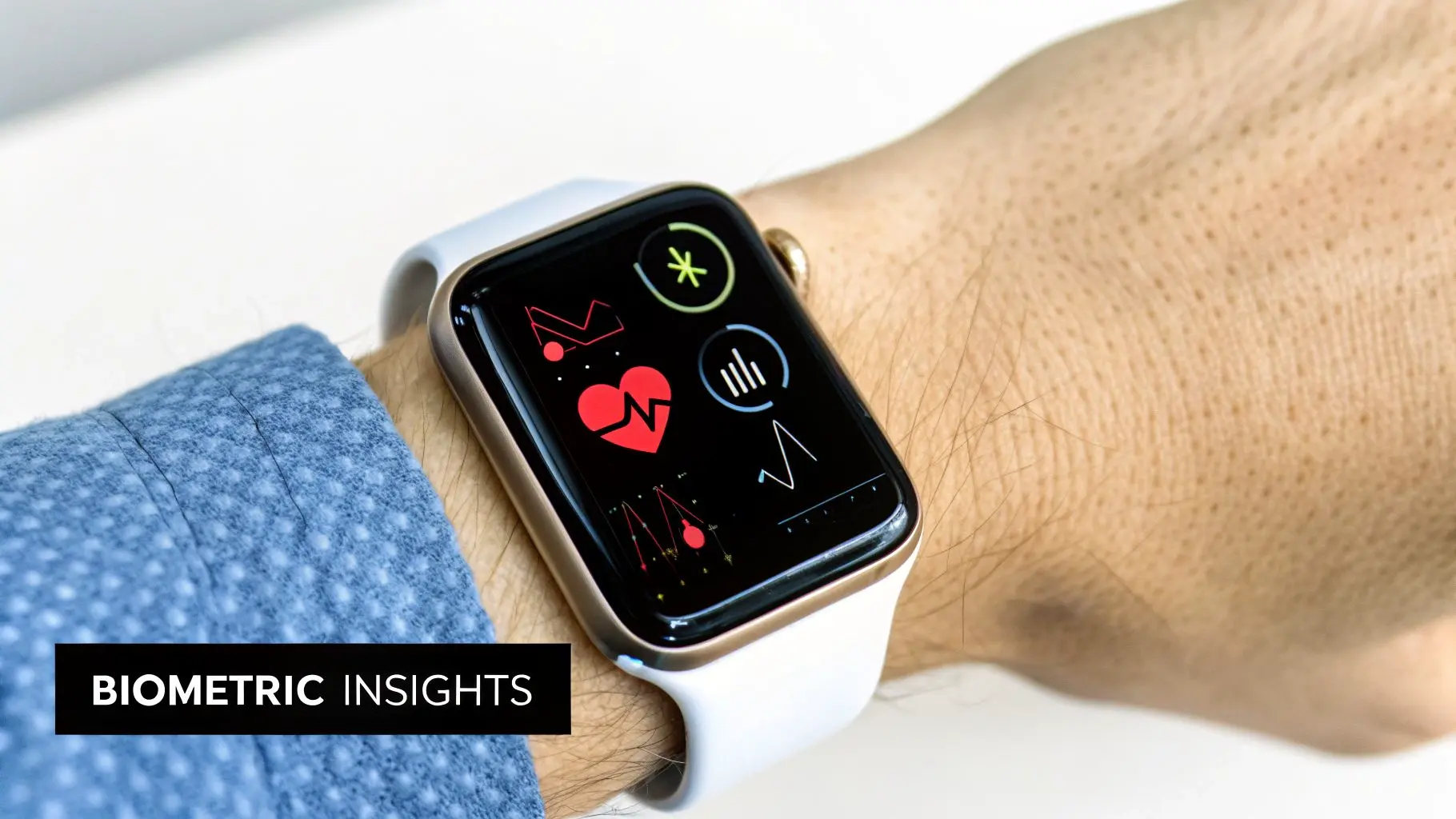
One of the most personal applications of Bluetooth involves connecting wearable devices like smartwatches, fitness trackers, and smart glasses to smartphones and other computing platforms. This constant, low-energy link enables real-time health monitoring, activity tracking, and the delivery of contextual information. For creative studios, this opens up possibilities for experiences that respond to a user's physiological state, creating personalised narratives and adaptive content driven by biometric feedback.
Strategic Breakdown
Wearable technology, from the Apple Watch and Fitbit ecosystems to the Oura Ring, relies on Bluetooth Low Energy (BLE) to sync data with a primary device without draining the battery. In creative production, this data stream can be used to make interactive installations or VR experiences more immersive. Imagine a VR horror game that monitors a player’s heart rate, using the data to adjust the suspense in real-time. At Studio Liddell, we explore how biometric inputs can create a deeper connection between the user and the digital content, making the experience feel uniquely responsive and personal. For those interested in optimising health through data, exploring the best wearable for longevity can provide valuable insights into devices that seamlessly integrate via Bluetooth.
Actionable Takeaways for Creative Production
To responsibly use biometric data in creative projects, consider the following tactics:
- •Ensure Data Transparency: Always be clear with users about what biometric data you are collecting and how it will be used. Implement robust consent mechanisms before accessing any physiological information, building trust from the outset.
- •Design for Enhancement, Not Exploitation: Use physiological data to enrich the user's experience, not to manipulate them. The goal should be to create a more engaging or insightful interaction, respecting user agency and well-being.
- •Address Legal Compliance: Biometric data is sensitive and highly regulated. Coordinate with legal experts early in the design process to ensure your application complies with standards like GDPR in Europe and HIPAA in the US.
7. Digital Advertising and Location-Based Marketing
Bluetooth beacon technology creates a bridge between physical spaces and digital content, enabling highly targeted advertising and location-based marketing. One of the key applications of Bluetooth in this area involves beacons transmitting a signal that nearby mobile devices with a specific app can detect. This allows brands to deliver hyper-localised content, such as promotional messages or interactive media, directly to a user's phone based on their precise location within a store, museum, or sports venue.
Strategic Breakdown
For businesses, this proximity marketing opens up direct communication channels with consumers at critical moments. Major retailers like Walmart use beacons for in-store navigation and product discovery, guiding shoppers and highlighting promotions. Similarly, museums can offer contextual audio-visual content for exhibits, enriching the visitor experience. For creative studios like Studio Liddell, this presents an opportunity to develop engaging animated ads and branded content that triggers based on a user's proximity to a beacon, turning a general visit into a personalised brand interaction.
Actionable Takeaways for Creative Production
To successfully use beacons for marketing, focus on value exchange and technical precision:
- •Prioritise User Value: Design content that provides genuine utility beyond just advertising. This could be a helpful product demonstration, an exclusive discount, or a fun, interactive game. Respect user preferences with clear, non-intrusive notification strategies.
- •Test Deployment Environments: Before launch, create detailed beacon coverage maps and test them rigorously in the actual deployment environment. Physical obstructions and RF interference can create dead zones, so analyse engagement metrics to optimise beacon placement and messaging.
- •Choose the Right Protocol: Select a beacon protocol that matches your project goals. Apple’s iBeacon is straightforward for iOS-centric campaigns, while Google's Eddystone is open-source and offers more flexible data packet types, such as transmitting URLs directly.
8. Accessibility and Assistive Technology for Disabled Users
One of the most meaningful applications of Bluetooth is its role in empowering individuals with disabilities. The technology provides a reliable, wireless bridge between users and a wide array of specialised assistive devices. This connection makes digital content, creative tools, and interactive experiences accessible to people with motor, visual, or other impairments. For a studio committed to inclusive design like Studio Liddell, this is key to building experiences that serve every user.
Strategic Breakdown
In practice, Bluetooth connects peripherals such as switch controls, eye-tracking systems, and adaptive controllers to computers, consoles, and mobile devices. A prominent example is the Xbox Adaptive Controller, which uses Bluetooth to connect to a vast ecosystem of third-party buttons, joysticks, and mounts, allowing gamers with limited mobility to create custom control schemes. Similarly, Apple’s Switch Control for iOS and macOS and Tobii’s eye-tracking systems depend on stable Bluetooth connections to provide full device navigation without traditional input methods. This ensures that creative and interactive content can be enjoyed by the widest possible audience.
Actionable Takeaways for Creative Production
To integrate accessibility effectively into your creative projects, consider these direct approaches:
- •Audit Early with Real Users: During the design and prototyping phases, conduct accessibility audits with disabled users. Their direct feedback is invaluable for identifying barriers that developers might overlook.
- •Make Remappable Controls Standard: Implement fully remappable controls as a core feature, not an afterthought. This allows users of adaptive hardware to assign functions to the inputs that work best for them.
- •Test with Actual Assistive Devices: Do not just simulate accessibility; test your application or experience with genuine assistive technology like the Xbox Adaptive Controller or various switch interfaces to confirm true compatibility and a seamless user experience.
9. Real-Time Collaboration and Remote Production
Bluetooth technology underpins modern remote production, allowing creative teams to collaborate in real-time without being tethered to a single location. It enables wireless communication between team members using headsets and connects synchronised input devices like styluses and tablets. This application of Bluetooth is vital for distributed workflows where animators, designers, and developers need to coordinate seamlessly on complex projects.
Strategic Breakdown
In distributed creative environments, like the remote animation and XR development projects managed by Studio Liddell, reliable wireless tools are non-negotiable. An animator in one city can use a Bluetooth-enabled Wacom tablet to sketch over a 3D model, with their strokes appearing instantly for a director in another location. Professional headset systems, such as those from Sennheiser or Bose, provide clear audio channels for direction and feedback, separate from the primary project audio. This setup creates a virtual studio, ensuring that creative flow and precise communication are maintained despite geographical separation.
Actionable Takeaways for Creative Production
To build an effective remote collaboration setup using Bluetooth, focus on these practical steps:
- •Establish Clear Communication Protocols: For team calls using wireless headsets, set rules for speaking order and use push-to-talk features where available. This minimises cross-talk and ensures feedback is delivered clearly, especially during critical review sessions.
- •Create Dedicated Wireless Channels: In a home or shared office, the 2.4 GHz band used by Bluetooth can become crowded. If possible, configure your router to prioritise traffic from production devices or use Bluetooth 5.0+ hardware, which is better at avoiding interference from Wi-Fi and other signals.
- •Plan for Wired Fallbacks: For crucial moments like a final client presentation or a live-streamed event, have wired alternatives ready. A USB-C headset or a wired graphics tablet can be a lifesaver if a Bluetooth connection unexpectedly drops, preventing costly delays.
10. Educational and Training Simulations with Interactive Feedback
One of the more specialised applications of Bluetooth is in creating immersive educational tools. The technology connects learners to training simulations, allowing for real-time, multisensory feedback that reinforces instruction. In fields from corporate training to advanced medical education, Bluetooth-enabled devices deliver haptic, audio, and visual cues, transforming static learning into dynamic, hands-on practice.
Strategic Breakdown
High-stakes professions increasingly rely on simulation to build skills safely. For instance, medical training technology from companies like Laerdal uses Bluetooth to link manikins and procedural tools to monitoring software. A trainee practising a surgical technique might feel haptic resistance from a connected tool if they apply incorrect pressure, providing immediate, muscle-memory-building feedback. This is a core part of developing effective medical training simulations in XR, where accuracy and compliance are paramount. Similarly, flight simulators use wireless controls to mimic a real cockpit, freeing the setup from cumbersome wiring and allowing for more realistic training environments.
Actionable Takeaways for Creative Production
To effectively integrate Bluetooth into educational simulations, focus on the learner's experience:
- •Design for Modularity: Create content that can be adapted for different skill levels. A surgical simulation, for example, could have a beginner mode with more guided feedback and an expert mode that only flags critical errors, all managed over a Bluetooth link.
- •Prioritise Robustness: In training, a lost connection can ruin a learning scenario. Use devices with Bluetooth 5.0 or newer for their improved range and stability, and design the software to gracefully handle and quickly recover from any temporary signal loss.
- •Implement Detailed Analytics: Use the wireless connection to send performance data back to the training platform. Track user actions, response times, and error rates to provide educators with insights into a learner's progress and identify areas needing improvement.
Comparison of 10 Bluetooth Applications
| Item | Implementation Complexity 🔄 | Resource Requirements ⚡ | Expected Outcomes ⭐📊 | Ideal Use Cases 💡 | Key Advantages ⭐ |
|---|---|---|---|---|---|
| Wireless Audio and Headphone Connectivity | Low , standard profiles; codec & latency tuning needed | Moderate , BT 5.0+, low-latency codecs, power management | Improved mobility and professional audio monitoring; bandwidth limits vs wired | Studio monitoring, podcasts, XR spatial audio verification | Cable-free monitoring, wide device compatibility, high-quality codecs |
| VR/XR Controller and Motion Tracking | High , precise calibration, low-latency tracking, gesture mapping | High , 6-DOF controllers, haptics, BLE 5.0+, calibration tools | Highly immersive, responsive interactions; latency can impair comfort | XR development, immersive games, enterprise VR training | Natural interaction, full-body tracking, stronger immersion |
| Smart Device and IoT Communication for Interactive Installations | Medium, High , mesh setup, security, multi-device sync | Moderate , BLE mesh nodes, sensors, gateway/backend services | Scalable synchronized interactions; limited bandwidth for heavy data | Interactive exhibits, branded installations, location-based art | Low-power multi-device orchestration without WiFi, scalable |
| Mobile App and Game Connectivity | Medium , cross-platform controller support, latency handling | Moderate , controller standards, extensive device testing | Enhanced gameplay and retention; fragmentation and latency risks | Mobile games with external controllers, companion apps | Console-like controls on mobile, improved accessibility |
| Remote Camera and Production Equipment Control | High , reliable remote control, failsafes, RF planning | High , extended-range BT 5.0 gear, redundancy, trained operators | Flexible remote operation and faster iterations; safety concerns | Drone/camera remote operation, live filming in constrained spaces | Greater creative flexibility, reduced crew, remote monitoring |
| Wearable Technology and Biometric Monitoring | Medium , sensor integration, privacy & compliance requirements | Moderate , BLE sensors, smartphone integration, security stack | Personalized/context-aware experiences; regulatory and privacy obligations | Adaptive narratives, health-aware interactive content | Continuous biometric insights, seamless ecosystem integration |
| Digital Advertising and Location-Based Marketing | Medium , beacon deployment, permissions and privacy handling | Low, Moderate , beacons, analytics, content management | Hyper-local engagement and foot-traffic insights; opt-in required | Retail promotions, museum contextual content, venue marketing | Targeted delivery, cost-effective micro-location campaigns |
| Accessibility and Assistive Technology for Disabled Users | Medium, High , accessible design, device compatibility testing | Moderate , adaptive controllers, user testing, specialist expertise | Broader audience reach and compliance; increased development effort | Inclusive games/apps, assistive device integration for users with disabilities | Enables accessibility, improves UX, meets standards (WCAG/ADA) |
| Real-Time Collaboration and Remote Production | Medium , sync audio/devices, network optimization, protocols | Moderate , wireless headsets, synchronized peripherals, strong network | Improved distributed teamwork; quality depends on RF/WiFi conditions | Distributed animation teams, remote XR production workflows | Spontaneous collaboration, reduced cabling, maintained immediacy |
| Educational and Training Simulations with Interactive Feedback | High , bespoke content, analytics integration, haptics | High , specialized hardware, learning designers, IT support | Better retention and safe practice; higher upfront cost | Medical/flight training, corporate simulations, classroom labs | Multisensory learning, scalable practice, measurable learning outcomes |
Integrating Bluetooth into Your Next Creative Endeavour
Our journey through the diverse applications of Bluetooth reveals a technology that has matured far beyond its origins in simple audio and data transfer. For creators, developers, and producers, it represents a fundamental building block for crafting richer, more responsive, and deeply interconnected digital experiences. We've seen how it drives everything from the precise motion tracking in XR peripherals to the intelligent networking of smart devices in interactive installations and the critical data exchange in medical training simulations. The key takeaway is strategic selection. Choosing between Bluetooth Classic for high-fidelity audio, Bluetooth Low Energy (BLE) for power-efficient sensor networks, or Bluetooth Mesh for large-scale device communication is not a minor technical detail; it is a core creative and functional decision that shapes the entire user experience. A miscalculation here can lead to frustrating latency in a VR game or a drained battery in a wearable device, undermining an otherwise brilliant concept.
Key Insights for Creative and Technical Teams
Successfully integrating Bluetooth requires moving past a plug-and-play mentality. It demands a strategic approach grounded in the project's specific goals.
- •For XR and Gaming: Low latency is paramount. Protocols like BLE are critical for ensuring that the physical actions of a player translate instantly into the digital world, maintaining immersion and preventing motion sickness. This is a non-negotiable for any successful VR or AR experience.
- •For Interactive Installations and IoT: Scalability and power efficiency are the primary concerns. Bluetooth Mesh allows for the creation of large, robust networks of interconnected devices, perfect for smart environments or expansive exhibition pieces, while BLE ensures individual sensors or beacons can operate for months or years without intervention.
- •For Production and Accessibility: Reliability and standardisation are essential. Using Bluetooth to control cameras, lighting, or to connect assistive technologies relies on stable, well-established protocols that work consistently across a wide range of hardware.
Mastering these applications of Bluetooth gives your studio a distinct advantage. It allows you to design and deliver projects that are not only creatively ambitious but also technically sound and reliable. This capability enables you to build location-based VR experiences with high throughput, develop medical training tools with accurate biometric feedback, and create marketing campaigns that connect with audiences in new and meaningful ways. This technical knowledge is the foundation upon which groundbreaking creative work is built.
At Studio Liddell, our expertise in XR development, animation, and interactive media is built on a deep understanding of core technologies like Bluetooth. We apply this knowledge to build everything from high-throughput mixed reality games for events to complex technical animations and transmedia IP extensions. If you're ready to explore how these advanced applications can bring your creative vision to life, visit Studio Liddell to see our work and book a production scoping call with our team.