Unity for XR Game Development & Virtual Reality
Development in Unity is a popular choice for creating VR, AR, and MR experiences in Unity, thanks to its versatile Unity Engine. With tools like the XR Interaction Toolkit, developers can easily add XR interaction, locomotion, and functionality in Unity to their VR project. The Unity Hub helps manage projects, while the Unity Editor provides a visual graphic interface for designing immersive reality experiences.
Setting up a VR development environment involves using XR Plug-in Management in Project Settings to support various VR devices like Meta Quest, Quest 2, and even potentially Vision Pro. You can create VR apps using basic VR template to start with or follow a tutorial. Many SDK and APIs are available. OpenXR is also a good option.
Whether building a simple VR scene for a single user or a complex multiplayer VR game, Unity VR provides the necessary tools. HMD support can be configured through XR Plug-in Management, offering support for devices like Oculus through their specific runtime. Additionally, the controller interaction is important for the VR experience.
Developers can choose the URP (Universal Render Pipeline) for optimized performance, especially when targeting mobile VR headsets or games with Unity. Remember to set the correct target platform. VR and MR development allows for both virtual reality and mixed reality experiences, blurring the lines between the digital and physical worlds, including using 2D elements if needed. The preview window lets you see the outcome.
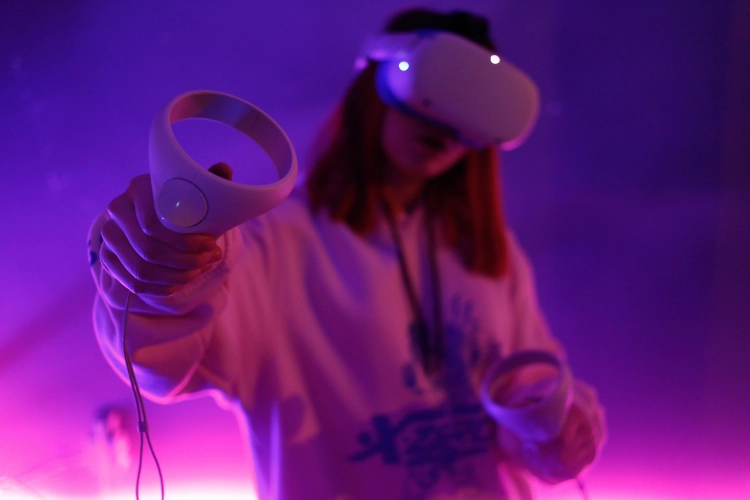
Unity Features and Tools for XR
A large number of features are provided by the Unity platform that are suited to developing XR applications. These range across multiple XR platforms, such as AR, VR, and MR.
One of the most important features of the language is that it is cross-platform, so the program can be developed for a variety of devices.
Additionally, Unity has powerful features like the XR Interaction Toolkit, allowing developers to easily create interactive experiences using pre-made components like those for manipulation, movement, and UI.
In addition, the engine incorporates spatial computing capabilities in the form of world tracking and plane detection, which are essential for AR. Unity also has optimized rendering pipelines and performance profiling, which allow for seamless XR performance, even on low-end devices.
How to make VR Games with Unity 6
VR development in Unity 6 unlocks incredible possibilities for creating immersive 3D games and apps and experiences. To begin, project setup is crucial; configure your build settings with the correct build target for platforms like Meta Quest Store, PlayStation®VR2 or even a mobile app. Make sure your graphics card meets the recommended specifications and that you have Visual Studio properly installed. You'll also likely need to use the package manager to import required xr tools and other necessary plugins to help with xr hands integration or head tracking.
You'll want to ensure your 3D world provides a comfortable and intuitive locomotion system. The feature set that Unity 6 has is really exciting. Connecting your head-mounted display, be it an Oculus Quest, Quest 3, or Apple Vision Pro or any openxr-powered headsets via USB-C cable and enabling developer mode on the device is also essential. You can even switch platform button to develop for macos if you are creating real-time 3d experiences that can be played on desktops.
Studio Liddell
Let Studio Liddell help you build an amazing XR game development experience that brings your ideas to life. Our team blends creativity with cutting-edge technology, taking you through immersive worlds, from AR to VR, into interactive gameplay mechanics that create a compelling and future-ready game in Extended Reality, capturing players and expanding the bounds of reality.